How to compile animated GIFs, render dynamic movie-style subtitles, and process local image uploads entirely in the browser using JavaScript and HTML5 Canvas.
Meme culture moves at the speed of the internet. Whether it’s Wang Jingze passionately devouring fried rice (“True fragrance!”), or two high schoolers philosophizing by a breezy riverbank (“The wind is quite noisy today”), animated GIFs remain the lingua franca of online banter.
Yet, almost every mainstream GIF generator on the web suffers from the same legacy architecture: heavy backend rendering clusters.
When you use popular meme makers like Biaoqingguo (or similar templating tools), your text input is transmitted across the wire to a remote server. There, monolithic processes like FFmpeg or ImageMagick spin up, composite frames, encode the binary GIF stream, and transmit megabytes of data back to your client.
This model introduces severe pain points:
- Crushing server bills: Rendering animated GIFs consumes non-trivial CPU cycles and memory. Scale that to thousands of concurrent users, and your server melts—or your hosting bill skyrockets.
- Rigid template confinement: Because backends rely on pre-sliced asset libraries, users are trapped within preset scenes. You cannot easily drag-and-drop your own frame sequences or make bespoke animated memes on the fly.
- Privacy and queue latency: Images leave the user’s device, sit in remote temporary directories, and incur upload/download roundtrips.
Over a couple of evenings, I set out to prove an alternative: you can build a fully featured, custom GIF meme generator running 100% on the client side.
No backend dependencies. No server compute costs. Zero API tokens. Just standard browser APIs working in harmony.
1. The Core Engine: In-Browser GIF Encoding via Web Workers
Compiling a GIF requires generating a valid GIF89a binary stream, computing a 256-color palette (quantization), and applying Lempel-Ziv-Welch (LZW) compression to every frame. Historically, executing such compute-intensive tasks on the browser’s single UI thread would cause dropped frames and page freezes.
Modern web standards solve this effortlessly through Web Workers, TypedArrays (Uint8Array), and the HTML5 File API.
Our client-side architecture builds on top of the open-source library gif.js. By dispatching color quantization and LZW sub-block packing onto background Web Workers, the browser encodes animated image streams concurrently without choking user interface interactions.
Here is the fundamental assembly pipeline that drives client-side GIF compilation:
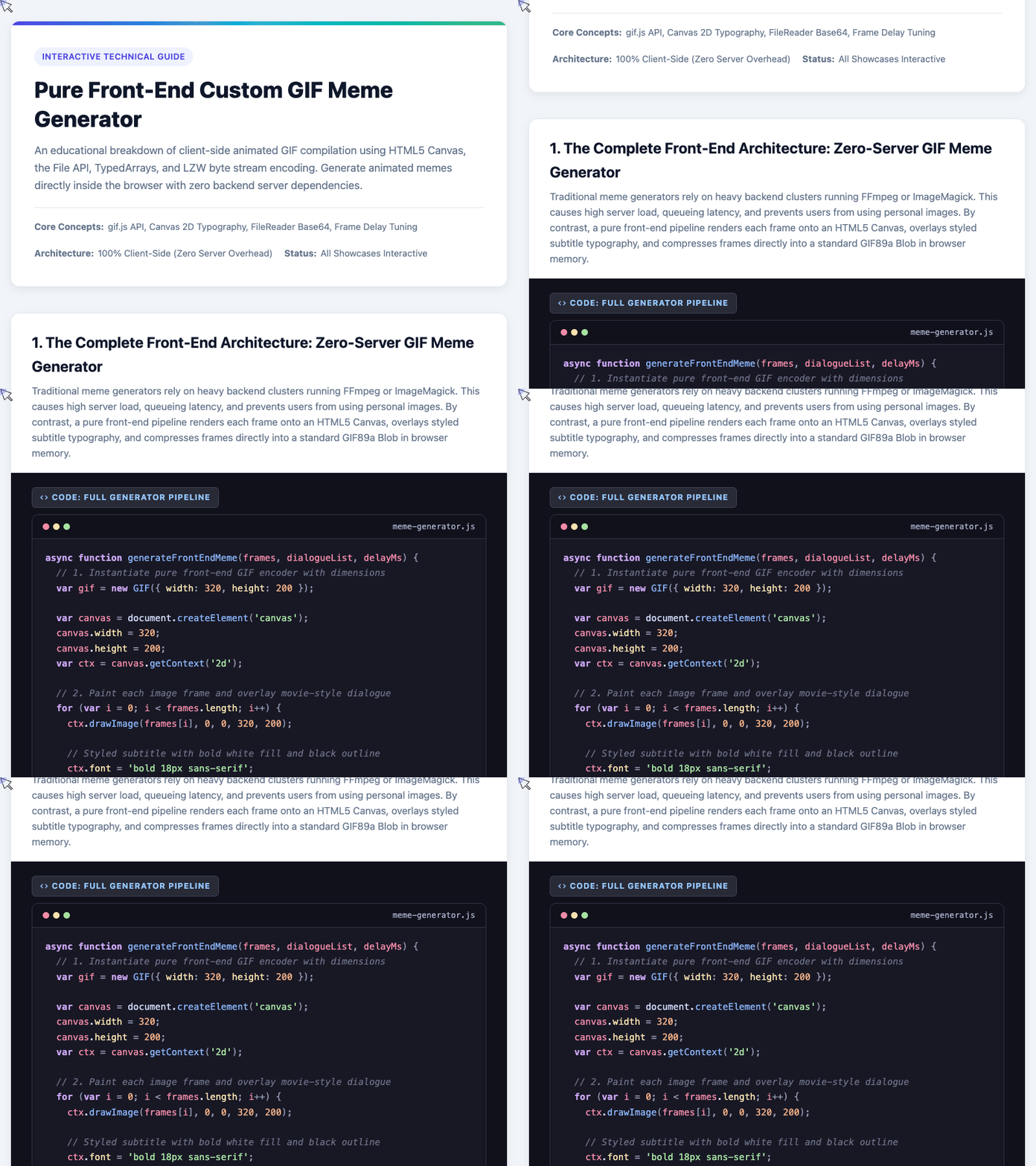
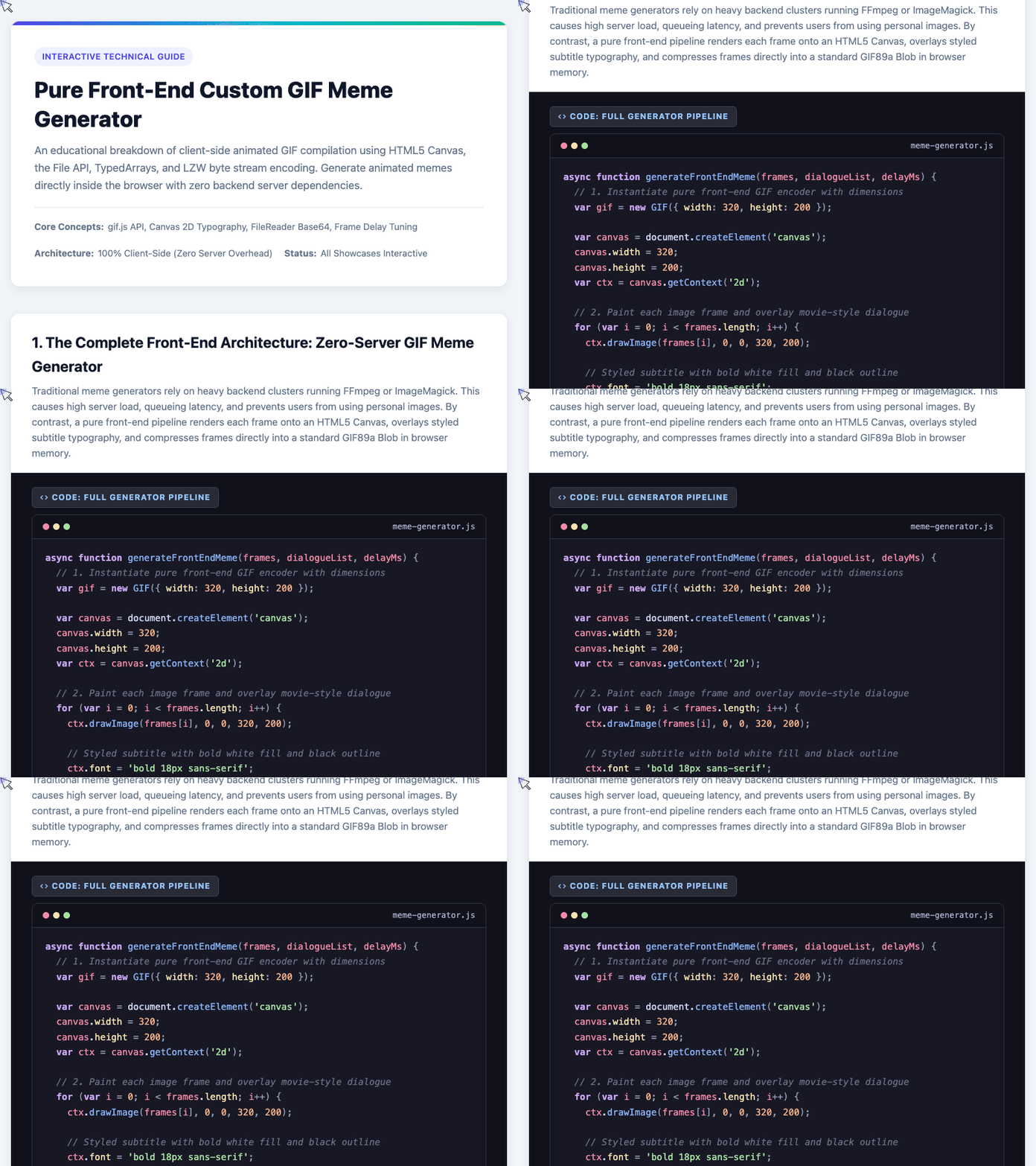
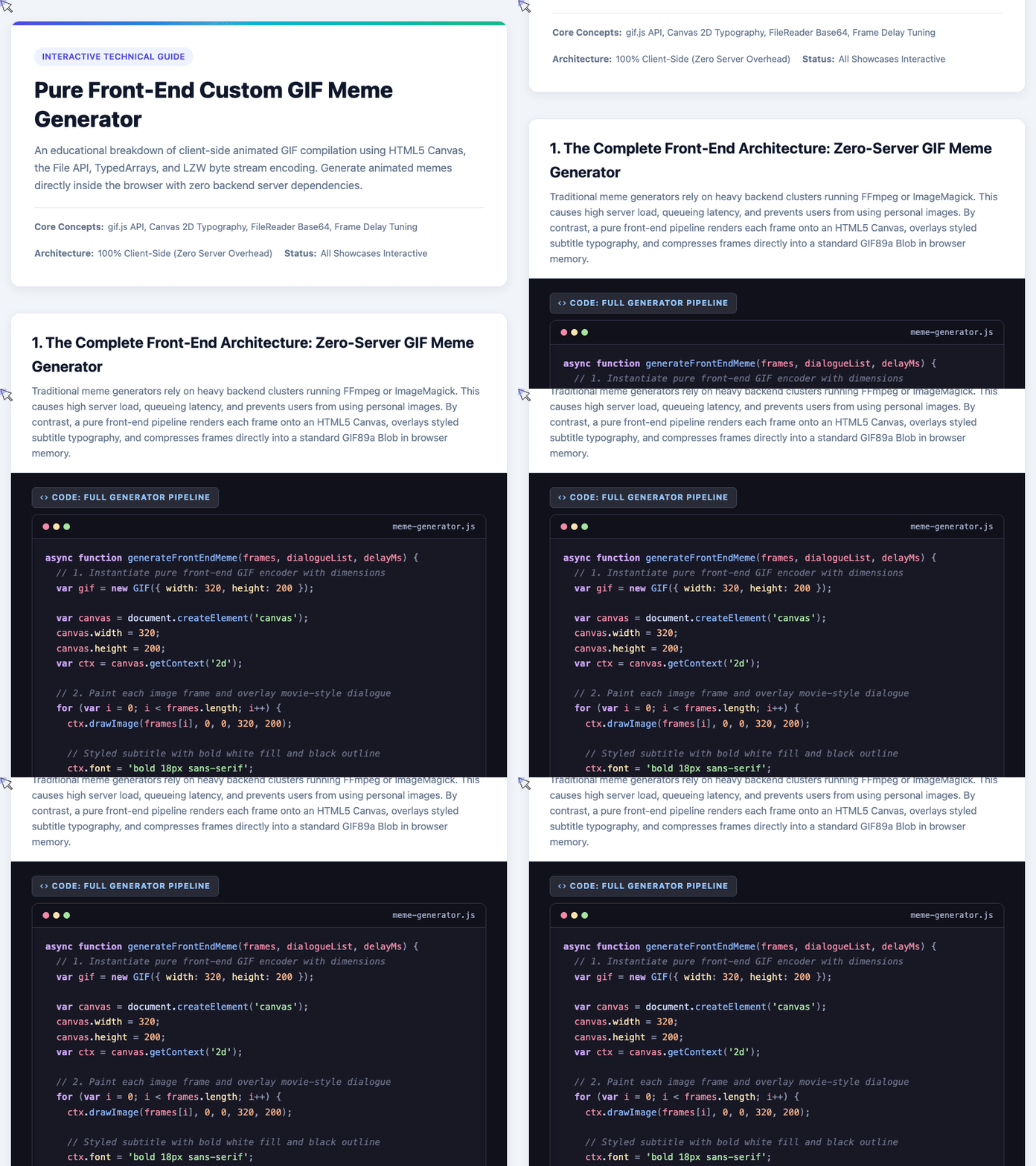
async function generateFrontEndMeme(frames, dialogueList, delayMs) {
  // 1. Instantiate the pure front-end GIF encoder
  var gif = new GIF({
    workers: 2,
    quality: 10,
    width: 320,
    height: 200
  });

  var canvas = document.createElement('canvas');
  canvas.width = 320;
  canvas.height = 200;
  var ctx = canvas.getContext('2d');

  // 2. Iterate through frame sequence, paint graphics, and stamp dialogue
  for (var i = 0; i < frames.length; i++) {
    // Draw the underlying graphic asset
    ctx.drawImage(frames[i], 0, 0, 320, 200);

    // Overlay high-contrast subtitles
    ctx.font = 'bold 18px sans-serif';
    ctx.textAlign = 'center';
    ctx.strokeStyle = '#000000';
    ctx.lineWidth = 4;
    ctx.strokeText(dialogueList[i], 160, 180);
    ctx.fillStyle = '#ffffff';
    ctx.fillText(dialogueList[i], 160, 180);

    // 3. Capture frame pixel data into the GIF encoder stream
    gif.addFrame(ctx, { delay: delayMs, copy: true });
  }

  // 4. Listen for completion and construct an in-memory Object URL
  gif.on('finished', function(blob) {
    var imgUrl = URL.createObjectURL(blob);
    document.getElementById('meme-output').src = imgUrl;
  });

  // 5. Begin concurrent worker compilation
  gif.render();
}
In this pipeline, gif.addFrame(ctx, { copy: true }) captures the current pixel state from the 2D rendering context. Specifying { copy: true } is critical: because we reuse a single offscreen <canvas> element across consecutive loop iterations, this flag directs the encoder to clone the raw ImageData into a dedicated buffer before the next iteration overwrites it.
Once all frames are processed, gif.render() distributes frame encoding across the worker pool and yields a finalized Blob of type image/gif.
🎮 Try it live: Open the interactive demo to experience this yourself.
2. Dynamic Typography: Stamping High-Contrast Subtitles with Canvas 2D
A meme generator is only as good as its subtitles. In animated scenes, the background behind a line of dialogue constantly shifts—a character might step from a dim indoor room into blinding sunlight.
If you render simple white text, it disappears against light backgrounds; render dark text, and it vanishes into shadows.
To achieve standard theatrical and cinematic subtitle readability, we employ a dual-pass rasterization technique:
- First, stroke the text using an opaque, dark contour (
strokeText). - Next, fill the interior with bright white typography (
fillText).
The following snippet demonstrates how individual frame surfaces are prepared and stamped before being queued into the GIF sequence:
// Setup offscreen canvas matching the target GIF dimensions
var canvas = document.createElement('canvas');
var context = canvas.getContext('2d');
canvas.width = width;
canvas.height = height;

// 1. Paint underlying scene image frame
context.drawImage(img, 0, 0, width, height);

// 2. Configure bold typography with centered baseline
context.font = 'bold 22px -apple-system, BlinkMacSystemFont, sans-serif';
context.textAlign = 'center';

// 3. First Pass: Heavy black stroke boundary for universal contrast
context.strokeStyle = '#000000';
context.lineWidth = 4;
context.strokeText(message, width / 2, height - 32);

// 4. Second Pass: Crisp white fill over the interior
context.fillStyle = '#ffffff';
context.fillText(message, width / 2, height - 32);

// 5. Queue into GIF encoder with custom frame delay
gif.addFrame(context, {
  delay: delay,
  copy: true
});
By setting context.textAlign = 'center' and positioning the X-coordinate at width / 2, the text remains perfectly balanced horizontally regardless of string length.
Placing the Y-coordinate at height - 32 ensures the dialogue sits neatly inside the conventional cinematic lower-third safe zone, guaranteeing maximum legibility across varied backgrounds.
🎮 Try it live: Open the interactive demo to experience this yourself.
3. Custom Assets: Local Frame Ingestion via FileReader and Base64 URLs
A major drawback of server-rendered meme platforms is their reliance on hardcoded templates. Allowing arbitrary user uploads on a backend server opens up huge liabilities: storage capacity limits, viral bandwidth spikes, virus scanning requirements, and content privacy headaches.
In a pure client-side architecture, user files never leave the browser.
Using the HTML5 FileReader API along with drag-and-drop event listeners, we ingest raw image files directly into memory as Base64 Data URLs:
function loadLocalFrame(file, onFrameReady) {
  // Validate that the dropped file is a supported raster image
  if (!file.type.startsWith('image/')) return;

  var reader = new FileReader();

  reader.onload = function(event) {
    // event.target.result contains the Base64 data URL
    var img = new Image();

    img.onload = function() {
      // Image decoded in memory; ready to paint onto Canvas
      onFrameReady(img);
    };

    img.src = event.target.result;
  };

  // Read binary file payload directly into memory
  reader.readAsDataURL(file);
}
When a user drops an entire folder of animation frames (or multiple image files) into the dropzone, each file is sequentially read into an in-memory Image element.
Once decoded, these images can be cropped, re-ordered in a timeline tray, paired with customized lines of dialogue, and submitted straight into the canvas rendering pipeline. Everything executes in client memory within milliseconds.
🎮 Try it live: Open the interactive demo to experience this yourself.
4. The 84ms Sweet Spot: Balancing Smoothness and Payload Size
When exporting animated GIFs, developer intuition often suggests targeting high frame rates: 30 FPS, 50 FPS, or even 60 FPS.
In GIF production, this intuition is a trap.
In the GIF89a specification, the frame delay field inside the Graphic Control Extension is expressed in hundredths of a second (centiseconds, 10ms intervals). A delay value of 2 translates to 20ms (50 FPS), which seems buttery smooth. However, the GIF compression format relies on 2D LZW run-length encoding without modern inter-frame motion vectors.
At 50 FPS, a casual 3-second comedy clip demands 150 unique color-quantized frames, causing file sizes to explode to 4–5 MB—an unacceptable payload for messaging apps and mobile web readers.
For meme content, the recommended timing sweet spot is 84 ms (roughly 12 FPS) to 150 ms (~6.7 FPS):
- At 20 ms (~50 FPS): Extreme frame density. High compression overhead, 4–5 MB payload, slow rendering, mobile browser stutter.
- At 84 ms (~12 FPS): The sweet spot. Comedic timing is snappy, frame counts remain manageable, and total payload stays comfortably around 150–250 KB.
- At 150 ms (~6.7 FPS): Classic retro GIF aesthetic. Minimal asset weight (<120 KB), ideal for episodic dialogues and static punchlines.
Dialing in a frame delay of 84ms preserves animation flow while slashing data transfer by more than 80%.
5. Architectural Comparison: Front-End Independence vs. Backend Services
Transitioning the generation pipeline from cloud instances to client browsers fundamentally shifts the cost and operational model:
| Evaluation Dimension | Pure Front-End (Canvas + gif.js) | Traditional Backend (FFmpeg / ImageMagick) |
|---|---|---|
| Server Compute & Cost | $0 / Zero compute (Leverages user’s device) | Heavy CPU/RAM load per export request |
| Rendering Latency | Instant (~50–200ms) | 3 to 10+ seconds (Queue + Render + Download) |
| Asset Flexibility | Unlimited (Local drag-and-drop image files) | Restricted to server-hosted templates |
| Privacy & Compliance | 100% Private (Pixels never touch a server) | User images stored on third-party disks |
| Offline Functionality | Full PWA support (Works without internet) | Fails completely when offline |
Wrapping Up
Building client-side applications isn’t merely about saving a few dollars on cloud hosting—it’s about designing software that respects user autonomy and privacy.
Inspired by minimalist component design principles like those championed in LuLu UI, shifting compute back to the client yields tools that are faster, unconstrained by remote quotas, and resilient against network latency.
Modern browsers are fully fledged application runtimes. With Canvas 2D handling pixel composition and Web Workers executing byte-level LZW encoding, you can replace entire backend media rendering clusters with a handful of clean, elegant JavaScript functions.
Next time you need to generate animated media on the web, skip the server cluster—let the client do the heavy lifting!
Try It Yourself
Want to see these concepts in action? I’ve created an interactive demo where you can experiment with the code and see real-time results.
Explore more demos from my previous articles in the Demo Gallery.
Happy coding!