JavaScript template strings are familiar to most developers:
const author = 'zhangxinxu';
console.log(`write by ${author}`);
They make string interpolation readable and convenient. But JavaScript also has a more advanced form: tagged templates.
const author = 'zhangxinxu';

function tag(arr, exp) {
  return `${arr[0]}${exp}`;
}

console.log(tag`write by ${author}`);
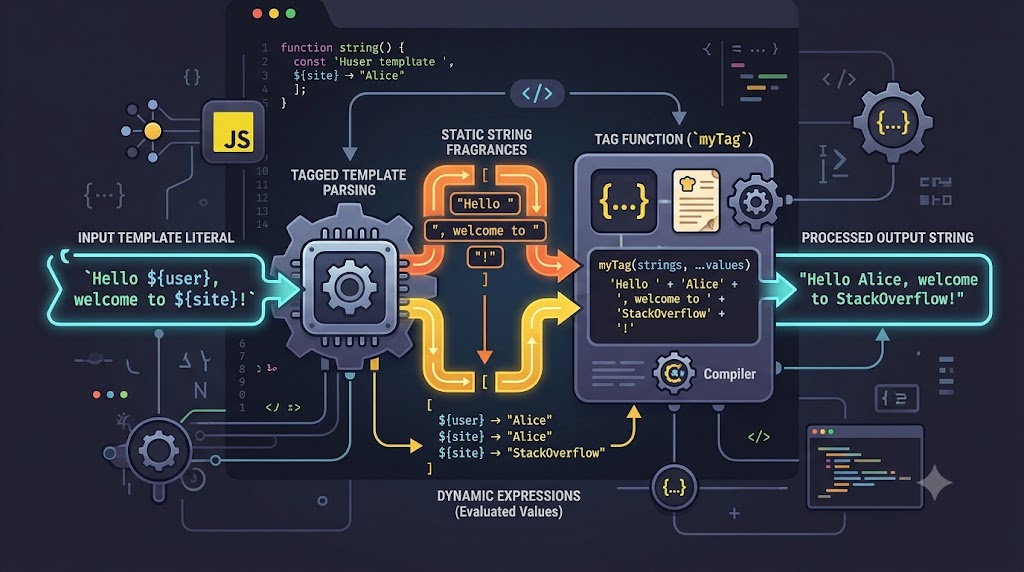
At first glance, this looks unusual. The tag before the template literal is not a keyword. It is a normal function. JavaScript passes the template’s string fragments and interpolated values into that function, giving you a chance to process them before producing the final result.
That extra processing step is the entire point of tagged templates.
What Does a Tag Function Receive?
A tagged template has two parts:
- A tag function
- A template literal
When JavaScript evaluates this:
tag`write by ${author}, welcome to share!`
It calls the function roughly like this:
tag(['write by ', ', welcome to share!'], author)
The first argument is an array of static string segments. The remaining arguments are the values inside ${...} expressions.
Here is a concise demo extracted from the working example:
const author = 'zhangxinxu';

function inspectTag(arr, exp1, exp2) {
  return {
    arr0: arr[0],
    arr1: arr[1],
    exp1,
    exp2
  };
}

const parts = inspectTag`write by ${author}, welcome to share!`;

console.log(parts);
The result shows the split clearly:
{
  arr0: 'write by ',
  arr1: ', welcome to share!',
  exp1: 'zhangxinxu',
  exp2: undefined
}
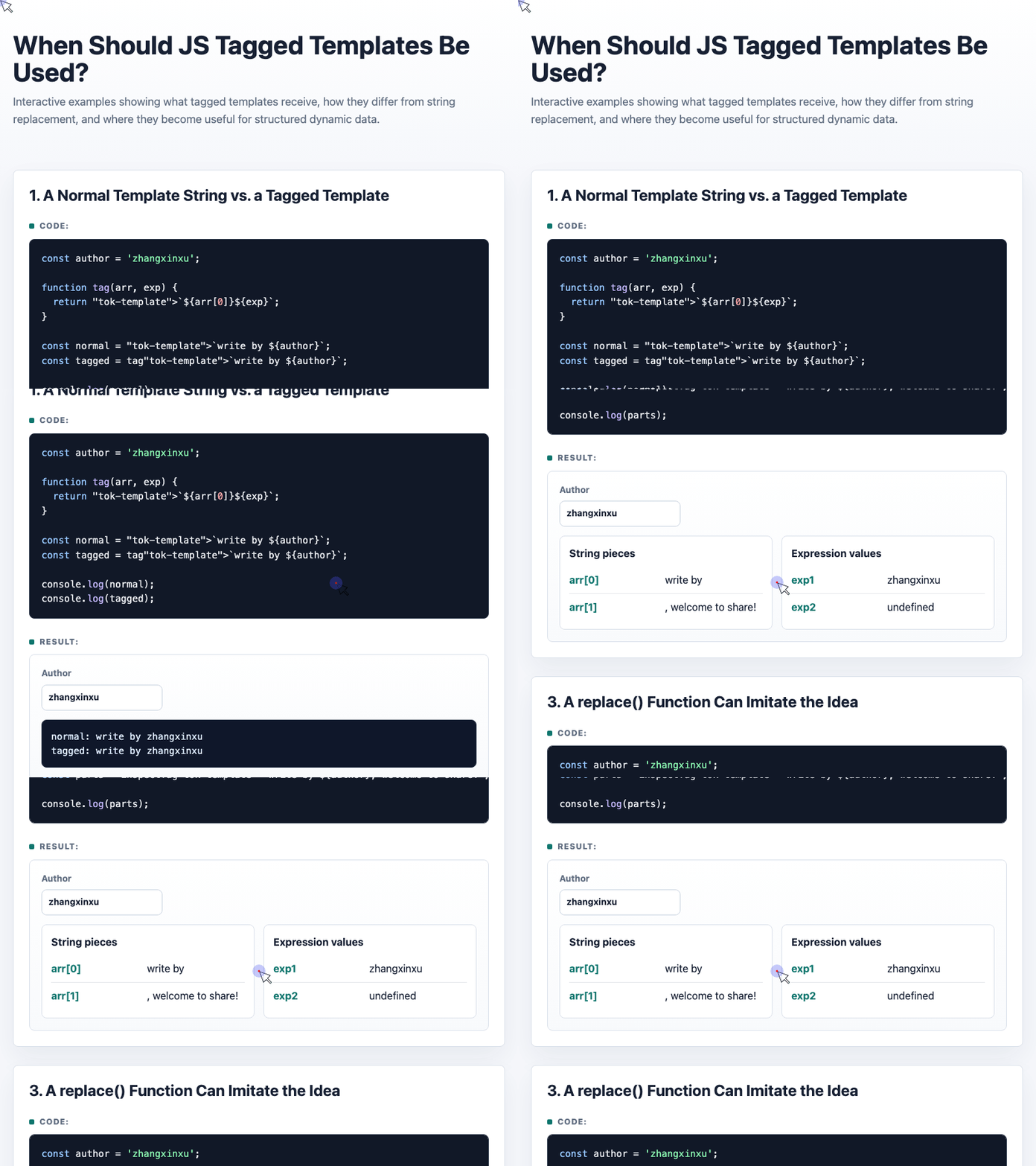
🎮 Try it live: Open the interactive demo to experience this yourself.
This is why tagged templates are more powerful than normal template strings. They do not just produce a string immediately. They expose the structure of the template before the final value is assembled.
Why Not Just Use replace()?
You can imitate part of this behavior with String.prototype.replace() and regular expressions. Traditional template engines often do something similar: match placeholders, extract names, and replace them with values.
But replace() has two practical limitations:
First, regular expressions add complexity. They are powerful, but they quickly become hard to read and maintain.
Second, string replacement mainly works with strings. Tagged templates can receive any JavaScript value: strings, numbers, objects, arrays, functions, DOM handlers, and more.
That difference matters.
Tagged templates are useful when the template structure is known, but the values need special handling before output.
A Practical Case: Formatting Structured Data
Imagine the backend returns invitation data like this:
const data = {
  name: 'Deng Tie',
  sex: 0,
  role: 1,
  time: 1640678098887
};
The raw values are not presentation-ready. sex and role are IDs. time is a timestamp. A normal template string would either display the wrong values or force you to put conversion logic directly inside the template.
A tagged template lets the template stay readable while the tag function handles conversion:
const invite = function (arrs, nameExp, sexExp, roleExp, timeExp) {
  const strName = nameExp;
  const strSex = ['Mr.', 'Ms.'][sexExp];

  const role = {
    '1': 'contestant',
    '2': 'judge',
    '3': 'scorekeeper',
    '4': 'photographer'
  };

  const strRole = role[roleExp];
  const strTime = new Date(timeExp).toLocaleDateString(undefined, {
    year: 'numeric',
    month: 'long',
    day: 'numeric'
  });

  const output = [arrs[0]];

  [strName, strSex, strRole, strTime].forEach((str, index) => {
    output.push(str, arrs[index + 1] || '');
  });

  return output.join('');
};

const content = invite`Sincerely invite ${data.name} ${data.sex} to participate as a ${data.role} on ${data.time} in the Shanghai Zhangjiang Cup Fishing Competition.`;
The template remains focused on the sentence. The tag function owns the formatting rules.
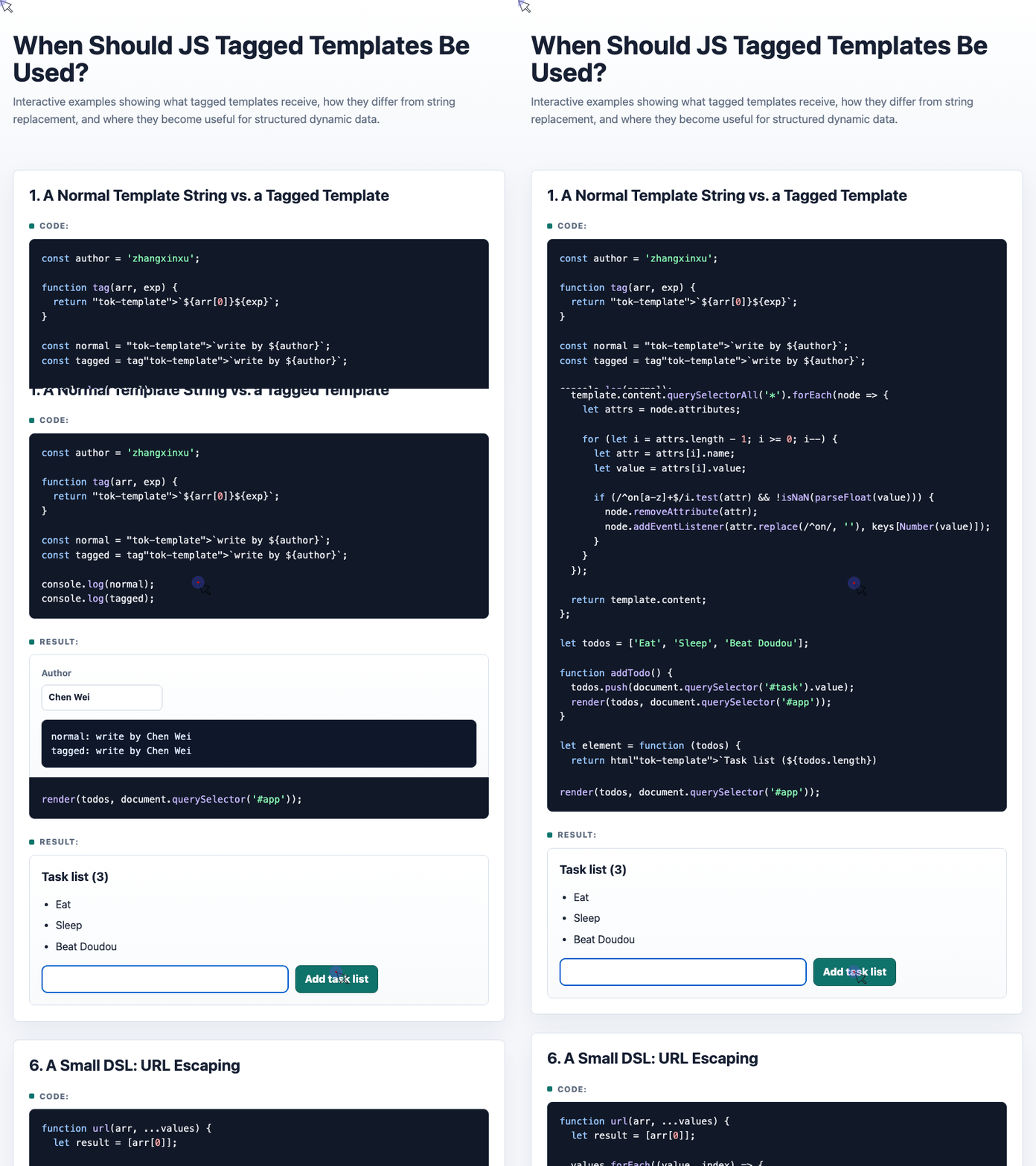
🎮 Try it live: Open the interactive demo to experience this yourself.
This is one of the strongest use cases for tagged templates: fixed structure, dynamic processing.
A More Advanced Case: HTML Templates With Event Binding
Tagged templates become even more interesting when the interpolated values are not just strings.
For example, suppose you want this:
<button onClick=${() => addTodo()}>Add task list</button>
The value inside ${...} is a function. A normal string template would turn it into text. A tagged template can detect the function, temporarily replace it with an index, create DOM nodes, then bind the function as an event listener.
Here is the core idea from the demo:
const html = function (arr, ...keys) {
  const result = [arr[0]];

  keys.forEach(function (key, i) {
    if (typeof key == 'function') {
      result.push(i, arr[i + 1]);
    } else {
      result.push(key, arr[i + 1]);
    }
  });

  const template = document.createElement('template');
  template.innerHTML = result.join('');

  template.content.querySelectorAll('*').forEach(node => {
    const attrs = node.attributes;

    for (let i = attrs.length - 1; i >= 0; i--) {
      const attr = attrs[i].name;
      const value = attrs[i].value;

      if (/^on[a-z]+$/i.test(attr) && !isNaN(parseFloat(value))) {
        node.removeAttribute(attr);
        node.addEventListener(attr.replace(/^on/, ''), keys[Number(value)]);
      }
    }
  });

  return template.content;
};
Then the template can be written like this:
const element = function (todos) {
  return html`<h3>Task list (${todos.length})</h3>
    <ul>
      ${todos.map(todo => `<li>${todo}</li>`).join('')}
    </ul>
    <form onSubmit="${e => { e.preventDefault(); }}">
      <input id="task" required>
      <button onClick=${() => addTodo()}>Add task list</button>
    </form>`;
};
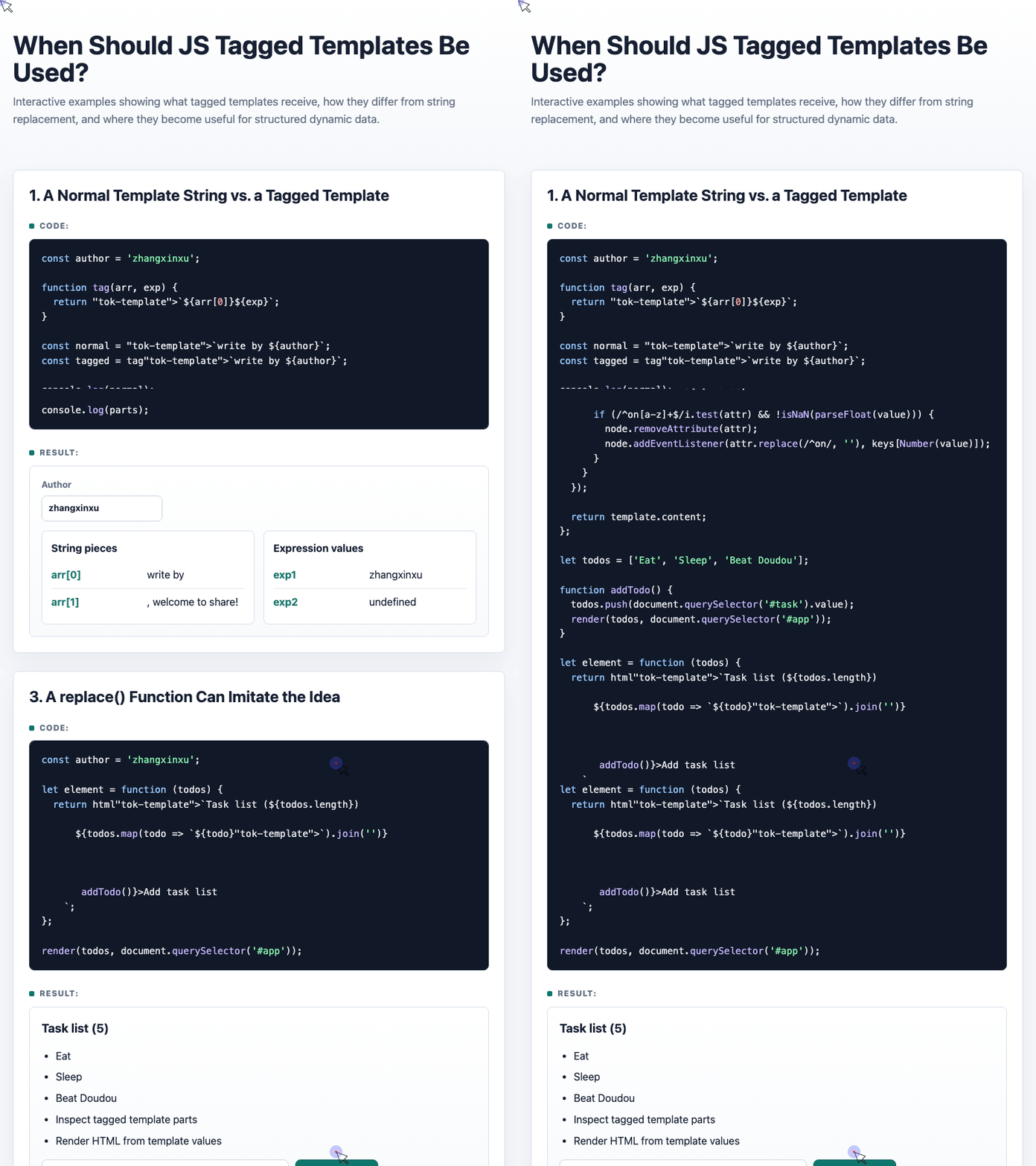
🎮 Try it live: Open the interactive demo to experience this yourself.
This is not a full framework, and real applications should use proper DOM diffing instead of replacing everything on each render. But the example shows the power of the pattern: a tagged template can become a small domain-specific language.
Common Use Cases for Tagged Templates
Tagged templates are especially useful for:
- HTML rendering helpers
- CSS-in-JS libraries such as
styled-components - SQL query builders
- GraphQL query definitions
- URL escaping
- Localization and message formatting
- Sanitizing user-provided content
- Formatting structured backend data
In these cases, the tag function hides repetitive processing details and gives developers a cleaner syntax.
When Should You Use Them?
Use tagged templates when:
- The template structure is mostly fixed
- The interpolated values need transformation
- Values may have different types
- You want to centralize formatting, escaping, or binding logic
- You are building a small DSL around strings
Do not use them when:
- You only need basic string interpolation
- A normal function call would be clearer
- The processing logic is trivial
- The abstraction makes the code harder for teammates to understand
Conclusion
JavaScript tagged templates are not something every project needs every day.
Their value appears when plain template strings become too simple: when values need escaping, mapping, formatting, type-based handling, or conversion into something other than a string.
A good rule of thumb is:
If the template is readable but the inserted values need special processing, a tagged template may be the right tool.
Try It Yourself
Want to see these concepts in action? I’ve created an interactive demo where you can experiment with the code and see real-time results.
Explore more demos from my previous articles in the Demo Gallery.
Happy coding!