
Original article by zhangxinxu. Source: https://www.zhangxinxu.com/wordpress/?p=12241. This adaptation preserves the original author, source, and links.
For years, importing JSON in front-end projects usually meant leaning on a bundler.
You wrote code like this:
import config from "./config.json";
And tools such as Vite, webpack, Rollup, or other build systems transformed that JSON file into a JavaScript module during the build step.
In plain browser JavaScript, however, that syntax was not enough. The browser did not simply know that config.json should be parsed as JSON and exposed as a module value.
That has changed. Modern browsers now support JSON module imports through import attributes, using the with { type: "json" } syntax.
import config from "./config.json" with { type: "json" };
According to the web platform documentation, JSON module scripts and import attributes are now available across modern browsers, and the standardized syntax uses with, not the older assert form. See also MDN’s import attributes documentation, web.dev’s Baseline note on JSON module scripts, and the TC39 JSON modules proposal.
The New Native Syntax
The native version is almost identical to the old bundler-friendly syntax. The important addition is the import attribute:
import config from "./config.json" with { type: "json" };
Dynamic imports also work:
const module = await import("./config.json", {
  with: { type: "json" }
});

console.log(module.default);
One detail matters: dynamically imported JSON modules expose the parsed value through module.default.
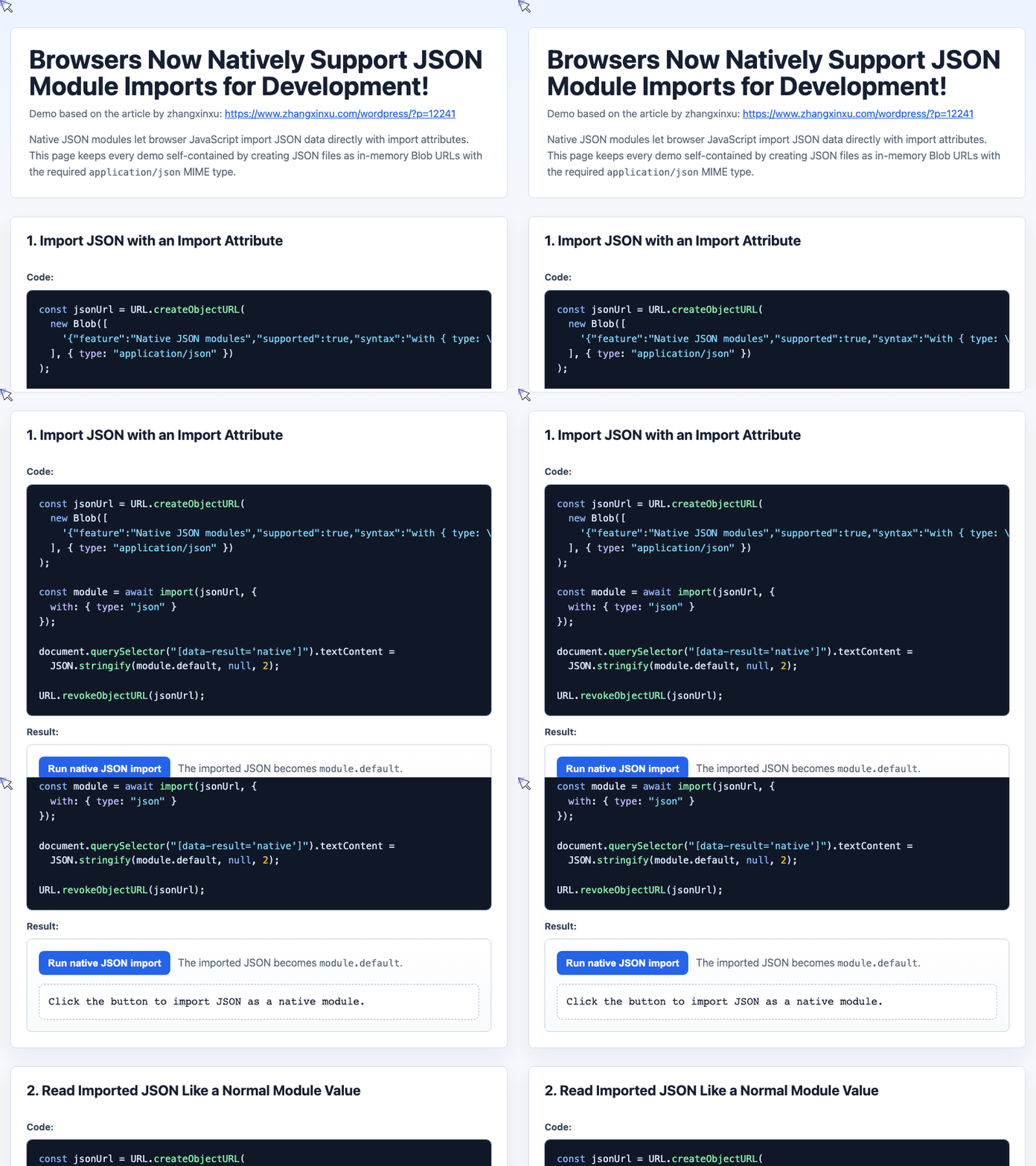
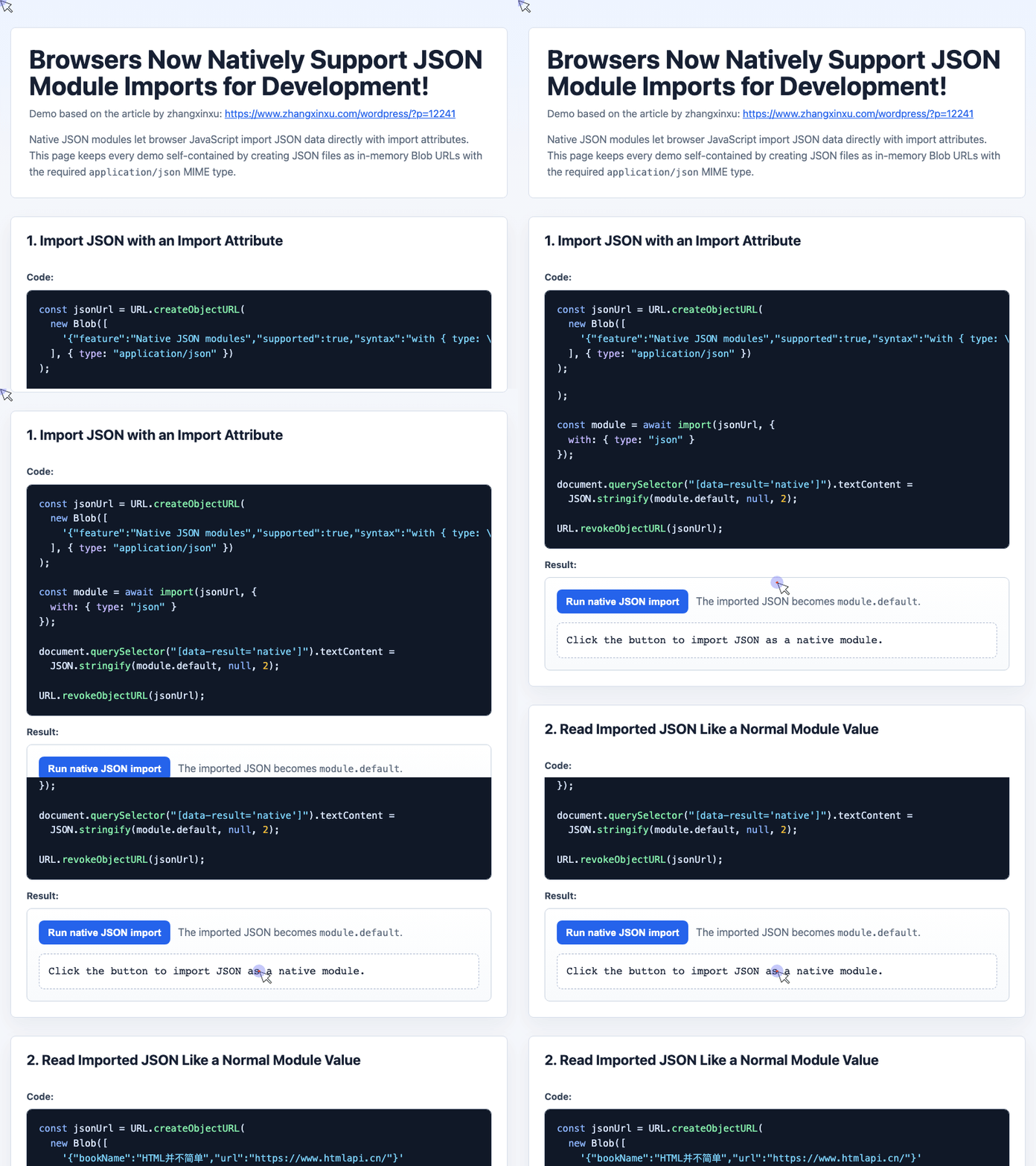
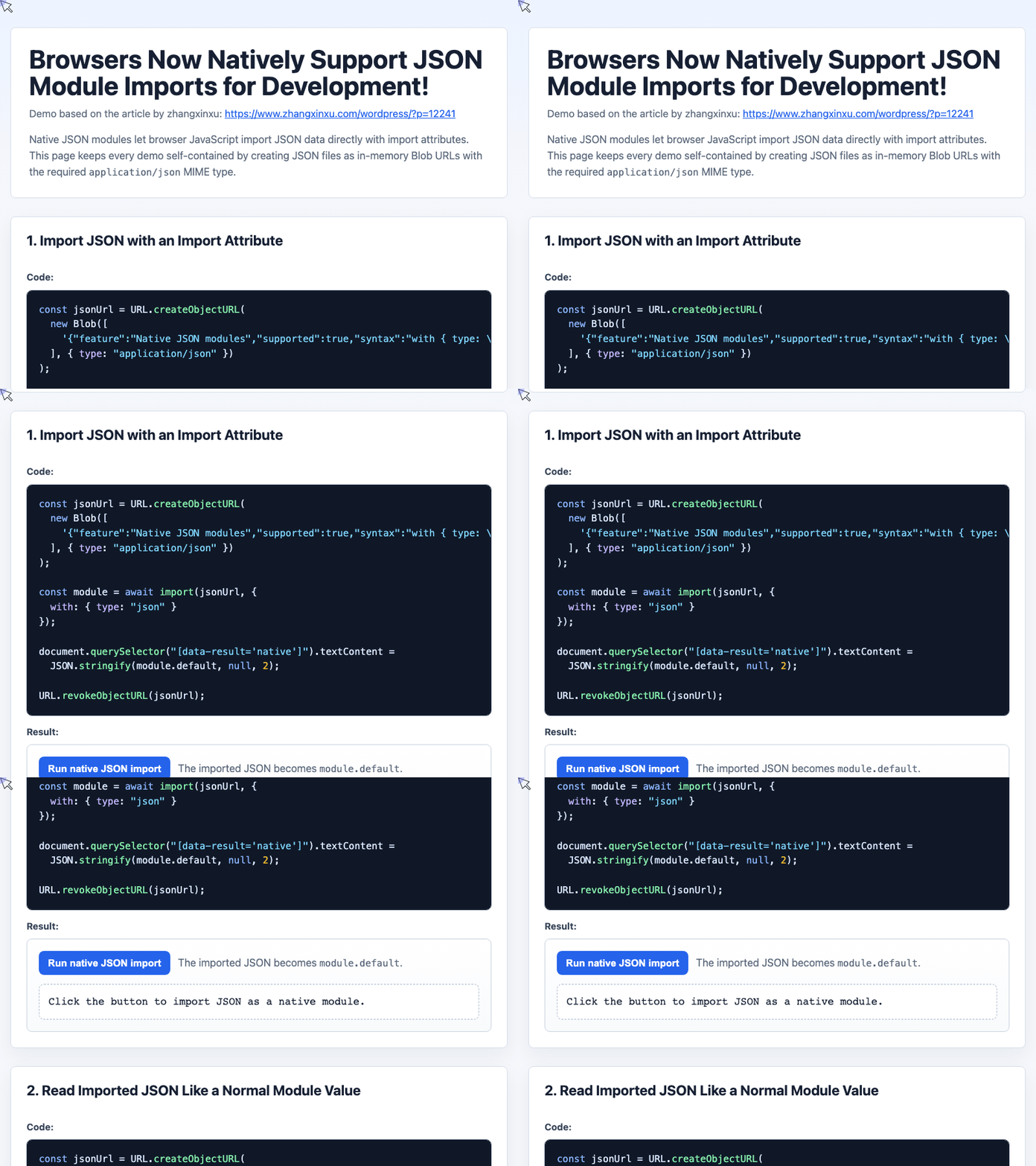
Example 1: Import JSON Dynamically in the Browser
The demo uses a Blob URL so the example is fully self-contained. In a real project, jsonUrl would usually be a path such as "./config.json".
const jsonUrl = URL.createObjectURL(
  new Blob([
    '{"feature":"Native JSON modules","supported":true,"syntax":"with { type: \\"json\\" }"}'
  ], { type: "application/json" })
);

const module = await import(jsonUrl, {
  with: { type: "json" }
});

document.querySelector("[data-result='native']").textContent =
  JSON.stringify(module.default, null, 2);

URL.revokeObjectURL(jsonUrl);
This demonstrates the core behavior: the browser loads the JSON resource, validates it as JSON, parses it, and exposes the parsed object as the module’s default export.
🎮 Try it live: Open the interactive demo to experience this yourself.
Reading Imported JSON Like a Normal Object
Once imported, the JSON value behaves like ordinary module data.
Suppose config.json contains:
{
  "bookName": "HTML并不简单",
  "url": "https://www.htmlapi.cn/"
}
Then your JavaScript can access the values directly:
import config from "./config.json" with { type: "json" };

console.log(config.bookName); // "HTML并不简单"
There is no need to manually call fetch() followed by JSON.parse() for small configuration-style files.
Example 2: Render Imported JSON into the UI
The demo turns imported JSON into visible interface content:
const jsonUrl = URL.createObjectURL(
  new Blob([
    '{"bookName":"HTML并不简单","url":"https://www.htmlapi.cn/"}'
  ], { type: "application/json" })
);

const config = (await import(jsonUrl, {
  with: { type: "json" }
})).default;

document.querySelector("[data-result='book-name']").textContent = config.bookName;
document.querySelector("[data-result='book-url']").href = config.url;
document.querySelector("[data-result='book-url']").textContent = config.url;

URL.revokeObjectURL(jsonUrl);
This is the practical sweet spot for native JSON modules: app settings, small metadata files, feature flags, documentation data, and other compact structured values.
🎮 Try it live: Open the interactive demo to experience this yourself.
The MIME Type Still Matters
A .json file extension is not enough.
The server must return the correct response header:
Content-Type: application/json
If the server sends the file as text/plain, text/html, or another incorrect type, the browser can reject the import. This is intentional. Import attributes are partly about making module loading explicit and safer.
Example 3: Test Correct and Incorrect MIME Types
The demo creates two JSON-looking resources: one with the right MIME type and one with the wrong MIME type.
const jsonUrl = URL.createObjectURL(
  new Blob([
    '{"contentType":"application/json","works":true}'
  ], { type: "application/json" })
);

const textUrl = URL.createObjectURL(
  new Blob([
    '{"contentType":"text/plain","works":false}'
  ], { type: "text/plain" })
);

try {
  const data = (await import(jsonUrl, {
    with: { type: "json" }
  })).default;

  document.querySelector("[data-result='mime-ok']").textContent =
    "Imported: " + JSON.stringify(data);
} catch (error) {
  document.querySelector("[data-result='mime-ok']").textContent = error.message;
}

try {
  await import(textUrl, {
    with: { type: "json" }
  });
} catch (error) {
  document.querySelector("[data-result='mime-bad']").textContent =
    "Rejected because MIME is text/plain.";
}

URL.revokeObjectURL(jsonUrl);
URL.revokeObjectURL(textUrl);
The lesson is simple: native JSON imports are not just syntax. They also depend on correct server behavior.
🎮 Try it live: Open the interactive demo to experience this yourself.
Important Notes for Real Projects
Native JSON imports are useful, but they are not always the right loading strategy.
For large JSON files, fetch() is still often better. It lets you load data on demand instead of making it part of the initial module graph. That can protect first-screen performance.
Imported JSON module values are also frozen. If you try to mutate the parsed object directly, the assignment may fail or throw a TypeError in strict mode. Treat imported JSON as read-only configuration.
If you use TypeScript, remember to enable JSON module resolution:
{
  "compilerOptions": {
    "module": "ESNext",
    "moduleResolution": "Bundler",
    "resolveJsonModule": true
  }
}
Without "resolveJsonModule": true, TypeScript may not correctly understand imports from .json files.
Final Thoughts
Native JSON module imports make browser development cleaner. For small, static JSON files, the platform now handles what bundlers used to fake for us: loading, parsing, and exposing JSON as module data.
Use:
import config from "./config.json" with { type: "json" };
Just remember the three practical rules:
- Serve the file with
Content-Type: application/json. - Treat imported JSON as read-only.
- Use
fetch()instead for large or optional runtime data.
And, as in the original article, that is enough for today.
Try It Yourself
Want to see these concepts in action? I’ve created an interactive demo where you can experiment with the code and see real-time results.
Explore more demos from my previous articles in the Demo Gallery.
Happy coding!