
JavaScript’s Proxy feels immediately useful: it lets you intercept property reads, writes, function calls, construction, and more.
Reflect, at first glance, feels less dramatic. It does not create a new programming model. It does not wrap objects. It does not intercept anything. Most of its methods look like alternate spellings of things JavaScript already had.
So what is Reflect actually for?
The short version: Reflect exposes JavaScript’s internal object operations as ordinary functions, with predictable return values and excellent compatibility with Proxy handlers.
That sounds abstract, so let’s make it practical.
Reflect Is Mostly a Mirror
The name is accurate. Reflect reflects existing JavaScript operations into method form.
For example:
Reflect.get(target, propertyKey);
Reflect.set(target, propertyKey, value);
These correspond closely to:
target[propertyKey];
target[propertyKey] = value;
In everyday code, that means this:
input.value = 'zhangxinxu';
Can also be written as:
Reflect.set(input, 'value', 'zhangxinxu');
The visible effect is the same.
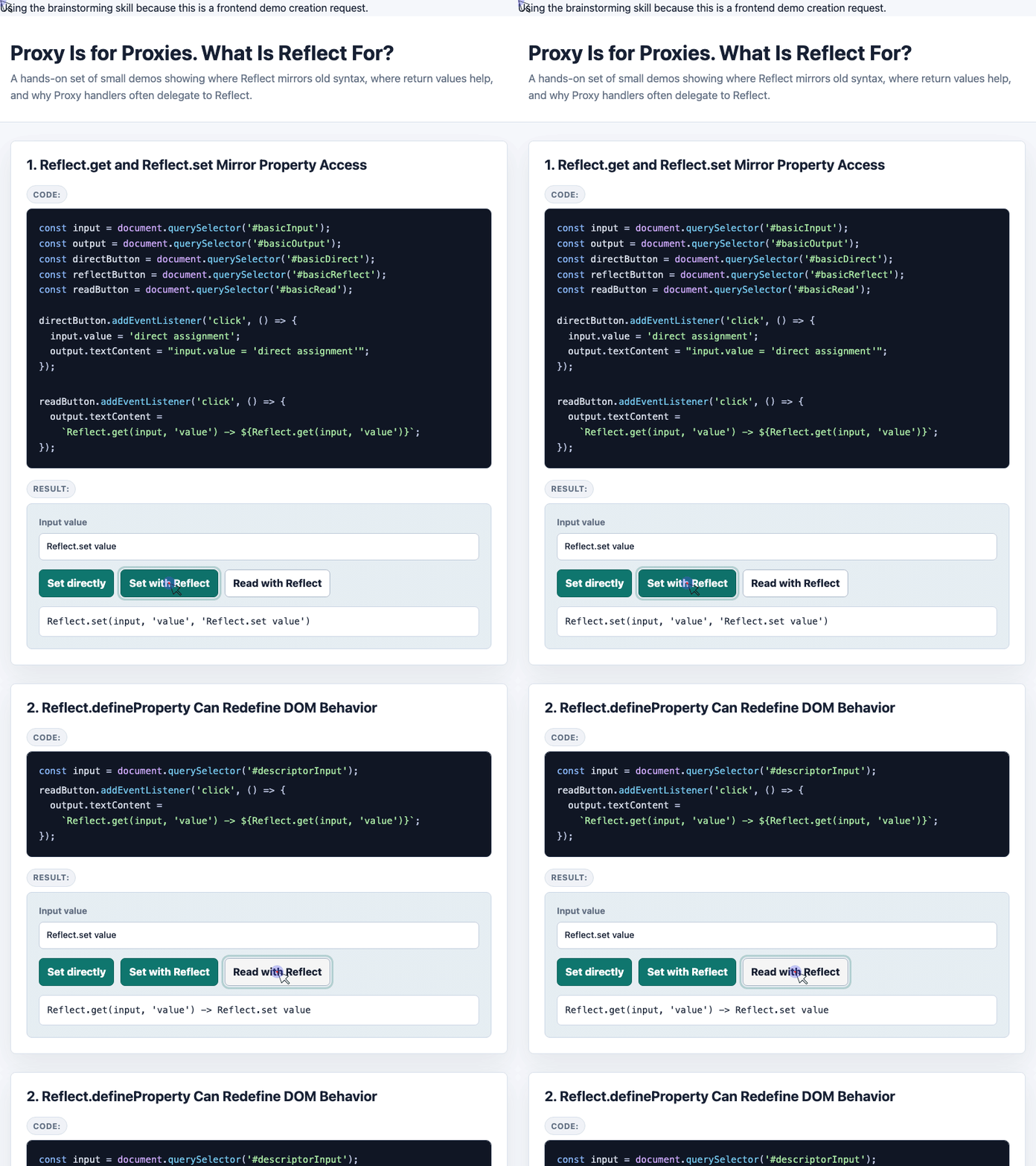
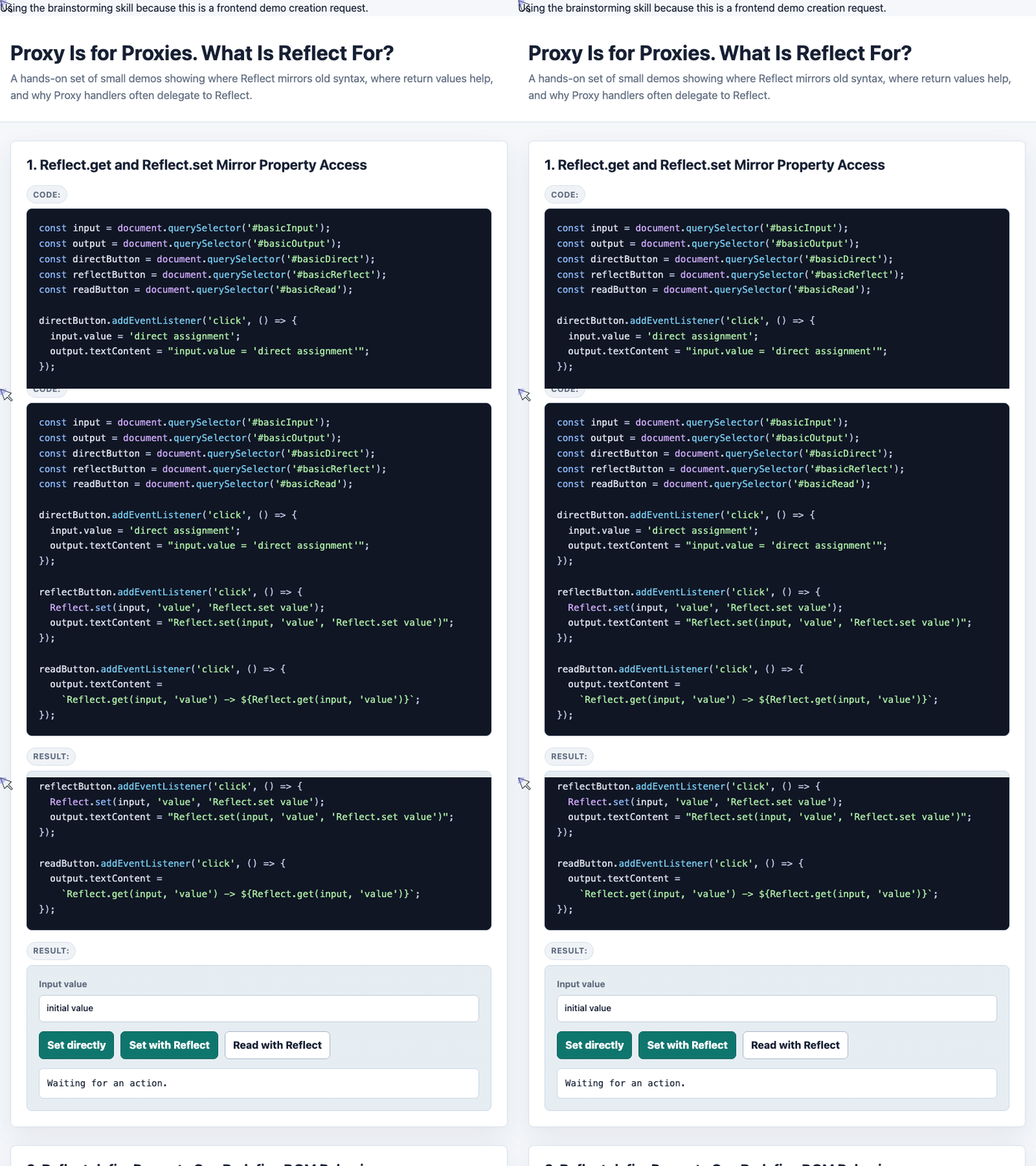
Here is a small demo-style version using an input field and three buttons: one for direct assignment, one for Reflect.set(), and one for Reflect.get().
const input = document.querySelector('#basicInput');
const output = document.querySelector('#basicOutput');

document.querySelector('#basicDirect').addEventListener('click', () => {
  input.value = 'direct assignment';
  output.textContent = "input.value = 'direct assignment'";
});

document.querySelector('#basicReflect').addEventListener('click', () => {
  Reflect.set(input, 'value', 'Reflect.set value');
  output.textContent = "Reflect.set(input, 'value', 'Reflect.set value')";
});

document.querySelector('#basicRead').addEventListener('click', () => {
  output.textContent =
    `Reflect.get(input, 'value') -> ${Reflect.get(input, 'value')}`;
});
This example shows the core idea: Reflect does not make property access more powerful by itself. It makes the operation explicit and function-shaped.
🎮 Try it live: Open the interactive demo to experience this yourself.
The First Real Benefit: Return Values
Direct assignment can be misleading.
When you write this:
input.type = 'number';
The expression evaluates to 'number', but that does not necessarily mean the assignment actually changed the property.
Reflect.set(), on the other hand, returns a boolean: true if the assignment succeeded, false if it did not.
That difference matters when a property is read-only, blocked by a descriptor, frozen, or otherwise not writable.
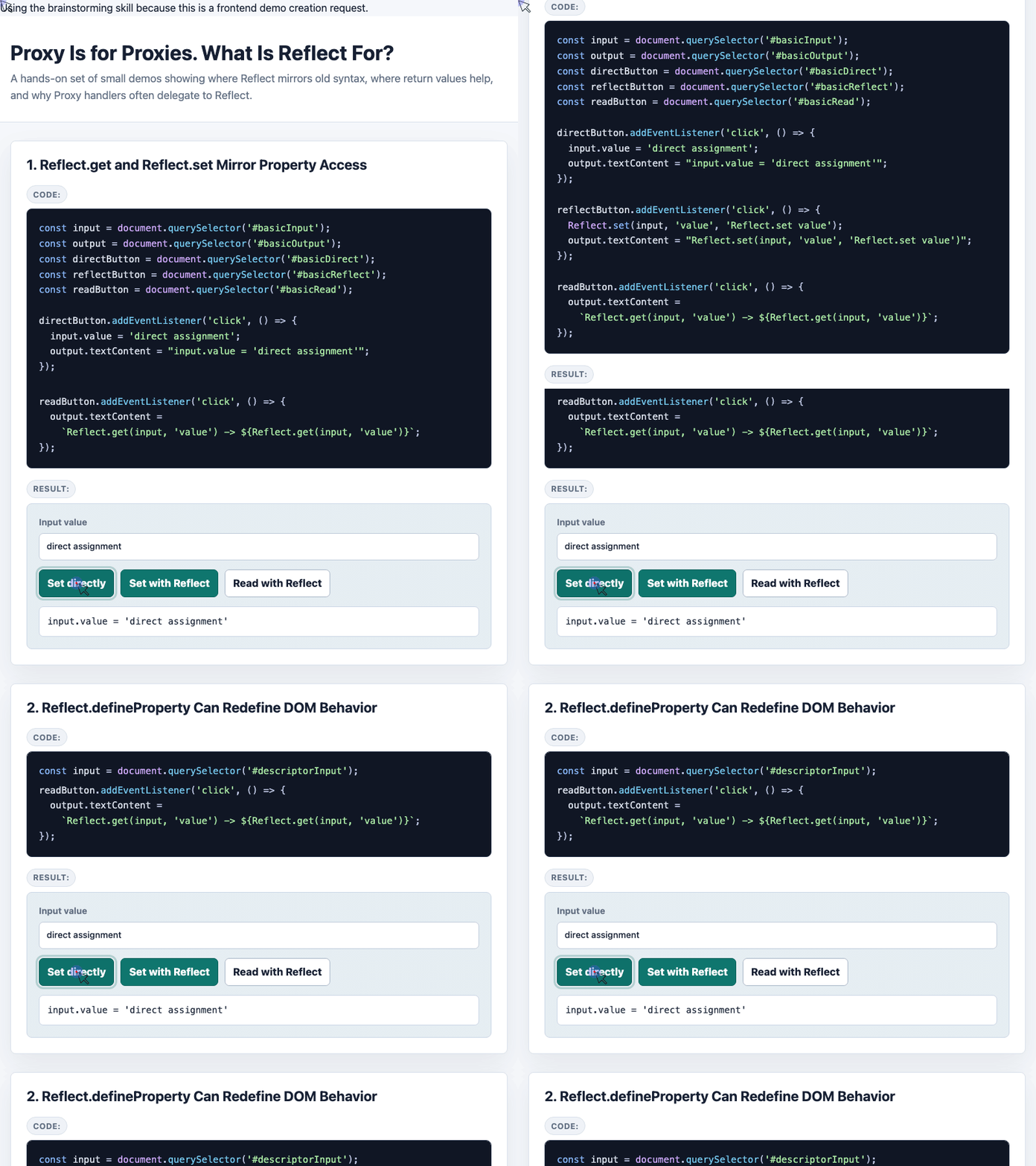
const input = document.querySelector('#readonlyTypeInput');
const output = document.querySelector('#readonlyTypeOutput');

Object.defineProperty(input, 'type', {
  configurable: true,
  get() {
    return this.getAttribute('type') || 'text';
  }
});

document.querySelector('#readonlyTypeRun').addEventListener('click', () => {
  const assignmentResult = (input.type = 'number');
  const reflectResult = Reflect.set(input, 'type', 'number');

  output.textContent = [
    `input.type = 'number' -> ${assignmentResult}`,
    `Reflect.set(input, 'type', 'number') -> ${reflectResult}`,
    `Actual input.type -> ${input.type}`
  ].join('\n');
});
The direct assignment expression reports the value being assigned. Reflect.set() reports whether the operation worked.
🎮 Try it live: Open the interactive demo to experience this yourself.
This is one of the best practical reasons to use Reflect: it gives you a clean result instead of forcing you to infer success afterward.
Reflect Also Helps Avoid Broken Control Flow
In strict mode, assigning to a frozen object can throw and stop execution.
With direct assignment:
(function () {
  'use strict';

  var frozen = { 1: 81 };
  Object.freeze(frozen);

  frozen[1] = 'zhangxinxu';

  console.log('no log');
})();
The console.log() line will not run, because the assignment throws a TypeError.
With Reflect.set():
(function () {
  'use strict';

  var frozen = { 1: 81 };
  Object.freeze(frozen);

  var ok = Reflect.set(frozen, '1', 'zhangxinxu');

  console.log(ok);      // false
  console.log('no log');
})();
The operation fails, but the code keeps moving. You get false instead of an exception interrupting the flow.
Why Proxy and Reflect Fit Together
Reflect becomes much more interesting when used with Proxy.
A Proxy handler often intercepts an operation, adds a little behavior, and then wants to perform the original operation normally. Reflect is perfect for that.
For example, this proxy dispatches a change event whenever someone sets value:
const input = document.querySelector('#proxyInput');
const output = document.querySelector('#proxyOutput');

const xyInput = new Proxy(input, {
  set(target, prop, value) {
    if (prop == 'value') {
      target.dispatchEvent(new CustomEvent('change'));
    }

    return Reflect.set(target, prop, value);
  },

  get(target, prop) {
    return Reflect.get(target, prop);
  }
});

input.addEventListener('change', () => {
  output.append('It changed~ ');
});

xyInput.value = 'zhangxinxu';
The handler does one custom thing, then delegates the actual assignment back to JavaScript’s normal behavior through Reflect.set().
That is the common Proxy pattern:
- Intercept the operation.
- Add custom behavior.
- Delegate to
Reflect.
🎮 Try it live: Open the interactive demo to experience this yourself.
The receiver Parameter Is the Part You Cannot Replace Easily
Most of the time, Reflect.get(target, prop) feels equivalent to target[prop].
But Reflect.get() has a third parameter:
Reflect.get(target, prop, receiver);
That receiver controls what this should mean when a getter runs.
This becomes important with inheritance.
let miaoMiao = {
  _name: 'vaccine',
  get name() {
    return this._name;
  }
};

let noReceiverProxy = new Proxy(miaoMiao, {
  get(target, prop) {
    return target[prop];
  }
});

let reflectProxy = new Proxy(miaoMiao, {
  get(target, prop, receiver) {
    return Reflect.get(target, prop, receiver);
  }
});

let noReceiverChild = {
  __proto__: noReceiverProxy,
  _name: 'Sinovac vaccine'
};

let reflectChild = {
  __proto__: reflectProxy,
  _name: 'Sinovac vaccine'
};

console.log(noReceiverChild.name); // vaccine
console.log(reflectChild.name);    // Sinovac vaccine
Without Reflect.get(target, prop, receiver), the getter runs with the wrong this. It reads _name from the proxy target.
With receiver, the getter runs as if it belongs to the actual calling object, so it reads _name from the child object.
This is the strongest argument for Reflect in proxy code. Direct property access cannot express this behavior as clearly.
Common Reflect Methods and Their Older Counterparts
Most Reflect methods correspond to existing JavaScript syntax or object APIs:
Reflect method | Similar to |
|---|---|
Reflect.apply(target, thisArgument, argumentsList) | Function.prototype.apply() |
Reflect.construct(target, argumentsList) | new target(...args) |
Reflect.defineProperty(target, prop, attributes) | Object.defineProperty() |
Reflect.deleteProperty(target, prop) | delete target[prop] |
Reflect.get(target, prop, receiver) | target[prop] |
Reflect.getOwnPropertyDescriptor(target, prop) | Object.getOwnPropertyDescriptor() |
Reflect.getPrototypeOf(target) | Object.getPrototypeOf() |
Reflect.has(target, prop) | prop in target |
Reflect.isExtensible(target) | Object.isExtensible() |
Reflect.ownKeys(target) | Object.keys() and symbol-aware key inspection |
Reflect.preventExtensions(target) | Object.preventExtensions() |
Reflect.set(target, prop, value, receiver) | target[prop] = value |
Reflect.setPrototypeOf(target, prototype) | Object.setPrototypeOf() |
The important point is not that Reflect gives you totally new abilities everywhere. It gives you a consistent API surface for object operations.
So, What Is Reflect For?
Reflect is not flashy. It is not a replacement for Proxy, and it is not something you need in every object access.
Its value is more specific:
- It turns object operations into function calls.
- It gives useful boolean return values for operations like
set(),defineProperty(), anddeleteProperty(). - It avoids some exception-driven control flow.
- It pairs naturally with
Proxyhandlers. - It supports
receiver, which matters for inherited getters and setters.
So yes, Proxy is for proxies.
Reflect is for performing the original JavaScript operation clearly, predictably, and with the right context.
Try It Yourself
Want to see these concepts in action? I’ve created an interactive demo where you can experiment with the code and see real-time results.
Explore more demos from my previous articles in the Demo Gallery.
Happy coding!