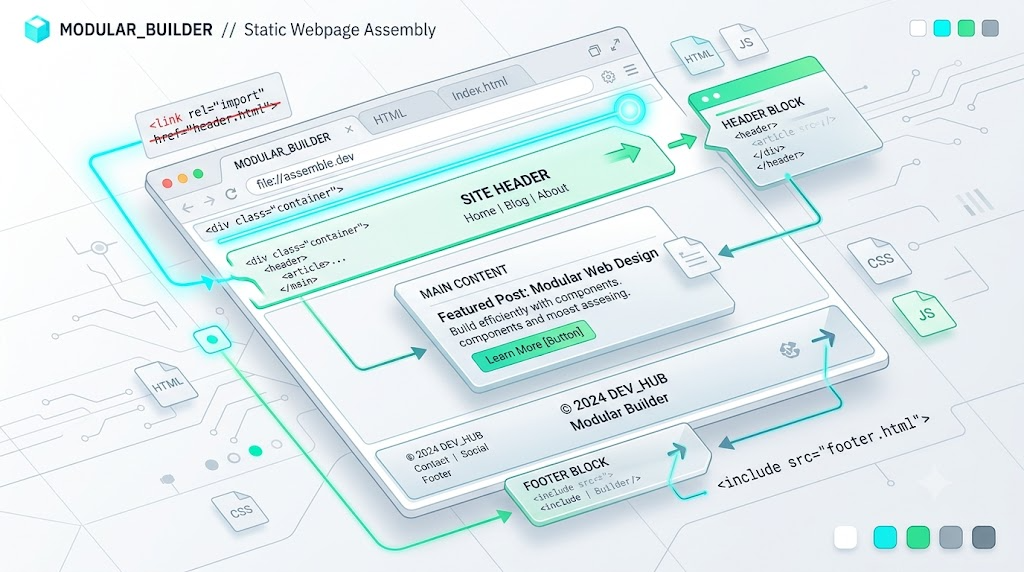
HTML Imports are dead. No modern browser supports them as an official platform feature anymore, and that sounds like bad news.
But for static HTML demos, documentation pages, and lightweight prototypes, that “dead” syntax can become surprisingly useful.
Instead of treating:
<link rel="import" href="header.html">
as a real browser-native import, we can redefine the pattern ourselves. With a customized built-in element, the page can fetch the file referenced by href and render its HTML exactly where the <link> appears.
This article is inspired by Zhang Xinxu’s 2021 article on using deprecated HTML imports as page includes. The idea is simple: reclaim an abandoned syntax and use it as a readable include marker for static pages.
Why Reuse rel="import"?
The original HTML Imports proposal was created for Web Components. It was not meant to behave like PHP includes, server-side templates, or build-time partials.
That was disappointing if all you wanted was this:
<link rel="import" href="header.html">
and expected header.html to appear inline.
Now that native HTML Imports are deprecated and unsupported, the syntax is available for our own progressive enhancement pattern. Browsers will not interpret it natively, so we can safely attach custom behavior to it.
The Include Syntax
The demo uses a customized built-in element. The key detail is the is="ui-import" attribute:
<link rel="import" href="header.html" is="ui-import">
This keeps the markup readable. The rel="import" communicates intent, while is="ui-import" tells the browser to upgrade the <link> into our custom element.
When the element loads, it fetches header.html, converts the response to text, and writes that HTML into the link element itself.
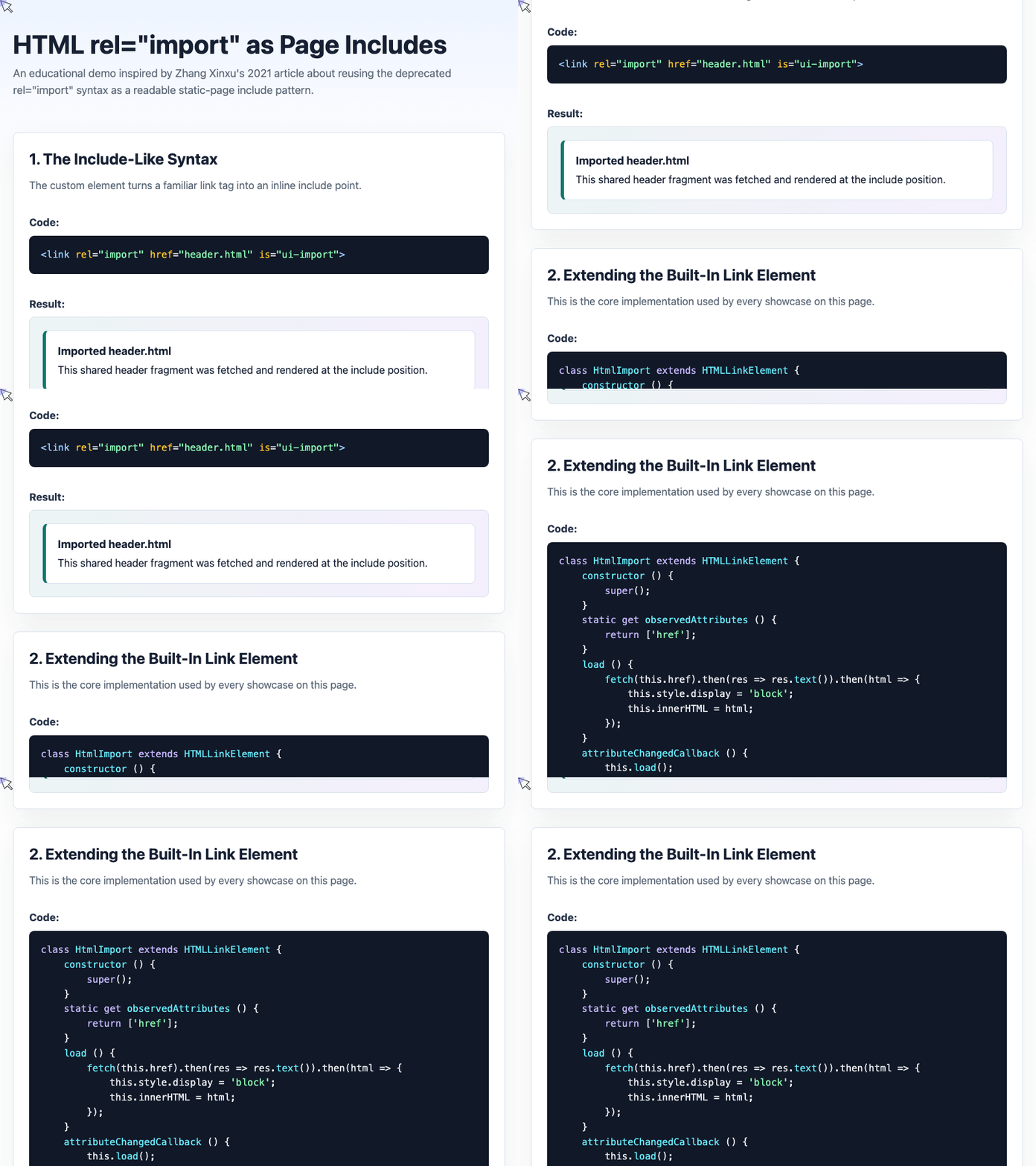
🎮 Try it live: Open the interactive demo to experience this yourself.
Extending the Built-In <link> Element
The core implementation is compact. It extends HTMLLinkElement, observes changes to href, fetches the target file, and injects the returned markup with innerHTML.
class HtmlImport extends HTMLLinkElement {
  static get observedAttributes () {
    return ["href"];
  }

  connectedCallback () {
    this.load();
  }

  load () {
    fetch(this.href)
      .then(res => res.text())
      .then(html => {
        this.style.display = "block";
        this.innerHTML = html;
      });
  }

  attributeChangedCallback () {
    if (this.isConnected) {
      this.load();
    }
  }
}

customElements.define("ui-import", HtmlImport, {
  extends: "link"
});
There are two important details here.
First, connectedCallback() ensures the include loads when the element appears in the document. Second, observedAttributes watches href, so changing the imported file later can automatically refresh the rendered content.
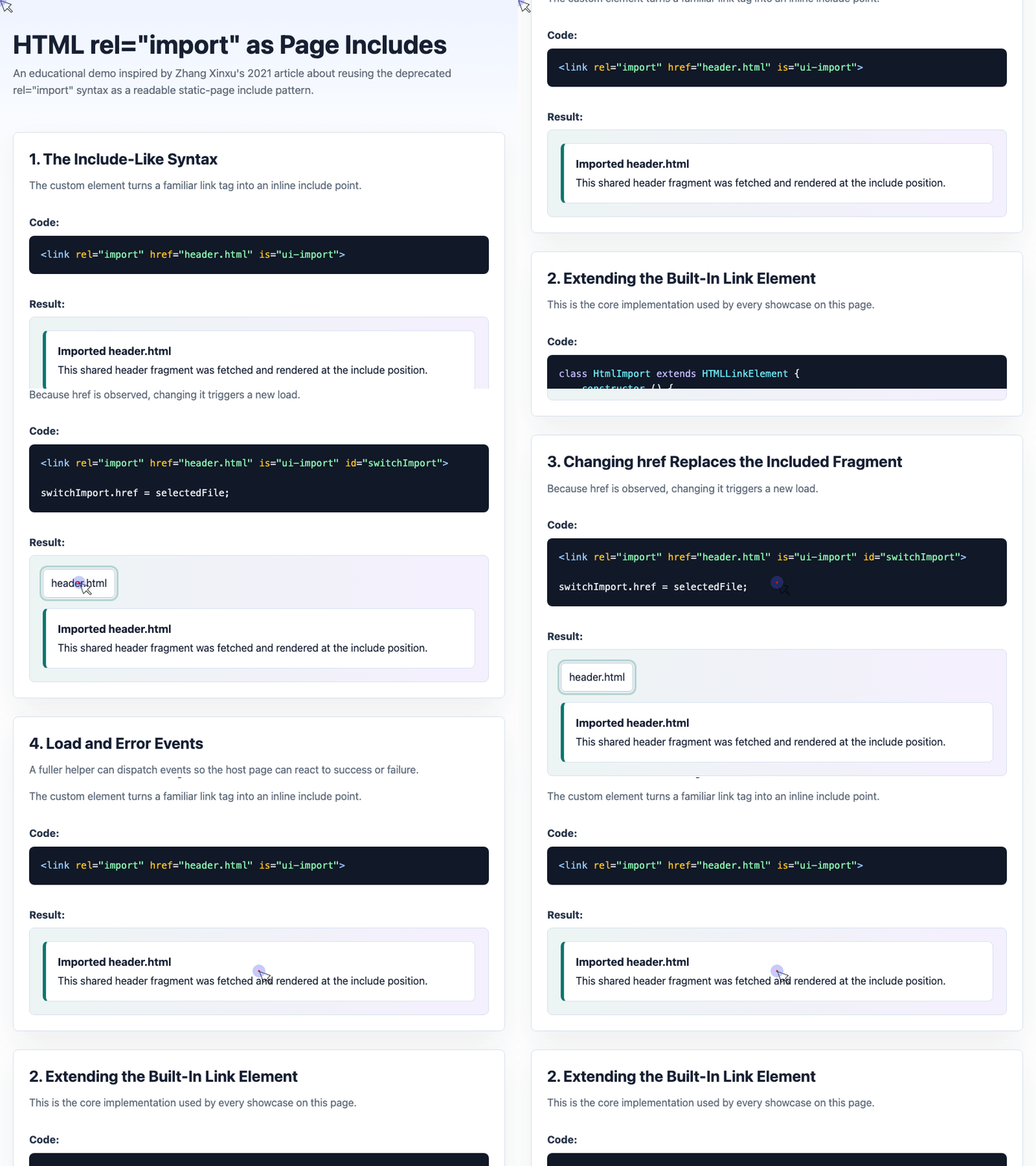
🎮 Try it live: Open the interactive demo to experience this yourself.
Switching Imported Files Dynamically
Because the custom element observes href, the include can be changed at runtime. The demo uses a <select> control to swap between header.html, footer.html, and card.html.
<select id="fileSelect">
  <option value="header.html">header.html</option>
  <option value="footer.html">footer.html</option>
  <option value="card.html">card.html</option>
</select>

<link rel="import" href="header.html" is="ui-import" id="switchImport">
const fileSelect = document.getElementById("fileSelect");
const switchImport = document.getElementById("switchImport");

fileSelect.addEventListener("change", function () {
  switchImport.href = fileSelect.value;
});
This is a useful pattern for demos and documentation because it shows that the include point is not static. It can behave like a tiny client-side fragment loader.
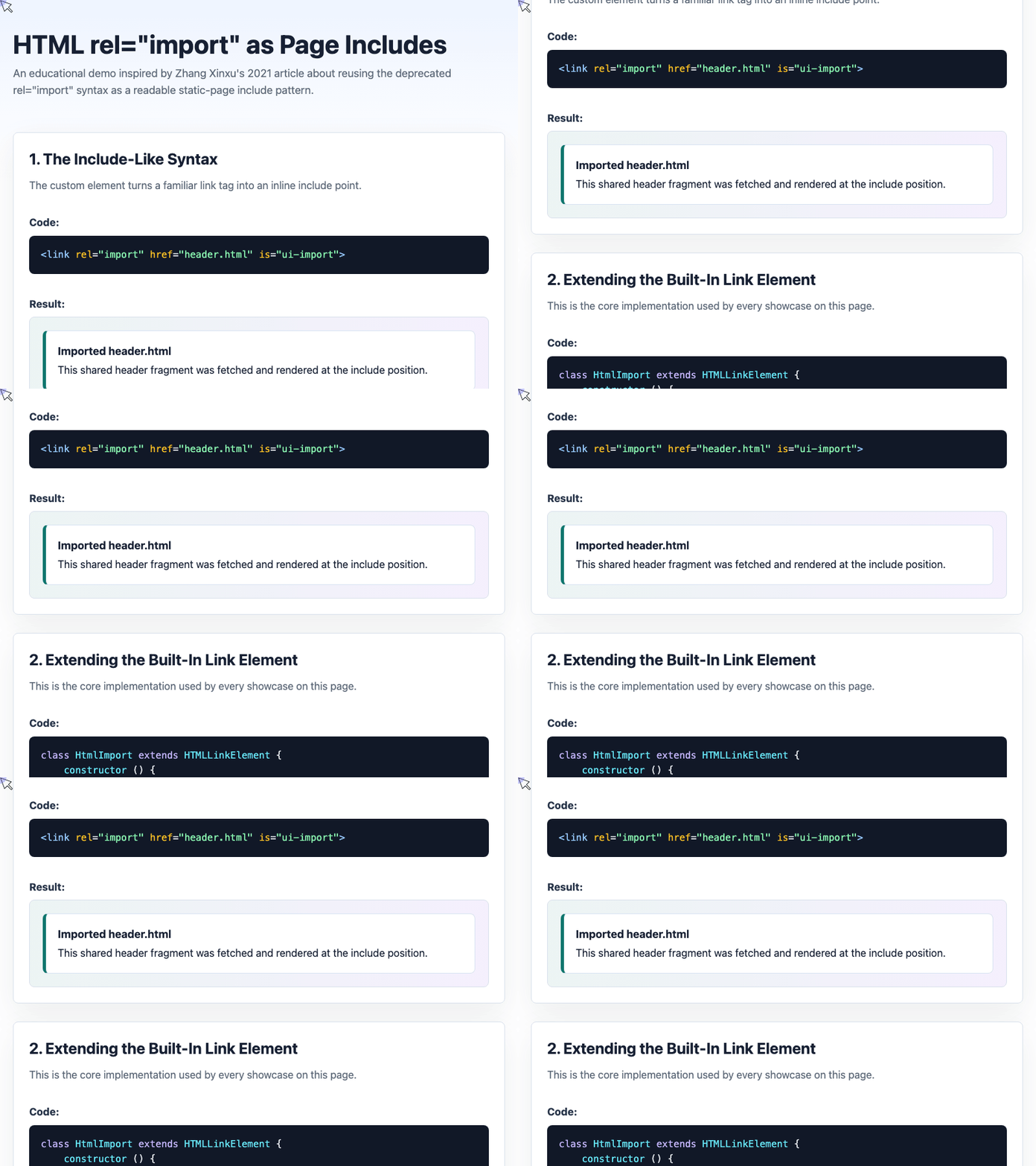
🎮 Try it live: Open the interactive demo to experience this yourself.
Handling Load and Error States
A practical include helper should report success and failure. The expanded demo dispatches load and error events so the host page can respond.
load () {
  fetch(this.href)
    .then(res => {
      if (!res.ok) {
        throw new Error("HTTP " + res.status);
      }
      return res.text();
    })
    .then(html => {
      this.style.display = "block";
      this.innerHTML = html;
      this.dispatchEvent(new CustomEvent("load"));
    })
    .catch(error => {
      this.style.display = "block";
      this.innerHTML = "";
      this.dispatchEvent(new CustomEvent("error", {
        detail: error
      }));
    });
}
The page can then listen for those events:
eventImport.addEventListener("load", function () {
  statusBox.textContent = "Loaded successfully";
});

eventImport.addEventListener("error", function (event) {
  statusBox.textContent = event.detail.message;
});
This makes the pattern easier to debug and safer to use in small tools, demos, and static documentation sites.
Security Considerations
This approach is convenient, but it should not be used carelessly.
The imported HTML is inserted with innerHTML. Inline scripts inserted this way do not execute automatically, which reduces one class of risk. However, imported styles still apply, and malicious markup can still affect the page layout or user experience.
Only import trusted same-origin fragments.
The demo includes an unsafe.html example to show that markup renders, but the inline script does not run:
<link rel="import" href="unsafe.html" is="ui-import">
window.inlineScriptExecutions = 0;

setInterval(function () {
  scriptStatus.textContent =
    "Inline script executions: " + window.inlineScriptExecutions;
}, 250);
This is useful behavior for a lightweight include mechanism, but it should not be confused with full sanitization. If fragments can come from users or third parties, use a sanitizer and a stricter content security policy.
Where This Pattern Fits
This is not a replacement for a framework, server-side rendering, or a proper static site generator.
It is a pragmatic pattern for smaller cases:
- Static HTML demos
- Local documentation pages
- Prototype pages
- Shared headers and footers in simple projects
- Educational examples where a build step would be distracting
For production applications, use established templating, routing, and bundling tools. But for small static pages, this reclaimed rel="import" syntax is clean, readable, and surprisingly effective.
Final Thought
The web platform leaves behind ideas that are no longer useful in their original form. Sometimes, those abandoned ideas become useful again when treated as plain markup and enhanced with a little JavaScript.
rel="import" may be deprecated, but as a custom static-page include marker, it still has one more practical life.
Try It Yourself
Want to see these concepts in action? I’ve created an interactive demo where you can experiment with the code and see real-time results.
Explore more demos from my previous articles in the Demo Gallery.
Happy coding!