Last week, I tried Vap, a player that can use WebGL to decode and play videos, and wrote an article documenting the experience.
Someone commented under that article: if all I wanted was to play MP4 with WebGL, why not try JSMpeg?
So I did.
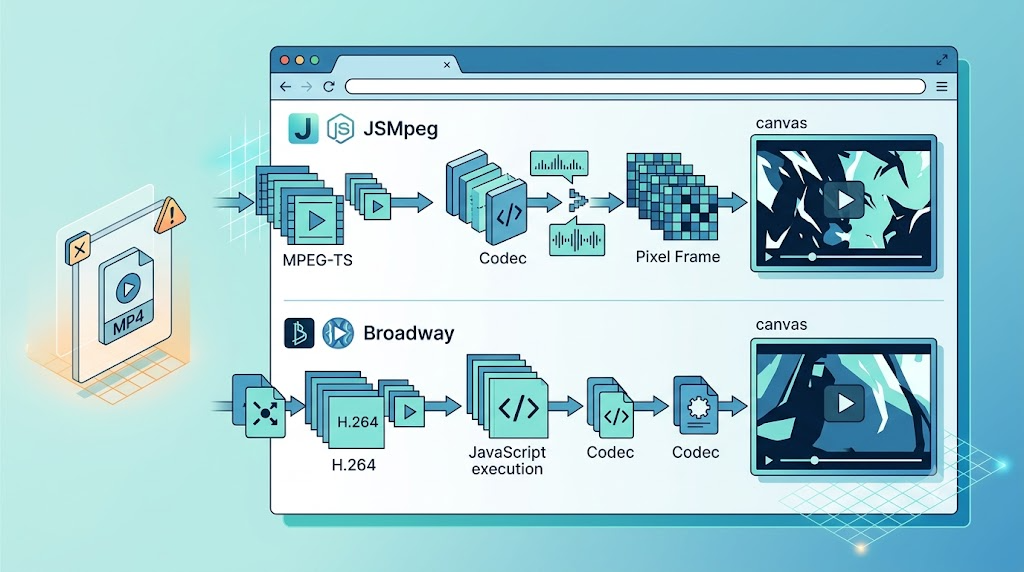
This article is a hands-on review of two JavaScript video decoding projects: JSMpeg and Broadway. Both look promising from the outside. Both have simple-looking demos. And both reminded me that “simple API” does not always mean “simple workflow.”
1. JSMpeg Looks Like a Two-Line Player
JSMpeg project address: https://github.com/phoboslab/jsmpeg
Official site: https://jsmpeg.com/
At the time I checked, the project had about 5.3K stars, which immediately made it look mature enough to try.
The official usage is almost suspiciously simple:
<script src="jsmpeg.min.js"></script>
<div class="jsmpeg" data-url="video.ts"></div>
That is the kind of API that makes you think: “Great, I’ll be done in five minutes.”
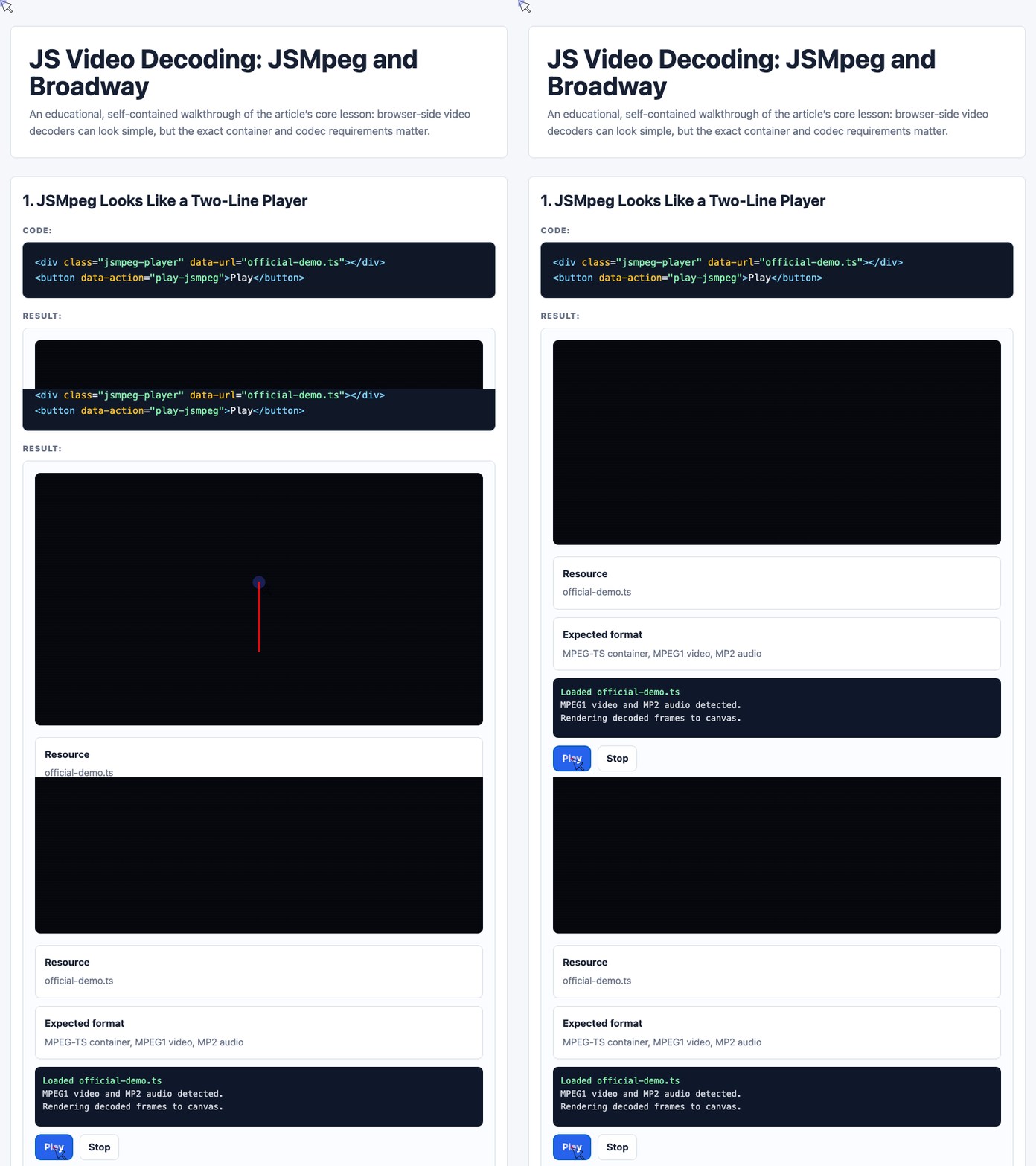
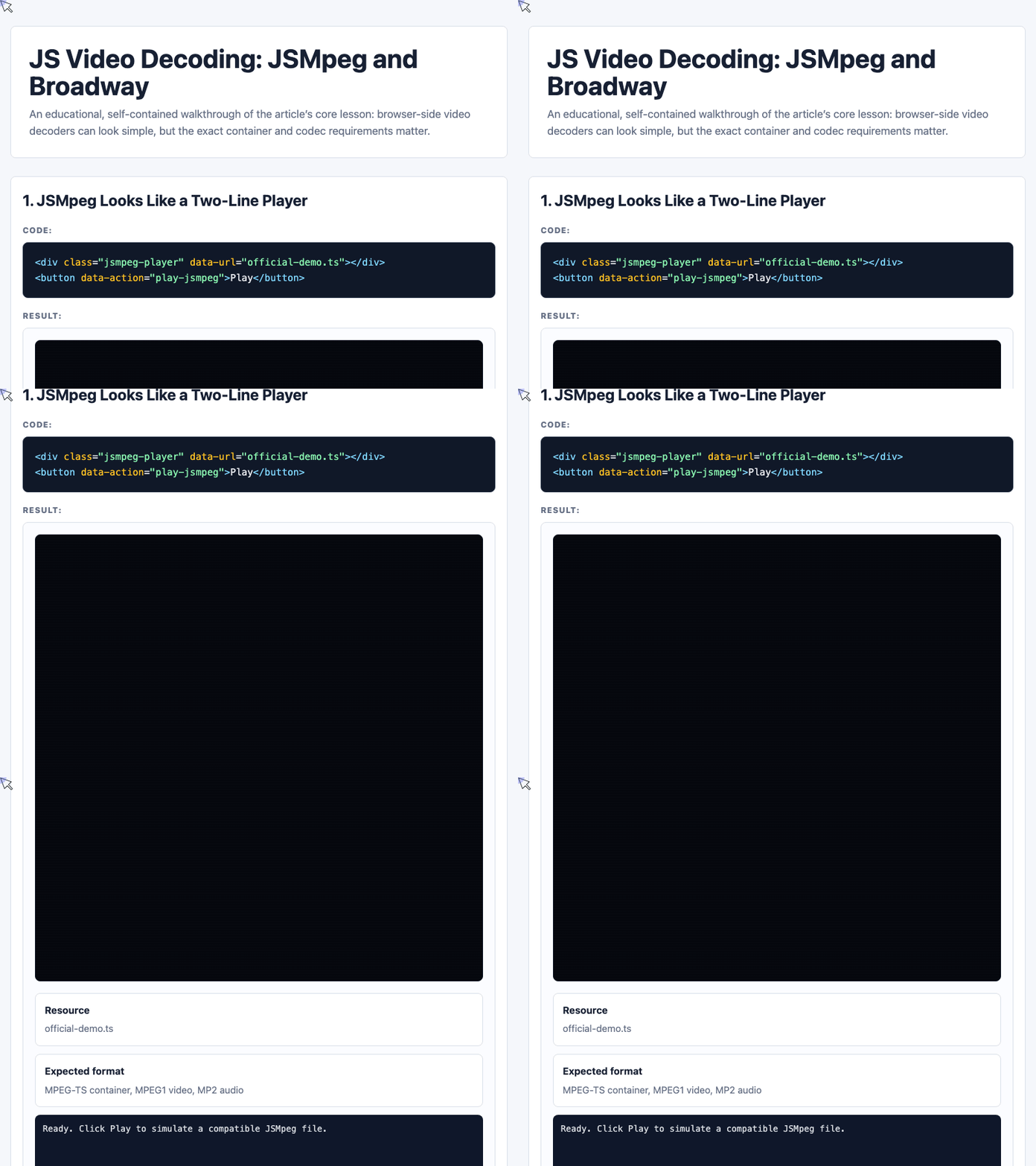
In the demo page I built for this article, the JSMpeg section is represented with a player node, a canvas, and some status information:
<div class="screen">
  <canvas
    id="jsmpegCanvas"
    width="640"
    height="360"
    aria-label="Animated JSMpeg demo canvas">
  </canvas>
  <div class="scanline"></div>
</div>

<div class="status-card">
  <strong>Expected format</strong>
  <span>MPEG-TS container, MPEG1 video, MP2 audio</span>
</div>

<button class="primary" data-action="play-jsmpeg">Play</button>
<button data-action="stop-jsmpeg">Stop</button>
The important detail is not the button. It is the expected format: MPEG-TS container, MPEG1 video, and MP2 audio.
🎮 Try it live: Open the interactive demo to experience this yourself.
2. A Random MP4 Is Not Enough
My first attempt was casual: I picked an MP4 file and tried to play it.
The result:
JSMpeg: Possible garbage data. Skipping.After reading the project description more carefully, I realized the issue: JSMpeg was not expecting a normal MP4 file. It needed MPEG1 video and MP2 audio inside an MPEG-TS container.
That means both the container and codecs matter.
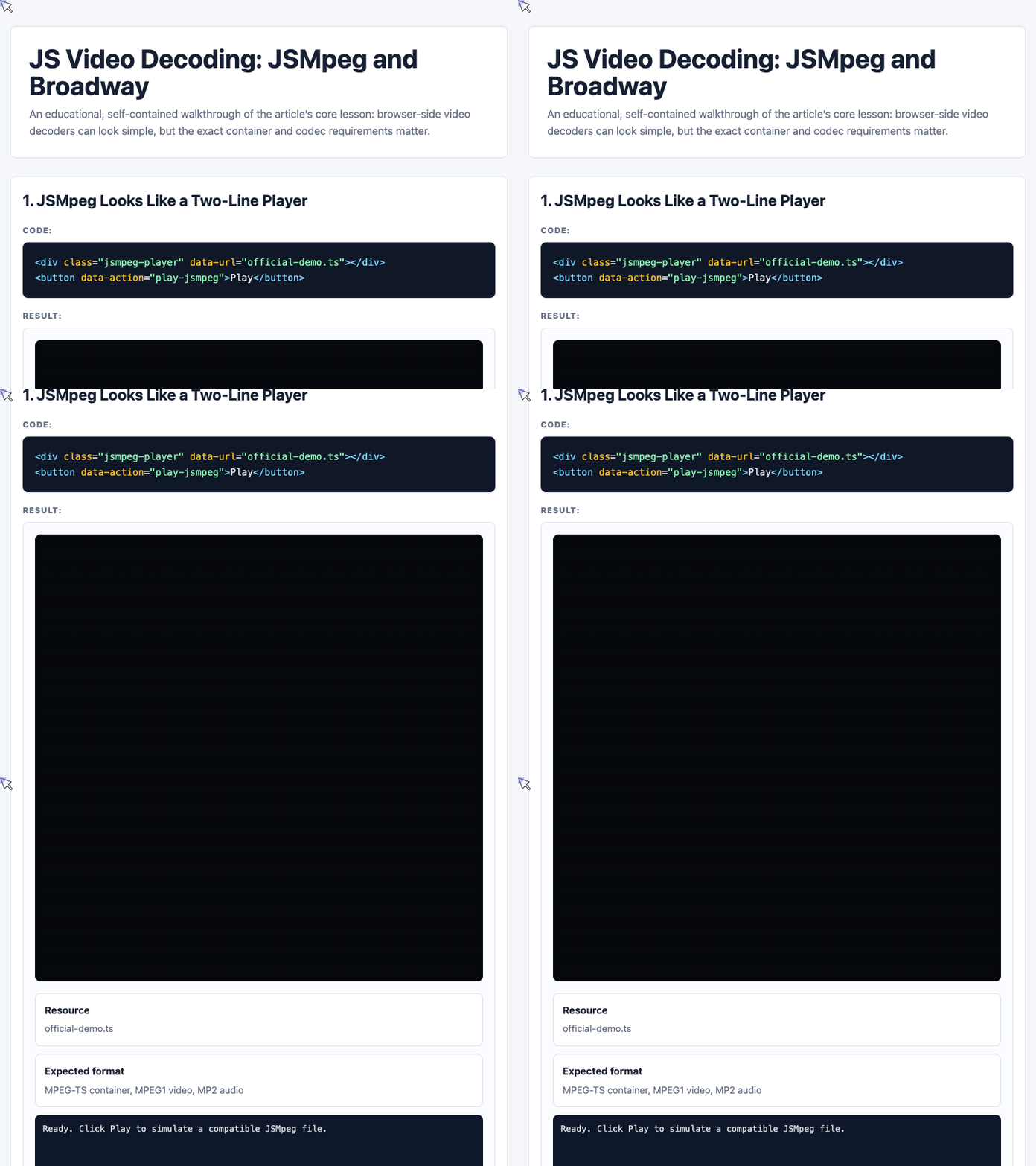
The demo code below captures the basic compatibility check:
document.getElementById("checkFormat").addEventListener("click", () => {
  const file = document.getElementById("formatSelect").value;
  const log = document.getElementById("formatLog");

  if (file === "casual-pick.mp4") {
    log.innerHTML =
      '<span class="bad">JSMpeg: Possible garbage data. Skipping.</span><br>' +
      "MP4 is the wrong container for this decoder path.";
  } else if (file === "converted-but-wrong.ts") {
    log.innerHTML =
      '<span class="warn">Container detected, codecs still wrong.</span><br>' +
      "The article describes this as a black, silent universe.";
  } else {
    log.innerHTML =
      '<span class="ok">Decoding can start.</span><br>' +
      "MPEG-TS container, MPEG1 video, and MP2 audio are all present.";
  }
});
This is the core lesson: changing the file extension or wrapping a file in TS is not enough. The underlying video and audio codecs still need to match what the decoder expects.
🎮 Try it live: Open the interactive demo to experience this yourself.
3. FFmpeg Enters the Chat
To produce a compatible file, I used FFmpeg:
ffmpeg -i in.mp4 -f mpegts -codec:v mpeg1video -codec:a mp2 -b 0 out.tsI even wrote an online transcoding tool for this workflow:
https://www.zhangxinxu.com/study/202104/2ts.php
The file was generated successfully. But when I ran it, I only saw the default frame. Clicking did not play anything. No error either.
The official TS file worked. My generated one did not.
That is the worst kind of failure: no useful signal, no clear error, and no obvious next step.
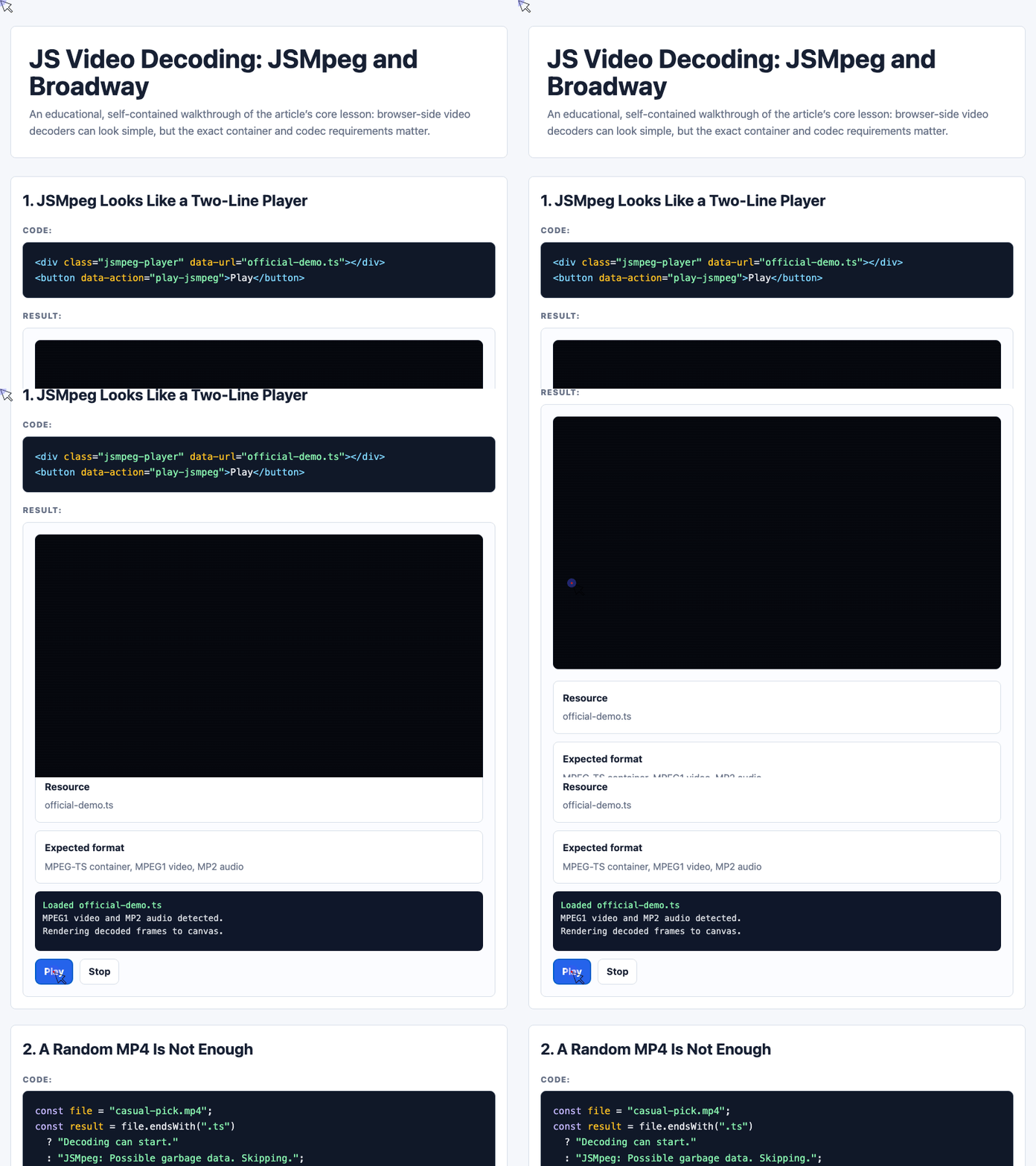
The demo visualizes the transcoding pipeline like this:
document.getElementById("runTranscode").addEventListener("click", () => {
  const steps = [...document.querySelectorAll("#ffmpegPipeline .step")];

  steps.forEach((step, index) => {
    step.classList.remove("active");
    step.querySelector("i").style.width = index === 0 ? "100%" : "0%";
  });

  steps.forEach((step, index) => {
    setTimeout(() => {
      steps.forEach(item => item.classList.remove("active"));
      step.classList.add("active");
      step.querySelector("i").style.width = "100%";
    }, index * 450);
  });
});
This does not perform real transcoding in the browser. It demonstrates the sequence that must be correct: input, container, video codec, and audio codec.
🎮 Try it live: Open the interactive demo to experience this yourself.
4. The File Size Problem
Another issue: the output file became much larger.
My original MP4 was just over 1 MB. After conversion, the TS file was over 5 MB.
The demo includes a simple comparison:
document.getElementById("compareSize").addEventListener("click", () => {
  const beforeMB = 1.2;
  const afterMB = 5.4;
  const growth = Math.round((afterMB / beforeMB) * 10) / 10;

  document.getElementById("afterBar").style.setProperty("--w", "100%");
  document.getElementById("growthText").textContent =
    `${afterMB} MB, about ${growth}x larger`;
});
For a web video workflow, that matters. A decoder may technically work, but if the required format increases file size heavily, the practical value becomes much weaker.
5. Broadway: H.264 Decoding in JavaScript
After giving up on JSMpeg, I moved to Broadway.
Project address: https://github.com/mbebenita/Broadway
At the time I checked, it had about 2.4K stars. The idea is attractive: Broadway implements H.264 video decoding in JavaScript and plays it on the web.
Official demos:
http://mbebenita.github.io/Broadway/foxDemo.html
http://mbebenita.github.io/Broadway/storyDemo.html
http://mbebenita.github.io/Broadway/treeDemo.html
The usage also looks simple:
<div
  class="broadway"
  src="./fox.mp4"
  workers="false"
  render="true"
  webgl="auto">
</div>
And the JavaScript setup:
<script src="./Player/Decoder.js"></script>
<script src="./Player/YUVCanvas.js"></script>
<script src="./Player/Player.js"></script>
<script src="./Player/stream.js"></script>
<script src="./Player/mp4.js"></script>
<script>
  var node = document.querySelector("div.broadway");
  var broadway = new Broadway(node);
</script>
The official MP4 worked.
My own MP4 did not.
The screen was black again, like an endless universe: no image, no sound, no useful feedback.
6. Broadway Also Has a Fragile Input Path
Broadway’s official encoding command looked like this:
ffmpeg -y -i sourceFile -r 30000/1001 -b:a 2M -bt 4M -vcodec libx264 -pass 1 -coder 0 -bf 0 -flags -loop -wpredp 0 -an targetFile.mp4I tried generating a compatible MP4. The result:
function signature mismatchAt first, I suspected my original MP4 file was the problem. So I switched to a video exported from my phone.
Same error.
That made the situation clearer: the issue was probably not the original video, but the Broadway conversion or loading workflow itself.
The demo represents this failure path with a small command tester:
document.getElementById("testBroadwayCommand").addEventListener("click", () => {
  const log = document.getElementById("broadwayCommandLog");
  const messages = [
    '<span class="ok">Command started.</span><br>libx264 selected with strict compatibility flags.',
    '<span class="warn">Entire file must load before playback in this old demo flow.</span>',
    '<span class="bad">function signature mismatch</span><br>The workflow is too brittle for quick use.'
  ];

  let i = 0;
  log.innerHTML = messages[i];

  const timer = setInterval(() => {
    i += 1;
    log.innerHTML = messages[i];
    if (i === messages.length - 1) clearInterval(timer);
  }, 900);
});
The problem is not that H.264 is bad. H.264 is widely used and very efficient. The problem is that this specific JavaScript decoding path is too picky for casual use.
🎮 Try it live: Open the interactive demo to experience this yourself.
7. My Verdict
Both projects are technically interesting.
JSMpeg is considered a relatively mature solution for HTML5 live streaming, especially when the stream is already in the format it expects. But if your input is a normal MP4 file, onboarding is painful.
Broadway is an impressive experiment in H.264 decoding with JavaScript, but the project has not aged well for my use case. The demos work, but getting my own videos to work was frustrating.
My practical conclusion:
const review = [
  {
    name: "JSMpeg",
    verdict: "mature for MPEG-TS live streams, picky for casual MP4s"
  },
  {
    name: "Broadway",
    verdict: "interesting H.264 decoder, difficult demo path"
  },
  {
    name: "Native video / MSE",
    verdict: "often a better first web-video choice today"
  }
];
For my actual needs, Vap was more useful. With Vap, I could play random MP4 files much more easily.
8. What I Might Test Next
I also looked at a few related options.
Bilibili has ijkplayer, which is popular for iOS and Android, but my focus is the web, so it is not the right fit for this test.
The video.js project uses Media Source Extensions. I am not sure yet how well it performs on Android HTML5, so that may be worth testing next.
For now, my review is simple:
JSMpeg and Broadway are interesting, but both gave me a negative first-run experience.
They may work well in carefully prepared environments. But if the goal is to quickly play ordinary MP4 files on the web, they are not the smoothest path.
Try It Yourself
Want to see these concepts in action? I’ve created an interactive demo where you can experiment with the code and see real-time results.
Explore more demos from my previous articles in the Demo Gallery.
Happy coding!