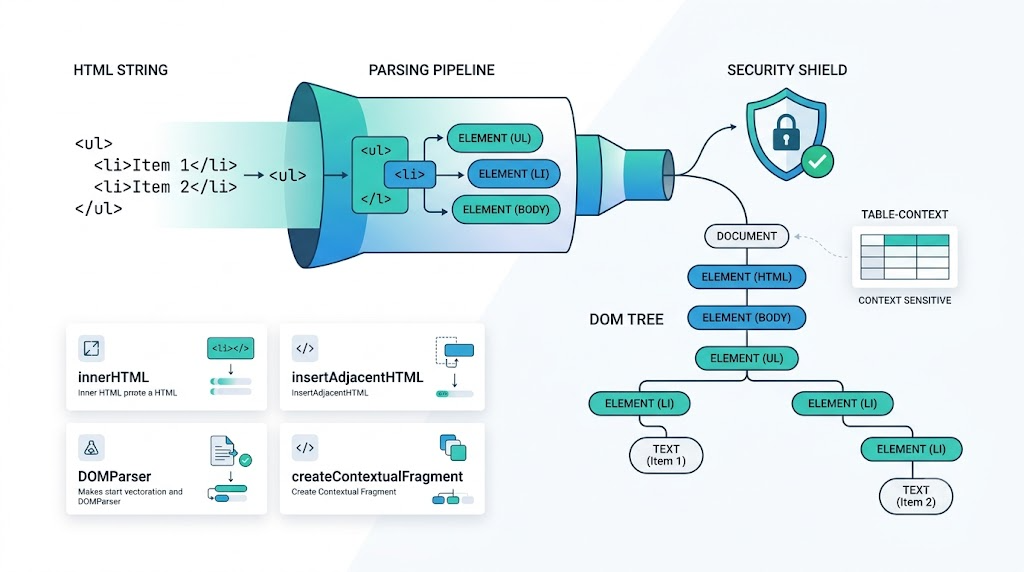
Converting an HTML string into real DOM nodes sounds simple, but the browser gives us several APIs with different tradeoffs. Some are fast, some are safer, some require a valid parsing context, and one can accidentally execute scripts if you use it carelessly.
This guide walks through the most useful methods, the edge cases that matter, and the security details you should not ignore.
The Four Common APIs
The main options are:
innerHTMLinsertAdjacentHTML()DOMParserRange.createContextualFragment()
Each turns HTML text into DOM in a slightly different way.
1. Using innerHTML
innerHTML is the most common and usually the most practical option. You create a temporary container, assign the string, then read the resulting nodes.
let html = 'Text<span>element</span>';
let placeholder = document.createElement('div');
placeholder.innerHTML = html;
let nodes = placeholder.childNodes;
This returns both text nodes and element nodes. In this example, nodes contains a text node for "Text" and a SPAN element for "element".
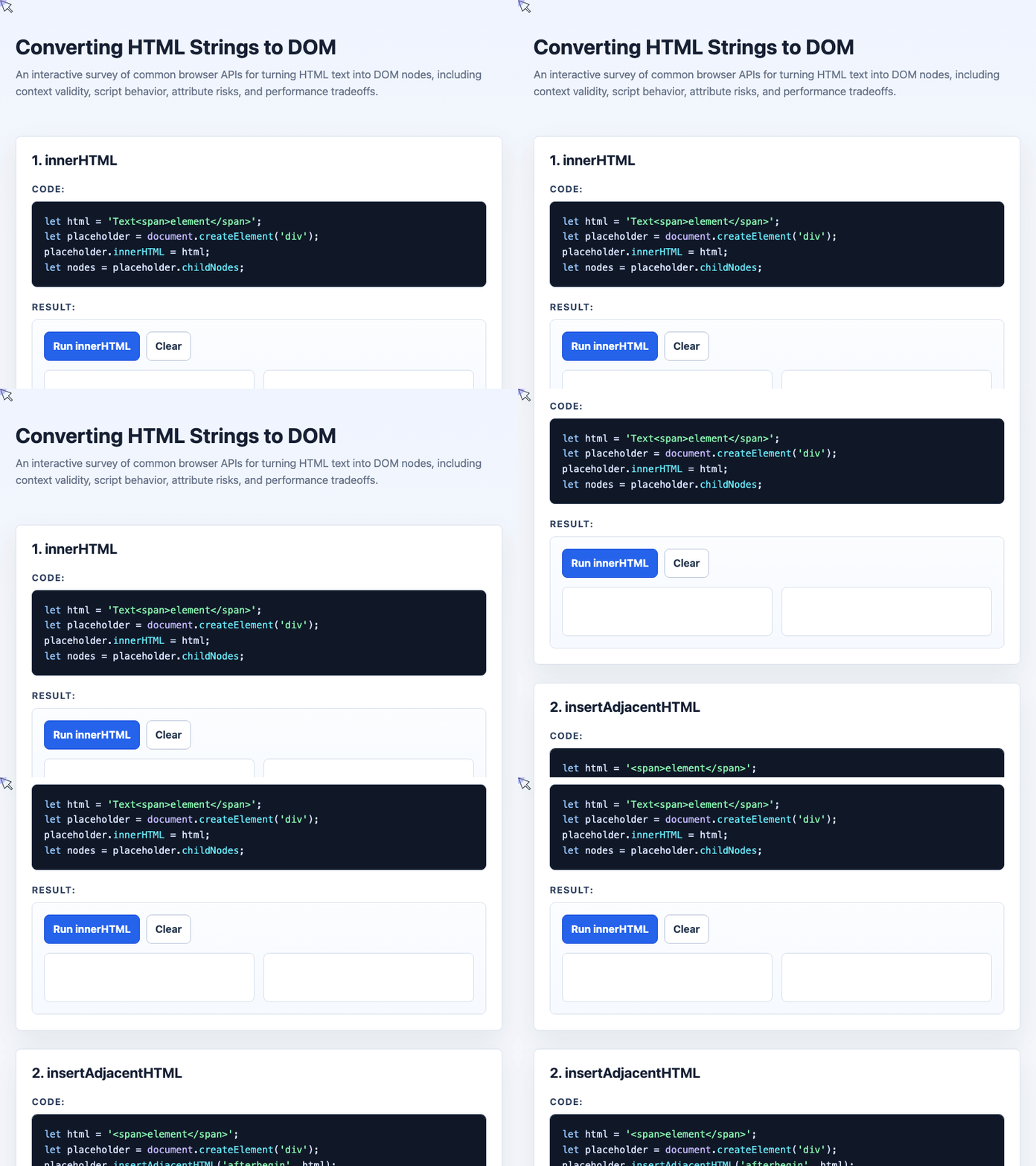
🎮 Try it live: Open the interactive demo to experience this yourself.
innerHTML is simple, broadly compatible, and usually the best default for ordinary HTML. The main limitation is context: not every tag is valid inside a div.
For example, a <tr> cannot be parsed correctly inside a div.
2. Using insertAdjacentHTML()
insertAdjacentHTML() is useful when you want to insert parsed HTML at a specific position relative to an existing element.
let html = '<span>element</span>';
let placeholder = document.createElement('div');

placeholder.insertAdjacentHTML('afterbegin', html);

let node = placeholder.firstElementChild;
The method supports four insertion positions: beforebegin, afterbegin, beforeend, and afterend.
It is especially convenient when you already have a DOM element and want to insert markup without replacing its existing content.
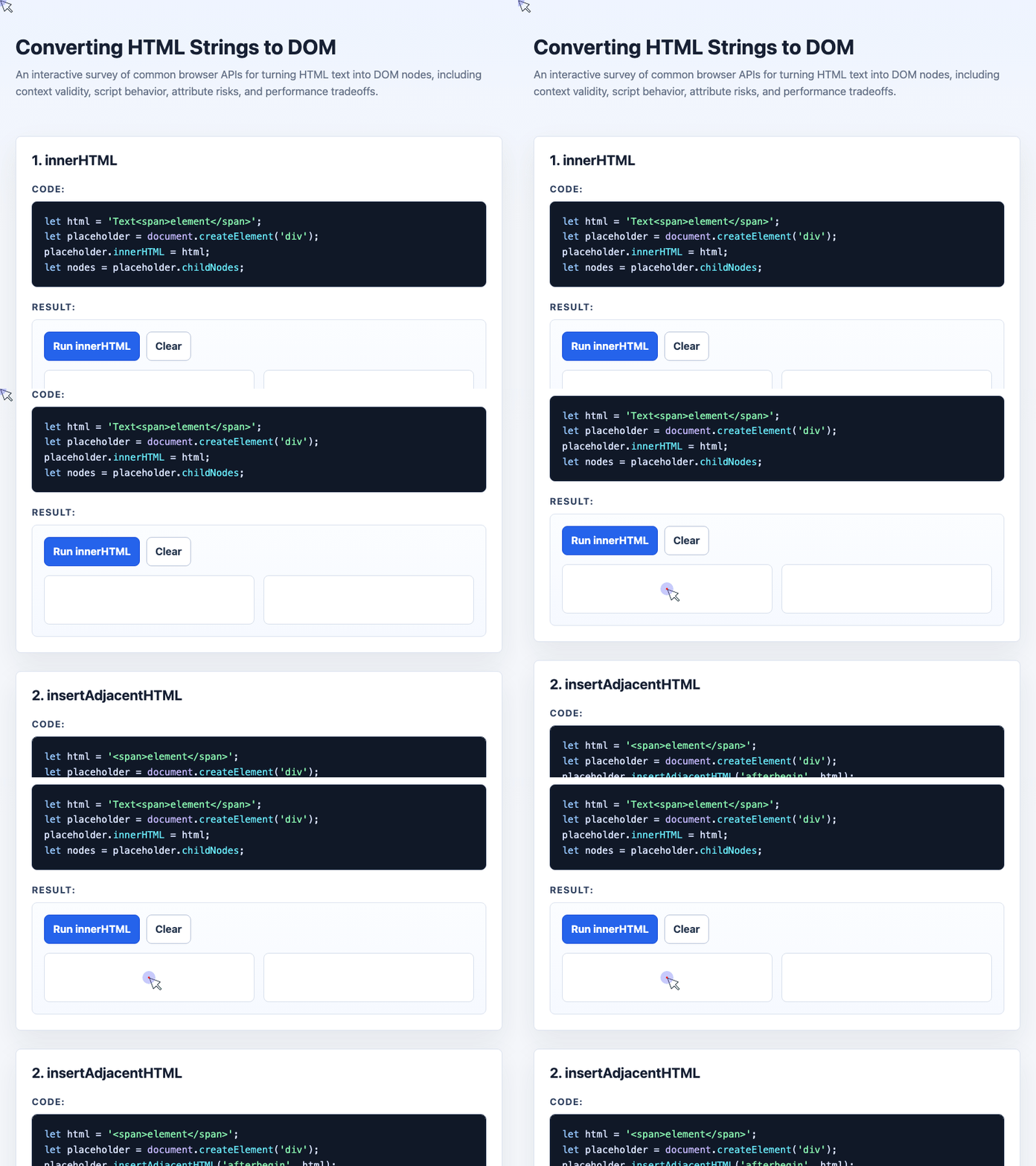
🎮 Try it live: Open the interactive demo to experience this yourself.
Like innerHTML, scripts inserted this way do not execute automatically. But it still has the same validity issue: table-related tags such as tr, td, and thead need the correct parent context.
3. Using DOMParser
DOMParser parses a string into a full document.
let html = '<strong>parsed</strong><em>HTML</em>';

let nodes = new DOMParser()
  .parseFromString(html, 'text/html')
  .body
  .childNodes;
This is useful when you want document-style parsing rather than simply inserting markup into a temporary element. It can also parse XML and SVG by changing the MIME type.
However, DOMParser is usually slower than the other options. For everyday UI work, this rarely matters. For repeated parsing of very large HTML or SVG strings, it can become noticeable.
Context Matters: Why <tr> Fails Inside a <div>
Some HTML elements are only valid inside specific parent elements. A <tr> belongs inside a table section such as <tbody>, not inside a generic div.
This will fail:
let invalidPlaceholder = document.createElement('div');
invalidPlaceholder.innerHTML = '<tr><td>zhangxinxu.com</td></tr>';

let invalidNode = invalidPlaceholder.firstElementChild;
invalidNode will be null because the browser does not treat that markup as valid inside a div.
Use the correct context instead:
let validPlaceholder = document.createElement('tbody');
validPlaceholder.innerHTML = '<tr><td>zhangxinxu.com</td></tr>';

let validNode = validPlaceholder.firstElementChild;
Now the browser can correctly create a TR element.
The <template> Escape Hatch
If you do not need to support Internet Explorer, the <template> element is often the cleanest way to parse arbitrary HTML fragments.
let template = document.createElement('template');
template.innerHTML = '<tr><td>No reposting by public accounts</td></tr>';

let node = template.content.lastChild;
Unlike a regular div, a template’s content is a DocumentFragment, which makes it useful for parsing fragments without immediately rendering them.
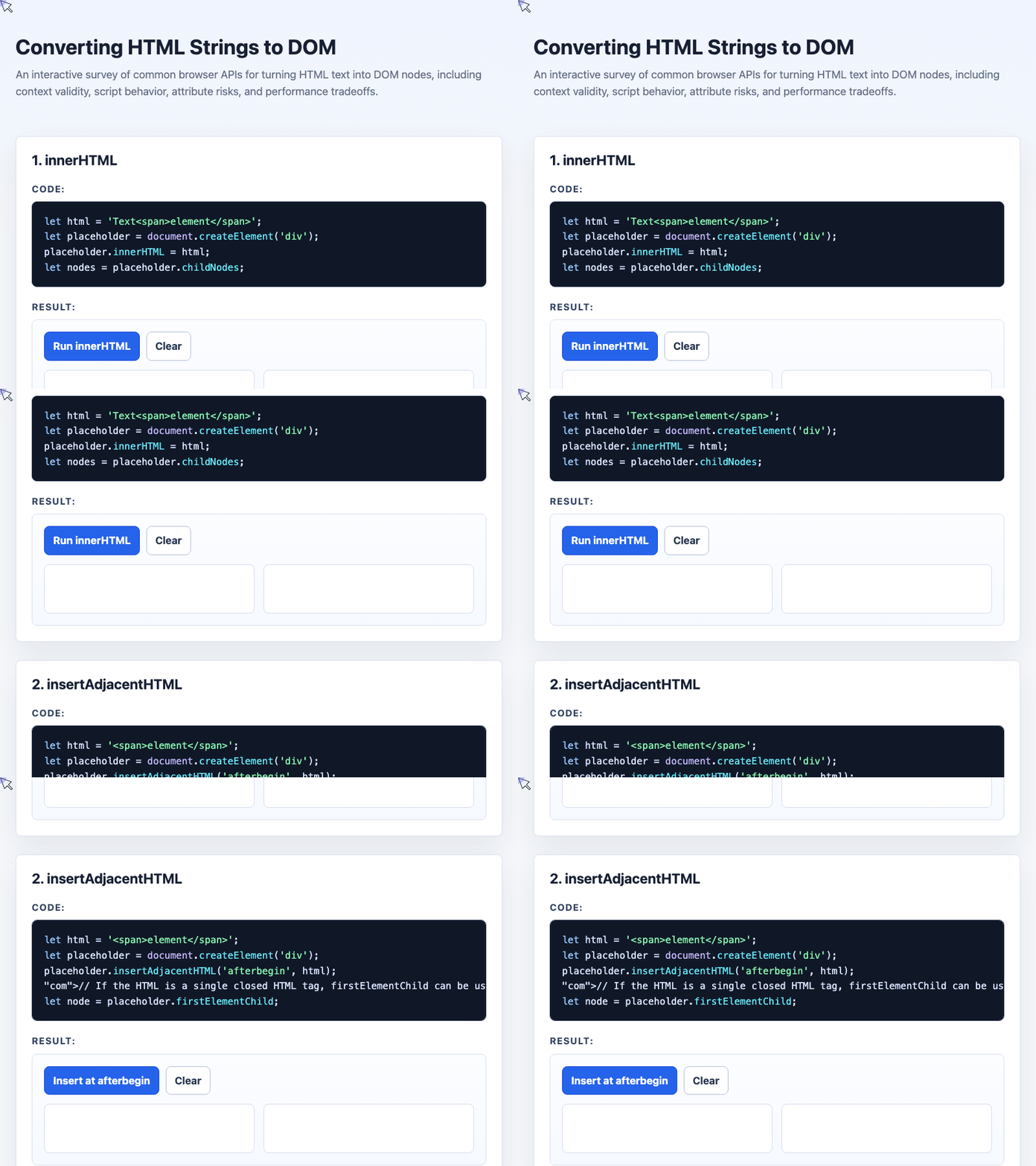
🎮 Try it live: Open the interactive demo to experience this yourself.
For modern browsers, template.innerHTML is a strong default when you need reliable fragment parsing.
What About Range.createContextualFragment()?
Range.createContextualFragment() can parse HTML relative to a selected context.
let html = '<span>fragment item</span><span>second item</span>';

let elements = document
  .createRange()
  .createContextualFragment(html)
  .children;
It can be fast and flexible, but it requires more care. Most importantly, scripts inside the HTML can execute when using this API, so avoid it for untrusted HTML unless you have a very specific reason and strong sanitization in place.
Security: Scripts Are Not the Only Risk
A common misconception is that preventing <script> execution is enough. It is not.
With innerHTML, script tags generally do not execute:
let placeholder = document.createElement('div');
placeholder.innerHTML = '<div><script>window.demoScriptRan = true;<\/script></div>';

let node = placeholder.firstElementChild;
document.querySelector('#security-visual').appendChild(node);

let scriptRan = Boolean(window.demoScriptRan);
In this case, scriptRan remains false.
But event attributes can still execute when the element is inserted into the document:
<img src="x" onerror="alert(1)">That means untrusted HTML must be sanitized. Remove dangerous attributes such as onerror, onload, and other on* handlers. Also be careful with URLs, inline styles, and SVG content.
Performance Tradeoffs
Performance varies by browser and workload, but common benchmark results usually show this rough pattern:
Range.createContextualFragment()can be very fastinsertAdjacentHTML()andinnerHTMLare usually efficientDOMParser.parseFromString()is often slower
In real applications, this usually does not matter unless you are parsing very large strings or doing it many times in a loop. For normal UI rendering, choose based on clarity, correctness, context handling, and security.
Practical Selection Guide
Use this rule of thumb:
let recommendation = {
  defaultChoice: 'template.innerHTML',
  legacyChoice: 'innerHTML',
  tableRows: 'Use tbody/table context or template',
  security: 'Sanitize untrusted HTML and remove on* attributes',
  performance: 'Avoid DOMParser for very large repeated parsing'
};
If you need broad legacy compatibility, use innerHTML with the correct container.
If you are targeting modern browsers, use <template> for flexible fragment parsing.
If you need positional insertion, use insertAdjacentHTML().
If you need full-document parsing, XML, or SVG parsing, consider DOMParser.
If you need contextual parsing and fully understand the security implications, Range.createContextualFragment() is available, but it should not be your casual default.
Final Thoughts
Converting HTML strings into DOM nodes is less about finding one perfect API and more about choosing the right parsing context.
For most modern code, template.innerHTML is a clean and practical default. For older browser support, innerHTML remains reliable. insertAdjacentHTML() is excellent for targeted insertion, while DOMParser is better suited to document-style parsing.
The most important rule is security: never trust third-party HTML. Sanitize it before insertion, remove dangerous attributes, and treat HTML parsing as a potential XSS boundary.
Try It Yourself
Want to see these concepts in action? I’ve created an interactive demo where you can experiment with the code and see real-time results.
Explore more demos from my previous articles in the Demo Gallery.
Happy coding!