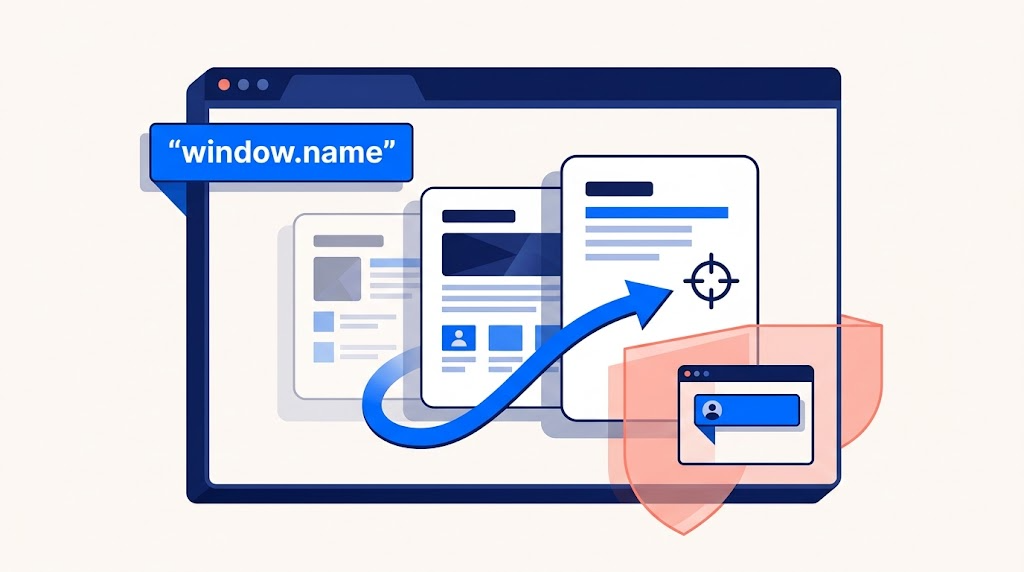
A small browser property that can survive a page change—and a reminder that browser history shapes today’s APIs.
Most JavaScript state disappears when you navigate to another page. window.name can behave differently: set it in one document, navigate within the same browsing context, and the next document may still read that value.
That makes it an interesting way to explore how browsers separate a document from the context that displays it.
But older explanations need an update. Cross-origin persistence is no longer something to rely on, and calling the property “useless” overlooks its intended role: naming navigation targets.
Let’s explore its behavior through focused examples from the supplied demo.
1. Meet the Window’s Name
window.name is a readable, writable string representing the name of a browsing context—a tab, window, or iframe. An unnamed context starts with ""; an explicitly named context may already contain a value. Its primary purpose is to provide a target name for links and forms. MDN’s window.name reference
The demo runs each experiment inside its own iframe. That matters: setting window.name inside an iframe changes that iframe’s name.
Here is the demo’s read-and-write interaction, with the presentation markup trimmed:
<input id="name" value="zhangxinxu" autocomplete="off">
<button id="set">Set name</button>
<button id="clear">Clear name</button>
<p>window.name = <output id="value"></output></p>

<script>
const input = document.getElementById("name");
const output = document.getElementById("value");

function render() {
  output.textContent = JSON.stringify(window.name);
}

document.getElementById("set").onclick = () => {
  window.name = input.value;
  render();
};

document.getElementById("clear").onclick = () => {
  window.name = "";
  render();
};

render();
</script>
Clicking Set name copies the input’s text into the property. Clicking Clear name assigns an empty string.
The use of JSON.stringify() makes the display easier to interpret: an empty name appears as "" instead of looking like missing output. Assigning the result through textContent also keeps it as text rather than interpreting it as HTML.
2. A New Document Can Keep the Same Name
The interesting part begins when navigation replaces the document while keeping the same browsing context.
In the demo, two links assign different names before loading the same destination. The destination then reads whichever value was assigned.
The demo generates its destination using a Blob URL so the experiment fits into one HTML file. The following excerpt preserves its link handlers and destination output, using a regular same-origin file URL to make the sequence easier to follow:
<!-- Source page -->
<a id="first" href="./window-name.html">Take link one →</a>
<a id="second" href="./window-name.html">Take link two →</a>

<script>
const first = document.getElementById("first");
const second = document.getElementById("second");

first.onclick = () => {
  window.name = "zhangxinxu-1";
};

second.onclick = () => {
  window.name = "zhangxinxu-2";
};
</script>

<!-- Destination page: window-name.html -->
<p>window.name = <output id="value"></output></p>

<script>
document.getElementById("value").textContent =
  JSON.stringify(window.name);
</script>
Save the two marked sections as separate pages on the same origin. Clicking the first link assigns "zhangxinxu-1" before normal link navigation proceeds. The destination reads that value when its script runs.
The second link produces "zhangxinxu-2" instead.
This lets the destination distinguish between two entry points without adding a query parameter. However, the value is mutable and may outlive the interaction that created it. It should not be treated as proof of where a visitor came from.
What Changes With target="_blank"?
The supplied demo also includes a link with target="_blank" and rel="noopener".
Its click handler sets the source context’s name to "source-window". The destination opens in a fresh, unnamed context and displays "". The source assignment is not copied into the new tab.
An explicitly named target is a different case: links can use a context’s name to direct navigation to that context. This is why using window.name as arbitrary storage can interfere with its navigation role.
3. JSON Fits—but It Remains Text
Because window.name holds a string, it can contain serialized JSON.
The demo’s final experiment stores text from a textarea, reports the stored type, and attempts to parse it. Here is the relevant interaction:
<textarea id="json" rows="2">{ "foo": "bar" }</textarea>
<button id="store">Store & parse</button>
<p>Stored type: <output id="type">—</output></p>
<p aria-live="polite"><output id="parsed">Ready to try.</output></p>

<script>
const input = document.getElementById("json");
const type = document.getElementById("type");
const result = document.getElementById("parsed");

document.getElementById("store").onclick = () => {
  window.name = input.value;
  type.textContent = typeof window.name;

  try {
    const data = JSON.parse(window.name);
    result.textContent = "Parsed value: " + JSON.stringify(data);
  } catch {
    result.textContent =
      "Invalid JSON. The text was stored, but could not be parsed.";
  }
};
</script>
With valid JSON, the output shows Stored type: string and the parsed value. Remove a quotation mark and click again: the text is still stored, but parsing fails with a readable message.
The distinction matters. Storing text, parsing JSON, and validating application data are separate operations. A successful parse does not establish that an object contains the fields or values your application expects.
4. Why the Old Cross-Origin Trick Is Obsolete
Historically, developers used a technique called window.name transport to transfer information across origins through a sequence of navigations.
That same persistence created a privacy problem: information left by one website could become visible to another. Mozilla documented this abuse when introducing protections in Firefox 88. Mozilla’s explanation of window.name privacy protections
Modern browsers reset the name when a tab navigates to a different domain and can restore it on history traversal back to the original page. The older claim that any page loaded in the same tab can read the previous name is therefore unreliable. MDN’s browser behavior notes
For communication between documents on different origins, use window.postMessage(). Specify an explicit target origin, and validate the sender and message contents on receipt. MDN’s cross-origin communication guidance
5. Where window.name Still Fits
window.name remains useful for understanding browsing contexts and working with named navigation targets. The demo also shows how a small string can survive same-origin document navigation.
Keep three boundaries in mind:
- It stores strings. JSON requires explicit serialization, parsing, and validation.
- Its value is associated with a browsing context. A fresh unnamed tab does not inherit the source’s name.
- Its historical cross-origin persistence is unreliable. It is not a modern messaging API.
The property’s most useful lesson is the distinction between a page and the context hosting it. A document can be replaced while some context-level state remains—and window.name makes that behavior visible with just a few lines of JavaScript.
Try It Yourself
Want to see these concepts in action? I’ve created an interactive demo where you can experiment with the code and see real-time results.
Explore more demos from my previous articles in the Demo Gallery.
Happy coding!