
Originally inspired by zhangxinxu’s 2019 article on the ECMAScript Internationalization API. This version is rewritten as a concise technical Medium-style introduction, with practical examples and demo-oriented snippets.
JavaScript is used across regions, languages, currencies, calendars, and writing systems. Formatting a number, sorting names, or displaying “yesterday” may look simple at first, but these tasks quickly become complicated when an application serves users in different locales.
That is exactly what the Intl object is for.
Intl is the namespace for the ECMAScript Internationalization API. It provides browser-native tools for locale-aware string comparison, date formatting, number formatting, list formatting, plural rules, and relative time formatting.
Instead of manually stitching together strings like 2026年09月09日, or maintaining your own pinyin-style sorting rules for Chinese names, you can let the runtime handle locale behavior for you.
What Is the Intl Object?
In modern browsers, Intl usually exposes constructors such as:
Intl.Collator
Intl.DateTimeFormat
Intl.ListFormat
Intl.NumberFormat
Intl.PluralRules
Intl.RelativeTimeFormat
Intl.getCanonicalLocales
Each one solves a different internationalization problem:
Intl.Collator: locale-aware string sorting and comparisonIntl.DateTimeFormat: localized date and time outputIntl.ListFormat: localized list joiningIntl.NumberFormat: localized number, currency, and percentage formattingIntl.PluralRules: plural category selectionIntl.RelativeTimeFormat: output like “昨天”, “明天”, or “1天前”Intl.getCanonicalLocales: normalize locale identifiers
For Chinese-language applications, the most immediately useful APIs are usually Collator, DateTimeFormat, NumberFormat, and RelativeTimeFormat.
1. Sorting Chinese Names with Intl.Collator
JavaScript’s default sort() compares strings by Unicode code point order. That is rarely what users expect.
For example, Chinese names sorted with plain sort() often appear in an unintuitive order. Intl.Collator('zh') gives us locale-aware comparison suitable for Chinese sorting.
const names = [
  "陈坤", "邓超", "杜淳", "冯绍峰", "韩庚",
  "胡歌", "黄晓明", "贾乃亮", "李晨", "李易峰",
  "鹿晗", "井柏然", "刘烨", "陆毅", "孙红雷"
];

const sortedNames = names.sort(new Intl.Collator('zh').compare);

console.log(sortedNames);
The important part is this line:
names.sort(new Intl.Collator('zh').compare);Instead of writing custom pinyin sorting logic, we delegate the comparison to the browser’s internationalization engine.
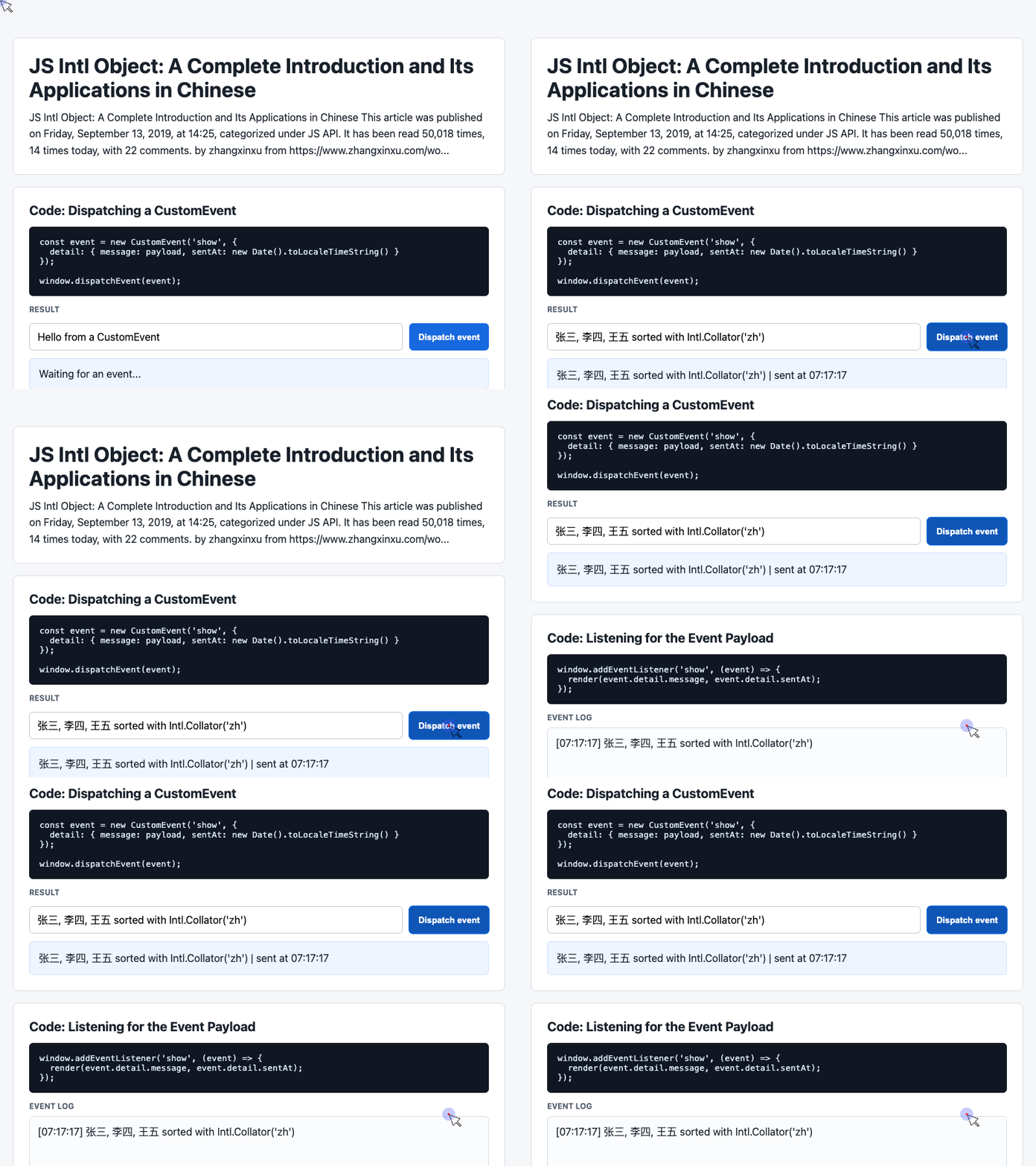
🎮 Try it live: Open the interactive demo to experience this yourself.
Intl.Collator is also useful for numeric string sorting. Plain JavaScript sorting gives surprising results:
['15', '2', '100'].sort();
// ["100", "15", "2"]
With numeric: true, the strings are compared by numeric value:
const values = ['15', '2', '100'];

values.sort(new Intl.Collator(undefined, {
  numeric: true
}).compare);

console.log(values);
// ["2", "15", "100"]
This is especially practical for filenames, table columns, rankings, and mixed text-number labels.
2. Formatting Dates with Intl.DateTimeFormat
Many projects still format dates manually:
year + '年' + month + '月' + day + '日'That works until you need timezone handling, zero padding, 12-hour versus 24-hour display, or different locale output.
Intl.DateTimeFormat gives you a declarative way to format dates.
const formatter = new Intl.DateTimeFormat('zh-CN', {
  year: 'numeric',
  month: '2-digit',
  day: '2-digit',
  hour: '2-digit',
  minute: '2-digit',
  second: '2-digit',
  hour12: false
});

console.log(formatter.format(new Date()));
The options are readable:
year: 'numeric'displays the full yearmonth: '2-digit'pads the month to two digitsday: '2-digit'pads the day to two digitshour12: falseforces 24-hour time
This is a better long-term choice than manually concatenating date parts.
The provided demo code uses toLocaleTimeString() when dispatching an event:
const event = new CustomEvent('show', {
  detail: {
    message: payload,
    sentAt: new Date().toLocaleTimeString()
  }
});

window.dispatchEvent(event);
A more controlled Intl-based version would be:
const timeFormatter = new Intl.DateTimeFormat('zh-CN', {
  hour: '2-digit',
  minute: '2-digit',
  second: '2-digit',
  hour12: false
});

const event = new CustomEvent('show', {
  detail: {
    message,
    sentAt: timeFormatter.format(new Date())
  }
});

window.dispatchEvent(event);
Now the event payload contains a predictable Chinese-locale time string.
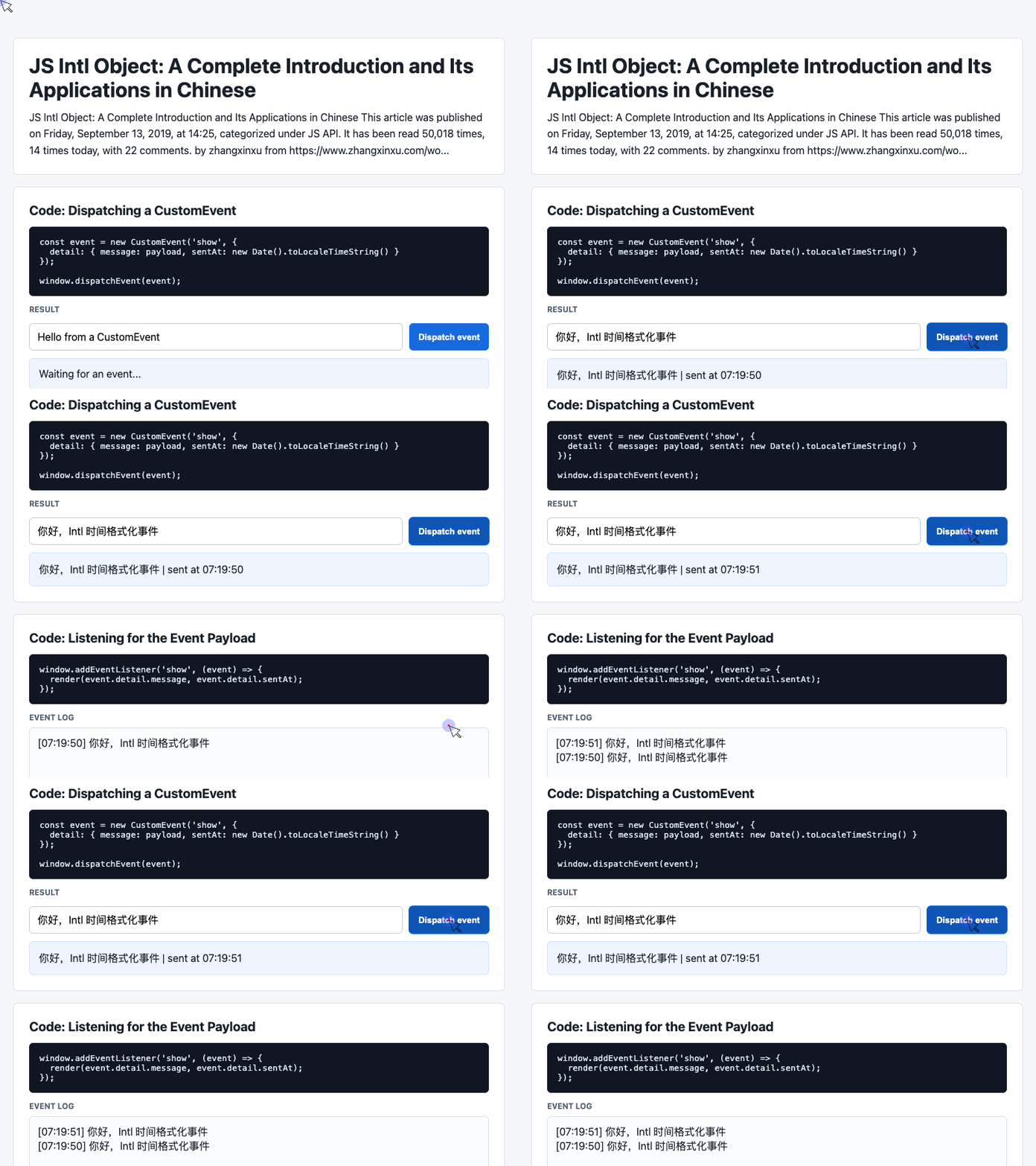
🎮 Try it live: Open the interactive demo to experience this yourself.
3. Formatting Numbers and Currency with Intl.NumberFormat
Intl.NumberFormat is one of the most useful APIs in the entire Intl family.
It can format:
- thousands separators
- decimal precision
- currencies
- percentages
- numbering systems
For example:
const formatter = new Intl.NumberFormat('zh-CN', {
  minimumFractionDigits: 4
});

console.log(formatter.format(12345.6789));
// "12,345.6789"
If you need to pad numbers with leading zeros, minimumIntegerDigits is useful:
const twoDigit = new Intl.NumberFormat('zh-CN', {
  minimumIntegerDigits: 2,
  useGrouping: false
});

console.log(twoDigit.format(8));
// "08"
For Chinese currency display:
const cnyFormatter = new Intl.NumberFormat('zh-Hans', {
  style: 'currency',
  currency: 'CNY',
  currencyDisplay: 'name'
});

console.log(cnyFormatter.format(12345.6789));
// "12,345.68 人民币"
This avoids hardcoding currency symbols or suffixes, and it lets the runtime handle rounding and grouping.
4. Building a Small Demo Interface
The provided demo code uses a simple event-driven UI: an input, a button, and a result area.
That structure is useful for demonstrating Intl formatting interactively.
<div class="controls">
  <input id="payload" value="Hello from Intl">
  <button id="dispatch">Dispatch event</button>
</div>

<div class="event-card" id="latest">
  Waiting for an event...
</div>
This gives us a compact interface where users can trigger formatting behavior and immediately see the result.
The supporting CSS keeps the demo readable:
.controls {
  display: flex;
  flex-wrap: wrap;
  gap: 10px;
}

input {
  flex: 1 1 260px;
  min-height: 40px;
  border: 1px solid #c3cad6;
  border-radius: 6px;
  padding: 0 12px;
  font: inherit;
}

.event-card {
  border: 1px solid #cfe0ff;
  background: #eef5ff;
  border-radius: 6px;
  padding: 14px;
}
This is not Intl-specific, but it creates a practical teaching surface for testing locale-aware formatting.
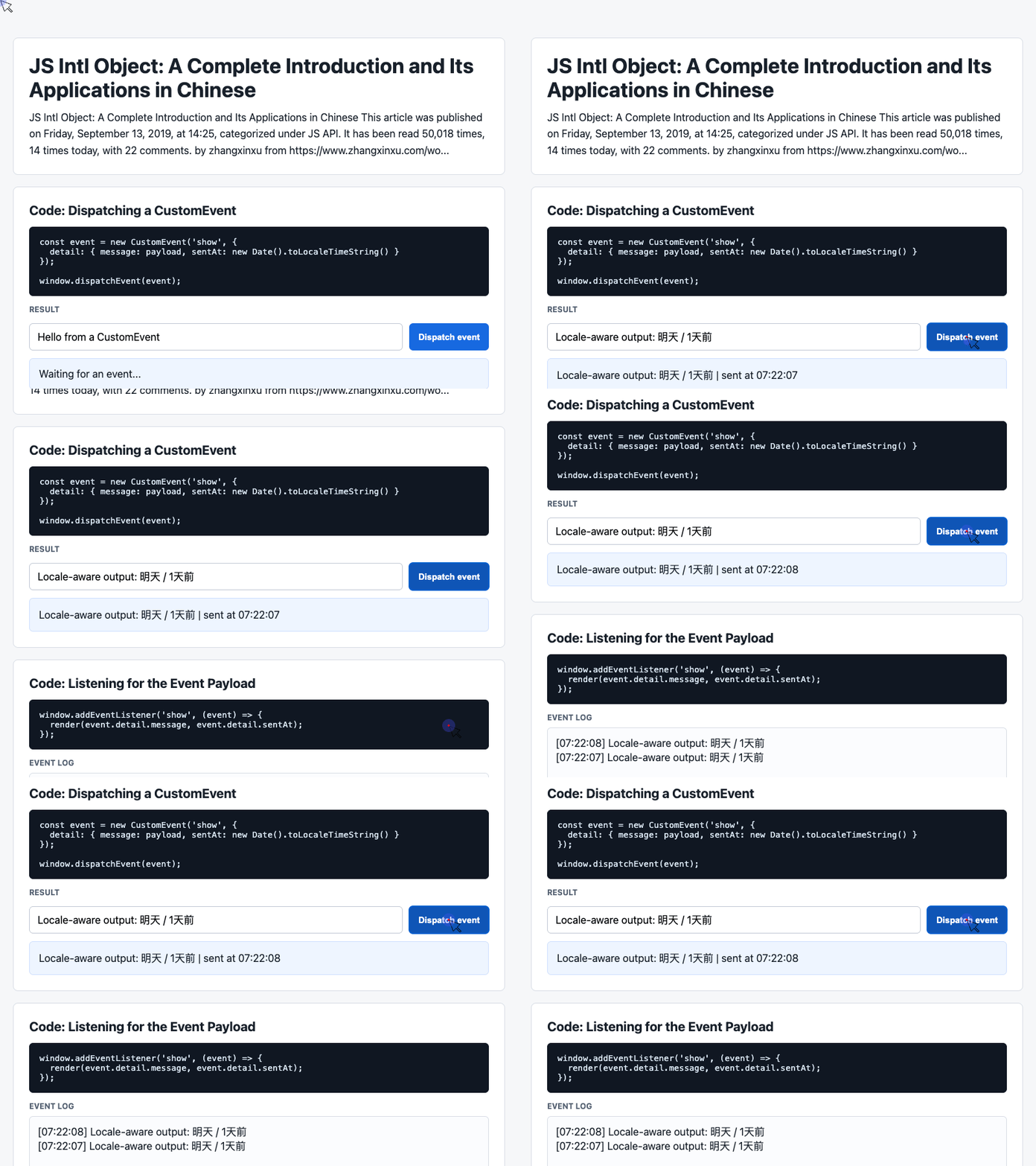
🎮 Try it live: Open the interactive demo to experience this yourself.
5. Relative Time in Chinese with Intl.RelativeTimeFormat
Relative time is common in comments, feeds, notifications, and dashboards.
Instead of manually writing logic for “1 day ago”, “tomorrow”, or “yesterday”, use Intl.RelativeTimeFormat.
const rtf = new Intl.RelativeTimeFormat('zh', {
  numeric: 'auto'
});

console.log(rtf.format(-1, 'day'));
// "昨天"

console.log(rtf.format(1, 'day'));
// "明天"
Without numeric: 'auto', the output is more literal:
const rtf = new Intl.RelativeTimeFormat('zh');

console.log(rtf.format(-1, 'day'));
// "1天前"

console.log(rtf.format(1, 'day'));
// "1天后"
For Chinese interfaces, numeric: 'auto' often feels more natural in user-facing contexts.
6. List Formatting with Intl.ListFormat
Intl.ListFormat formats lists according to locale rules.
const vehicles = ['Motorcycle', 'Bus', 'Car'];

const formatter = new Intl.ListFormat('zh', {
  style: 'long',
  type: 'conjunction'
});

console.log(formatter.format(vehicles));
// "Motorcycle、Bus和Car"
In English, the same structure produces:
const formatter = new Intl.ListFormat('en', {
  style: 'long',
  type: 'conjunction'
});

console.log(formatter.format(vehicles));
// "Motorcycle, Bus, and Car"
This is useful when rendering selected tags, participants, product features, or joined names.
7. Normalizing Locales with Intl.getCanonicalLocales
Locale strings can be written in different forms. Intl.getCanonicalLocales() normalizes them.
Intl.getCanonicalLocales('zh-hans');
// ["zh-Hans"]

Intl.getCanonicalLocales('zh-cn');
// ["zh-CN"]

Intl.getCanonicalLocales('yue-hk');
// ["yue-HK"]
This is helpful when accepting locale input from configuration, user preferences, or backend data.
Final Thoughts
The Intl object is not just a browser curiosity. It solves real production problems: sorting Chinese names, formatting currency, displaying localized dates, rendering relative time, and preparing applications for international users.
For Chinese-language web apps, start with these four APIs:
Intl.Collator
Intl.DateTimeFormat
Intl.NumberFormat
Intl.RelativeTimeFormat
They remove a surprising amount of manual formatting code and make your UI more accurate, more readable, and easier to maintain.
Try It Yourself
Want to see these concepts in action? I’ve created an interactive demo where you can experiment with the code and see real-time results.
Explore more demos from my previous articles in the Demo Gallery.
Happy coding!