
Understand what changed, choose the right signal, and keep your UI in sync.
Adapted from zhangxinxu’s original article. Code examples are extracted and condensed from the supplied interactive demo; adapted truncation examples retain the original author’s attribution and MIT license.
A paragraph changes. A component disappears. Another script inserts a form into the page.
The DOM has changed—but how should your JavaScript find out?
There are several answers, and they solve different problems. A custom element can respond to its own lifecycle. A MutationObserver can watch an existing subtree. A property setter can react immediately to an assignment you control.
To make these differences concrete, we’ll follow a small example: text that displays two or three lines, depending on a rows value.
Start by Defining What “Changed” Means
Before choosing an API, identify the signal your code needs.
| What you need to detect | Appropriate approach |
|---|---|
| A custom component connects, disconnects, or changes an observed attribute | Custom element lifecycle callbacks |
| Attributes, text nodes, or child nodes change | MutationObserver |
| Application code assigns a specific property | A property setter |
Old code listens for events such as DOMNodeInserted | Historical mutation events; migrate to MutationObserver |
| A matching element completes a CSS animation | An animation event, with limited detection guarantees |
These mechanisms are not interchangeable. Assigning a JavaScript property, changing an HTML attribute, and replacing a text node are distinct operations.
1. Custom Elements: Let the Component Respond
When you own a component’s implementation, lifecycle callbacks keep its behavior close to the element itself.
The demo defines an <x-ell> element with a rows attribute. Assigning element.rows = 3 updates that attribute, which triggers rendering.
The following excerpt preserves the component’s essential behavior. It uses the demo’s shared .clamp class, whose -webkit-line-clamp value comes from the CSS custom property --rows.
class HTMLEllElement extends HTMLElement {
  static get observedAttributes() { return ['rows']; }

  connectedCallback() {
    if (!this.isConnected) return;
    this._updateRendering();
  }

  attributeChangedCallback(name, oldValue, newValue) {
    this._updateRendering();
  }

  get rows() { return this.getAttribute('rows'); }
  set rows(value) { this.setAttribute('rows', value); }

  _updateRendering() {
    const rows = Math.max(1, parseInt(this.rows, 10) || 2);
    this.classList.add('clamp');
    this.style.setProperty('--rows', rows);
  }
}

customElements.define('x-ell', HTMLEllElement);
document.querySelector('x-ell').rows = 3;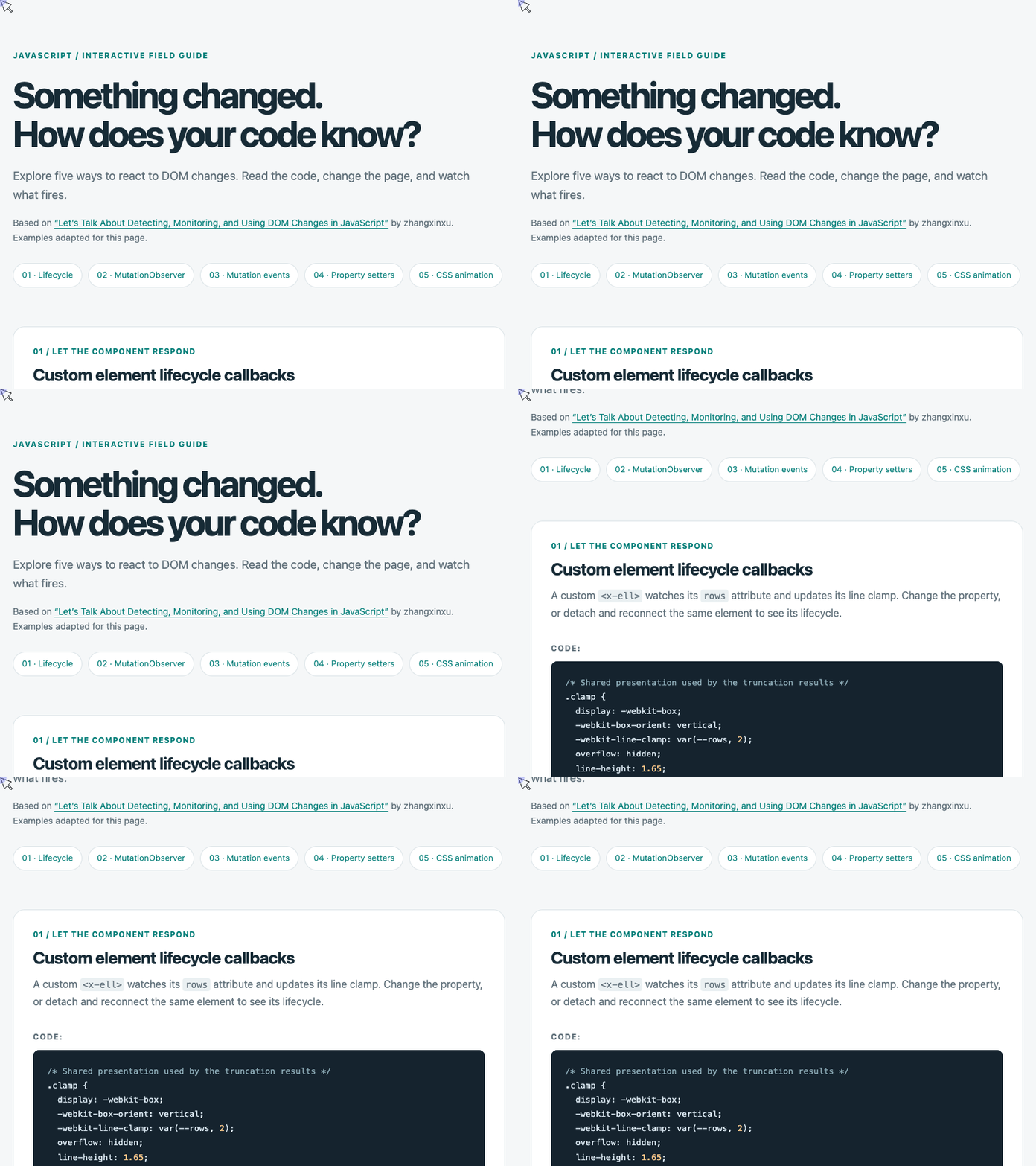
🎮 Try it live: Open the interactive demo to experience this yourself.
The update follows a short path: property assignment → attribute change → lifecycle callback → CSS update.
The getter reads directly from the attribute, avoiding a second copy of the same state. The rendering method defaults invalid values to two lines and prevents values below one.
The demo also includes disconnectedCallback() for removal and adoptedCallback() for movement between documents. Only attributes listed in observedAttributes trigger attributeChangedCallback(). Connection callbacks can run before an element’s children are fully parsed, so initialization that depends on child content needs care. MDN: Using custom elements
This example avoids that parsing dependency: its rendering method updates presentation without inspecting the paragraph’s children.
Use lifecycle callbacks when the reaction belongs to a component you define. They do not automatically observe arbitrary edits throughout its descendants.
2. MutationObserver: Watch an Existing Part of the DOM
Sometimes another library or script owns the markup. You still need to react when it changes.
MutationObserver lets you observe a node and specify which mutations matter. Notifications arrive asynchronously, allowing several synchronous changes to be handled together.
The demo deliberately uses a plain <div> for this example, keeping it independent of the custom element.
Text Edits and Text Replacement Are Different
Two operations can look identical on screen while producing different records:
- Editing
ell.firstChild.datachanges an existing text node and produces acharacterDatamutation. - Assigning
ell.textContentreplaces children and produces achildListmutation.
That distinction matters when configuring observation. Watching only characterData will miss child replacement.
The next excerpt condenses the observer demo’s setup and logging. The existing #observed-ell element has the demo’s .clamp class and an initial rows attribute.
const ell = document.querySelector('#observed-ell');

function render() {
  ell.style.setProperty('--rows', ell.getAttribute('rows'));
}

const observer = new MutationObserver(records => {
  records.forEach(record => {
    console.log(record.type, record.target.nodeName);
  });

  // Render the owner, even when the mutation target is a Text node.
  render();
});

observer.observe(ell, {
  attributes: true,
  attributeFilter: ['rows'],
  attributeOldValue: true,
  characterData: true,
  characterDataOldValue: true,
  childList: true,
  subtree: true
});

render();

ell.setAttribute('rows', '3');
ell.textContent = 'Replacement text creates a childList record.';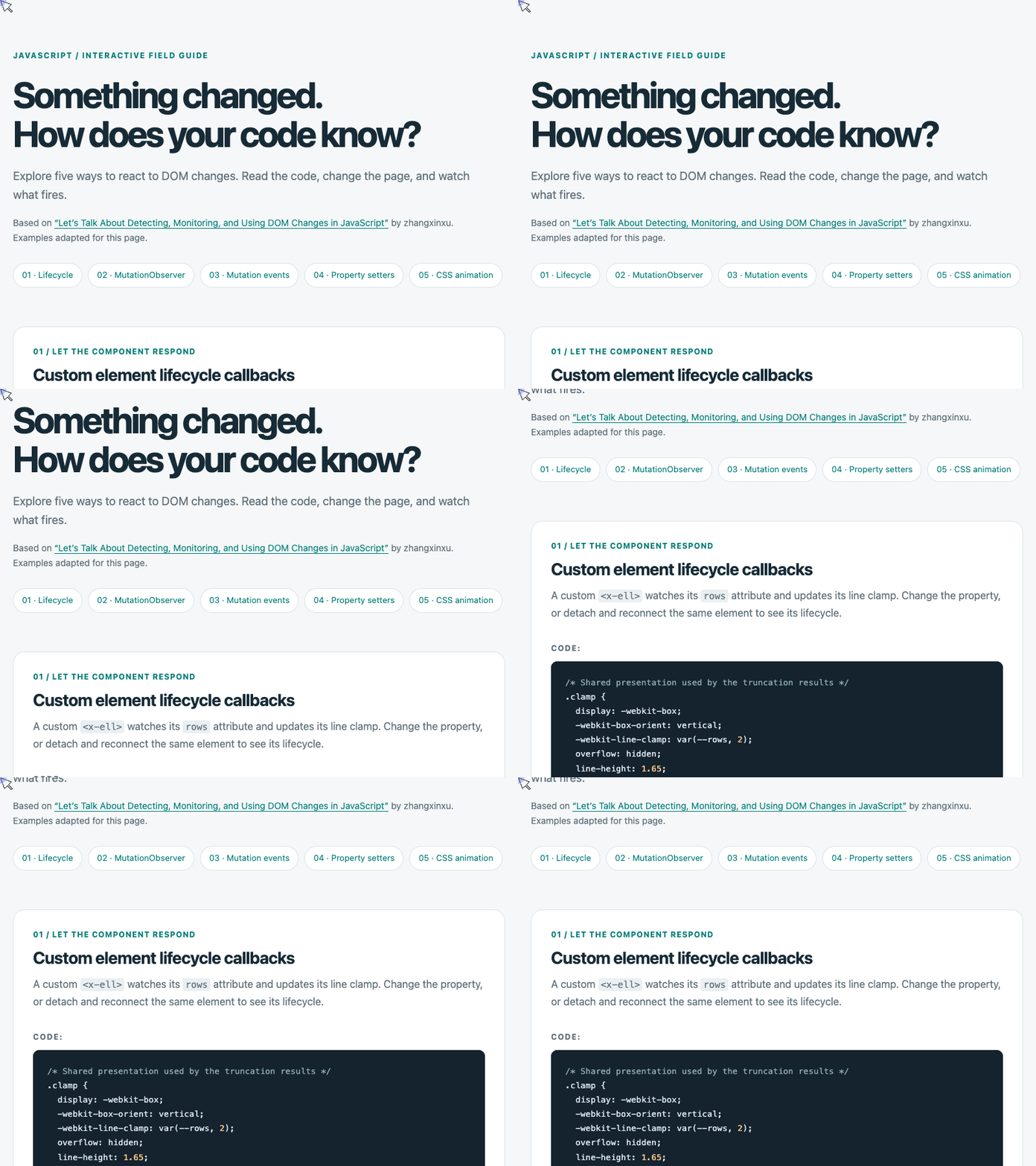
🎮 Try it live: Open the interactive demo to experience this yourself.
The callback renders once after inspecting the batch. It does not try to call a rendering method on record.target, because a text mutation targets a Text node rather than the containing element.
The options have separate responsibilities:
| Option | Purpose in this demo |
|---|---|
attributes | Observe attribute changes |
attributeFilter | Limit attribute observation to rows |
attributeOldValue | Include the previous attribute value |
characterData | Observe edits to text-node data |
characterDataOldValue | Include the previous text value |
childList | Observe added or removed children |
subtree | Extend observation into descendants |
Keep the Observer From Triggering Itself
An observer callback can create more mutations.
Here, render() changes the style attribute, but the observer watches only rows. That filter keeps the rendering update from scheduling another callback.
If your rendering function rewrites observed text or children, you need a different safeguard—for example, avoiding writes when the content already matches the intended result.
Observe the smallest useful subtree and request only the records you need.
Understand Records and Cleanup
Each MutationRecord identifies a change through fields such as type, target, and attributeName. Its addedNodes and removedNodes are NodeList objects; when nothing applies, they are empty rather than null.
The demo also exposes two useful controls:
takeRecords()returns and clears queued, undelivered records so your code can process them directly.disconnect()stops observation and discards pending notifications. Read pending records first if they matter.
Reconnecting does not replay mutations that happened while observation was stopped. These methods are documented in the MutationObserver API reference.
3. Property Setters: React to an Assignment You Control
You may not need an observer at all.
If your application consistently changes the line count through ell.rows, a setter can update the attribute and render immediately.
This excerpt comes from the demo’s property section. Its target is a separate plain element using the shared .clamp class.
const ell = document.querySelector('#property-ell');

function render() {
  const rows = Math.max(1, parseInt(ell.rows, 10) || 2);
  ell.style.setProperty('--rows', rows);
}

Object.defineProperty(ell, 'rows', {
  enumerable: true,
  configurable: true,
  get() {
    return this.getAttribute('rows');
  },
  set(value) {
    this.setAttribute('rows', value);
    render();
  }
});

ell.rows = 3;                  // Calls the setter and renders.
ell.setAttribute('rows', '4'); // Changes the attribute only.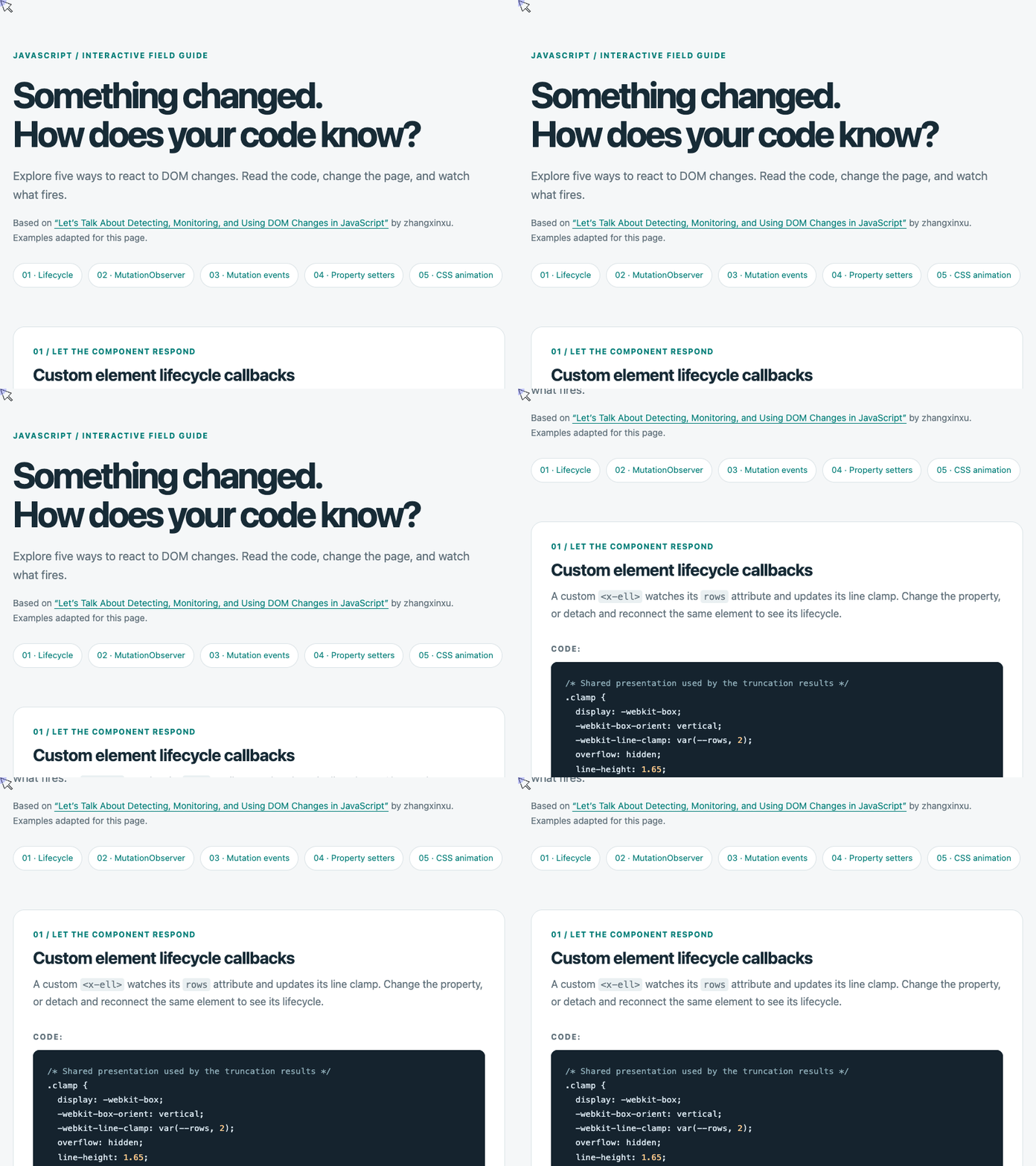
🎮 Try it live: Open the interactive demo to experience this yourself.
The last two lines reveal the boundary of this technique.
Assigning ell.rows invokes the setter synchronously. Calling setAttribute() directly bypasses it. The getter then reports "4", while the last rendered clamp remains three lines.
That behavior makes a setter useful when you control the update path. It also makes a setter insufficient when unrelated code can modify attributes directly.
Accessor descriptors use get and set. Do not add writable to them; the original article’s writeable spelling is not a recognized descriptor option.
4. Mutation Events: Historical Context for Legacy Code
Older implementations used events such as DOMNodeInserted, DOMNodeRemoved, and DOMSubtreeModified.
Their appeal was straightforward: attach an event listener and handle the change. Their synchronous behavior, however, introduced performance and reentrancy problems. Chrome disabled mutation events by default starting in version 127. They should not underpin new implementations. Chrome 127 release notes
The supplied demo handles this history explicitly. It manually dispatches a custom demo:before-remove event before calling remove(), then compares that synchronous log with a real observer notification.
That custom event is a simulation, not native mutation detection.
Before removal, the node still has its parent. In the demo’s observer callback, it no longer does. More generally, observer callbacks see the DOM’s current state: a removed node might have been reinserted before delivery. Use the mutation record to identify the affected parent and removed nodes rather than assuming their present relationships describe the original operation.
5. CSS Animation: A Signal With Narrow Boundaries
The demo’s final technique applies a short animation to newly inserted elements matching .detected-node.
A delegated animationend listener checks the animation name, then logs the matching element. The animation changes a custom property, so it creates no visible movement.
This can provide a selector-based signal, but it does not provide mutation records.
It also has important limits:
- Removing an element before completion can prevent
animationendfrom firing. - Clearing nodes does not generate a removal notification through this mechanism.
- Restarting the animation can generate another event without a new insertion.
An animation event tells you about an animation. Any conclusion about DOM changes depends on how your application applies that animation.
Choose the Mechanism That Matches Your Update Path
The line-clamp demo reaches a similar visual result through different contracts.
A custom element owns its attribute-driven behavior. A MutationObserver reacts to changes made within an observed subtree. A setter reacts to a particular JavaScript assignment. Legacy mutation events explain older code, while CSS animations offer a specialized indirect signal.
Before wiring up a listener, ask: Who makes the change, what exactly changes, and when does my code need to respond?
Those answers determine both the API you need and the updates it might otherwise miss.
Try It Yourself
Want to see these concepts in action? I’ve created an interactive demo where you can experiment with the code and see real-time results.
Explore more demos from my previous articles in the Demo Gallery.
Happy coding!