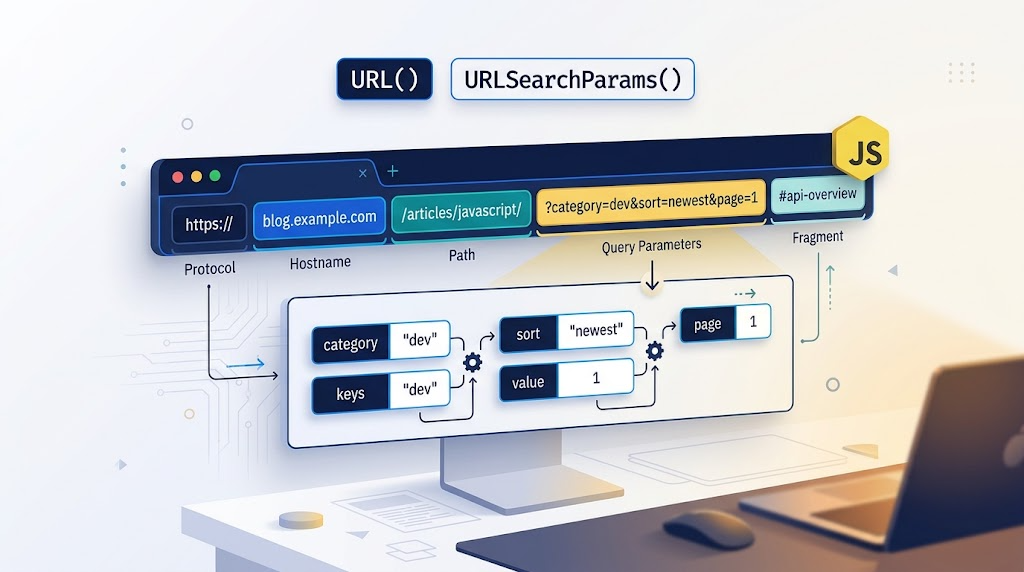
Parse URLs, manage query parameters, and resolve relative paths with native JavaScript.
Author: zhangxinxu
Originally published: August 26, 2019
Editorial note: This edition updates technical details. The supplied demo demonstrates CustomEvent; the examples below reuse its controls, DOM selectors, and rendering patterns, with URL logic added explicitly.
Working with URLs once meant writing string operations and regular expressions to extract parameters, replace values, or assemble links. Those approaches become awkward when URLs contain repeated parameters, encoded characters, or relative paths.
JavaScript provides two complementary APIs for these tasks:
URLrepresents a complete URL and exposes its individual components.URLSearchParamsprovides methods for reading and modifying query parameters.
Together, they make common URL operations easier to express and maintain.
Two APIs That Work Together
Consider this address:
https://www.zhangxinxu.com/wordpress/?s=url
The path is /wordpress/, and the query string is ?s=url. To retrieve the search term, use new URL(address).searchParams.get('s').
If you already have just the query string, new URLSearchParams('?s=url').get('s') returns the same value: 'url'.
The distinction matters: URLSearchParams expects query data, not a complete URL. For a full address, parse it with URL first. MDN: URLSearchParams
Example 1: Read a Query Parameter from an Input
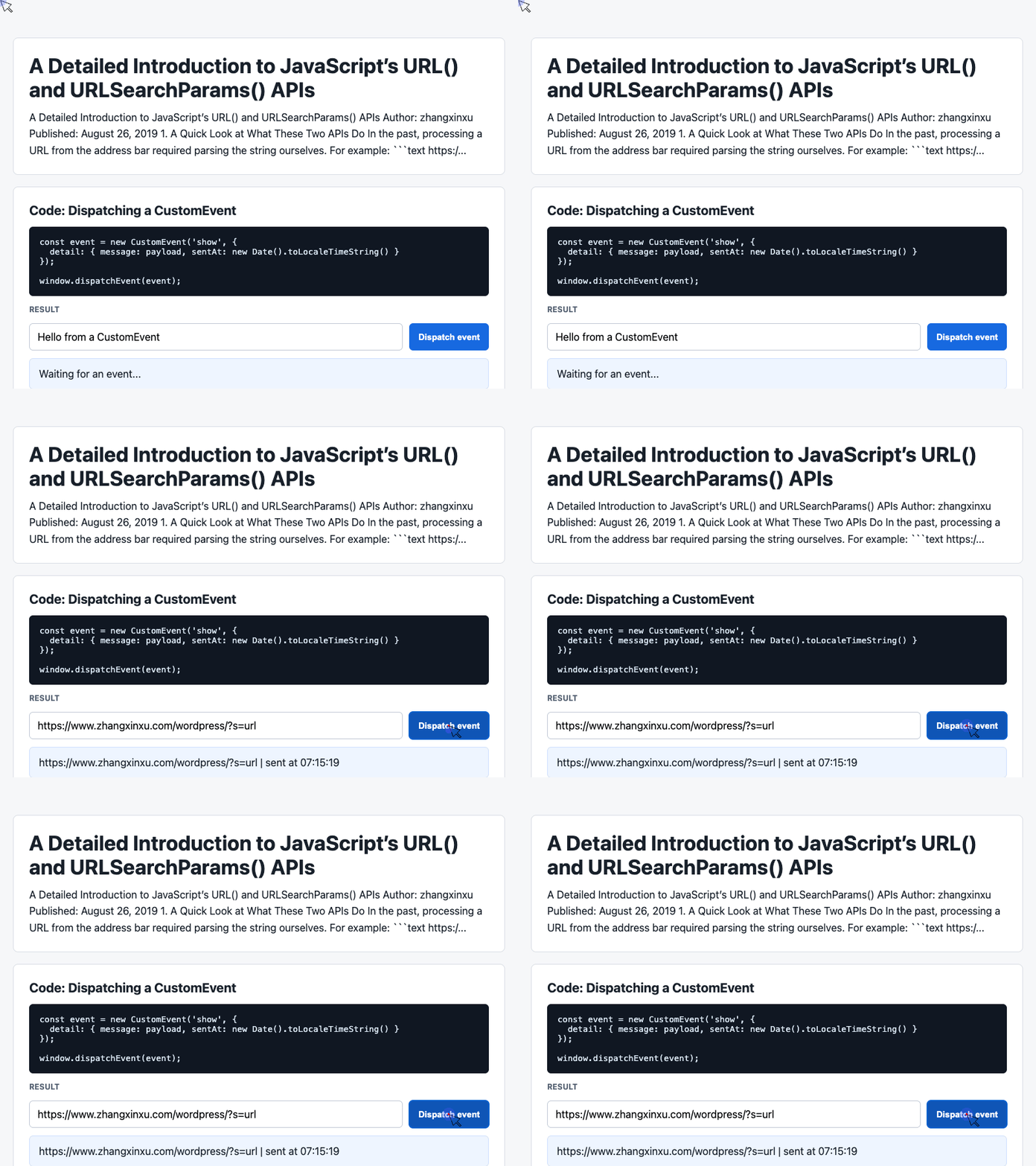
The supplied demo already contains an input named payload, a button named dispatch, and a result card named latest. We can reuse those elements to build a small URL inspector.
Keep the demo’s HTML and CSS, and replace its original script with the following adaptation. Each later example is also an independent replacement script.
const input = document.querySelector('#payload');
const latest = document.querySelector('#latest');

input.value = 'https://www.zhangxinxu.com/wordpress/?s=url';

document.querySelector('#dispatch').addEventListener('click', () => {
  try {
    const url = new URL(input.value);
    const term = url.searchParams.get('s');
    latest.textContent = `Search term: ${term ?? '(missing)'}`;
  } catch {
    latest.textContent = 'Enter a valid absolute URL.';
  }
});
🎮 Try it live: Open the interactive demo to experience this yourself.
Clicking the button displays Search term: url. Removing the s parameter displays (missing).
The nullish coalescing operator, ??, preserves an important distinction: a missing parameter returns null, while a present parameter with no value, such as ?s=, returns an empty string.
The try...catch handles inputs that the constructor cannot parse. Creating a URL object parses the address; it does not fetch the resource or navigate the browser.
Creating a URLSearchParams Instance
The constructor accepts several useful input forms:
| Input form | Example |
|---|---|
| Query string | new URLSearchParams('?s=url') |
| Current page’s query string | new URLSearchParams(location.search) |
| Sequence of pairs | new URLSearchParams([['s', 'url'], ['someId', '1']]) |
| Object | new URLSearchParams({ s: 'url', someId: '2' }) |
The leading question mark is optional when supplying a query string.
A sequence of pairs is particularly useful when the same parameter appears multiple times. For example, a search page might represent several selected categories as category=css&category=javascript.
Think of query parameters as an ordered collection of name-value pairs. A single name can have multiple values.
Reading, Updating, and Iterating Over Parameters
The most frequently used methods fit into a compact reference:
| Method | Behavior |
|---|---|
get(name) | Returns the first matching value, or null. |
getAll(name) | Returns every matching value as an array. |
has(name) | Checks whether the name exists. |
append(name, value) | Adds another pair, preserving existing values. |
set(name, value) | Replaces matching values with one value, or adds the parameter. |
delete(name) | Removes all pairs with that name. |
entries() | Iterates over [name, value] pairs. |
keys() / values() | Iterates over names or values. |
forEach(callback) | Calls the callback with the value, name, and parameters object. |
sort() | Sorts the pairs in place by name. |
toString() | Produces an encoded query string without a leading ?. |
The distinction between append() and set() deserves special attention. Use append() when repeated values carry meaning, such as multiple selected filters. Use set() when a parameter should have a single value, such as a page number.
Example 2: Edit Parameters and Display the Updated URL
This adaptation reuses the demo’s result card and log panel. It records the values after an append operation, then replaces them and removes an unrelated parameter.
const latest = document.querySelector('#latest');
const log = document.querySelector('#event-log');

const url = new URL(
  'https://www.zhangxinxu.com/wordpress/?s=url&s=urlsearchparams&from=zxx'
);
const params = url.searchParams;

params.append('s', 'native APIs');
const appended = params.getAll('s');

params.set('s', 'CSS World');
params.delete('from');

latest.textContent = url.href;
log.textContent = [
  `After append: ${JSON.stringify(appended)}`,
  `After set: ${JSON.stringify(params.getAll('s'))}`,
  `Query: ${params.toString()}`
].join('\n');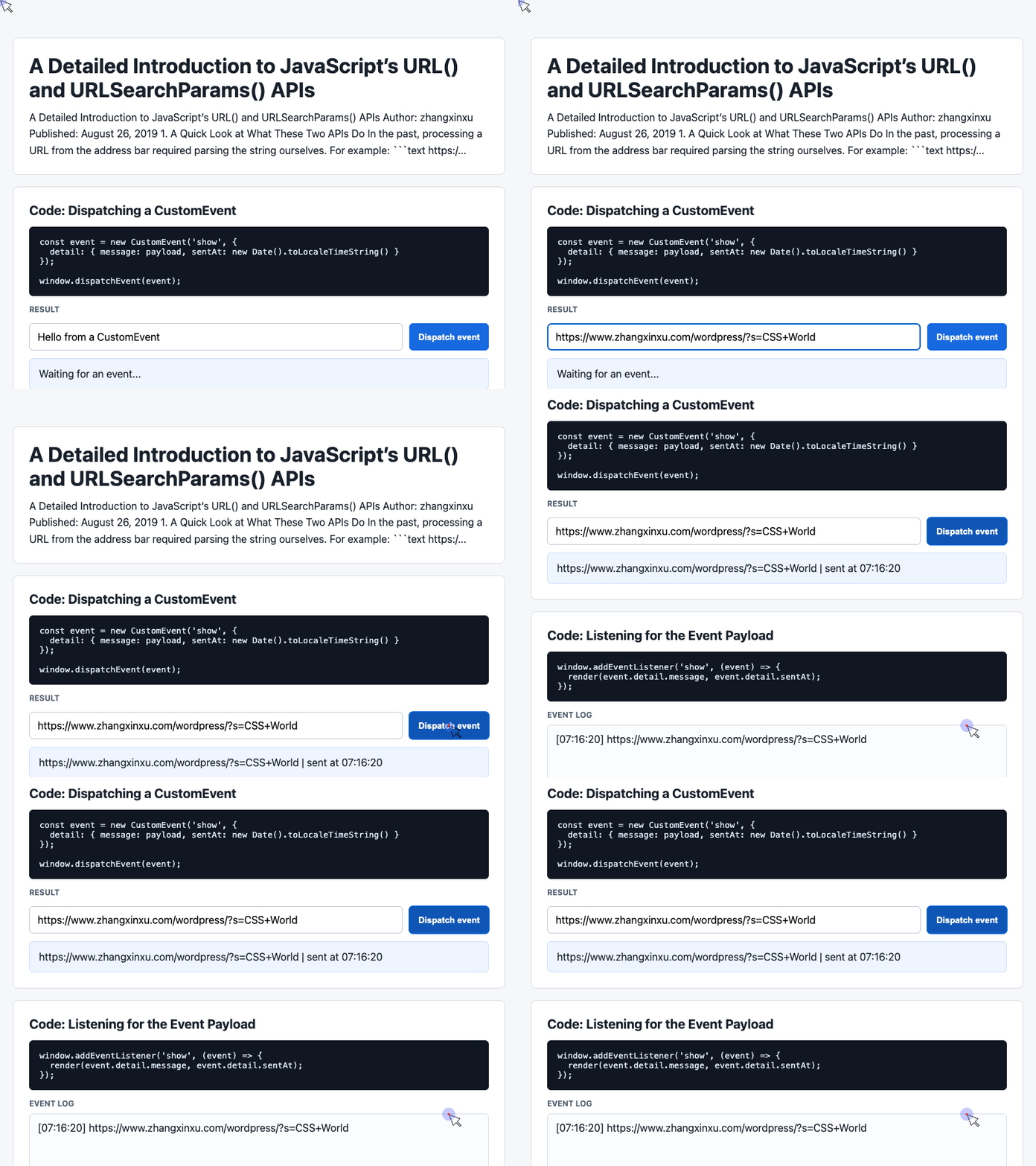
🎮 Try it live: Open the interactive demo to experience this yourself.
The result card displays https://www.zhangxinxu.com/wordpress/?s=CSS+World.
Notice that the code never manually assigns a new query string to url. The object returned by url.searchParams is connected to its parent URL, so modifying the parameters updates url.search and url.href.
By comparison, new URLSearchParams(url.search) creates an independent collection. Editing that collection does not update the original URL.
Let the API Handle Encoding
Pass ordinary, unencoded values to append() and set(). Serialization handles the encoding.
In the example, the space in CSS World becomes +. A literal plus sign supplied through set() or append() becomes %2B. When parsing a query string, an unescaped + is interpreted as a space. Pre-encoding values before passing them to these methods can cause double encoding. MDN: Percent encoding
Sorting Preserves the Order of Duplicate Keys
Calling sort() on c=4&a=2&b=3&a=1 produces a=2&a=1&b=3&c=4.
Sorting uses the keys’ UTF-16 code units and is stable: the two a values retain their relative order. The method modifies the collection and returns undefined. WHATWG URL Standard
Understanding URL Construction and Relative Paths
The constructor takes the form new URL(url, base), where base is optional for an absolute URL and required for a relative reference.
For example, resolving 'study' against 'https://www.zhangxinxu.com' produces https://www.zhangxinxu.com/study.
Relative resolution follows URL rules rather than simple string concatenation. The final slash in a base address can change the result.
With the base https://www.zhangxinxu.com/study/a/b/c:
| Relative reference | Resulting pathname |
|---|---|
sp/icon | /study/a/b/sp/icon |
./sp/icon | /study/a/b/sp/icon |
../sp/icon | /study/a/sp/icon |
/sp/icon | /sp/icon |
Because the base does not end in /, its current directory is /study/a/b/.
If the base instead ends in /study/a/b/c/, resolving ../sp/icon produces /study/a/b/sp/icon. The trailing slash makes c/ part of the directory path. MDN: URL constructor
A reference beginning with //, such as //image.zhangxinxu.com, inherits the base URL’s scheme. With an HTTPS base, its serialized result is https://image.zhangxinxu.com/.
Without a base, relative references cannot be resolved. Calls such as new URL('') and new URL('//image.zhangxinxu.com') throw a TypeError.
Example 3: Pass a Resolved URL Through the Demo’s CustomEvent
The original demo passes a message through CustomEvent.detail and renders it in a card. We can preserve that pattern and make the message a resolved URL.
This adaptation dispatches once when the script runs, keeping the example focused on resolution and event delivery.
const latest = document.querySelector('#latest');

window.addEventListener('show', (event) => {
  const detail = event.detail || {};
  latest.textContent = detail.message + ' | sent at ' + detail.sentAt;
});

const base = 'https://www.zhangxinxu.com/study/a/b/c';
const resolved = new URL('../sp/icon', base);

const event = new CustomEvent('show', {
  detail: {
    message: resolved.href,
    sentAt: new Date().toLocaleTimeString()
  }
});

window.dispatchEvent(event);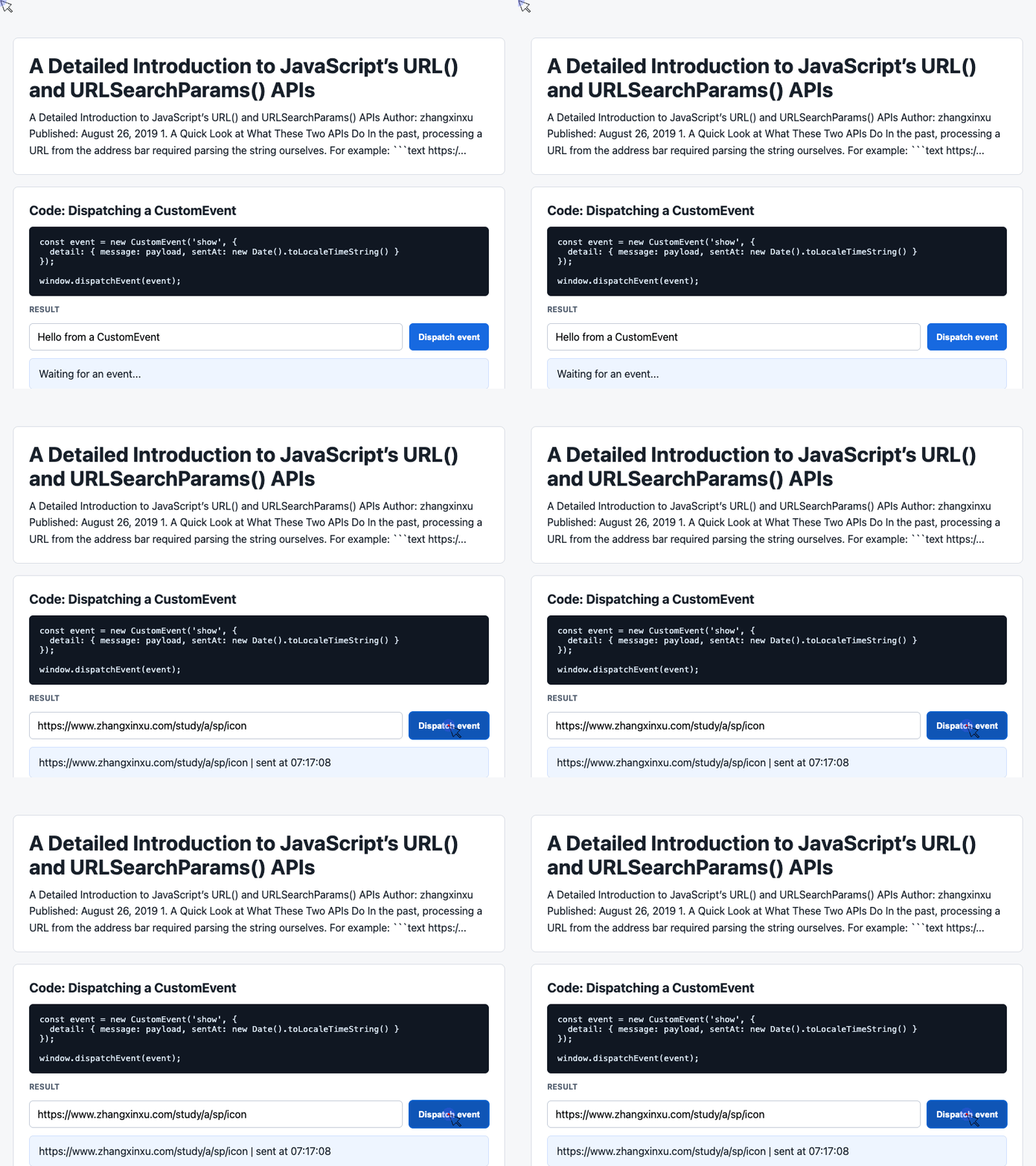
🎮 Try it live: Open the interactive demo to experience this yourself.
The listener displays the resolved address followed by its timestamp.
URL performs the resolution, while CustomEvent carries the resulting string to the rendering code. An event is optional for URL processing, but this example shows how native URL operations can fit into the supplied demo’s existing interaction pattern.
Inspecting and Modifying URL Components
For the address https://www.zhangxinxu.com:80/wordpress/?s=url#comments, a URL instance exposes:
| Property | Value |
|---|---|
protocol | 'https:' |
hostname | 'www.zhangxinxu.com' |
host | 'www.zhangxinxu.com:80' |
port | '80' |
origin | 'https://www.zhangxinxu.com:80' |
pathname | '/wordpress/' |
search | '?s=url' |
hash | '#comments' |
href | The complete serialized URL |
searchParams | The connected URLSearchParams object |
The username and password properties expose credentials when present in the URL.
Many components are writable. Assigning to pathname, search, or hash updates the URL object. origin is read-only; searchParams is also a read-only property, although its returned collection is mutable.
Both toString() and toJSON() return the serialized URL string.
URL serialization can normalize the input. For example, an explicit default port is omitted: HTTPS port 443 disappears, while port 80 remains in the example above. WHATWG URL Standard
Object URLs: Working with Files and Blobs
The URL interface also provides two static methods for working with browser-managed resources:
URL.createObjectURL(object)creates a blob URL for aBlob,File, or supportedMediaSource.URL.revokeObjectURL(objectURL)releases that URL when it is no longer needed.
These methods are useful for local image previews and downloadable content. A blob URL references browser-managed data; it does not upload that data or create a permanent public link. Release it when the application no longer needs access to it. MDN: createObjectURL
There is an important correction to the original article’s canvas example: creating a blob URL does not bypass CORS. A cross-origin Ajax request still needs the server’s permission to expose the response. Likewise, drawing a cross-origin image without the required approval can taint a canvas and prevent pixel reads or export. MDN: Cross-origin images in a canvas
Browser Compatibility and Legacy Projects
The original article’s Edge version references describe browser support in 2019. Today, the core URL and URLSearchParams APIs are widely available across browsers. Check individual features against your project’s actual browser targets. MDN: URL constructor, MDN: URLSearchParams
For older environments, evaluate a polyfill against the operations your application needs. Parsing, iteration, and object URL support are distinct capabilities; the presence of window.URL alone does not establish that every feature works.
Make Native URL Handling Part of Your Toolkit
Use URL to parse addresses and resolve paths. Use URLSearchParams to read filters, preserve repeated values, and serialize query strings.
These APIs turn common URL operations into explicit, readable code. Whether you work with plain JavaScript or a framework, learning the browser’s native capabilities gives you more reliable building blocks—and more time to spend on the product itself.
Try It Yourself
Want to see these concepts in action? I’ve created an interactive demo where you can experiment with the code and see real-time results.
Explore more demos from my previous articles in the Demo Gallery.
Happy coding!