Turn markup into a document, work with its structure, and convert it back into text.
Adapted from the original article by zhangxinxu.
HTML often arrives as a string: a template, an API response, or an exported document. But once you need to inspect elements or remove comments, manipulating that string becomes awkward.
The browser already has tools for this work. DOMParser converts markup into a DOM tree. XMLSerializer converts a DOM tree into XML text. Together with traversal APIs such as TreeWalker, they provide a practical foundation for working with structured content.
DOMParser: From Markup to a Document
Create a parser with new DOMParser(), then call its parseFromString(string, mimeType) method. The second argument determines which parsing rules apply.
| MIME type | Parsing mode |
|---|---|
text/html | HTML |
text/xml | XML |
application/xml | XML |
application/xhtml+xml | XML |
image/svg+xml | XML |
The result is a separate, in-memory document that you can inspect with familiar methods such as querySelector(). Parsing a string does not automatically display it on the current page. MDN: parseFromString()
HTML and XML Follow Different Rules
Consider the string <p>Content</p>.
With text/html, the parser creates a complete HTML document, including <html>, <head>, and <body> elements. Your paragraph becomes a child of the body.
With application/xml, the paragraph itself becomes the document’s root element. No HTML wrapper is added.
XML also requires well-formed markup. An HTML fragment containing <br> may parse successfully as HTML, while XML requires that element to be closed, for example as <br/>.
Malformed XML generally produces a document containing a <parsererror> element. Checking doc.querySelector('parsererror') lets you detect that failure before using the parsed content. MDN: XML error handling
XMLSerializer: From a DOM Tree to Text
The complementary operation is new XMLSerializer().serializeToString(rootNode). It returns an XML representation of the supplied node or subtree.
This is useful when exporting an XML document, saving modified SVG, or inspecting how a DOM subtree is represented as markup.
How It Differs From outerHTML
For an element, outerHTML is often the most convenient way to read its markup. XMLSerializer supports a wider range of nodes, including documents, document fragments, text nodes, comments, and processing instructions.
It also preserves namespace information. When necessary, serialization introduces an xmlns declaration; it does not unconditionally add one to every root. MDN: serializeToString()
For example, an empty div created in an HTML document typically produces these results:
| Operation | Result |
|---|---|
div.outerHTML | <div></div> |
serializer.serializeToString(div) | <div xmlns="http://www.w3.org/1999/xhtml"></div> |
Parsing and serialization work in opposite directions, but they do not guarantee an exact reproduction of the original string. Parsing can repair HTML structure, and serialization can change how namespaces or markup are written.
A Practical Example: Cleaning a Controlled HTML Template
Templates often contain comments and indentation that help developers read them. For a template whose whitespace is known to be disposable, we can remove those nodes after parsing.
The workflow has three steps: parse the string, traverse the resulting tree, and serialize the content we want to keep.
The following example is adapted from the original article. It collects nodes before removing them, so the tree stays stable during traversal.
const htmlTpl = `
<!-- Template note -->
<p>This is text.</p>
<ol>
  <li>List item</li>
  <li>List item</li>
  <li>List item</li>
</ol>`;

const doc = new DOMParser().parseFromString(htmlTpl, 'text/html');
const walker = doc.createTreeWalker(
  doc.body,
  NodeFilter.SHOW_COMMENT | NodeFilter.SHOW_TEXT
);
const removals = [];

while (walker.nextNode()) {
  const node = walker.currentNode;
  if (node.nodeType === Node.COMMENT_NODE ||
      node.nodeValue.trim() === '') {
    removals.push(node);
  }
}

removals.forEach(node => node.remove());

console.log(doc.body.innerHTML);
console.log(
  new XMLSerializer().serializeToString(doc.querySelector('p'))
);
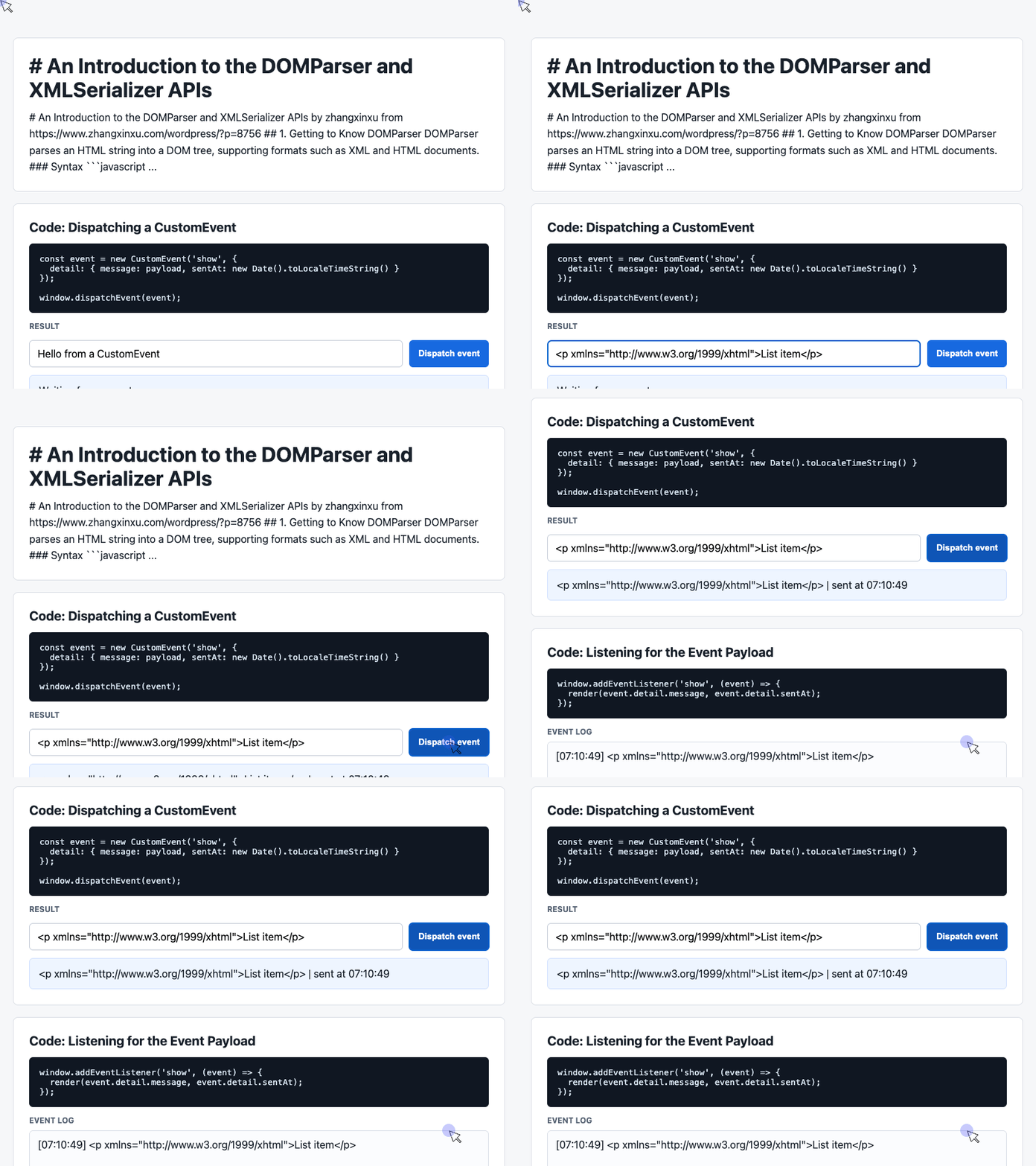
🎮 Try it live: Open the interactive demo to experience this yourself.
The first output contains the paragraph and list without comments or whitespace-only nodes between elements. Spaces inside meaningful text, such as “List item,” remain intact.
The second output demonstrates XML serialization of the paragraph, including its HTML namespace declaration.
This cleanup is deliberately narrow. Whitespace can separate inline words or carry meaning inside <pre> elements, so removing every whitespace-only node is unsuitable for arbitrary HTML. Removing comments and indentation also does not sanitize untrusted markup. MDN: parsing security considerations
Inside the Supplied Demo: Sending and Displaying Results
The supplied working demo implements CustomEvent; it does not call DOMParser or XMLSerializer. Its input, result card, and event log nevertheless illustrate a useful companion pattern: passing a result from one part of an interface to another.
The next two snippets are extracted from that demo. They run against its existing HTML elements.
Dispatch a Message From the Input
When the user clicks Dispatch event, this handler reads the input and packages the message with a timestamp.
const input = document.querySelector('#payload');

document.querySelector('#dispatch').addEventListener('click', () => {
  const message = input.value.trim() || 'Default CustomEvent payload';
  const event = new CustomEvent('show', {
    detail: { message, sentAt: new Date().toLocaleTimeString() }
  });
  window.dispatchEvent(event);
});
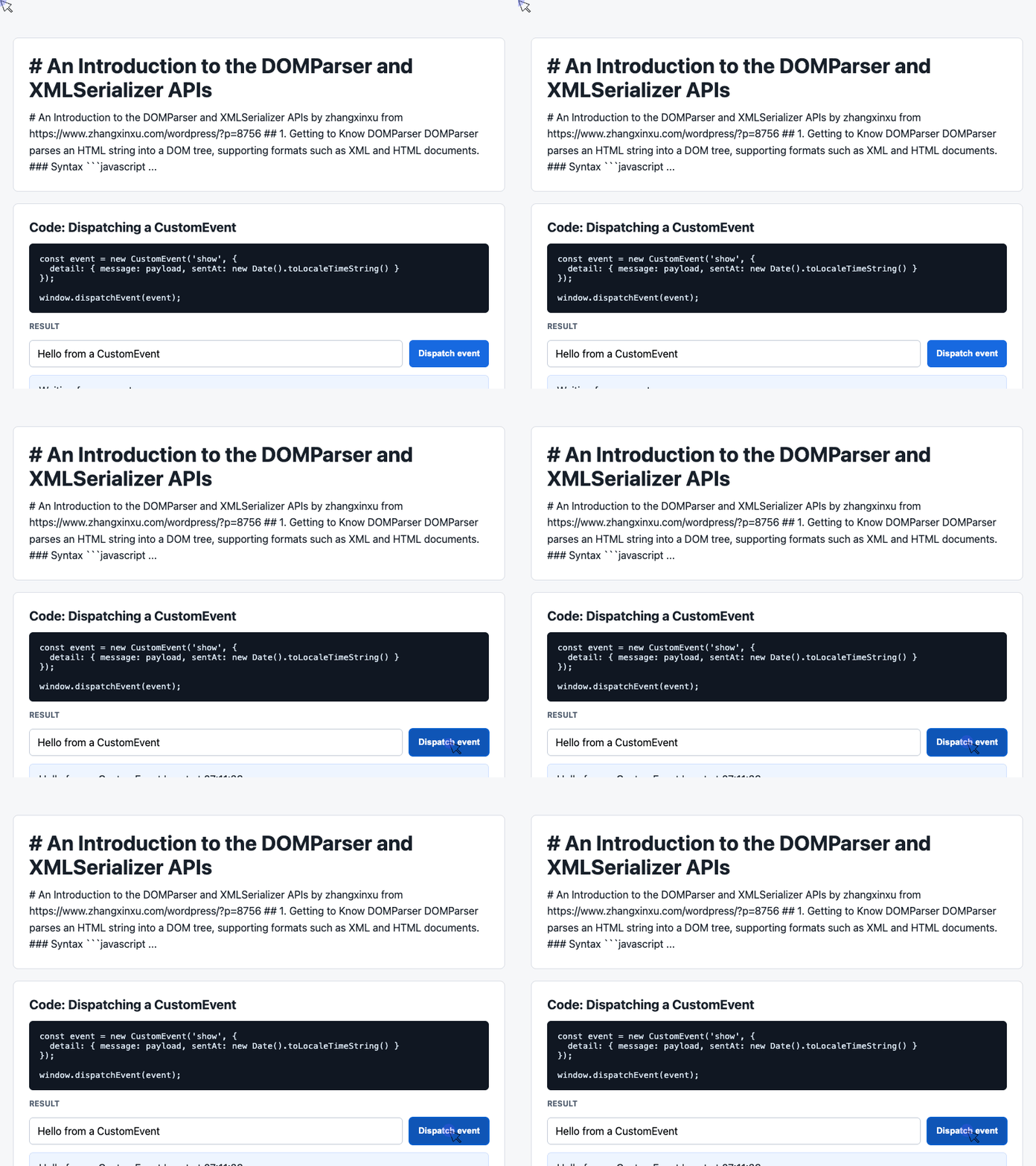
🎮 Try it live: Open the interactive demo to experience this yourself.
The detail property carries the custom data that listeners receive. DOM Standard: CustomEvent
Dispatching the event does not update the interface by itself. The result shown above depends on the listener below, which must be registered before the user clicks the button.
Update the Result Card and Event Log
The listener reads the payload, updates the latest-message card, and displays the six most recent entries.
const latest = document.querySelector('#latest');
const log = document.querySelector('#event-log');
const history = [];

window.addEventListener('show', (event) => {
  const detail = event.detail || {};
  latest.textContent = detail.message + ' | sent at ' + detail.sentAt;
  history.unshift('[' + detail.sentAt + '] ' + detail.message);
  log.textContent = history.slice(0, 6).join('\n');
});
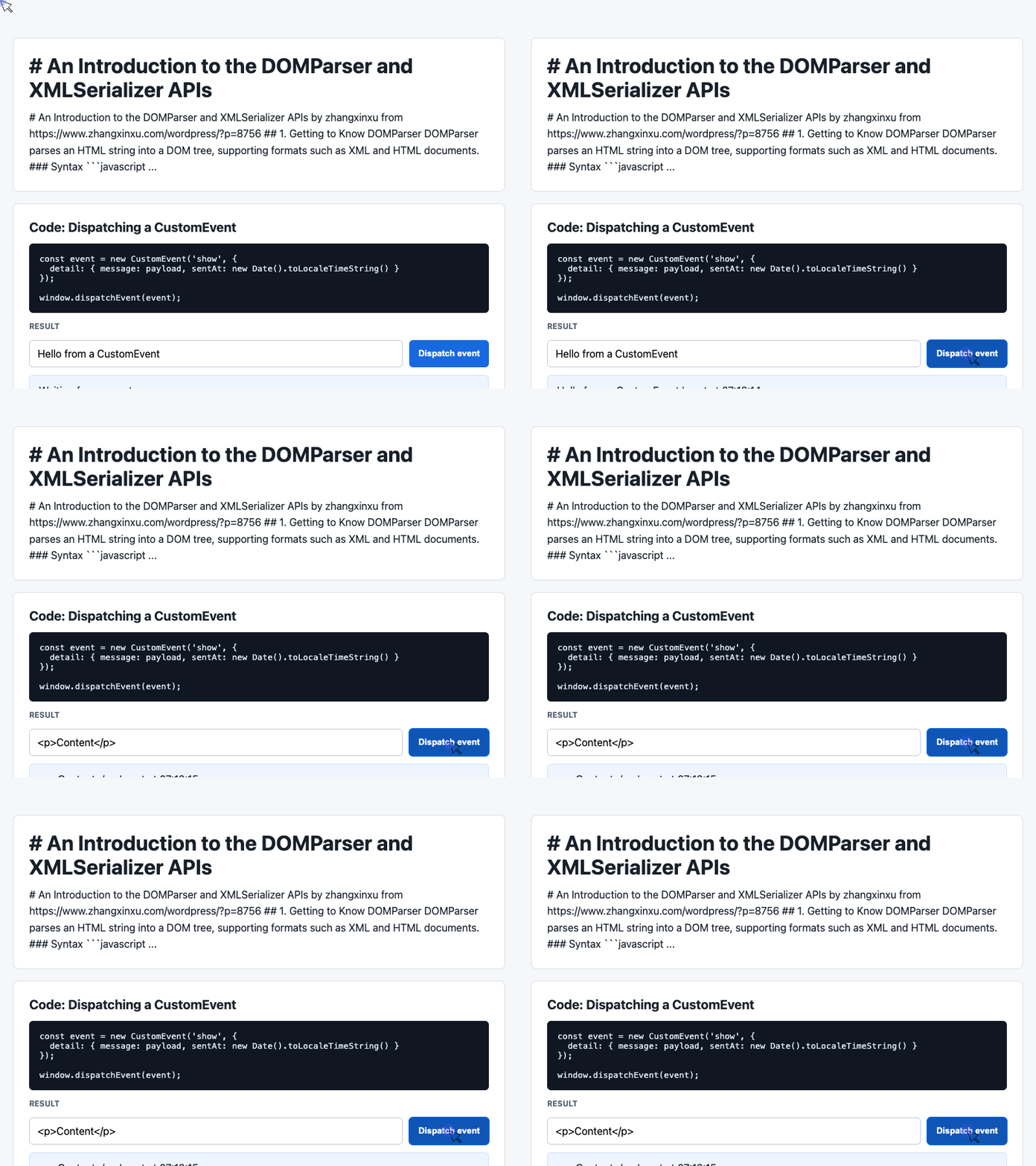
🎮 Try it live: Open the interactive demo to experience this yourself.
Using textContent displays each message literally. If the message contains <p>Content</p>, those characters appear as text instead of becoming a paragraph element—useful behavior for an interface that displays serialized markup.
The six-entry limit applies to the displayed log; the history array continues to grow.
A future extension could parse and transform markup before dispatching the resulting string. That would connect the article’s document-processing workflow to this demo’s existing display mechanism.
Choosing the Right Tool
Use DOMParser when markup needs to become a document you can query or modify. Use XMLSerializer when a DOM tree needs an XML representation. For ordinary HTML output, innerHTML or outerHTML may be sufficient.
Both APIs are widely available in modern browsers. Historical support for the DOMParser interface should not be confused with support for every parsing mode. DOMParser compatibility, XMLSerializer compatibility
These APIs reward a small investment in learning: once markup becomes a tree, many transformations become straightforward operations on elements, comments, and text nodes.
Try It Yourself
Want to see these concepts in action? I’ve created an interactive demo where you can experiment with the code and see real-time results.
Explore more demos from my previous articles in the Demo Gallery.
Happy coding!