
By zhangxinxu. Adapted from the original article.
Changing a color in JavaScript does not require rewriting every CSS declaration that uses it. With CSS custom properties, you can define a value on an element, reference it in CSS, and update it through JavaScript.
Three operations make this possible: declare a custom property, update it with setProperty(), and read it with getPropertyValue().
The supplied demo provides an input, a button, and a log, but its JavaScript demonstrates CustomEvent. The examples below adapt those interface elements into a CSS-variable demo, using the image-border example from the original article.
1. Set a CSS Variable in an HTML Style Attribute
A CSS custom property starts with two hyphens, such as --color. You declare it just like another CSS property, including inside an HTML element’s style attribute.
Custom properties declared this way inherit from parent elements. That allows a container to define a color and its child image to use it through var(--color). MDN’s custom-property guide explains this inheritance behavior.
This example combines the original image border with controls adapted from the supplied demo. Replace mm.jpg with an image available in your project.
<div id="box" style="--color: #cd0000;">
  <img
    src="mm.jpg"
    alt="Photo used to preview the border color"
    style="border: 10px solid var(--color);"
  >

  <div class="controls">
    <input id="payload" type="color" value="#cd0000"
           aria-label="Border color">
    <button id="dispatch">Apply color</button>
  </div>

  <div class="log" id="event-log" aria-live="polite">
    No updates yet.
  </div>
</div>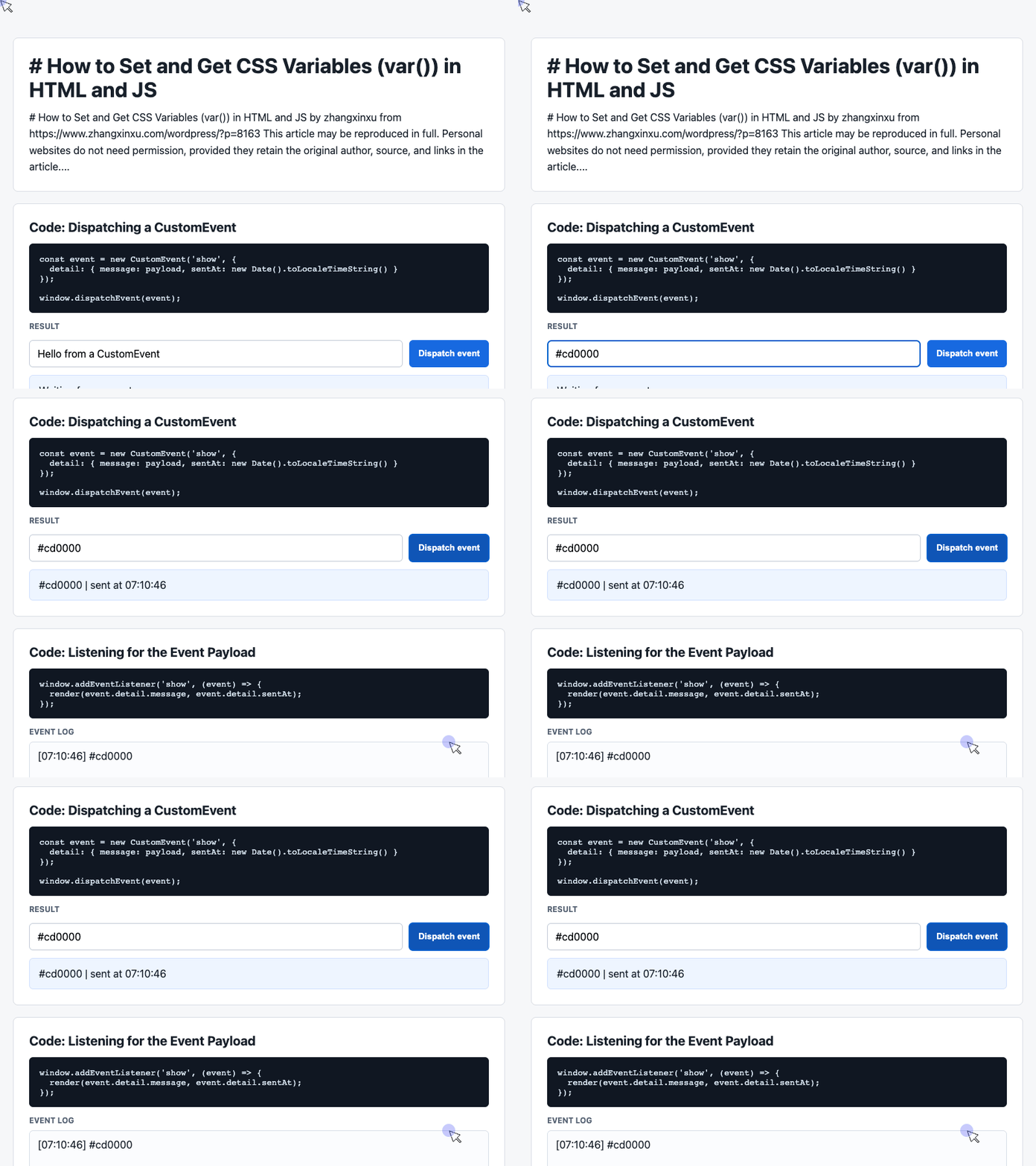
🎮 Try it live: Open the interactive demo to experience this yourself.
The container declares --color: #cd0000, and the image uses that value for its border. The color picker gives users a way to choose the next value; the button will apply it once we add JavaScript.
Notice the distinction: --color is the custom property’s name, while var(--color) is the CSS function that references it.
2. Update the Variable with JavaScript
To change the custom property, call setProperty() on the element’s style object. Its first argument is the property name, and its second is the new value. MDN’s setProperty() reference documents this API.
The following snippet reuses the supplied demo’s element selectors and button-click pattern. Place it in a script after the HTML above.
const box = document.querySelector('#box');
const input = document.querySelector('#payload');
const log = document.querySelector('#event-log');

document.querySelector('#dispatch').addEventListener('click', () => {
  const color = input.value.trim();

  box.style.setProperty('--color', color);
  log.textContent = `Applied: ${color}`;
});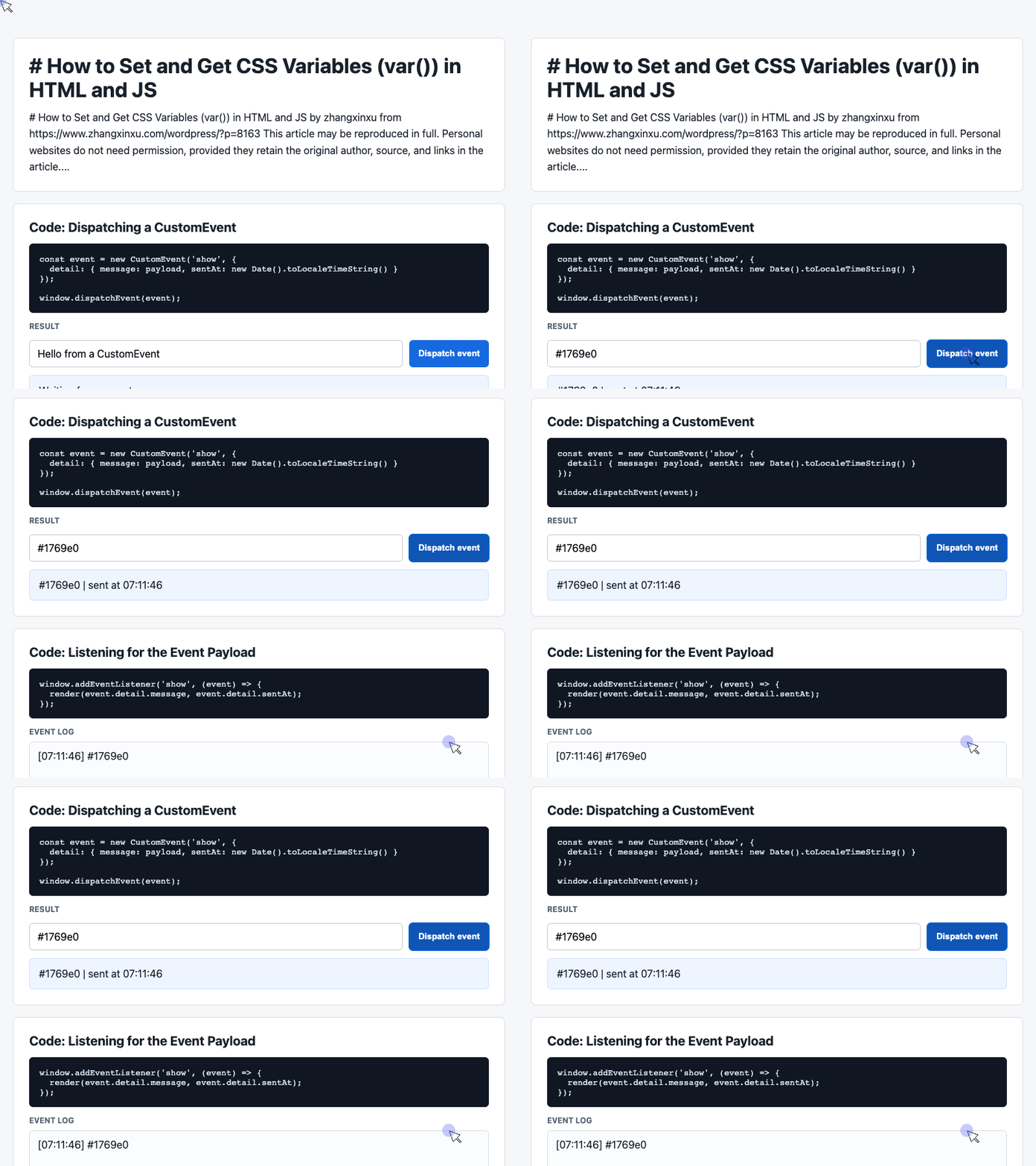
🎮 Try it live: Open the interactive demo to experience this yourself.
Choose a different color and click Apply color. JavaScript updates the container’s inline custom property, and the image’s border reflects the new value.
The key line is box.style.setProperty('--color', color). CSS continues to define how the value affects the interface; JavaScript supplies the value.
3. Read a CSS Variable with JavaScript
Writing a value is only half the workflow. You may also need to inspect the current value for debugging or display it in your interface.
Use getComputedStyle() to account for stylesheet declarations, inline styles, and inherited values. Then call getPropertyValue() with the custom property’s name. MDN’s getComputedStyle() reference explains how it reads styles after the cascade is applied.
After applying a color, run this snippet to show its current value in the demo’s log. It reuses the box, log, and textContent output pattern from the preceding example.
const cssVarColor = getComputedStyle(box)
  .getPropertyValue('--color')
  .trim();

log.textContent = `Computed --color: ${cssVarColor}`;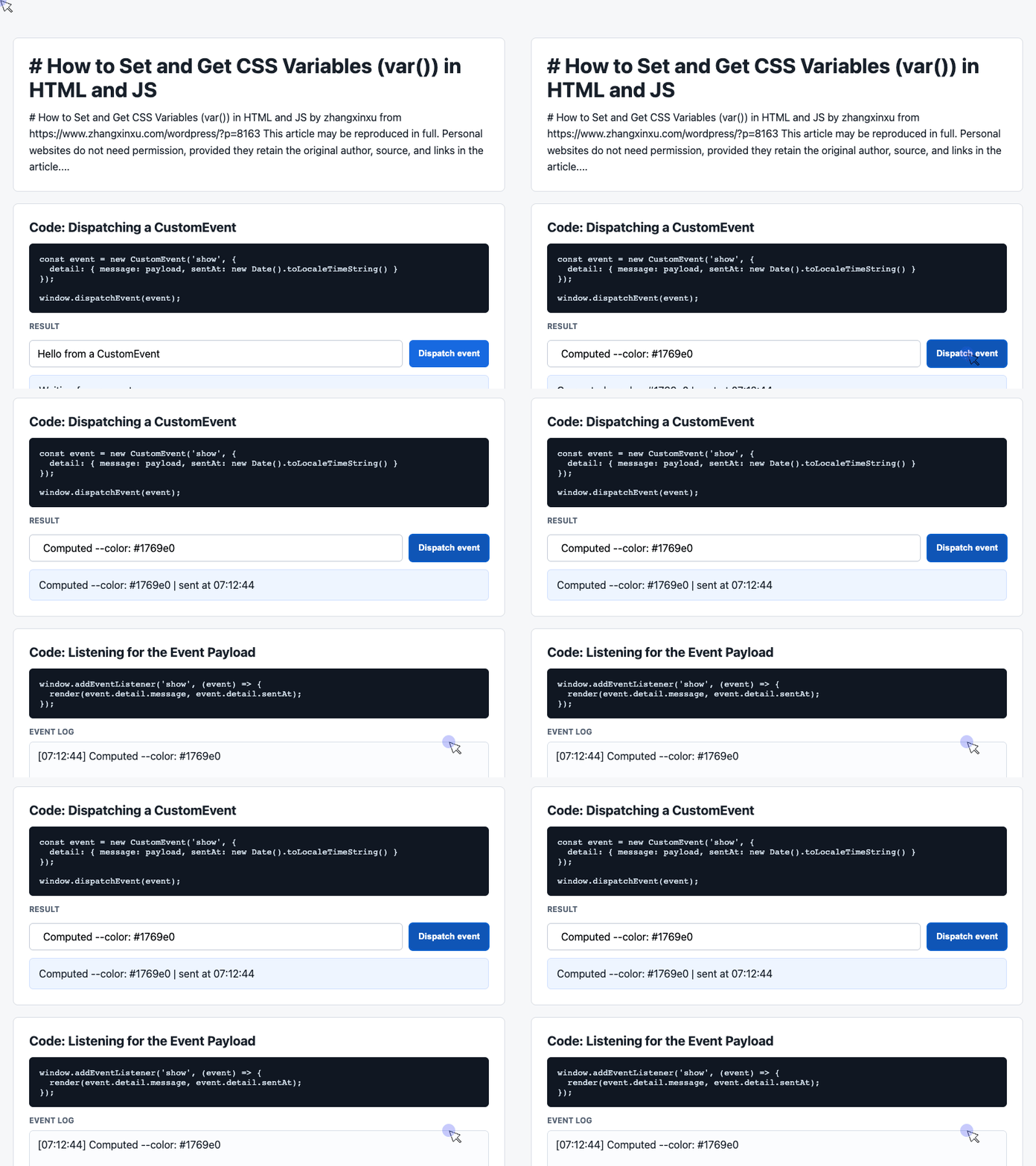
🎮 Try it live: Open the interactive demo to experience this yourself.
The result is a string. Calling .trim() removes surrounding whitespace before displaying or comparing it.
There is also an important distinction between the two ways to read styles: box.style.getPropertyValue('--color') reads the element’s inline declaration, while getComputedStyle(box).getPropertyValue('--color') can also retrieve a value supplied by a stylesheet or inherited from a parent. MDN’s JavaScript examples show both approaches.
Custom properties give CSS and JavaScript a shared value to work with. Start with an inline declaration, update it when the user interacts, and read the computed value whenever your code needs to inspect the current state.
Original reproduction terms: Personal websites may reproduce the article in full without permission if they retain the original author, source, and links. Any website may aggregate excerpts. Commercial use requires contacting the author for permission.
Try It Yourself
Want to see these concepts in action? I’ve created an interactive demo where you can experiment with the code and see real-time results.
Explore more demos from my previous articles in the Demo Gallery.
Happy coding!