
A front-end survival guide to drag data, drop effects, and the events that connect them.
By zhangxinxu
Adapted from the original article, with a companion demo using CustomEvent.
The original author’s republication terms require written permission for full republication and retention of the author’s name and source. Excerpts should link to the original.
Super-Tier Magic: Drag Anything
On a lovely moonlit night, the great Ainz Ooal Gown—master of the Great Tomb of Nazarick, Undead King, Sorcerer King, and overlord of another world—unleashed a super-tier spell:
Drag Anything!
Any developer unable to build drag-and-drop functionality from scratch would die instantly. Resurrection would become available ten days later.
Countless front-end developers barely had time to register what was happening before everything went black.
“Hahaha! Absolutely magnificent! Seventy thousand and one people in a single attack. Yesterday’s record has fallen!”
An enormous black sphere appeared in the sky. From it emerged five gigantic black goat young, each as large as a small hill.
The surviving developers fled in terror.
It did not help.
Apparently, “I’ll install a library” was not an acceptable counterspell.
Deconstructing the Spell
Hello, everyone. I’m a rookie front-end developer.
Fortunately, I was enjoying the moon with my girlfriend when this battle took place. That explains my continued existence, because I couldn’t build drag-and-drop functionality from scratch either.
Luck was welcome. It was also a terrible long-term strategy.
What if Lord Ainz cast the spell again?
For the sake of survival, I spent forty-nine days studying its inner workings. Eventually, I discovered the object at the heart of the magic:
DataTransfer.
Understand it, and those terrifying black goat young begin to look considerably more like little lambs.
Where DataTransfer Appears
During native drag-and-drop interactions, the browser exposes transferred data through event.dataTransfer.
The important events are:
| Event | What happens |
|---|---|
dragstart | A draggable item begins its journey. |
drag | The source continues being dragged. |
dragenter | The item enters a potential drop target. |
dragover | The item moves over that target; this fires repeatedly. |
dragleave | The item leaves the target. |
drop | The item is released onto an accepting target. |
dragend | The source’s drag operation finishes. |
Images, links, and selected text have native dragging behavior. For other page elements, set the draggable attribute to "true" and define the data to transfer. Files dragged from the operating system arrive through target-side events; they do not trigger a page element’s dragstart. MDN’s drag-and-drop overview
The timing matters as much as the object:
- During
dragstart: prepare and modify the drag data. - During
drop: retrieve the transferred content. - During intermediate events: inspect available formats and item kinds; the underlying content remains protected.
For a typical custom drop zone, calling event.preventDefault() during dragover allows it to accept a drop. Calling the same method during dragstart cancels the drag. Same method, very different spells. HTML Standard: drag data store
The Spellbook: Five Properties and Four Methods
The main DataTransfer properties describe the operation and its payload:
| Property | Purpose |
|---|---|
dropEffect | The selected operation: none, copy, link, or move. |
effectAllowed | The operations permitted by the source. |
files | A read-only FileList containing transferred files. |
items | A read-only reference to a DataTransferItemList. |
types | A read-only list of available data formats. |
Four methods complete the basic toolkit:
| Method | Purpose |
|---|---|
getData(format) | Read a string payload in a particular format. |
setData(format, data) | Set or replace a string payload. |
clearData([format]) | Remove one or all string formats. |
setDragImage(element, x, y) | Customize the image shown during dragging. |
Together, these provide control over both the information being transferred and the feedback shown to the user. MDN’s DataTransfer reference
Let’s examine the spells individually.
Choosing an Operation: dropEffect and effectAllowed
dropEffect: What Should Happen Here?
dropEffect represents the operation selected for the current target:
copy: create a copy.move: relocate the item.link: establish a reference.none: reject the operation.
On desktop browsers, this commonly affects the cursor or other drag feedback. The exact appearance depends on the browser and operating system.
A target usually sets its preferred dropEffect during dragenter or dragover.
There is one crucial detail: selecting move does not move a DOM element by itself. Your application must perform the corresponding change when it handles the accepted drop.
The cursor is the announcement. Your handler performs the spell.
effectAllowed: What Does the Source Permit?
The source sets effectAllowed during dragstart. Its supported values are:
| Value | Permitted operations |
|---|---|
none | No successful transfer operation |
copy | Copy |
link | Link |
move | Move |
copyLink | Copy or link |
copyMove | Copy or move |
linkMove | Link or move |
all | Copy, link, or move |
uninitialized | The initial, unspecified state |
Setting effectAllowed to none prevents a successful transfer operation. It does not, by itself, remove an element’s draggable behavior.
How the Two Properties Cooperate
Think of the source as declaring its permitted operations and the target as requesting one of them.
If the source permits copyMove, a target can accept a copy or move. A target requesting link cannot complete that operation.
An incompatible selection causes the transfer to fail. Setting these properties also leaves the application responsible for implementing the selected action. HTML Standard: DataTransfer
This becomes useful when different destinations have different meanings.
Imagine three containers: an archive that accepts copies, a workspace that accepts moves, and a collection that accepts links. The same draggable item can encounter each container, but the source’s permissions constrain the operation.
Lord Ainz might call this classification magic. A product designer might call it predictable behavior.
What About Dragging Links into New Tabs?
The original article includes a browser-specific workaround that opens a dragged link using window.open().
Treat that example as historical context. For a current application, define the intended action explicitly and test it in the browsers you support, rather than assuming that a cursor state guarantees a particular tab-opening behavior.
Reading the Payload: files, items, and types
files: Desktop Files Enter the Browser
When users drag files from their desktop into a page, DataTransfer.files provides the resulting FileList.
This is the foundation of many drag-and-drop upload interfaces.
Inside the drop handler, you can inspect each file’s name, size, and type, then pass the file to your upload or processing logic.
The file’s MIME type may be an empty string when the system cannot determine it. An empty type does not mean the file is missing.
If the user drops selected text instead, the file list is empty. That payload belongs to a different part of the spellbook.
For drag-and-drop interactions, read the file list during drop; protected access during other events keeps it empty. MDN’s files documentation
items: A Closer Look at Each Piece of Data
DataTransfer.items exposes individual DataTransferItem objects.
Each item has two useful properties:
kindidentifies a string item or file item.typeidentifies its format, usually a MIME type.
For a string item, getAsString(callback) supplies the content through a callback.
For a file item, getAsFile() returns a File object when available.
A single dragged selection may have several representations. For example, the browser might offer plain text, HTML, and a URI representation of related content.
The exact formats depend on the drag source and browser.
A practical handler can organize its work around those distinctions:
- Inspect the item’s
kind. - For strings, choose the formats the application understands.
- For files, retrieve the file object and process it.
- Handle unsupported content deliberately.
Dragging an image from a webpage does not always produce a file item. It may instead provide a URL or HTML representation. Inspect the payload before deciding how to process it.
Its Close Relative: clipboardData.items
Clipboard events expose a related interface through event.clipboardData.
That means the skills used to inspect dragged text and files also help with pasted content.
One successful deconstruction, another spell unlocked.
types: Check What Is Available
DataTransfer.types lists the available formats without requiring you to retrieve their contents.
Typical values include text/plain, text/html, and text/uri-list. The special value Files indicates that the payload includes file items.
This makes types useful when deciding whether a drop zone should accept the incoming content.
You can inspect formats during dragover, then retrieve the actual payload during drop. Keep those two decisions separate: recognizing an acceptable format does not require reading its contents immediately.
Reading, Replacing, and Clearing Drag Data
getData(): Retrieve a Particular Format
DataTransfer.getData(format) provides a direct way to retrieve string content.
Use text/plain for plain text, text/html for its HTML representation, and text/uri-list for URI-list content. If the requested format is unavailable, the method returns an empty string.
The original article demonstrates this with a phone-number input.
A user drags 132-0803-3621 into an empty field. The handler reads the text, checks that it contains eleven digits, removes the separators, and inserts 13208033621.
That is a useful input convenience. Its eleven-digit rule belongs to that particular demo; phone-number requirements differ between applications.
setData(): Define What the Drag Carries
DataTransfer.setData(format, data) lets a source supply its own string payload during dragstart.
For a draggable card, the payload might be the card’s ID. The target can retrieve that ID during drop and use it to update the interface or application state.
You can also provide several representations of the same content. For example, plain text can serve a text field while an HTML representation serves a compatible rich-text destination.
Choose the formats your destinations need.
clearData(): Remove String Formats
clearData(format) removes a particular string format. Without an argument, it removes all string formats.
This can help when replacing a browser-generated payload with application-specific data.
It does not remove dragged files. In native drag-and-drop handling, call it during dragstart, when the data store is writable. MDN’s clearData documentation
setDragImage(): Give the Spell a Face
setDragImage(element, x, y) customizes the visual that follows the pointer during dragging.
The element supplies the image, while the coordinates identify the point within that image aligned with the pointer.
Call it during dragstart. When using an image, ensure it has loaded before the drag begins.
The original example replaces the usual drag preview with a smiling face. After several pages of sacrificial magic, a cheerful emoji feels like a reasonable design decision. MDN’s setDragImage documentation
A Companion Spell: Making Event Payloads Visible
Understanding DataTransfer also makes the wider event model easier to understand: an interaction occurs, an event carries information, and a handler responds.
The supplied working demo illustrates that pattern with CustomEvent. Its button publishes a message, and a listener updates a result card and event log.
The two payload interfaces serve different purposes:
| Event interface | Where the payload lives | What it carries |
|---|---|---|
Native DragEvent | event.dataTransfer | Browser-managed transfer formats and files |
Application CustomEvent | event.detail | Application-defined data |
CustomEvent.detail can hold the message object used by this demo. MDN’s CustomEvent documentation
The following three excerpts come from the supplied demo. Use them together, retaining its existing CSS and placing the JavaScript after the markup.
1. Build the Controls and Result Area
The interface needs a message input, a dispatch button, and two destinations for the output.
<div class="showcase">
  <div class="controls">
    <input id="payload" value="Hello from a CustomEvent">
    <button id="dispatch">Dispatch event</button>
  </div>
  <div class="event-card" id="latest">Waiting for an event...</div>
</div>
<div class="label">Event log</div>
<div class="log" id="event-log">No events yet.</div>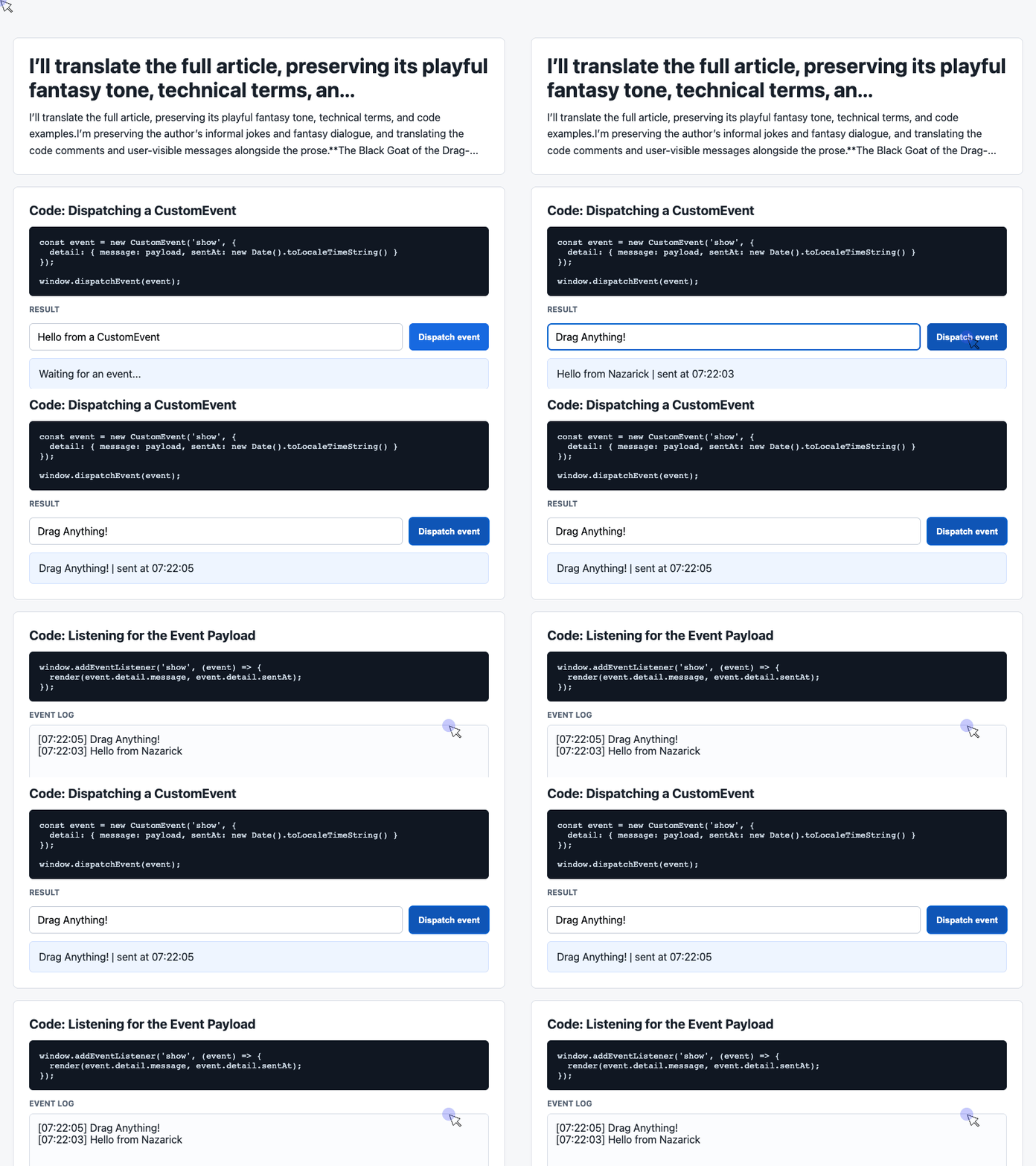
🎮 Try it live: Open the interactive demo to experience this yourself.
The IDs connect the markup to the JavaScript. The result card displays the latest message, while the log makes repeated interactions visible.
2. Create and Dispatch a Payload
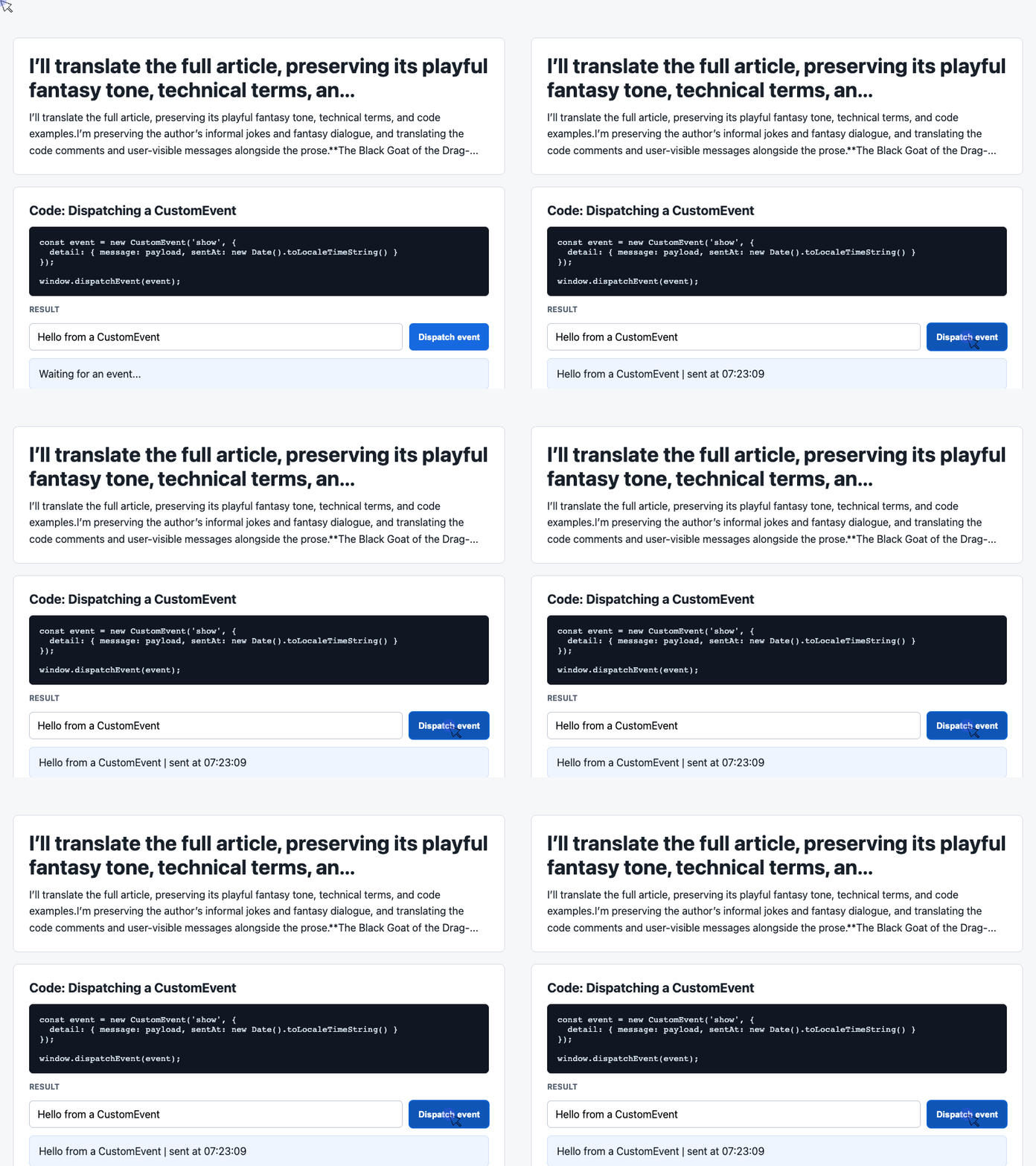
The click handler reads the input and packages the message with a timestamp. In the complete demo, the listener in the next example renders that payload.
const input = document.querySelector('#payload');

document.querySelector('#dispatch').addEventListener('click', () => {
  const message = input.value.trim() || 'Default CustomEvent payload';
  const event = new CustomEvent('show', {
    detail: { message, sentAt: new Date().toLocaleTimeString() }
  });
  window.dispatchEvent(event);
});
🎮 Try it live: Open the interactive demo to experience this yourself.
The event name, show, identifies the notification. Its detail object carries the data.
The handler also trims whitespace and provides a default message when the input is empty. Clicking the button therefore always produces a usable payload.
Calling dispatchEvent() invokes matching listeners synchronously. Once the listener is registered, it responds during the dispatch call. MDN’s dispatchEvent documentation
3. Listen and Render the Result
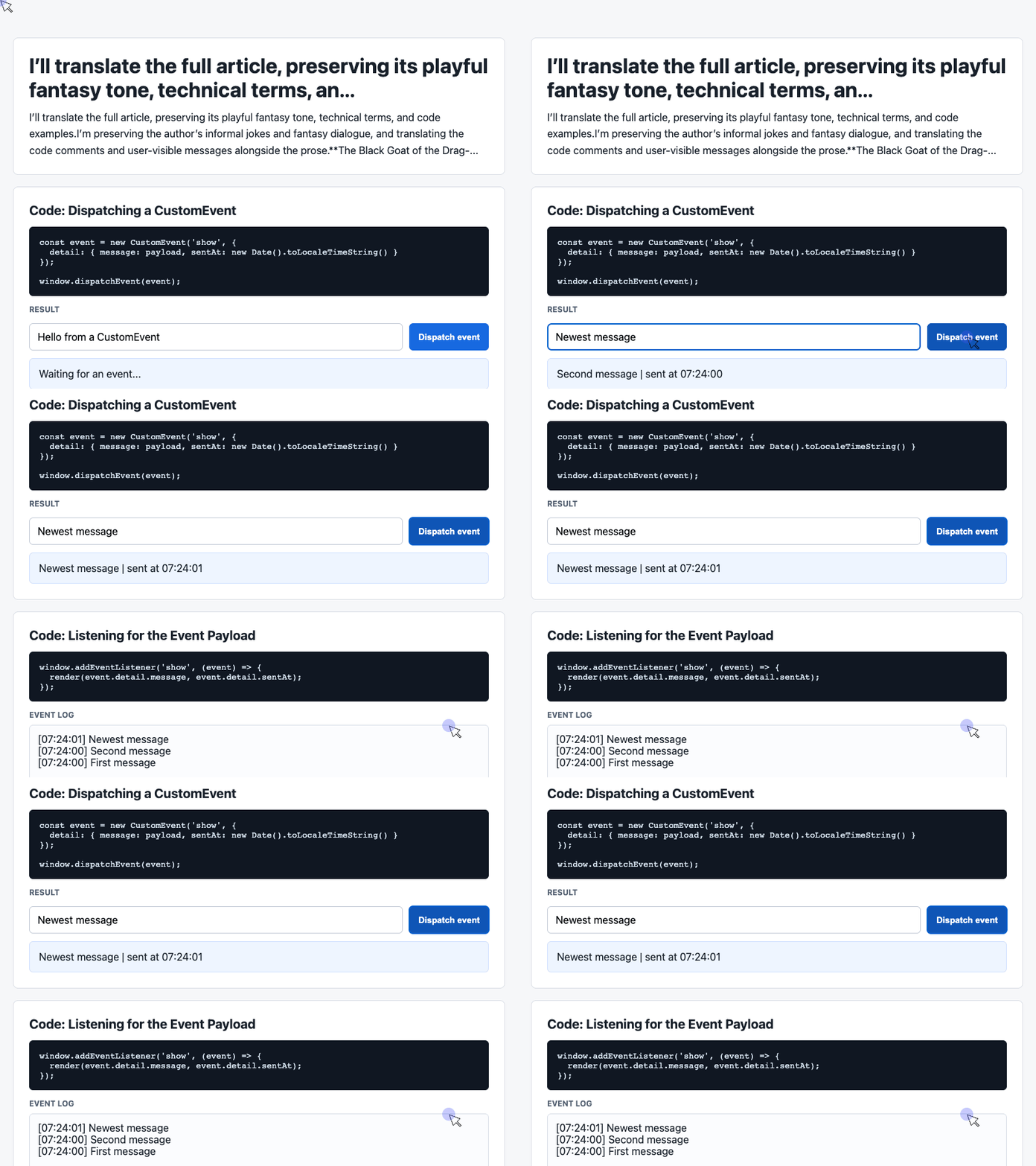
The working listener updates the latest-message card and keeps recent messages at the top of the log.
const latest = document.querySelector('#latest');
const log = document.querySelector('#event-log');
const history = [];

window.addEventListener('show', (event) => {
  const detail = event.detail || {};
  latest.textContent = detail.message + ' | sent at ' + detail.sentAt;
  history.unshift('[' + detail.sentAt + '] ' + detail.message);
  log.textContent = history.slice(0, 6).join('\n');
});
🎮 Try it live: Open the interactive demo to experience this yourself.
The listener uses textContent to display the message as text. unshift() adds new entries to the beginning of the array, and slice(0, 6) limits the visible log to six entries.
The underlying array continues growing; this excerpt limits the displayed history.
In a larger drag-and-drop application, a drop handler could retrieve native transfer data, process it, and publish a custom event announcing the result. The supplied demo demonstrates the application-event portion through its button.
Another object understood. Another spell added to the arsenal.
The Final Sacrificial Spell
Deconstructing super-tier magic had taken quite a few pages.
Still, if understanding DataTransfer could save my life, the effort seemed justified.
Then the National Day holiday arrived.
I returned to my hometown to visit family and, through spectacularly bad timing, encountered Lord Ainz preparing another attack on the local front-end developers.
The Black Goat of the Drag-and-Drop Sacrifice.
Countless developers were enjoying their holiday, unaware of the approaching danger. The old nightmare was about to return.
Although I was only a rookie, I stepped forward.
The assault was extraordinarily fierce.
I raised everything I had learned about DataTransfer and used it as a weapon. The magical storm tore past me like razor blades. My legs buckled. My consciousness began to fade.
Had I missed something?
I searched my memory: the long nights, the event handlers, the formats, the relationship between the source and the target.
Then—
Bing!
A golden light appeared at the center of my body.
One insight had led to another. Understanding DataTransfer had helped me understand related objects and other event-driven spells. Their combined power protected the vital channels around my heart.
I was covered in wounds, but I could survive.
I just had to hold on.
“Aaaaaah!”
As usual, all my damage output came from shouting.
With every ounce of strength remaining, I cried:
“Deconstruction, full power! Magic, shatter!!!”
A thunderous boom.
The darkness vanished.
I dropped to one knee, gasping for breath.
“Who are you?” Lord Ainz demanded. “You actually withstood my super-tier sacrificial magic!”
“I… I… am just…”
I swallowed the blood in my throat.
“An ordinary rookie front-end developer.”
“I see. What is your name?”
“My name is hardly worthy of mention by Lord Ainz…”
“Are you refusing to answer my question?!”
“I wouldn’t dare! My name is—Air!”
“Very well, Air. I will remember you. I shall spare your life today. Keep improving your magical skills. Once you are strong enough, I shall grant you the privilege of fighting me! Hahahaha!”
“Yes… Thank you, Lord Ainz!”
With that, he departed through a portal in space and time.
And from that day onward, I, Air, became the enemy Lord Ainz took most seriously.
The End.
Try It Yourself
Want to see these concepts in action? I’ve created an interactive demo where you can experiment with the code and see real-time results.
Explore more demos from my previous articles in the Demo Gallery.
Happy coding!