
Two JavaScript loops walk into ChinaJoy. Only one gets the photography job.
By zhangxinxu · Original article
Adapted for Medium, with updated technical explanations and a companion workshop using the supplied demo.
Original reproduction notice: Full reproduction requires written permission from the author, with the author’s name and source retained. Excerpts may be shared with a link to the original.
This story is entirely fictional. Any resemblance to actual events means—congratulations—you must have good karma.
Today was a great day.
Why? ChinaJoy, of course!
I had slipped out behind my wife’s back, which gave me precisely two hours to enjoy the exhibition before domestic consequences began compiling.
The hall was buzzing: booths everywhere, crowds streaming past, cameras flashing.
Suddenly, a bespectacled fellow beside me shouted:
“Look! for...in and for...of are arguing over there!”
At two o’clock, a crowd of programmers in plaid shirts had gathered around two photographers. Apparently, both wanted to become the personal photographer of Platelet—the impossibly adorable character from Cells at Work!
The contestants looked almost identical. Their hats provided the clue.
One wore the Chinese character “淫,” pronounced yín, a cheeky sound association with “in.” The other wore “污,” pronounced wū, completing the original story’s mischievous wordplay.
For the sake of everyone’s professional reputation, let’s call them IN and OF.
“I’ve been taking pictures here since the first ChinaJoy,” IN declared.
“Being older doesn’t make you better,” OF replied. “Even cells are dating now. Keep up.”
“I can photograph every angle—a full 360 degrees!”
“What a coincidence. So can I!”
This was going nowhere.
I stepped forward.
“Why argue? Demonstrate your skills, and we’ll judge.”
“And who are you?”
“I’m… Zhang Sicong!”
Their expressions softened.
“Besides,” I continued, gesturing at the crowd, “we’re programmers. We’ll judge fairly.”
“I work at Tencent,” someone volunteered.
“Alibaba,” said another.
“Front-end development!”
“Blockchain!”
“Finance!”
Clearly, the judicial credentials were impeccable.
The contestants agreed. IN would go first.
Round One: Property Names Versus Values
IN leaped into the air, spun through 360 degrees, and shouted:
“I can enumerate objects!”
His photograph showed an ordinary object with three properties: a, b, and c. Using for (const key in obj), he produced those property names.
The crowd nodded appreciatively.
OF pulled an absurdly long camera from behind his back.
“Watch this!”
He attempted for (const value of obj) on the same plain object.
Then he fell flat on his face.
TypeError: obj is not iterable
The important distinction had arrived wearing a comedy costume:
for...in enumerates enumerable string-keyed properties, including inherited ones. for...of consumes values supplied by an iterable. A plain object does not provide an iterator by default. MDN: for...in, MDN: for...of
IN laughed.
“You can’t even handle a simple object!”
Then he produced an array: [3, 5, 7].
“I can enumerate arrays, too!”
OF dusted himself off.
“And I can iterate over them.”
Their results looked like this:
| Operation | What it produces |
|---|---|
for (const key in arr) | Property names: "0", "1", "2" |
for (const value of arr) | Element values: 3, 5, 7 |
Reading arr[key] inside for...in | The value associated with each enumerated key |
Notice the quotation marks around IN’s results. Array indices returned by for...in are strings.
OF’s results were the array’s values directly.
The crowd began whispering.
This contest might actually teach us something.
Round Two: The Prototype Photobomb
IN sensed the audience drifting away.
“Values? Please. I can capture much more than that!”
He attached an extra property to the array: arr.foo = 'hello'. He also added enumerable custom properties to the array and object prototypes.
His next photograph contained:
"0", "1", "2", "foo", "arrCustom", "objCustom"
OF stared.
“You photographed the entire family tree.”
“That’s versatility!”
“That’s a photobomb.”
IN’s behavior was consistent with his job: enumerate properties. The array’s custom foo property qualified, and so did the enumerable custom properties inherited through its prototype chain.
IN quickly reached for another tool.
“I have hasOwnProperty!”
An ownership check removed the inherited properties.
But foo remained.
OF burst out laughing.
“Your filter asks whether the property belongs to the array. It doesn’t ask whether the property is an array element!”
That was the catch. An own-property check separates own properties from inherited properties. It does not separate array elements from other own properties.
For ordinary array-value traversal, the array’s default iterator gives OF the cleaner photograph: 3, 5, 7.
IN’s extra coverage can be useful when inspecting properties. It simply answers a different question.
Round Three: Knowing When to Stop
IN wiped his forehead.
“Fine. I’ll call my friend forEach!”
His friend handled the array elements without including the named foo property.
For a moment, IN looked pleased with himself.
OF smiled ominously.
“Ask your friend to stop halfway through.”
Consider processing [3, 5, 7] and returning false from the callback when the value reaches 5.
With forEach, the callback still runs for 7. Its return value does not control traversal. A break statement inside that callback cannot break the surrounding method call, either. MDN: Array.prototype.forEach()
OF drew a small theatrical sword.
“I can use break.”
He processed 3, then 5, and stopped.
The crowd erupted.
Of course, IN can also use break; early exit is a feature of both loop statements. OF’s advantage here was over the callback-based forEach example.
“And what about indices?” IN demanded.
OF shrugged.
“for (const [index, value] of arr.entries()).”
The array’s entries() method supplies index–value pairs, so OF can work with both while retaining ordinary loop control. MDN: Array.prototype.entries()
Somewhere in the crowd, a programmer quietly deleted an unnecessary workaround.
OF Opens His Camera Bag
Now OF was enjoying himself.
“Arrays are only the beginning.”
Out came strings, typed arrays, maps, sets, DOM collections, and generators.
The highlights were impressive:
| Iterable | Values supplied to for...of |
|---|---|
'boo' | "b", "o", "o" |
new Uint8Array([0x00, 0xff]) | 0, 255 |
A Map | [key, value] pairs |
new Set([1, 1, 2, 2, 3, 3]) | 1, 2, 3 |
A modern NodeList | DOM nodes |
| A generator object | Its yielded values |
His secret was the iterable protocol, normally exposed through [Symbol.iterator]().
That distinction matters: being array-like does not automatically make an object iterable. The arguments object and modern NodeList objects work because they provide iteration support. MDN: for...of
IN tried to interrupt.
“I can inspect string indices too!”
He was right. Modern JavaScript supports that; the original story’s string-support complaint reflected older browser behavior.
One more correction to OF’s boasting: forEach is not exclusive to arrays. Other collections have their own versions, and the array method can also be borrowed for suitable array-like objects.
Neither contestant was particularly humble. Neither deserved unchecked access to the microphone.
A Companion Workshop: Build the Commentary Desk
While our photographers catch their breath, let’s give the crowd somewhere to report the action.
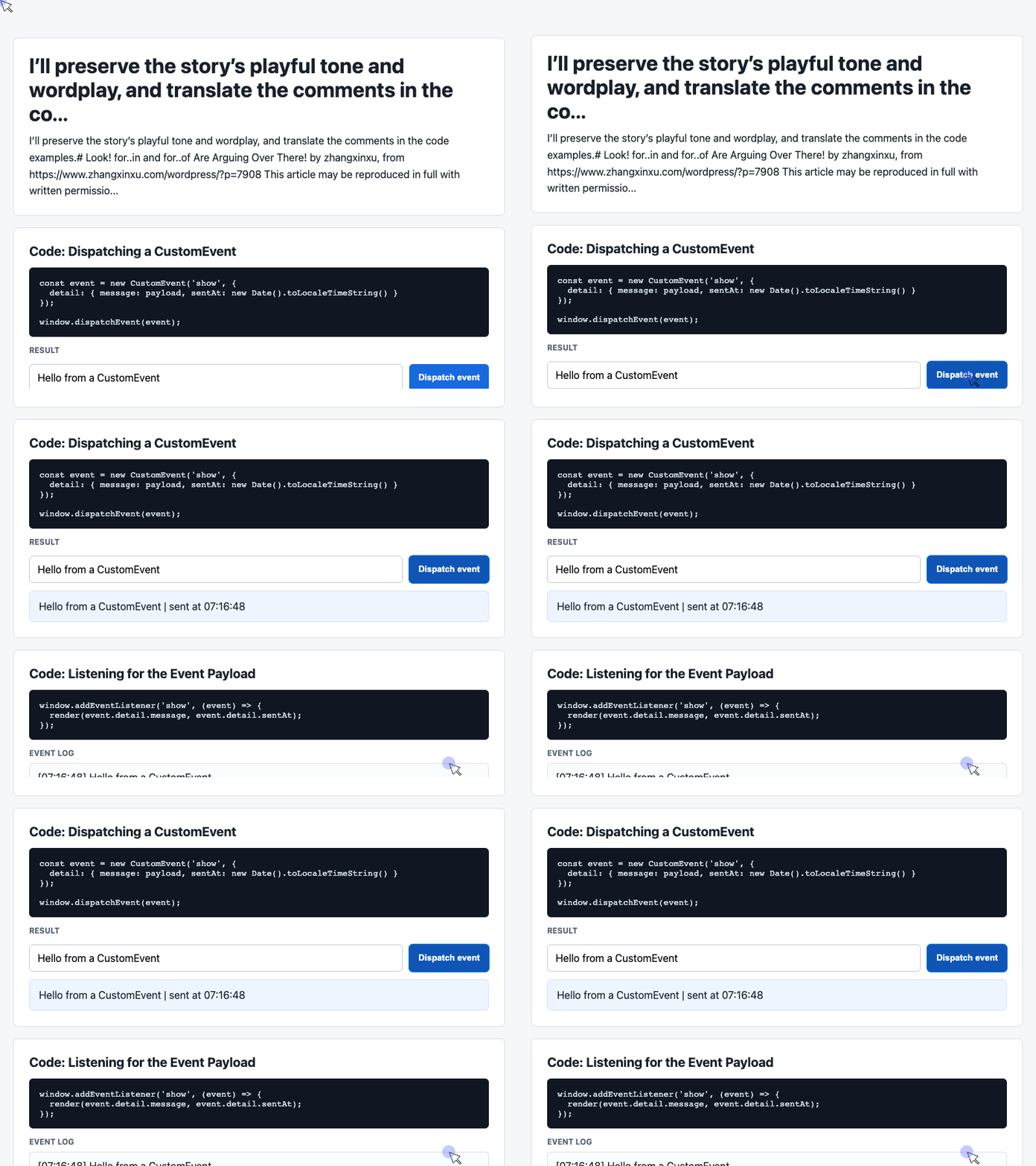
The accompanying working demo implements a CustomEvent message panel. Its three useful pieces are the controls, the event dispatcher, and the listener that updates the display.
These excerpts work together within the supplied page. The screenshots below represent the complete demo with its existing stylesheet.
1. Give the Crowd a Microphone
The demo’s HTML provides an input, a dispatch button, a latest-message card, and an event log. These are the relevant elements, collected here from the page:
<div class="controls">
  <input id="payload" value="Hello from a CustomEvent">
  <button id="dispatch">Dispatch event</button>
</div>

<div class="event-card" id="latest">
  Waiting for an event...
</div>

<div class="log" id="event-log">No events yet.</div>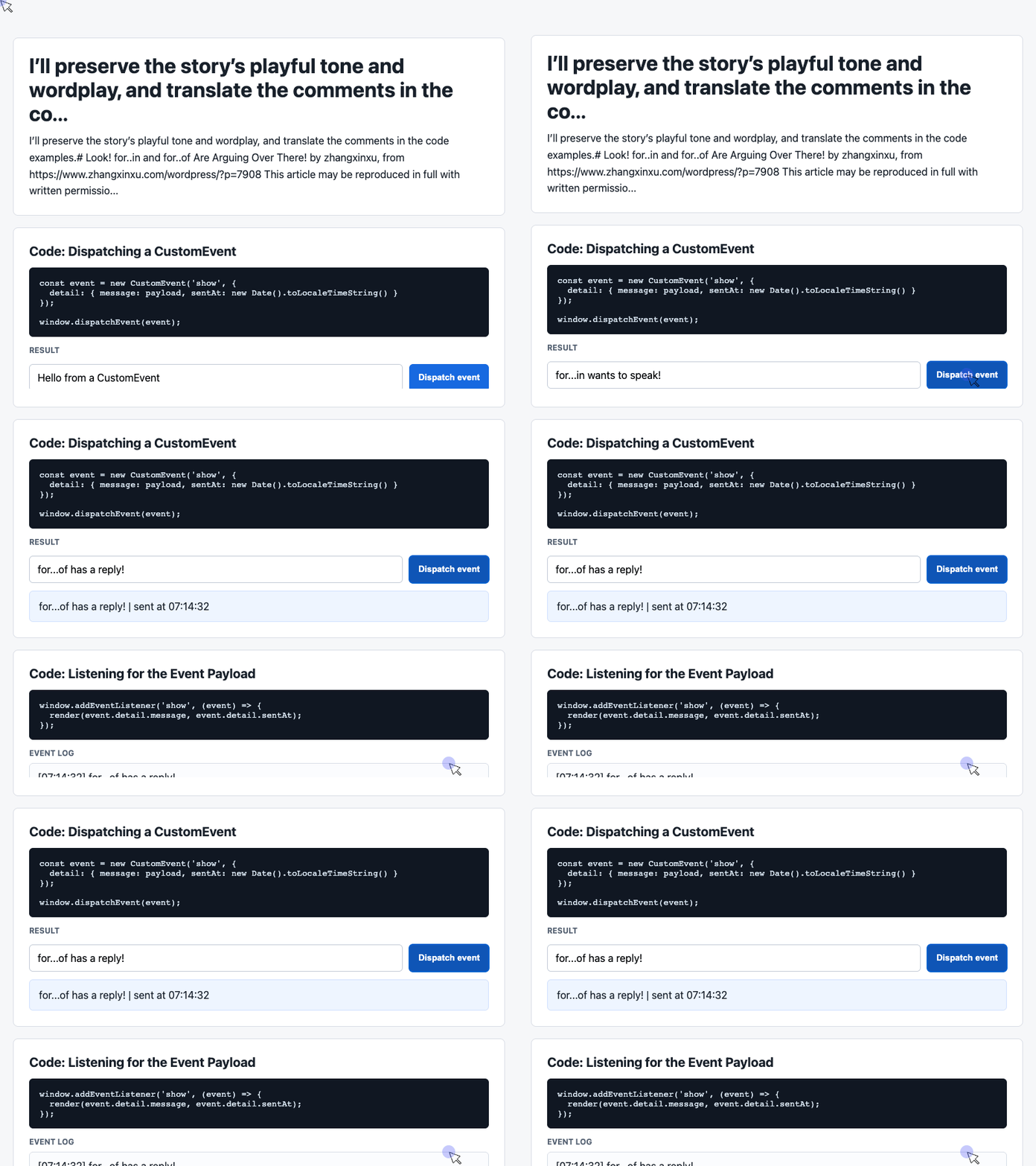
🎮 Try it live: Open the interactive demo to experience this yourself.
The IDs connect the interface to the JavaScript. Before any interaction, the waiting messages make the initial state clear.
Our commentary desk is open. Predictably, both contestants want to speak first.
2. Dispatch a Message with Structured Data
The click handler reads the input, supplies a fallback for blank messages, and creates an event named show.
This excerpt comes from the demo’s executable script:
const input = document.querySelector('#payload');

document.querySelector('#dispatch').addEventListener('click', () => {
  const message = input.value.trim() || 'Default CustomEvent payload';
  const event = new CustomEvent('show', {
    detail: { message, sentAt: new Date().toLocaleTimeString() }
  });
  window.dispatchEvent(event);
});
🎮 Try it live: Open the interactive demo to experience this yourself.
detail carries the message and timestamp together. A listener can read those fields without reaching back into the input element. MDN: CustomEvent
The dispatcher’s responsibility is small: announce what happened.
And despite the event-based structure, dispatchEvent() invokes registered listeners synchronously. Their handlers run before that call returns. MDN: dispatchEvent()
3. Listen, Render, and Keep the Latest Six Messages Visible
The receiving side updates the latest-message card and prepends an entry to the history.
Use this excerpt alongside the previous one, after the HTML elements exist:
const latest = document.querySelector('#latest');
const log = document.querySelector('#event-log');
const history = [];

window.addEventListener('show', (event) => {
  const detail = event.detail || {};
  latest.textContent = detail.message + ' | sent at ' + detail.sentAt;
  history.unshift('[' + detail.sentAt + '] ' + detail.message);
  log.textContent = history.slice(0, 6).join('\n');
});
🎮 Try it live: Open the interactive demo to experience this yourself.
unshift() puts the newest message first. slice(0, 6) selects the six entries shown on screen, and join('\n') places each on its own line. The demo’s white-space: pre-wrap styling preserves those line breaks.
The display shows six messages; the underlying history array continues accumulating entries.
Using textContent renders messages as text, so even a contestant shouting HTML gets ordinary commentary rather than control over the page.
There is also a direct connection to our loop contest. The event’s detail is an ordinary object. To examine its own enumerable fields as key–value pairs, Object.entries(detail) creates an array that OF can iterate over. MDN: Object.entries()
IN handles property enumeration. OF handles iterable values. Our commentary desk gives them both something useful to discuss.
The Verdict—and the Browser Plot Twist
Back at ChinaJoy, OF had taken over the stage.
“I can iterate over generators too!”
“Enough,” I said.
IN stood outside the crowd, looking as though someone had deprecated his entire personality.
I cleared my throat.
“Here’s the verdict so far.”
| What you need | A suitable approach |
|---|---|
| Enumerable string-keyed properties, including inherited ones | for...in |
| A plain object’s own enumerable string-keyed entries | Object.entries(), then for...of |
| Array values with the option to stop early | for...of |
| Array indices and values with loop control | for...of over arr.entries() |
| A callback for each array element, without early-exit requirements | forEach() |
“Therefore,” I announced, “the winner is—”
A commotion swept through the hall.
A whole group of Platelets had arrived.
The crowd melted.
“We’re deciding who should become your personal photographer,” I explained.
“Could we choose for ourselves?” one asked.
“Of course!”
OF straightened his hat and prepared to receive his victory.
Platelet walked directly to IN and raised his hand.
“I choose for...in!”
Silence.
Then, collectively:
“WHY?”
“These photographs are for a Microsoft publication and website called IE,” Platelet explained. “OF is an ES6 feature, and Internet Explorer doesn’t support him.”
The original story’s compatibility punchline had landed.
This ending belongs to the Internet Explorer era. For present-day development, use your actual browser requirements to guide the choice; the syntax contest alone does not decide compatibility.
IN departed surrounded by delighted Platelets.
OF knelt on the cold exhibition floor, supported himself with both hands, and wept.
The crowd sighed.
Life is unpredictable.
One Hour and Sixty Minutes Later
As everyone dispersed, I checked my phone.
Oh no.
I had been away from home for one hour and sixty minutes.
At the thought of the perfectly serviceable washboard awaiting my knees that evening, I lowered myself onto the cold floor beside OF.
Two sorrowful souls, united at last.
He had lost to a browser requirement.
I had failed to implement a reliable timeout.
Try It Yourself
Want to see these concepts in action? I’ve created an interactive demo where you can experiment with the code and see real-time results.
Explore more demos from my previous articles in the Demo Gallery.
Happy coding!