An approachable UI library with a soft spot for HTML, flexible components, and the people using your website.
It’s time to give LuLu UI a proper shout-out.
Its appeal starts with a simple idea: developers should have the freedom to shape an interface around its users. Familiar HTML, straightforward CSS, and carefully considered interactions can go a long way.
The original introduction described a library with more than 20 static and interactive components, particularly suited to public-facing websites. Its personality was warm, its integration practical, and its ambition refreshingly focused: make everyday interfaces feel better.
Explore the official website and Chinese documentation or browse the project on GitHub.
Historical context: The three-theme overview below reflects the original introduction. The project has since added Edge and Hope, and its repository identifies Modern and Peak as no longer maintained. Treat the older Internet Explorer compatibility targets as historical specifications. See the project README.
Three Themes, One Approachable Philosophy
The original LuLu UI lineup offered three themes with different dependencies and browser targets:
| Theme | JavaScript foundation | Historical browser target | Intended use |
|---|---|---|---|
| Modern | jQuery | IE7+ | Desktop websites |
| Peak | jQuery | IE8+ | Desktop websites |
| Pure | Vanilla JavaScript | IE9+ | Desktop and mobile websites |
Modern and Peak organize their resources into sass, css, and js directories. Developers who do not use Sass can work directly with the CSS, where the image assets are also stored.
Pure uses only css and js directories. Its image resources are embedded in the CSS, so there is no separate image directory.
These differences matter when choosing a theme for an existing project: dependencies, browser requirements, and deployment structure all influence the fit.
Getting Started Should Feel Familiar
One of LuLu UI’s strongest ideas is that adopting a component library should not require learning an entirely new way to write a page.
Its original workflow was direct: include the relevant CSS and JavaScript, follow the component documentation, and work with familiar HTML.
That approach accommodates several kinds of projects:
- A promotional page can add a dialog without adopting a complete application framework.
- An existing website can introduce a date picker as an individual component.
- A larger team can use modular loading to organize development. The original introduction cited SeaJS as one example.
The underlying principle is flexibility. A component can become part of your page without dictating the architecture of the whole project.
A Practical Demo: From User Input to Visible Feedback
The supplied demo illustrates that preference for straightforward browser code. It contains a message input, a button, a status card, and a short event log.
This is a standalone HTML and JavaScript example. It does not load LuLu UI or demonstrate a LuLu-specific API. Its value here is showing how familiar browser features can produce a clear, inspectable interaction.
The workflow has four steps:
- Read the message.
- Dispatch a custom event containing that message.
- Receive the event.
- Update the visible interface.
The following three excerpts belong to the same demo. Retain the supplied stylesheet, place the JavaScript after the markup, and include both JavaScript excerpts before testing the interaction. These examples target modern browsers; the historical IE compatibility claims above do not apply to this code.
1. Build the Interface With Native HTML
The demo starts with ordinary form controls and two output containers. The excerpt below adds an explicit input label while preserving the demo’s element IDs and structure.
<div class="showcase">
  <label for="payload">Your message</label>
  <div class="controls">
    <input id="payload" value="Hello from a CustomEvent">
    <button id="dispatch">Dispatch event</button>
  </div>
  <div class="event-card" id="latest">Waiting for an event...</div>
  <div class="log" id="event-log">No events yet.</div>
</div>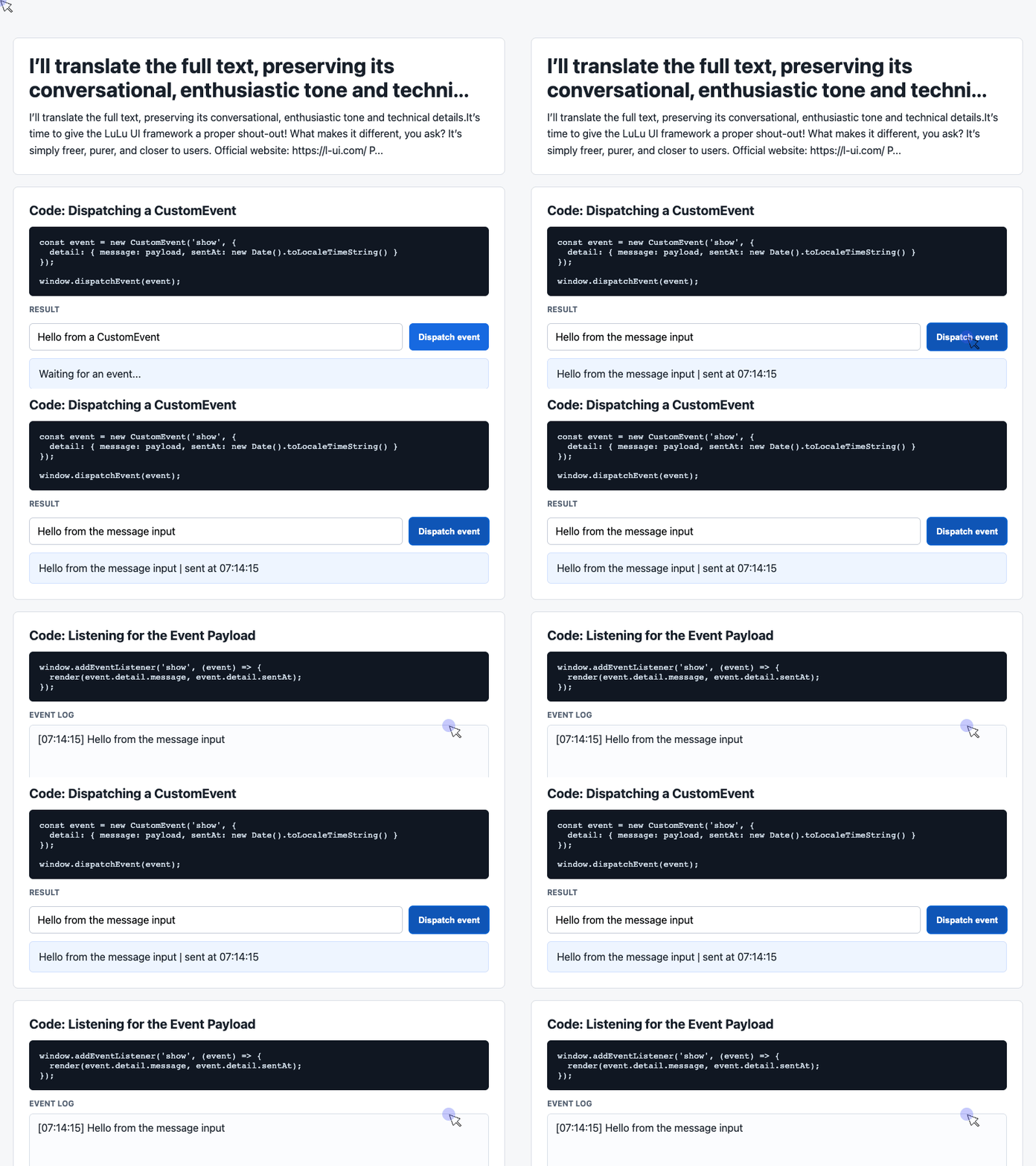
🎮 Try it live: Open the interactive demo to experience this yourself.
Each element has a clear responsibility. The input collects a message, the button initiates an action, and the output containers display the result.
The IDs give JavaScript stable references to those elements. The classes connect them to the demo’s presentation rules, including its flexible control layout and softly colored status card.
2. Package the Interaction as a Custom Event
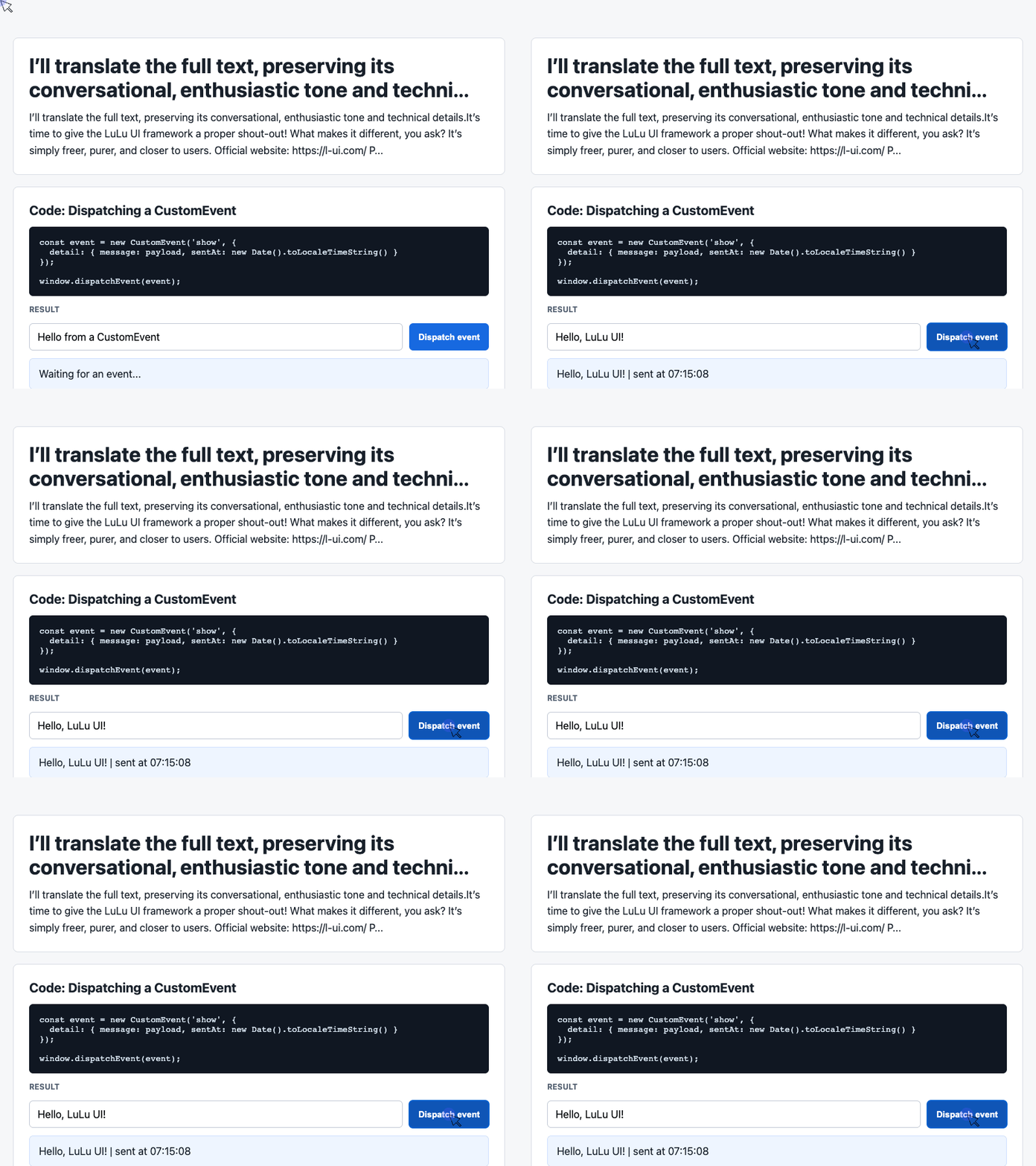
Next, the demo reads the input when the button is clicked. It packages the message and a local display timestamp inside a CustomEvent.
const input = document.querySelector('#payload');

document.querySelector('#dispatch').addEventListener('click', () => {
  const message = input.value.trim() || 'Default CustomEvent payload';
  const event = new CustomEvent('show', {
    detail: { message, sentAt: new Date().toLocaleTimeString() }
  });

  window.dispatchEvent(event);
});
🎮 Try it live: Open the interactive demo to experience this yourself.
The detail property carries the application’s payload. Trimming the input removes surrounding whitespace, while the fallback provides a message when the field is empty.
Here, show is an application-defined event name. It is not a built-in browser event or a LuLu UI API.
Dispatching the event does not update the page by itself. That work belongs to the listener.
3. Render the Message and Recent History
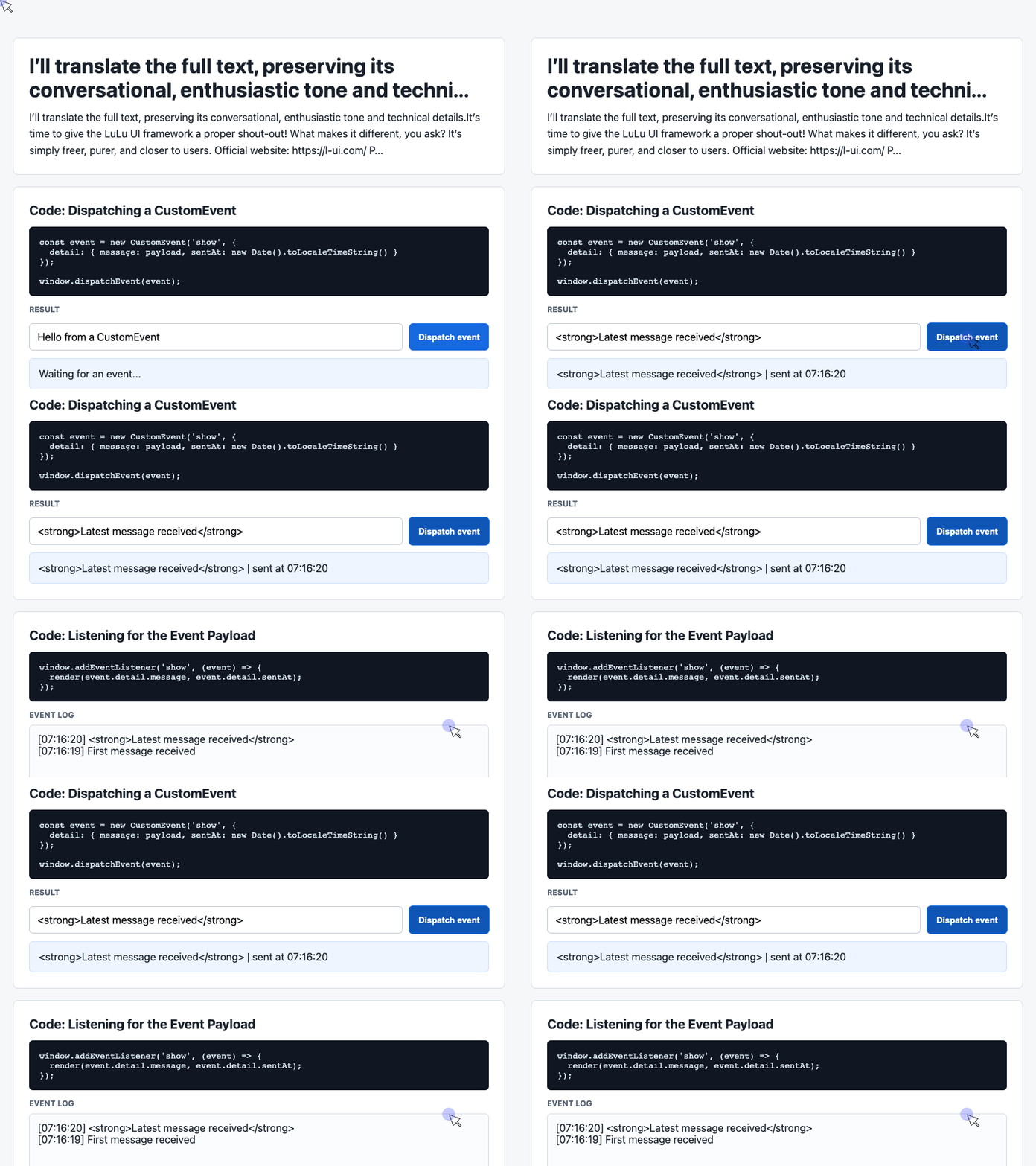
The receiving code updates the status card and maintains a newest-first event history.
const latest = document.querySelector('#latest');
const log = document.querySelector('#event-log');
const history = [];

window.addEventListener('show', (event) => {
  const detail = event.detail || {};
  latest.textContent = detail.message + ' | sent at ' + detail.sentAt;
  history.unshift('[' + detail.sentAt + '] ' + detail.message);
  log.textContent = history.slice(0, 6).join('\n');
});
🎮 Try it live: Open the interactive demo to experience this yourself.
Using textContent displays the message as text, so user input is not interpreted as HTML.
The history operations are equally direct: unshift() places each new entry first, slice(0, 6) selects the six most recent entries, and join('\n') puts them on separate lines. The demo’s white-space: pre-wrap CSS makes those line breaks visible.
One useful distinction: the display is limited to six entries, but the array continues to grow. A long-running application could also limit the stored history.
This small interaction remains easy to follow because sending an event and rendering its result have separate responsibilities.
User Experience Lives in Small Details
LuLu UI’s original introduction put considerable emphasis on interaction details that users may never consciously notice.
Consider its dialog example. When someone opens a dialog with a mouse, the interface appears ordinary. When they activate the trigger with Enter, the dialog’s buttons display a focus outline, helping the keyboard user see where interaction can continue.
That detail acknowledges how the person arrived at the dialog.
The introduction also emphasizes high-density displays, screen-reader access, and keyboard navigation. Together, these concerns describe a broader view of interface quality: appearance, input methods, and assistive technology all deserve attention.
The supplied custom-event demo does not implement that dialog behavior. Its role is to illustrate a simple interaction flow; the dialog example explains the level of care LuLu UI aims to bring to its components.
A Library With Room for Design
LuLu UI’s design philosophy begins with the experience a component should create.
That influences its appearance, behavior, and scope. Rather than adding every possible feature, the original introduction argues for components that remain understandable and adaptable.
This is especially relevant to public-facing websites, where typography, spacing, visual tone, and interaction details often carry a product’s identity.
An administrative application may place greater emphasis on dense data, standardized workflows, and functional coverage. A consumer website may give more weight to presentation and the feel of individual interactions. Those priorities naturally influence what developers need from a component library.
LuLu UI’s approach gives designers and frontend developers room to work closely on those details.
What “No Versions” Meant in the Original Workflow
One of the original introduction’s more unusual ideas was its description of LuLu UI as having “no concept of versions.”
The proposed workflow was to copy the library into a new project and let that copy become part of the project’s own code. Developers could then modify its CSS and JavaScript to match the product’s requirements.
This approach gives a team substantial control over implementation. A component’s spacing, appearance, or interaction can evolve with the product.
It also makes ownership concrete: a team that maintains its own copy takes responsibility for carrying forward relevant fixes and improvements.
For projects with distinctive design requirements, that freedom can be valuable.
Readable Source Is Part of the Appeal
LuLu UI began in 2015. Its original introduction describes years of refinement through real projects, with attention to both component behavior and implementation details.
It also presents the source code as a learning resource: straightforward structure, clear logic, and consistent comments.
The supplied demo shows why that quality matters. A reader can trace the entire interaction from a button click to an event payload, then from the listener to visible output. There is little machinery to mentally unpack.
For developers building confidence with browser APIs, code that can be read from beginning to end is useful in its own right.
Keep HTML and CSS Close to the Work
LuLu UI’s emphasis on HTML gives frontend developers direct access to the structure they are presenting. Its openness to CSS customization gives them control over how that structure feels.
That is an inviting combination for developers who enjoy the craft of visual implementation: translating a design into a page, refining a focus state, or adjusting an interaction until it feels natural.
There is plenty to explore in a library that takes those details seriously.
LuLu UI was introduced by the China Literature Frontend Team, with thanks to colleagues at Tencent and China Literature who helped build it.
Try It Yourself
Want to see these concepts in action? I’ve created an interactive demo where you can experiment with the code and see real-time results.
Explore more demos from my previous articles in the Demo Gallery.
Happy coding!