
A familiar JavaScript API for storing objects, images, and other offline data.
By zhangxinxu · Original article
Source updated March 9, 2021
This English adaptation preserves the original article’s four-part structure and conversational approach, with technical corrections to the storage examples.
Original publication notice: Full reproduction requires the author’s written permission and retention of the author’s name and source. Excerpts should link back to the original.
1. Introducing localForage
When you need to save something in the browser, localStorage is often the first tool that comes to mind.
Its appeal is obvious: choose a key, save a value, and retrieve it later. For preferences and small pieces of application state, that simplicity goes a long way.
But as your application grows, three limitations become harder to ignore:
- Limited capacity. Browsers generally allow about 5 MiB of
localStoragedata per origin. Large images or accumulated records can fill that space quickly. See MDN’s storage quota documentation. - String-only values. Objects require serialization with
JSON.stringify()and parsing withJSON.parse(). - Synchronous operations. Reads and writes block JavaScript execution while they run, which can affect responsiveness when handling substantial data. See MDN’s Web Storage guide.
localForage offers a more capable storage layer with a familiar key–value interface. When the original article was written in June 2018, the project already had more than 12,000 GitHub stars.
Its approach is straightforward: use IndexedDB where available, with fallback drivers for other environments. The library supports objects, Blobs, ArrayBuffers, and typed arrays, and exposes asynchronous operations through callbacks or Promises. See the localForage documentation.
The familiar methods are still there: setItem(), getItem(), removeItem(), and clear(). One small difference worth remembering: localForage exposes length() as an asynchronous method.
The original fallback sequence also included WebSQL. Treat that as historical compatibility context: WebSQL has since been removed from Chromium and other major browser engines. See Chrome’s WebSQL removal announcement.
What “beyond 5 MB” actually means
localForage does not increase localStorage’s quota. It can use IndexedDB, which operates under a different browser-managed storage budget.
That budget is finite. Writes can fail when space runs out, and browsers may evict data stored under their default best-effort policy. The available capacity depends on the browser and device. See MDN’s explanation of quotas and eviction.
2. A localForage Usage Example
An image preview makes the benefit easy to understand:
- Select an image from your device.
- Save its binary data locally.
- Display the image.
- Refresh the page and restore it from storage.
There is one crucial correction to the original example: a Blob and a blob URL are different things.
URL.createObjectURL() returns a temporary URL pointing to binary data. Saving that URL string does not save the image itself. Browsers release object URLs when their creating document unloads, so the string is unsuitable for restoring an image after a page reload. See MDN’s blob URL documentation.
The reliable approach is to store the File or Blob, then create a fresh object URL whenever you display it.
Save the image data and restore the preview
This corrected adaptation uses a file input with id="fileImg" and an image element with id="preview". Give the image descriptive alt text, and load localforage.min.js before running the script.
The input stays disabled while the initial restore runs, preventing that restore from competing with a new selection.
const picker = document.querySelector('#fileImg');
const image = document.querySelector('#preview');
let imageURL;

function showImage(blob) {
  if (imageURL) URL.revokeObjectURL(imageURL);
  imageURL = URL.createObjectURL(blob);
  image.src = imageURL;
}

picker.disabled = true;
localforage.getItem('zxxImg')
  .then(blob => {
    if (blob instanceof Blob) showImage(blob);
  })
  .catch(error => console.error('Restore failed:', error))
  .finally(() => { picker.disabled = false; });

picker.addEventListener('change', async () => {
  const file = picker.files[0];
  if (!file || !file.type.startsWith('image/')) return;

  try {
    await localforage.setItem('zxxImg', file);
    showImage(file);
  } catch (error) {
    console.error('Save failed:', error);
  }
});
The selected file goes directly into storage. The object URL exists only to display it.
When the preview changes, the previous URL is revoked to release its reference to the old image. For a component-based application, also revoke the active URL when disposing of the preview. See MDN’s object URL guidance.
Notice the await before setItem(). The preview updates after the save succeeds, and a failed write reaches the error handler.
The original article’s August 2019 update introduced reusable getStorage(callback) and setStorage(callback) helpers around a shared object. The underlying lesson still applies: load stored state before initializing anything that depends on it, and handle errors explicitly.
Companion demo: dispatch an interface event
The supplied generated demo illustrates CustomEvent. It contains no localForage calls, so its messages and history live only in memory.
Its event pattern can still complement a storage interface—for example, by notifying another part of the page after a successful save. The next two excerpts come from that demo and work together with its existing HTML.
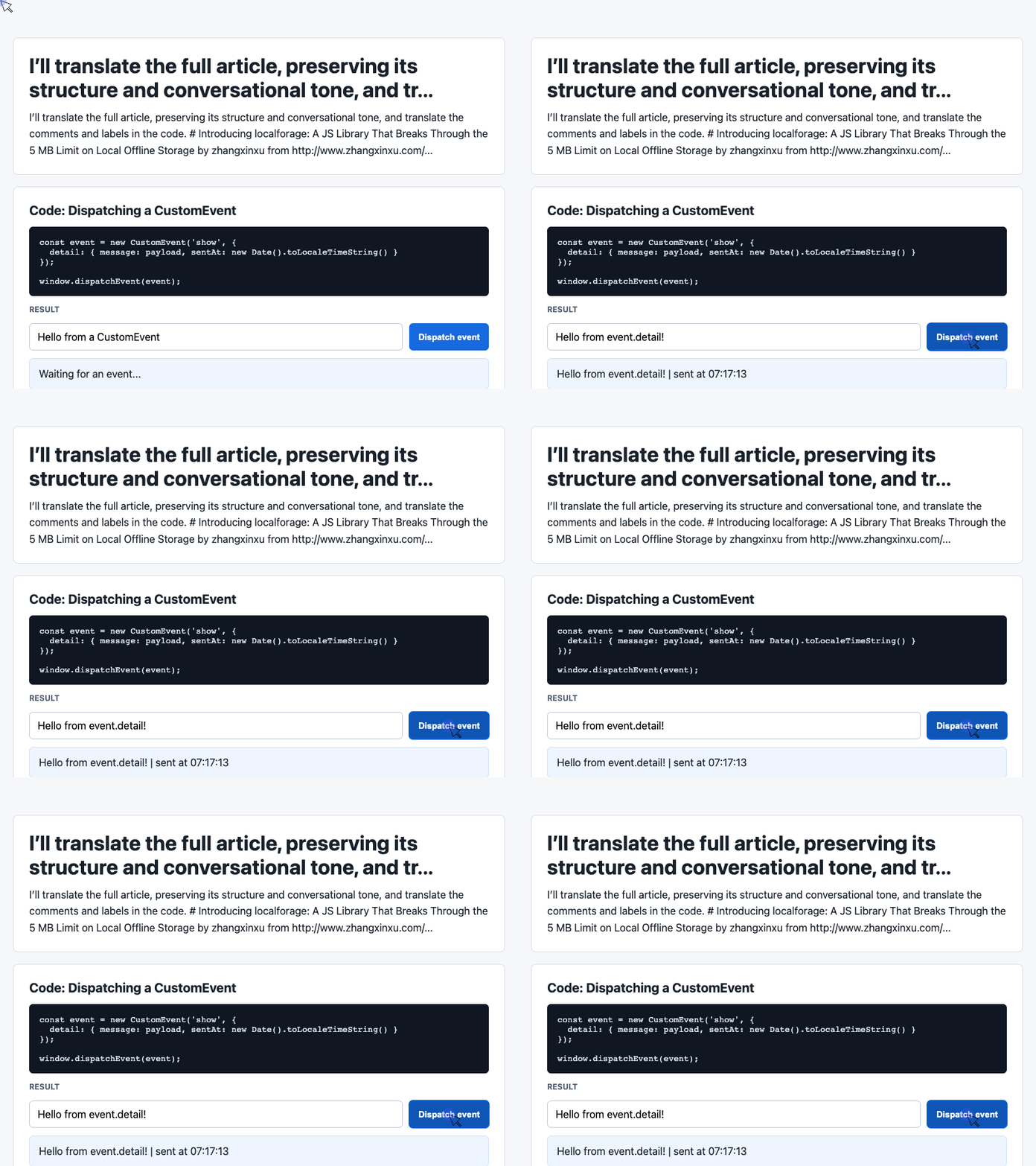
The first reads the message field and dispatches a payload containing the message and a timestamp:
const input = document.querySelector('#payload');

document.querySelector('#dispatch').addEventListener('click', () => {
  const message = input.value.trim() || 'Default CustomEvent payload';
  const event = new CustomEvent('show', {
    detail: { message, sentAt: new Date().toLocaleTimeString() }
  });

  window.dispatchEvent(event);
});
🎮 Try it live: Open the interactive demo to experience this yourself.
The detail property carries the application data. With the listener below registered, clicking the button updates the page.
One distinction matters here: dispatchEvent() invokes listeners synchronously. Using a custom event does not make an operation asynchronous. See MDN’s dispatchEvent documentation.
Display the latest message and recent activity
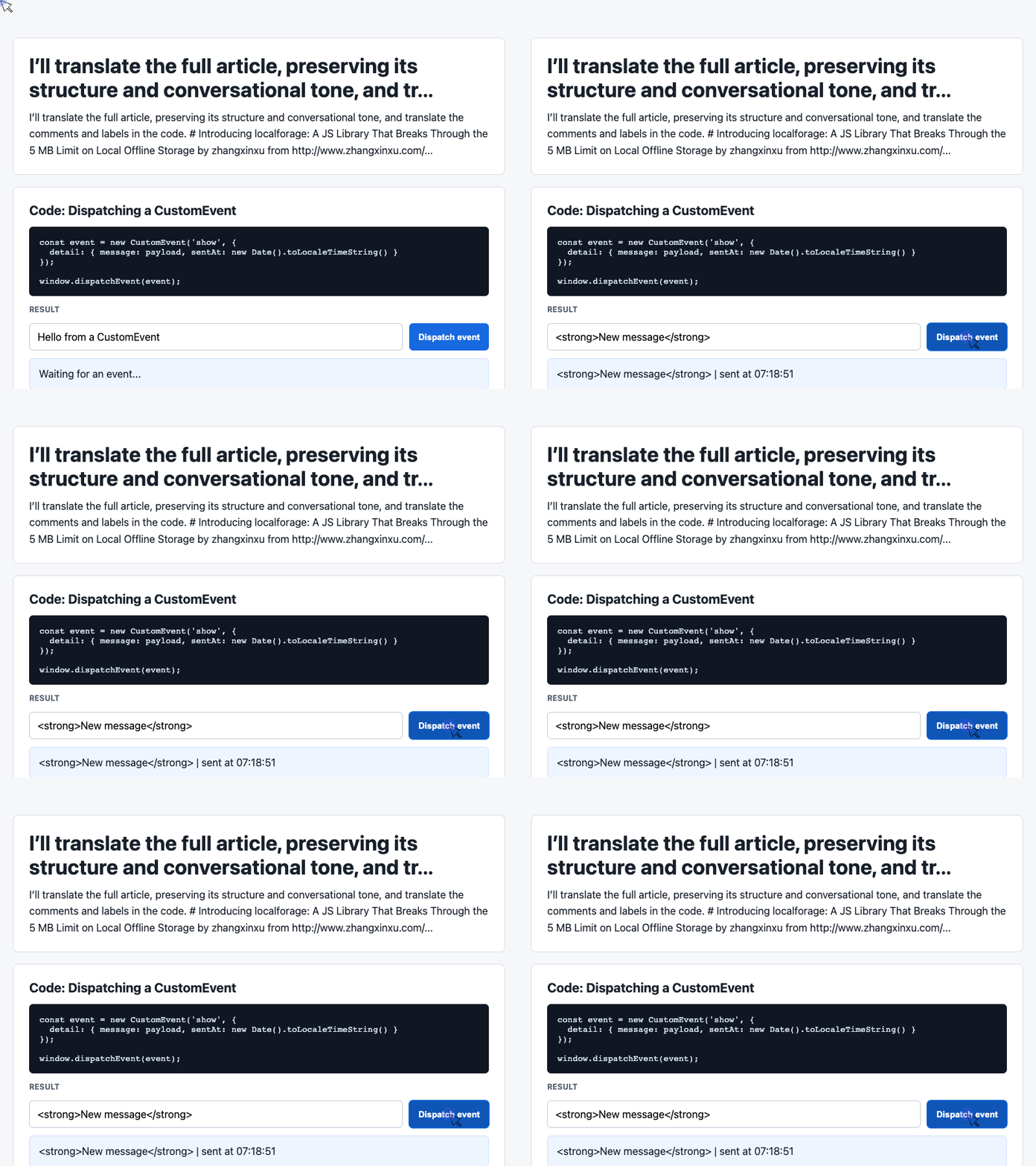
The receiving side reads event.detail, updates the current-message card, and renders recent entries in the log:
const latest = document.querySelector('#latest');
const log = document.querySelector('#event-log');
const history = [];

window.addEventListener('show', (event) => {
  const detail = event.detail || {};
  latest.textContent = detail.message + ' | sent at ' + detail.sentAt;
  history.unshift('[' + detail.sentAt + '] ' + detail.message);
  log.textContent = history.slice(0, 6).join('\n');
});
🎮 Try it live: Open the interactive demo to experience this yourself.
textContent displays each message as text. unshift() places new entries first, while slice(0, 6) limits the visible log to six rows. The underlying array continues to grow.
Refreshing this demo clears its history. To extend it with persistence, save the relevant data through localForage and restore it during initialization. If an event announces a successful save, dispatch it only after the storage operation resolves.
3. The Difference Between localForage and IndexedDB
IndexedDB is the browser’s database API. localForage provides a simpler interface over its storage capabilities.
Also, localStorage is a separate browser API; it is not a restricted mode of IndexedDB.
Working directly with IndexedDB means learning concepts such as object stores, indexes, cursors, schema upgrades, and transactions. Those features provide considerable control, but introduce more setup than a simple key–value operation. See MDN’s IndexedDB overview.
For many applications, the storage requirement is modest: save a draft, cache a response, restore preferences, or retain an uploaded image. A small API is attractive when those are the operations you need.
The choice becomes clearer when you consider how you will retrieve and update data:
| Requirement | What matters |
|---|---|
| Retrieve an object by a known key | A simple key–value interface |
| Search many records by indexed properties | IndexedDB indexes |
| Apply several related changes atomically | Explicit transaction control |
A record having several fields does not automatically require direct IndexedDB access. The stronger reasons are indexed queries and coordinated changes across records.
localForage makes common storage tasks approachable. Direct IndexedDB access becomes useful when your application needs more database control.
4. Closing Thoughts
The original article discussed Internet Explorer compatibility because that was a practical concern at the time. For a current project, verify the browsers and storage backends you actually support.
A fallback also preserves the limitations of its underlying backend. In particular, the localStorage driver still has a smaller quota and synchronous storage operations beneath localForage’s asynchronous interface.
In the March 2021 update, the author also highlighted yux-storage as a lightweight alternative for projects without Internet Explorer requirements. Its documentation describes a small IndexedDB wrapper with a familiar API.
The lasting appeal of localForage is its simplicity. You can store useful application data without making database management the center of your front-end code.
Start with the operations your application needs, handle failures, and store the actual data you intend to restore.
Original author’s June 2018 postscript: It’s Game 2 between the Cavs and the Warriors today. Things aren’t looking good for the Cavs; we could well see garbage time in the fourth quarter. Game 1 really was a missed opportunity.
Thanks for reading!
Try It Yourself
Want to see these concepts in action? I’ve created an interactive demo where you can experiment with the code and see real-time results.
Explore more demos from my previous articles in the Demo Gallery.
Happy coding!