
Shadow DOM gives Web Components one of their most useful superpowers: style isolation. A component can define its own markup and CSS without leaking styles into the page or being accidentally affected by global selectors.
But that isolation also raises a practical question:
How should a Web Component load external CSS into its Shadow DOM?
In the original Range component, the CSS was written directly inside the component. That works for small demos, but in real projects, styles often live in a separate file such as range.css.
This article walks through three ways to load that external stylesheet:
@importinside a Shadow DOM<style>tagfetch()the CSS and inject it- Use
adoptedStyleSheetswith a constructed or imported stylesheet
The Demo Setup
The demo uses a custom range selector built with two native input[type="range"] elements. Each example renders the same component UI, but loads the CSS differently.
In the standalone demo, the external CSS file is represented by a generated Blob URL:
const rangeCssBlob = new Blob([rangeCssText], { type: "text/css" });
const rangeCssUrl = URL.createObjectURL(rangeCssBlob);
In a real project, rangeCssUrl would usually be something like:
"./range.css"The important part is not where the file comes from, but how the CSS enters the Shadow DOM.
1. Using @import
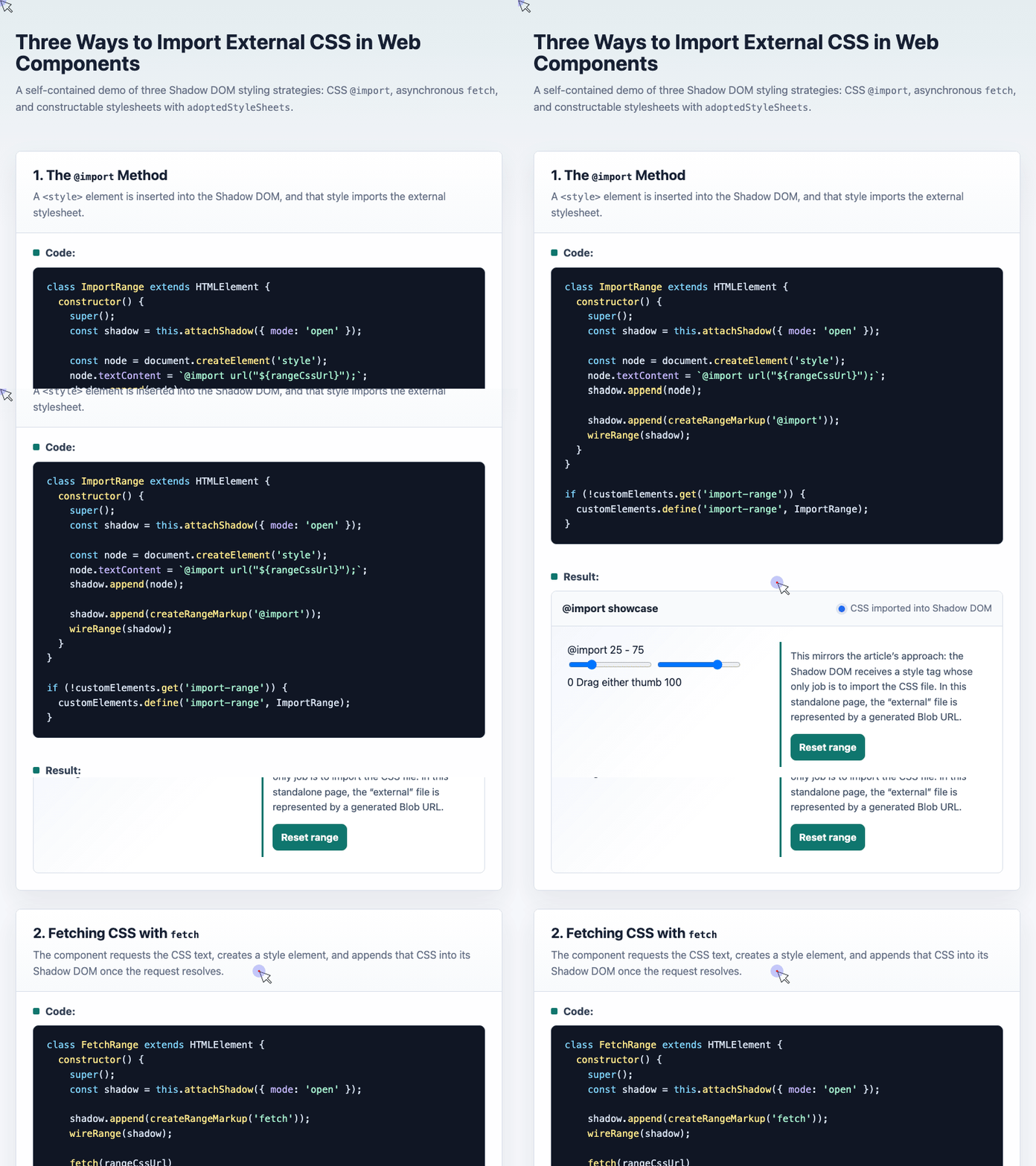
The simplest method is to create a <style> element inside the Shadow DOM and put an @import rule inside it.
class ImportRange extends HTMLElement {
  constructor() {
    super();

    const shadow = this.attachShadow({ mode: "open" });

    const node = document.createElement("style");
    node.textContent = `@import url("${rangeCssUrl}");`;
    shadow.append(node);

    shadow.append(createRangeMarkup("@import"));
    wireRange(shadow);
  }
}

if (!customElements.get("import-range")) {
  customElements.define("import-range", ImportRange);
}
This is close to writing CSS directly inside the component, except the actual stylesheet is loaded from another file.
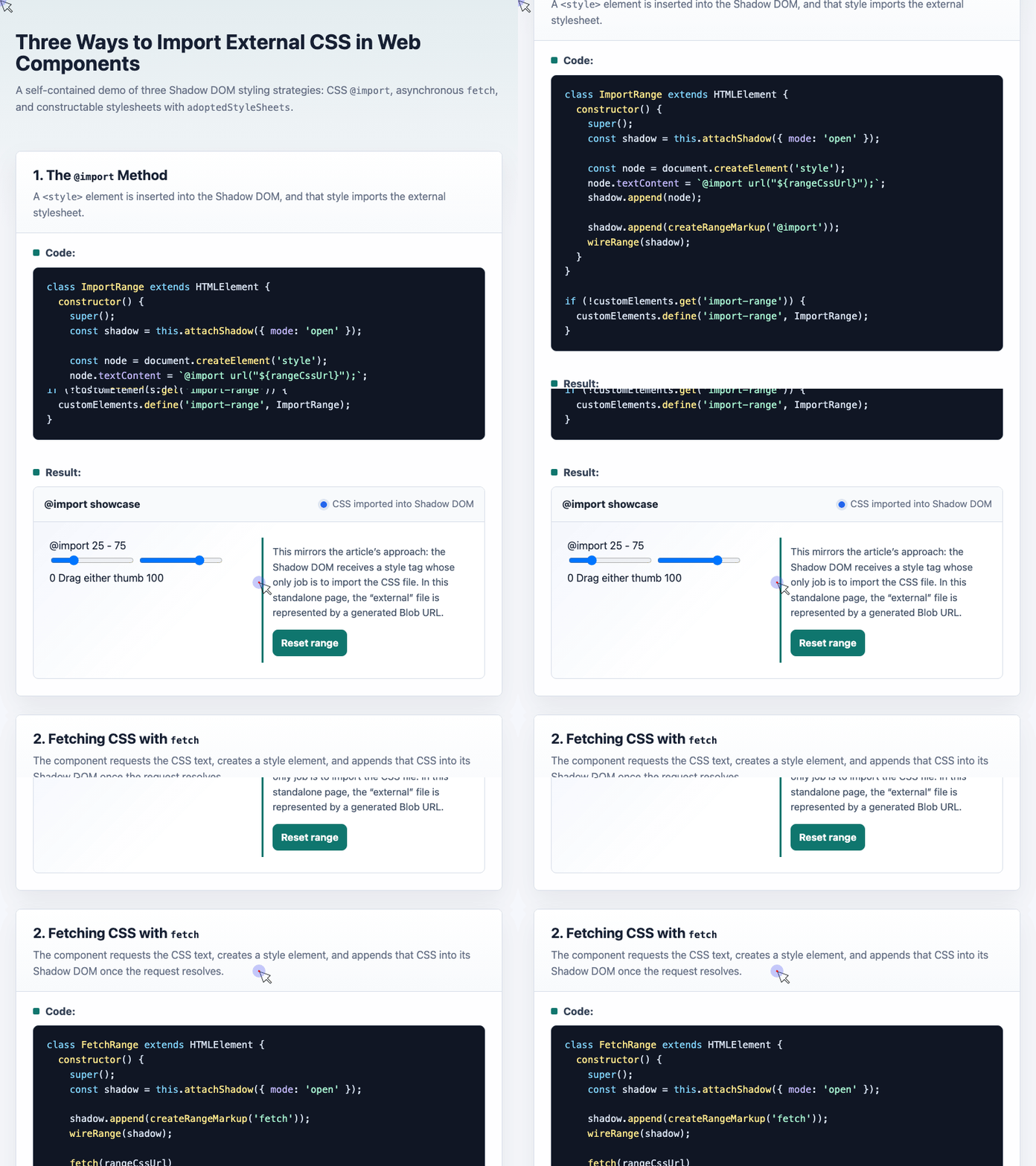
🎮 Try it live: Open the interactive demo to experience this yourself.
The main advantage is simplicity. You do not need a build step, a bundler, or any special browser API beyond Shadow DOM and normal CSS.
The tradeoff is performance. @import can delay style loading because the browser discovers the external stylesheet only after it parses the style block. For prototypes, demos, documentation pages, and internal tools, that may be acceptable. For heavily reused components in production, it is usually not the first choice.
2. Fetching CSS with fetch()
The second method is to load the CSS file as text, create a <style> element, and inject the fetched CSS into the Shadow DOM.
Here is the relevant part from the demo:
class FetchRange extends HTMLElement {
  constructor() {
    super();

    const shadow = this.attachShadow({ mode: "open" });

    shadow.append(createRangeMarkup("fetch"));
    wireRange(shadow);

    fetch(rangeCssUrl)
      .then(response => response.text())
      .then(css => {
        const node = document.createElement("style");
        node.textContent = css;
        shadow.append(node);

        document.getElementById("fetch-status").textContent =
          "CSS fetched and injected";
      });
  }
}

if (!customElements.get("fetch-range")) {
  customElements.define("fetch-range", FetchRange);
}
This approach avoids using CSS @import. The component asks for the stylesheet directly, receives plain CSS text, and places that CSS inside its own shadow root.
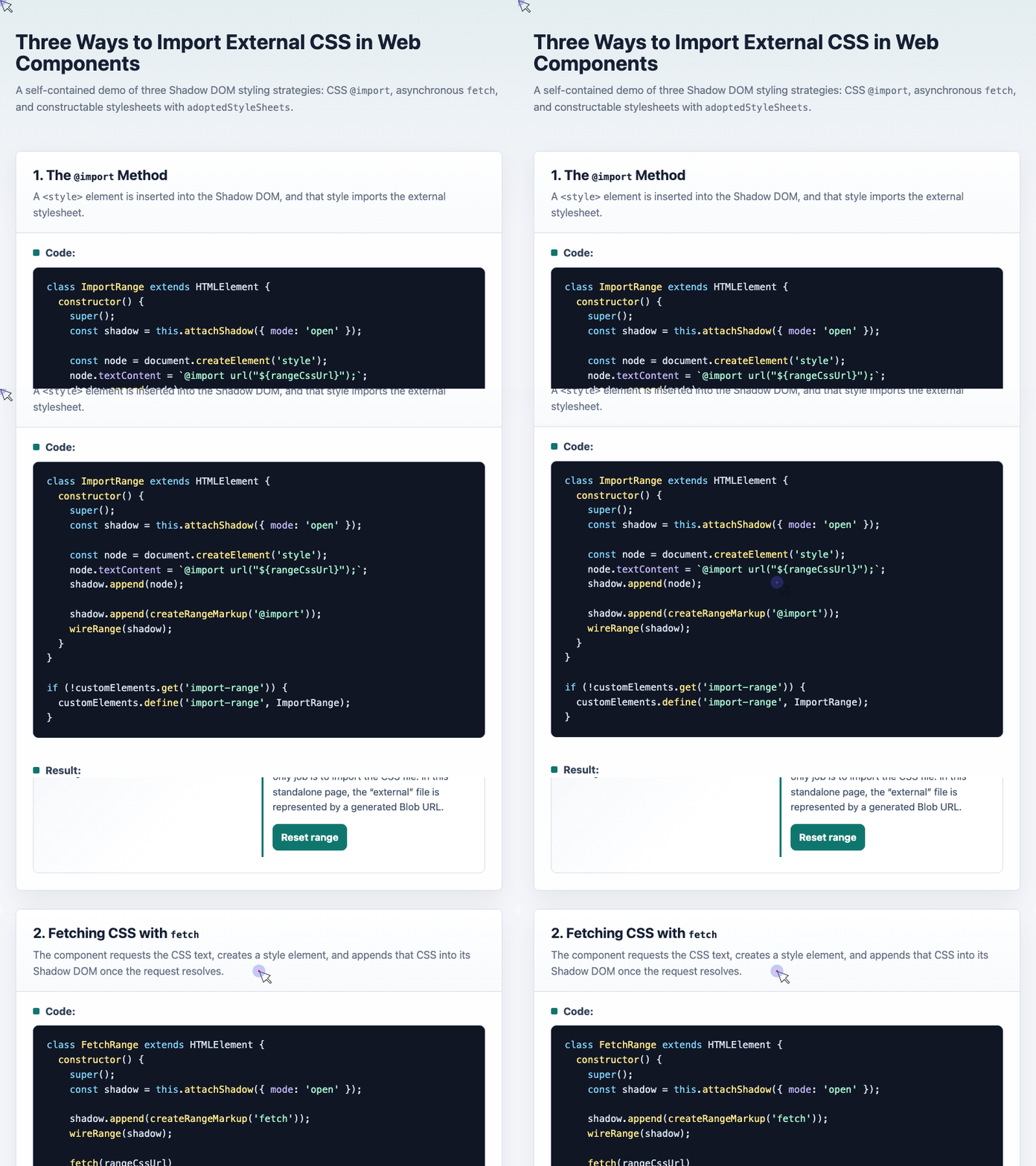
🎮 Try it live: Open the interactive demo to experience this yourself.
The upside is better control. You can cache the request, handle errors, show a loading state, or wait to render the component until the CSS is ready.
The downside is that the code is more verbose. It also has a possible flash-of-unstyled-content issue if the component markup renders before the CSS request completes. In production, you may want to fetch once, reuse the same promise, and only reveal the component after styling is applied.
3. Using adoptedStyleSheets
The most modern approach is to use a CSSStyleSheet object and assign it to the Shadow DOM through adoptedStyleSheets.
In environments that support native CSS module scripts or in projects using a bundler, the ideal shape looks like importing CSS as a stylesheet object and applying it directly.
The demo shows the same idea by manually creating a stylesheet object:
const styles = new CSSStyleSheet();
styles.replaceSync(rangeCssText);

class ModuleRange extends HTMLElement {
  constructor() {
    super();

    const shadow = this.attachShadow({ mode: "open" });

    shadow.adoptedStyleSheets = [styles];
    shadow.append(createRangeMarkup("CSS module"));
    wireRange(shadow);
  }
}

if (!customElements.get("module-range")) {
  customElements.define("module-range", ModuleRange);
}
Instead of creating a new <style> tag for every component instance, this method allows multiple components to share the same stylesheet object.
🎮 Try it live: Open the interactive demo to experience this yourself.
This is cleaner and more efficient for component systems. It is especially useful when many instances of the same Web Component appear on a page.
One compatibility detail matters: adoptedStyleSheets itself is now widely supported, but native CSS module imports are a separate feature and may still require a bundler or fallback depending on your target browsers. Modern examples may use import attributes such as:
import styles from "./range.css" with { type: "css" };Older examples may use assert { type: "css" }, but that syntax has changed over time.
Comparing the Three Methods
Each method has one obvious weakness.
| Method | Good Performance | Easy to Use | Good Compatibility |
|---|---|---|---|
@import | No | Yes | Yes |
fetch() | Yes | No | Yes |
adoptedStyleSheets / CSS module | Yes | Yes | Depends on target browsers |
Which One Should You Use?
Use @import when you want the simplest possible solution and the component is not performance-sensitive.
Use fetch() when you want broad compatibility and more control over loading behavior.
Use adoptedStyleSheets when you are building a modern component system, especially if your build setup can turn CSS files into stylesheet objects.
For production, I would usually start with adoptedStyleSheets where supported, then provide a fetch() fallback if the project needs wider browser coverage.
Further Reading
- MDN:
ShadowRoot.adoptedStyleSheets - MDN:
importattributes - web.dev: Using CSS Module Scripts to import stylesheets
Try It Yourself
Want to see these concepts in action? I’ve created an interactive demo where you can experiment with the code and see real-time results.
Explore more demos from my previous articles in the Demo Gallery.
Happy coding!