
Escaping and unescaping HTML is one of those tasks that looks simple until you start thinking about every character, browser behavior, and execution environment.
Most developers reach for string replacement first. That works, but in a browser you already have a mature HTML parser and serializer available through the DOM. With a few small APIs, you can let the browser do the tedious character conversion for you.
Escaping HTML with a Text Node
The cleanest browser-native trick is to treat the HTML-like string as plain text first.
Create a text node, append it to a normal element, then read the element’s innerHTML. Because the browser must serialize the text node safely, characters like < and > are escaped automatically.
let textNode = document.createTextNode('<span>by zhangxinxu</span>');
let div = document.createElement('div');

div.append(textNode);

console.log(div.innerHTML);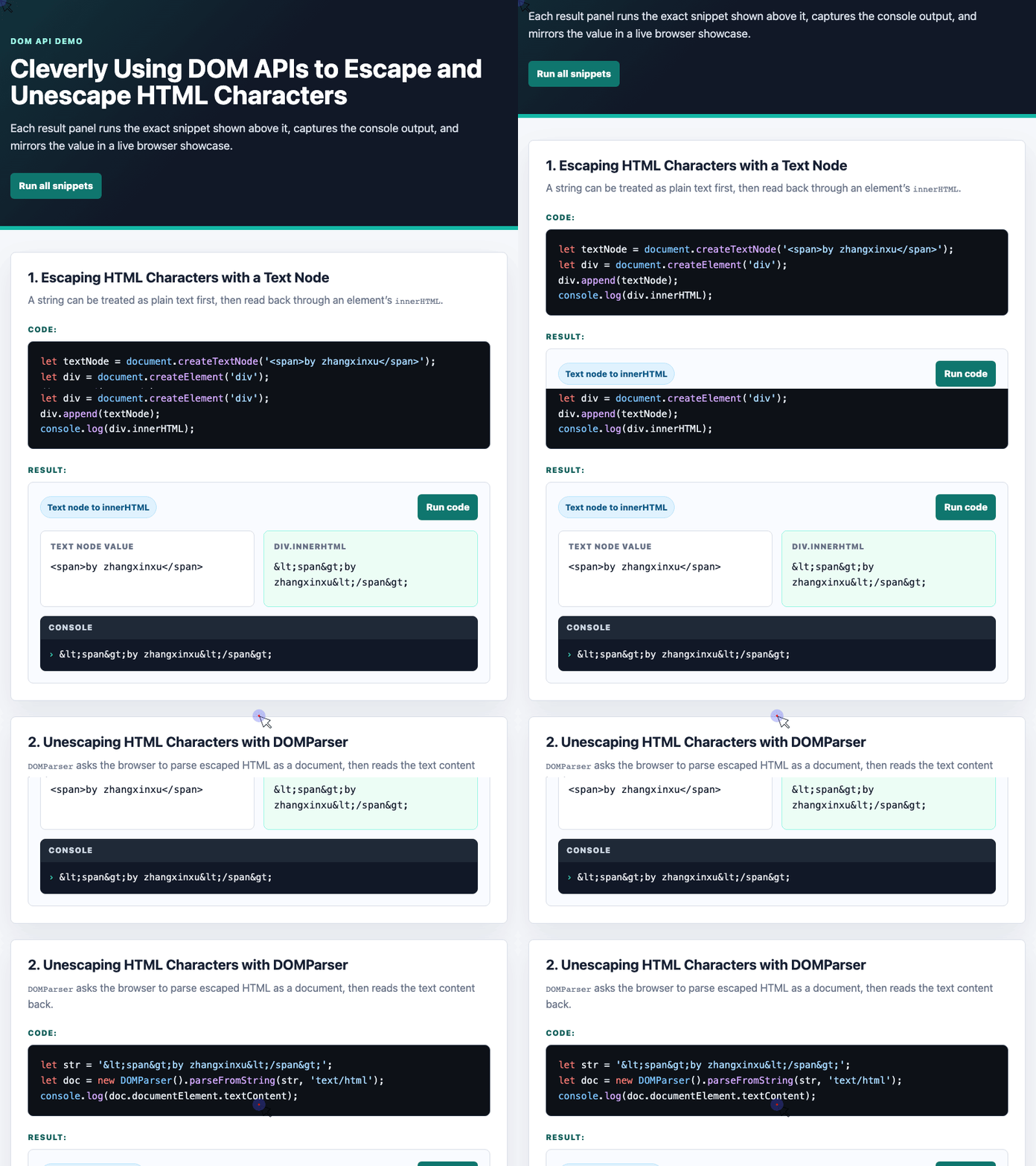
🎮 Try it live: Open the interactive demo to experience this yourself.
The output is:
<span>by zhangxinxu</span>This works because the browser knows the difference between a text node and actual markup. The string is never interpreted as an element. It is stored as text, then serialized into safe HTML.
Unescaping HTML with DOMParser
For the reverse operation, DOMParser is a good browser-native option. It parses a string as HTML, then you can read the document’s text content.
let str = '<span>by zhangxinxu</span>';
let doc = new DOMParser().parseFromString(str, 'text/html');

console.log(doc.documentElement.textContent);
The result is:
<span>by zhangxinxu</span>The important detail is that you are reading textContent, not injecting the result back into the page. That keeps this technique useful for decoding strings without accidentally rendering arbitrary HTML.
The Older Textarea Technique
Another classic approach uses a textarea. This was especially common in older browser-era code because assigning to innerHTML causes the browser to decode entities inside the textarea’s text node.
let textarea = document.createElement('textarea');

textarea.innerHTML = '<span>by zhangxinxu</span>';

console.log(textarea.childNodes[0].nodeValue);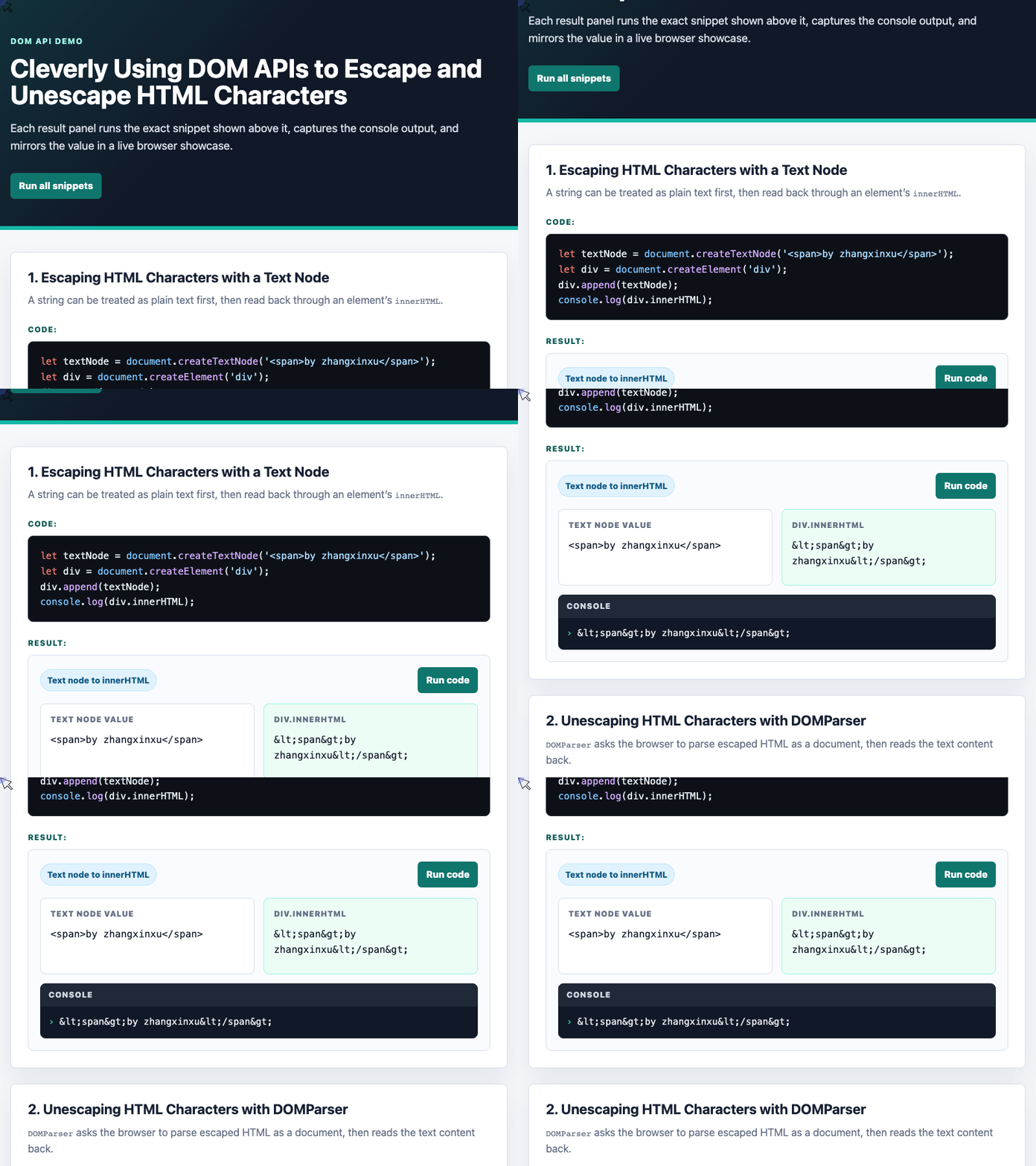
🎮 Try it live: Open the interactive demo to experience this yourself.
This produces the same decoded string:
<span>by zhangxinxu</span>It is still worth knowing, but for modern browser code, DOMParser usually communicates intent more clearly.
When DOM APIs Are Not Available
The DOM-based approach depends on browser APIs. That means it will not work in every JavaScript runtime.
For example, it is not suitable for:
- Node.js without a DOM implementation
- Service Workers where
documentis unavailable - JavaScript runtimes outside the browser
In those cases, a direct string replacement helper is still useful.
var funEncodeHTML = function (str) {
if (typeof str == 'string') {
return str.replace(/<|&|>/g, function (matches) {
return ({
'<': '<',
'>': '>',
'&': '&'
})[matches];
});
}
return '';
};
var funDecodeHTML = function (str) {
if (typeof str == 'string') {
return str.replace(/<|>|&/g, function (matches) {
return ({
'<': '<',
'>': '>',
'&': '&'
})[matches];
});
}
return '';
};This version is more portable, but it also puts correctness on your own code. If your escaping needs include quotes, apostrophes, or broader entity handling, expand the mapping carefully or use a trusted library.
A Practical Rule of Thumb
If you are already in a browser page and need a small, reliable way to escape HTML text, the text-node-plus-innerHTML method is simple and memorable.
If you need to decode escaped HTML entities in browser code, DOMParser is usually the clearer modern option.
If your code must run outside the browser, use string replacement or a dedicated escaping library instead.
The clever part is not that the DOM APIs are obscure. It is that they let the browser do what it already knows how to do: parse, serialize, and protect text from being mistaken for markup.
Try It Yourself
Want to see these concepts in action? I’ve created an interactive demo where you can experiment with the code and see real-time results.
Explore more demos from my previous articles in the Demo Gallery.
Happy coding!