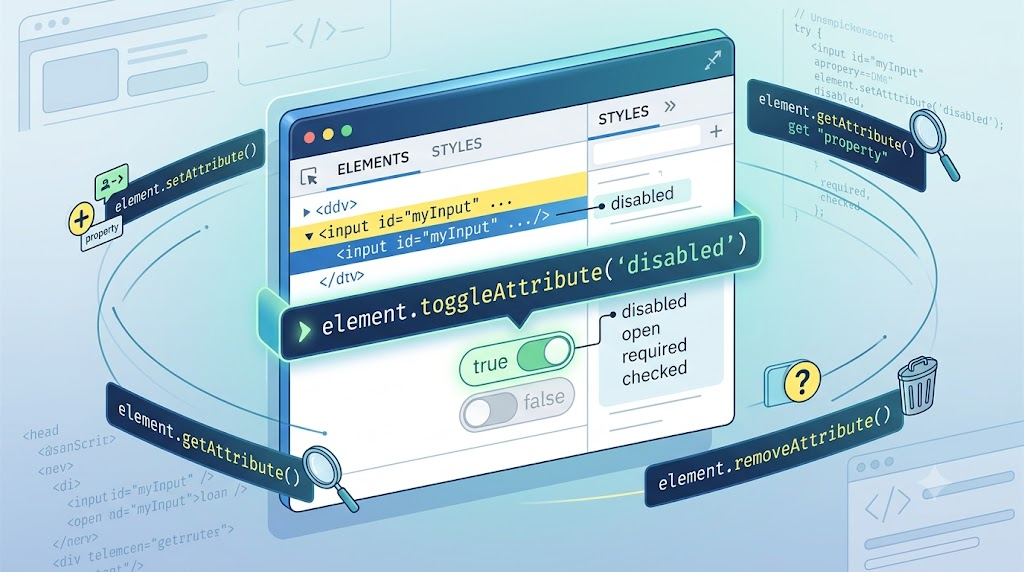
For years, when I needed to work with DOM attributes, I reached for the familiar set:
element.setAttribute(name, value);
element.getAttribute(name);
element.hasAttribute(name);
element.removeAttribute(name);
These APIs are everywhere. They are old, stable, and easy to remember.
So I assumed that was the whole family.
Then I stumbled across a DOM method I had somehow missed:
element.toggleAttribute(name, force);It does exactly what the name suggests: it toggles an attribute on an element. More importantly, it is especially useful for HTML boolean attributes such as disabled, readonly, checked, selected, open, required, and novalidate.
It is one of those quiet browser APIs that makes everyday code cleaner, but somehow never gets the same attention as new JavaScript syntax.
The Old Way: Attribute APIs We Already Know
Before getting to toggleAttribute(), let’s quickly look at the usual attribute workflow.
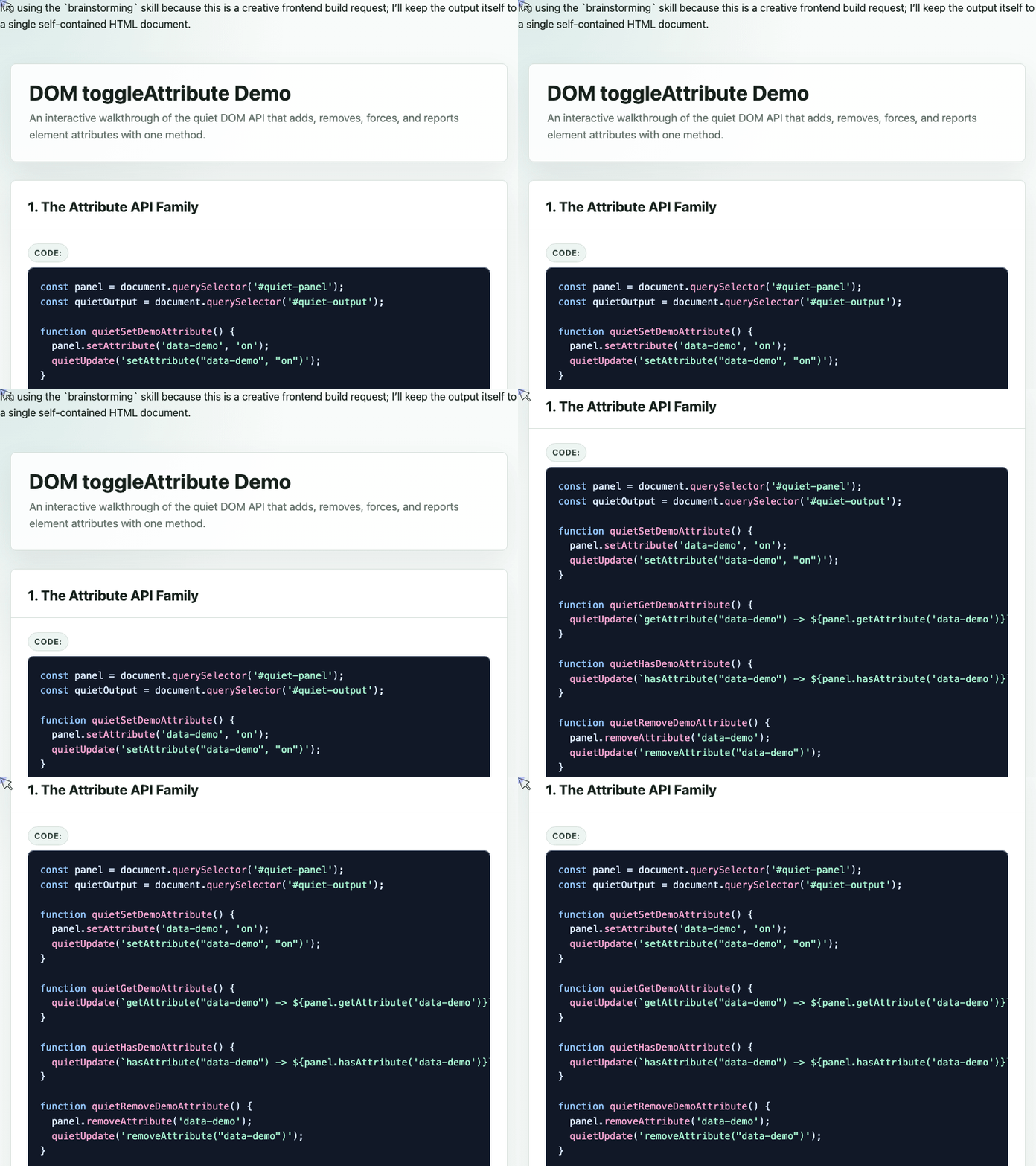
In the demo, a panel’s data-demo attribute can be added, read, checked, removed, or toggled:
const panel = document.querySelector('#quiet-panel');
const quietOutput = document.querySelector('#quiet-output');

function quietSetDemoAttribute() {
  panel.setAttribute('data-demo', 'on');
  quietUpdate('setAttribute("data-demo", "on")');
}

function quietHasDemoAttribute() {
  quietUpdate(`hasAttribute("data-demo") -> ${panel.hasAttribute('data-demo')}`);
}

function quietRemoveDemoAttribute() {
  panel.removeAttribute('data-demo');
  quietUpdate('removeAttribute("data-demo")');
}

function quietToggleDemoAttribute() {
  const state = panel.toggleAttribute('data-demo');
  quietUpdate(`toggleAttribute("data-demo") -> ${state}`);
}
The older APIs are still useful, especially when attributes need specific values. But when the question is simply “should this attribute exist or not?”, toggleAttribute() is much more direct.
🎮 Try it live: Open the interactive demo to experience this yourself.
Why Boolean Attributes Are the Perfect Use Case
HTML has many boolean attributes. These are attributes where the presence of the attribute means true, and its absence means false.
For example:
<input disabled>
<dialog open></dialog>
<input required>
<option selected>
With boolean attributes, the value is usually not the important part. This:
<input disabled="">and this:
<input disabled>both mean the input is disabled.
In the past, opening and closing something like a <dialog> through attributes often looked like this:
dialog.setAttribute('open', '');
dialog.removeAttribute('open');
With toggleAttribute(), that becomes more expressive:
const dialog = document.querySelector('#boolean-dialog');

function dialogOpen() {
  dialog.toggleAttribute('open', true);
}

function dialogClose() {
  dialog.toggleAttribute('open', false);
}

function dialogToggle() {
  dialog.toggleAttribute('open');
}
The second argument, force, lets you control the final state:
dialog.toggleAttribute('open', true);  // add the attribute
dialog.toggleAttribute('open', false); // remove the attribute
dialog.toggleAttribute('open');        // toggle it
That is the whole API.
🎮 Try it live: Open the interactive demo to experience this yourself.
The Return Value Is Useful Too
toggleAttribute() also returns a boolean.
If the attribute exists after the call, it returns true. If the attribute does not exist after the call, it returns false.
That makes it easy to update UI state immediately:
const syntaxPreview = document.querySelector('#syntax-preview');

function toggleBodyAttribute() {
  const hasAttribute = document.body.toggleAttribute('zhangxinxu');

  syntaxPreview.textContent = hasAttribute
    ? '<body zhangxinxu>'
    : '<body>';
}
This example also shows that toggleAttribute() is not limited to standardized HTML attributes. You can toggle a custom attribute name too.
In real projects, you would usually prefer data-* attributes for custom state, such as data-active or data-expanded. But the API itself works with arbitrary attribute names.
A Practical UI Example: Disabling an Input
Here is a small but useful pattern: clicking a button toggles whether an input is disabled.
The markup is simple:
<input id="input">
<button id="button" value="Enable">Disable</button>
The JavaScript is even simpler:
button.addEventListener('click', () => {
  input.toggleAttribute('disabled');
});
The demo also uses CSS to change the button text when the input becomes disabled:
#button {
  position: relative;
  min-width: 6.5rem;
}

#input:disabled ~ #button {
  -webkit-text-fill-color: transparent;
}

#input:disabled ~ #button::before {
  position: absolute;
  content: attr(value);
  inset: 0;
  display: grid;
  place-items: center;
  -webkit-text-fill-color: currentColor;
}
The important idea is that the state lives in the DOM attribute. JavaScript toggles the disabled attribute, and CSS reacts to :disabled.
That is a clean separation: JavaScript changes state; CSS handles presentation.
🎮 Try it live: Open the interactive demo to experience this yourself.
A Tiny Polyfill
toggleAttribute() is supported in modern browsers, but if you need to support older environments, the polyfill is small.
This version follows the behavior shown in MDN’s documentation:
if (!Element.prototype.toggleAttribute) {
  Element.prototype.toggleAttribute = function(name, force) {
    if (force !== void 0) force = !!force;

    if (this.hasAttribute(name)) {
      if (force) return true;

      this.removeAttribute(name);
      return false;
    }

    if (force === false) return false;

    this.setAttribute(name, '');
    return true;
  };
}
Place it before your application code, and then you can use toggleAttribute() normally.
Final Thoughts
toggleAttribute() is not a flashy API. It will not change how we architect frontend applications.
But it does make a common DOM operation cleaner:
element.toggleAttribute('disabled');
element.toggleAttribute('open', true);
element.toggleAttribute('required', false);
For boolean attributes, it feels like the API that should have been there all along.
toggleAttribute(), you deserve it.
Try It Yourself
Want to see these concepts in action? I’ve created an interactive demo where you can experiment with the code and see real-time results.
Explore more demos from my previous articles in the Demo Gallery.
Happy coding!