
Long documentation pages often need a table of contents that follows the reader. As the user scrolls, the navigation item for the current section should become active.
The traditional solution is straightforward: listen for scroll, measure every heading with getBoundingClientRect(), compare positions, and update the active link. It works, but it is verbose and can become wasteful because the browser has to keep recalculating positions while scrolling.
IntersectionObserver gives us a cleaner model: instead of asking “where is every heading right now?” on every scroll frame, we ask the browser to notify us when a heading enters or leaves a visible region.
The Core Idea
An IntersectionObserver watches target elements and calls a callback when their intersection with a viewport or scroll container changes.
For a table of contents, the targets are headings. When a heading becomes visible enough, we find the matching navigation link and apply an active class.
Here is the smallest useful version from the demo:
const demo = document.querySelector('#basic-demo');
const root = demo.querySelector('.demo-scroll');
const links = demo.querySelectorAll('.demo-nav a');

const activate = (id) => {
  links.forEach(link => {
    link.classList.toggle('active', link.getAttribute('href') === `#${id}`);
  });
};

const observer = new IntersectionObserver((entries) => {
  entries.forEach(entry => {
    if (entry.isIntersecting) {
      activate(entry.target.id);
    }
  });
}, {
  root,
  threshold: 0.55
});

root.querySelectorAll('h3').forEach(heading => observer.observe(heading));
The important pieces are:
roottells the observer which scroll container to use.threshold: 0.55means the callback is triggered when roughly 55% of the heading is visible.entry.target.idconnects the visible heading to a link likehref="#basic-two".
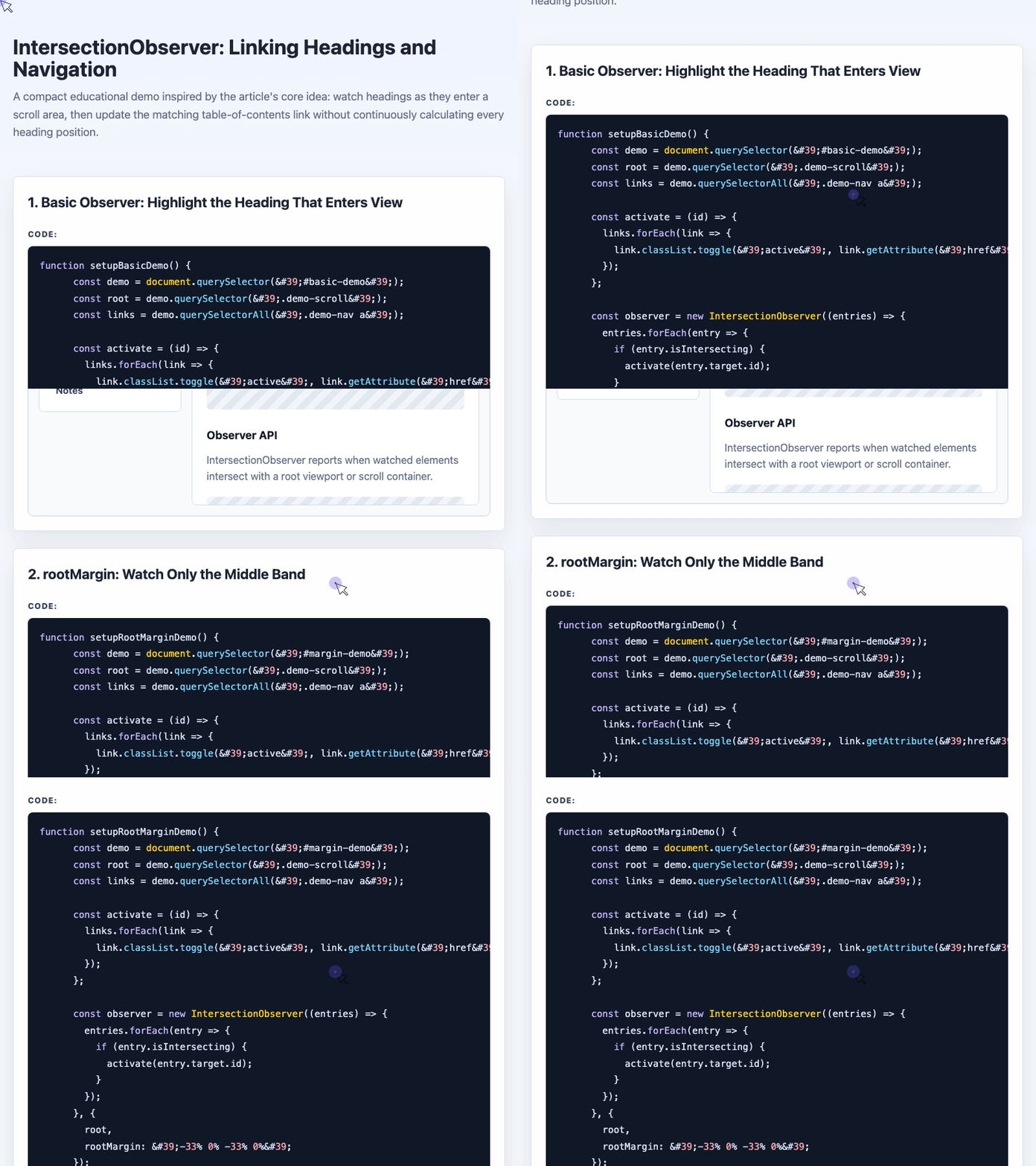
🎮 Try it live: Open the interactive demo to experience this yourself.
Why This Feels Better Than Scroll Math
With a scroll listener, the code usually asks every heading for its position during scrolling. That means you are manually deciding which heading is closest, which one counts as “current,” and how to handle top and bottom edge cases.
With IntersectionObserver, the browser reports meaningful visibility changes directly. Your code reacts to events instead of continuously polling layout.
Watching the Middle of the Viewport
Highlighting a heading as soon as it enters the viewport can feel too early. A more natural behavior is to activate the heading when it reaches the middle area of the reading pane.
That is where rootMargin helps. Negative top and bottom margins shrink the observer’s active region:
const observer = new IntersectionObserver((entries) => {
  entries.forEach(entry => {
    if (entry.isIntersecting) {
      activate(entry.target.id);
    }
  });
}, {
  root,
  rootMargin: '-33% 0% -33% 0%'
});
This creates an invisible detection band in the middle third of the scroll container. A heading only becomes active when it crosses that band.
One detail matters: rootMargin does not behave like normal CSS margin on the element. Positive values expand the observer region. Negative values shrink it.
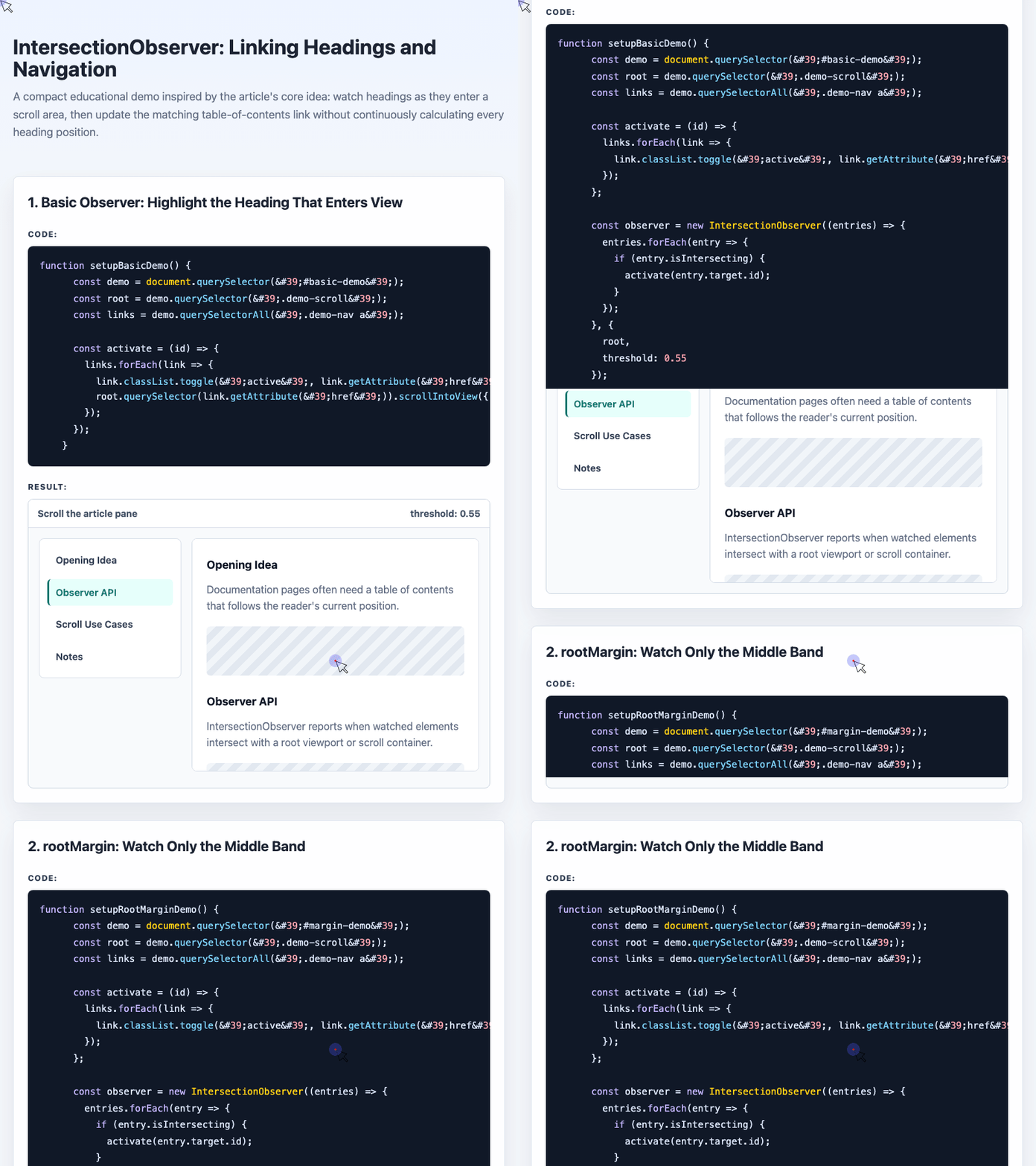
🎮 Try it live: Open the interactive demo to experience this yourself.
Reading Intersection Data
IntersectionObserverEntry gives more than a boolean. You can inspect values such as isIntersecting, intersectionRatio, boundingClientRect, and target.
The demo uses intersectionRatio to show how much of an element is visible:
const thresholds = Array.from({ length: 101 }, (_, index) => index / 100);

const observer = new IntersectionObserver((entries) => {
  entries.forEach(entry => {
    state.textContent = String(entry.isIntersecting);
    ratio.textContent = entry.intersectionRatio.toFixed(2);
    card.classList.toggle('visible', entry.isIntersecting);
  });
}, {
  root,
  threshold: thresholds
});

observer.observe(card);
By generating thresholds from 0 to 1, the observer reports finer-grained visibility changes. This is useful for demos, progress effects, reveal animations, or debugging how much of an element is inside the viewport.
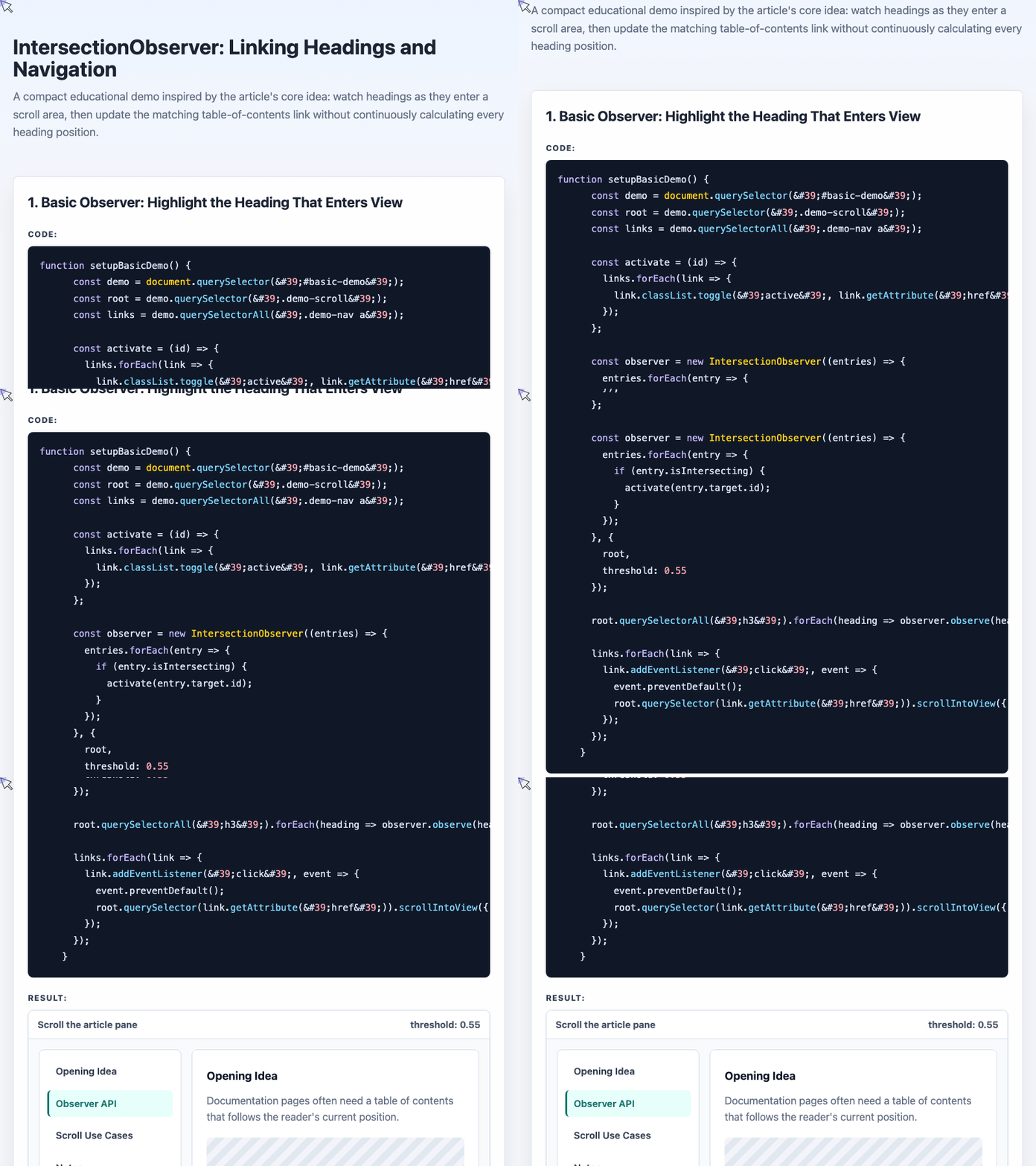
🎮 Try it live: Open the interactive demo to experience this yourself.
Handling Multiple Visible Headings
A tricky case appears when multiple headings are visible at the same time. If heading one and heading two are both on screen, which link should be active?
One practical approach is to process changed entries in reverse order, then deactivate a heading when it leaves the observed area:
const observer = new IntersectionObserver((entries) => {
  entries.reverse().forEach(entry => {
    if (entry.isIntersecting) {
      entry.target.active();
    } else if (entry.target.isActived) {
      entry.target.unactive();
    }
  });
}, {
  root,
  threshold: 0
});
This fixes a common handoff problem: a heading that was already visible may not trigger a new “enter” event when the previous heading leaves. By explicitly unactivating the heading that exits, the navigation can fall back to another visible heading.
Turning It Into a Reusable Helper
The final step is to generate navigation links from headings automatically. The helper accepts a selector or a list of elements, builds links, observes headings, and updates the active class.
const smartNav = (elements, options = {}) => {
  const headings = typeof elements === 'string'
    ? [...document.querySelectorAll(elements)]
    : [...elements];

  const nav = options.nav || document.createElement('nav');

  nav.innerHTML = headings.map(heading => {
    return `<a href="#${heading.id}">${heading.textContent}</a>`;
  }).join('');

  const links = nav.querySelectorAll('a');
  const root = options.root || null;

  const activate = (id) => {
    links.forEach(link => {
      link.classList.toggle('active', link.getAttribute('href') === `#${id}`);
    });
  };

  const observer = new IntersectionObserver((entries) => {
    entries.forEach(entry => {
      if (entry.isIntersecting) {
        activate(entry.target.id);
      }
    });
  }, {
    root,
    threshold: 0.5
  });

  headings.forEach(heading => observer.observe(heading));
};
Usage stays compact:
smartNav('#smart-demo .smart-article h3', {
  root: document.querySelector('.smart-article'),
  nav: document.querySelector('.smart-nav')
});
This is the shape of a useful abstraction: the page author provides headings and, optionally, a navigation container. The helper handles link generation and active-state synchronization.
A Note on Modern CSS
The original article later noted that automatic scroll-linked menu highlighting is becoming possible with newer CSS features such as scroll-target-group and :target-current. Where supported, CSS may eventually replace some JavaScript for this pattern.
For broad compatibility, though, IntersectionObserver remains a practical choice. It is declarative, efficient, and much cleaner than manually calculating every heading’s position during scroll.
Closing Thoughts
The best part of this experiment is not just the final navigation behavior. It is the shift in thinking.
Instead of treating scroll as a stream of coordinates to calculate, IntersectionObserver lets us treat visibility as state. A heading enters, a link activates. A heading leaves, the UI hands off to the next relevant section.
That model is easier to reason about, easier to demo, and often easier to maintain.
Try It Yourself
Want to see these concepts in action? I’ve created an interactive demo where you can experiment with the code and see real-time results.
Explore more demos from my previous articles in the Demo Gallery.
Happy coding!