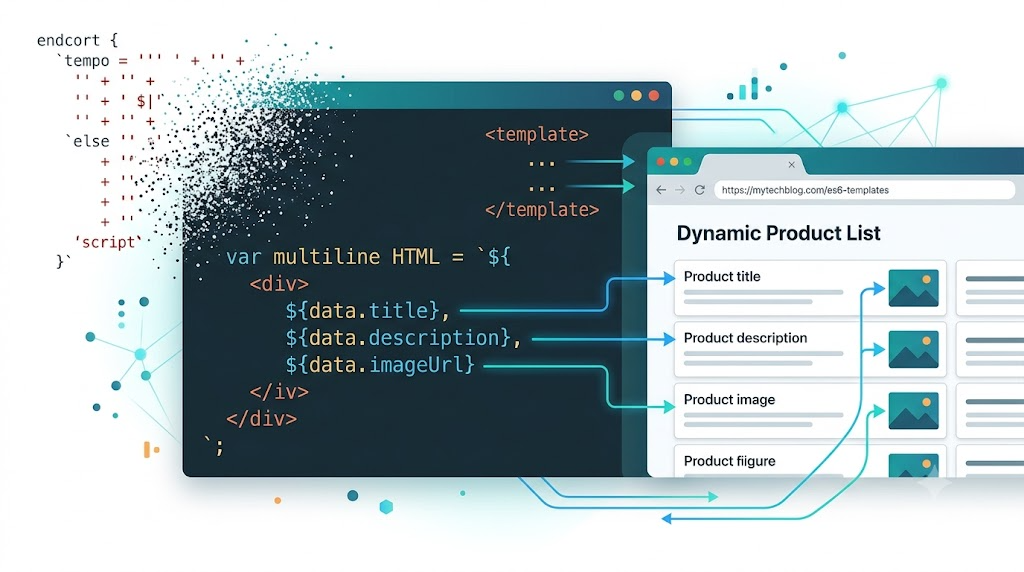
ES6 template strings, also called template literals, are one of those JavaScript features that feel small at first, then quietly remove a lot of friction from everyday UI work.
They let us write strings with embedded expressions, multiline content, and cleaner interpolation. That is especially useful when rendering HTML from data. But there is one practical question worth exploring:
Can we keep our HTML template inside the HTML page while still using native ES6 template string syntax?
The short answer is yes, with a small helper. The longer answer is what this article walks through.
Why Template Strings Beat String Concatenation
Before template literals, dynamic strings were usually built with + operators:
function renderNameDemo() {
  var data = {
    username: document.querySelector("#usernameInput").value || "anonymous"
  };

  var oldWay = "The author of this article is: " + data.username;
  var newWay = `The author of this article is: ${data.username}`;

  document.querySelector("#oldWayOutput").textContent = oldWay;
  document.querySelector("#newWayOutput").textContent = newWay;
}
The template string version is easier to scan because the dynamic value appears exactly where it belongs. This matters even more when the string is HTML, where quote marks, attributes, and nested tags can quickly make concatenation hard to maintain.
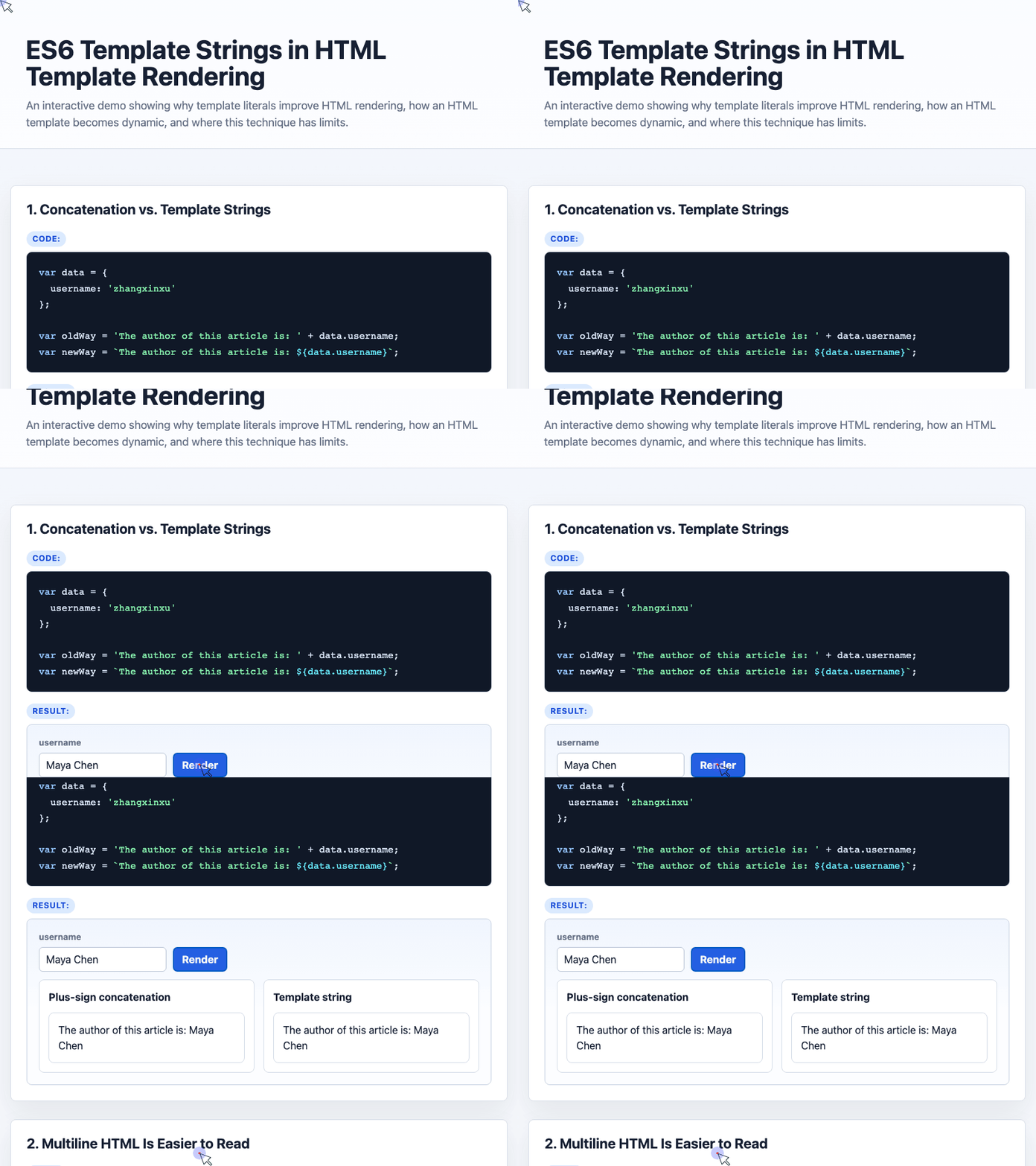
🎮 Try it live: Open the interactive demo to experience this yourself.
Multiline HTML Becomes Much Easier to Read
The biggest improvement appears when rendering repeated HTML rows. With template literals, you can keep the HTML structure visually close to the final DOM structure:
function renderTemplateLiteralRows() {
  let data = articles;

  let html = `${data.map(function (obj) {
    return `<tr>
      <td><input type="checkbox" value="${obj.id}"></td>
      <td><div class="ell">${obj.title}</div></td>
      <td>${obj.time}</td>
      <td align="right">${obj.comment}</td>
    </tr>`;
  }).join("")}`;

  document.querySelector("#templateLiteralRows").innerHTML = html;
}
This is already much cleaner than escaped line breaks and repeated concatenation. The browser can preserve the multiline string, and JavaScript expressions such as ${obj.title} remain readable.
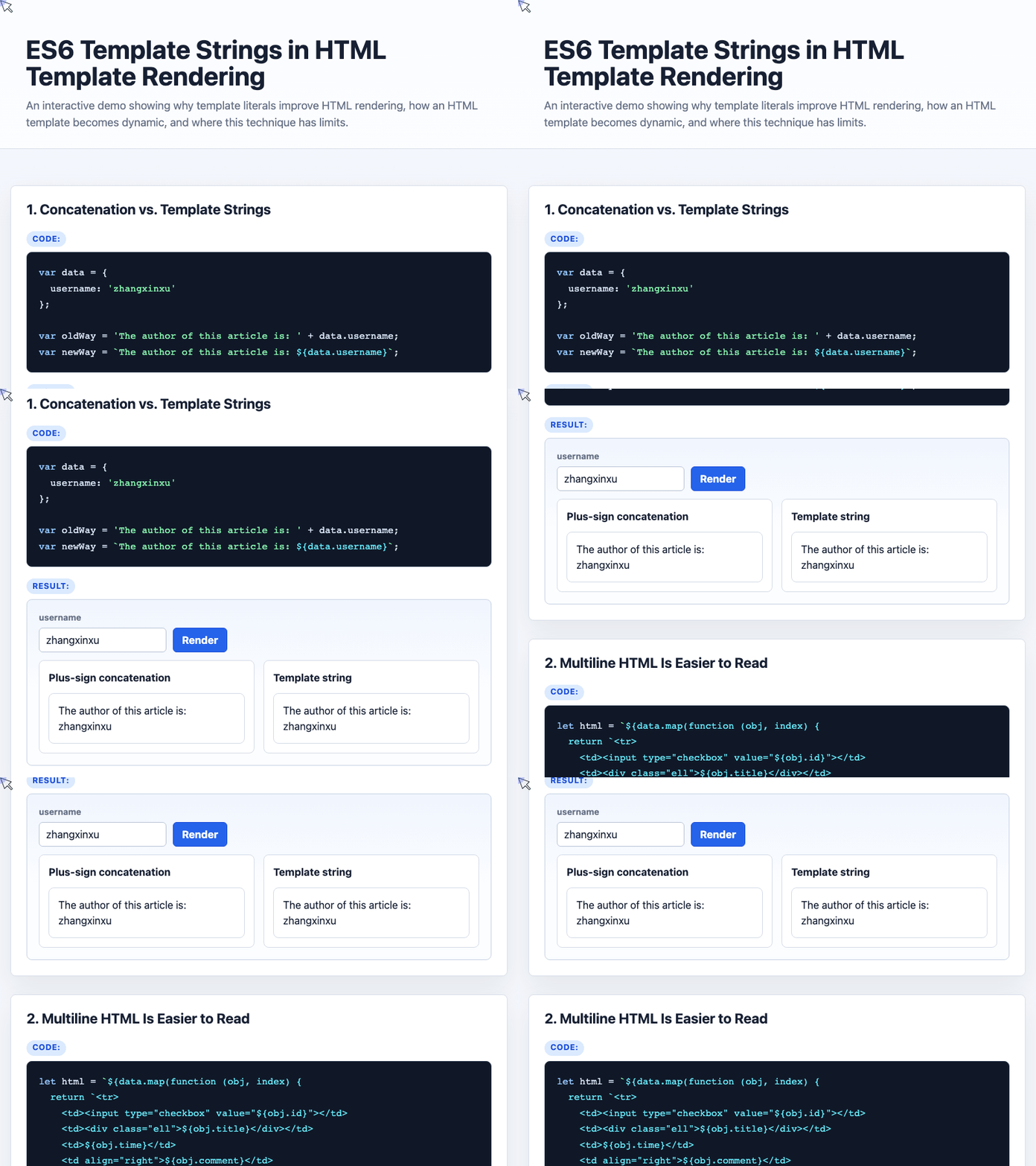
🎮 Try it live: Open the interactive demo to experience this yourself.
The Catch: HTML Templates Are Just Strings
Now comes the interesting part.
Suppose we place template-like content inside a native HTML <template> element:
<template id="articleTemplate">
${data.map(function (obj) {
  return `<tr>
    <td>${obj.title}</td>
    <td>${obj.time}</td>
    <td>${obj.comment}</td>
  </tr>`;
}).join('')}
</template>
When we read it with JavaScript, the result is plain text:
var strTemplate = document.querySelector("#articleTemplate").innerHTML;The browser does not automatically treat that text as an ES6 template literal. The ${...} expressions remain literal characters unless we explicitly evaluate them.
Converting Template Text into Rendered HTML
The key helper from the demo is interpolate(). It receives a data object, extracts its keys and values, then creates a function that evaluates the string as a template literal:
function escape2Html(str) {
  var arrEntities = { lt: "<", gt: ">", nbsp: " ", amp: "&", quot: '"' };

  return str.replace(/&(lt|gt|nbsp|amp|quot);/ig, function (all, t) {
    return arrEntities[t];
  });
}

String.prototype.interpolate = function (params) {
  const names = Object.keys(params);
  const vals = Object.values(params);

  return new Function(
    ...names,
    `return \`${escape2Html(this)}\`;`
  )(...vals);
};

function renderInterpolated() {
  var json = {
    code: 0,
    msg: "Fetched successfully",
    data: articles
  };

  var template = document.querySelector("#articleTemplate").innerHTML;
  var htmlList = template.interpolate(json);

  document.querySelector("#interpolatedRows").innerHTML = htmlList;
}
Now the HTML template can stay in the HTML document, while the rendering logic stays compact in JavaScript.
The json object provides data, so expressions inside the template such as ${data.map(...)} can execute correctly.
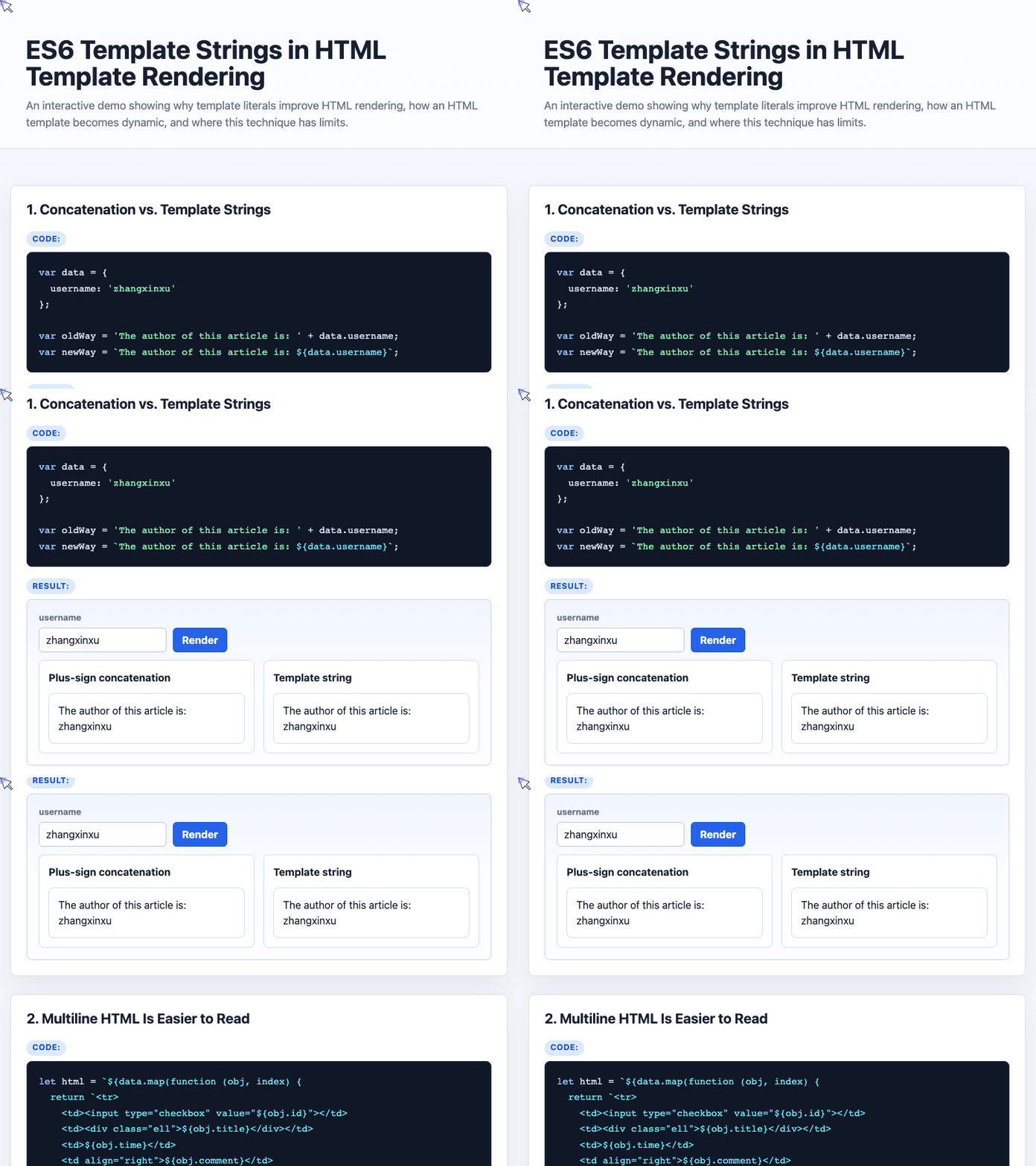
🎮 Try it live: Open the interactive demo to experience this yourself.
Why This Is Useful
This technique gives you a lightweight rendering approach without introducing a third-party template engine. It works especially well for:
- campaign pages
- internal utility pages
- simple dashboards
- static or semi-static display pages
- demos and prototypes
You get native JavaScript expressions, loops, conditionals, and template literals without learning a custom template syntax.
Important Limitations
There is one serious caveat: new Function() executes code.
That means this approach should only be used with trusted templates. Do not pass user-generated template content into interpolate(). If untrusted users can modify the template string, they can potentially execute arbitrary JavaScript.
Compatibility is another consideration. Native template literals and <template> are modern browser features, so this approach is not a good fit if you need strong IE support.
Arrow functions can also be affected by HTML escaping inside <template> content. The demo solves this by unescaping entities such as <, >, and " before evaluation.
Conclusion
ES6 template strings make HTML rendering dramatically more readable than traditional string concatenation. By combining them with the native <template> element and a small interpolate() helper, we can keep HTML-like templates in the page while still using JavaScript’s native template literal syntax.
For small, trusted, fast-moving projects, this can be a practical alternative to a full template engine. Just keep the security boundary clear: evaluate only templates you control.
Try It Yourself
Want to see these concepts in action? I’ve created an interactive demo where you can experiment with the code and see real-time results.
Explore more demos from my previous articles in the Demo Gallery.
Happy coding!