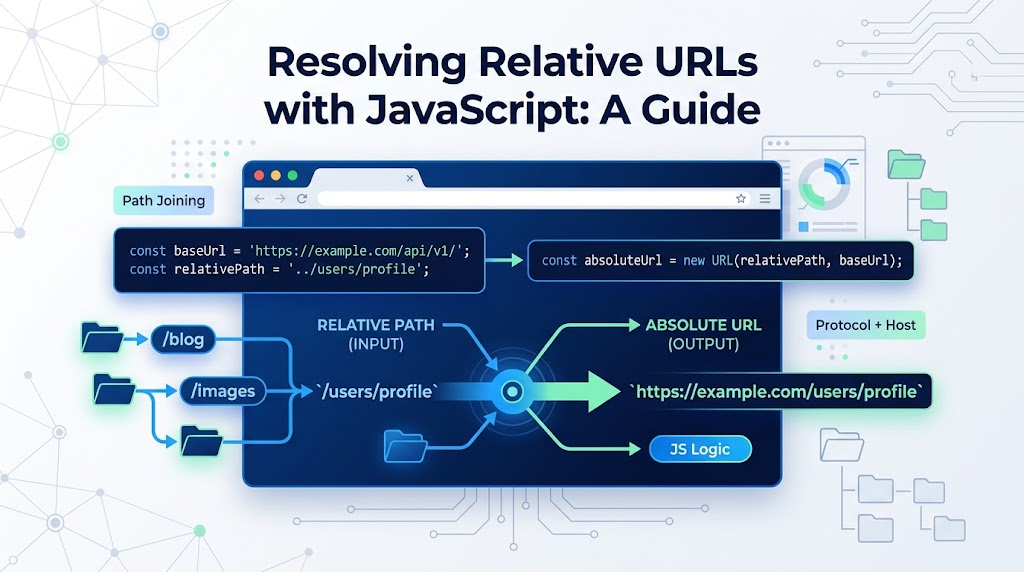
In real project development, you will often receive a relative URL and need to normalize it into a full absolute URL.
For example:
/wordpress/?p=9227
→ https://www.zhangxinxu.com/wordpress/?p=9227

../images/zhangxinxu.png
→ https://images.zhangxinxu.com/blog/images/zhangxinxu.png
This is useful when processing links, normalizing API responses, rewriting image paths, building crawlers, or previewing user-provided resources.
The good news: JavaScript already gives us a few clean ways to do this.
Method 1: Use new URL()
The modern and most direct way is the built-in URL constructor.
It accepts two arguments:
new URL(relativeOrAbsoluteUrl, baseUrl)The first argument is the URL you want to resolve. The second argument is the base URL used to calculate the final absolute address.
const articleUrl = new URL(
  "/wordpress/?p=9227",
  "https://www.zhangxinxu.com"
);

console.log(articleUrl.href);
// https://www.zhangxinxu.com/wordpress/?p=9227
This is clean, readable, and works well in both browsers and modern JavaScript runtimes such as Node.js.
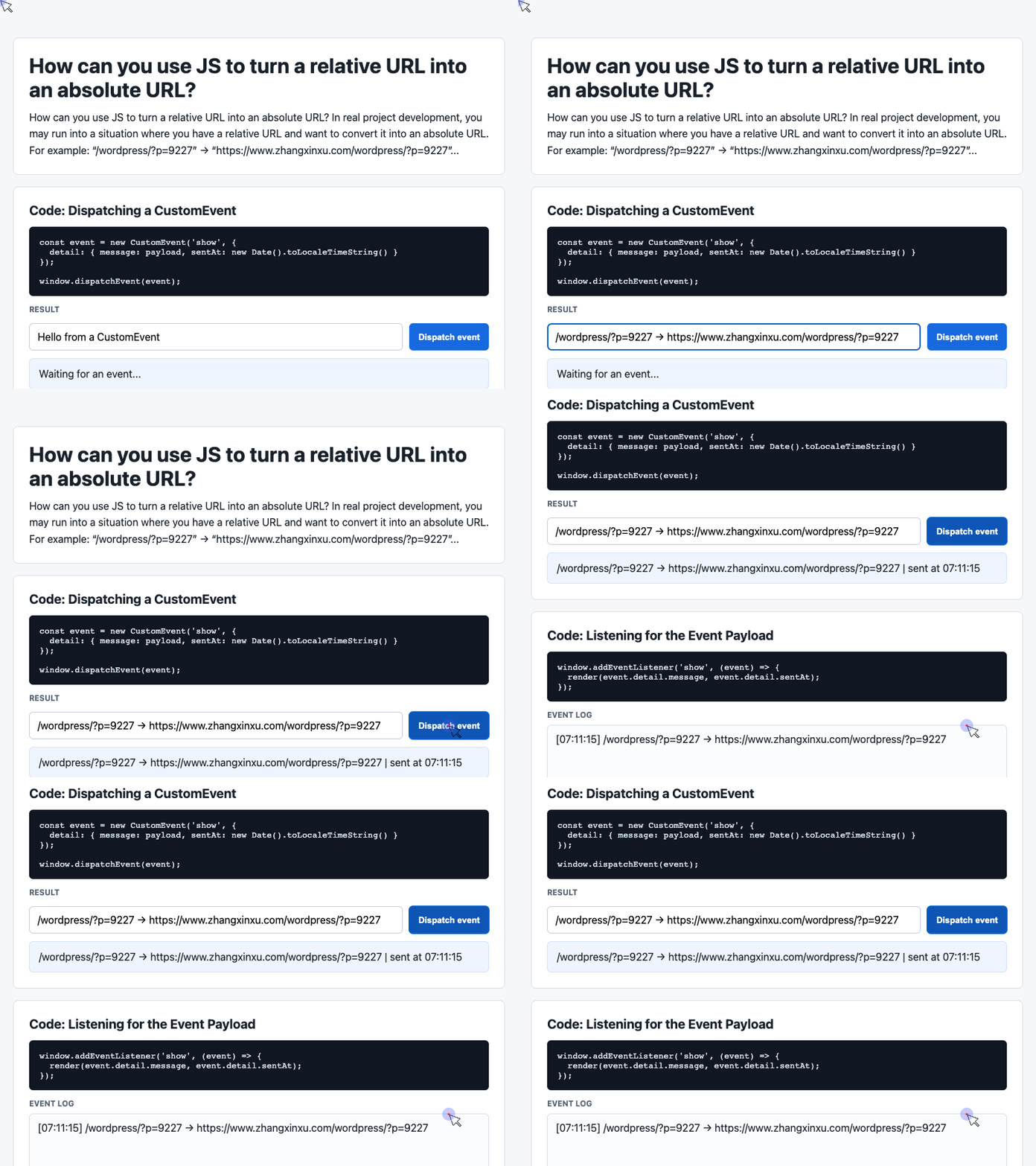
🎮 Try it live: Open the interactive demo to experience this yourself.
It also handles parent-directory paths correctly:
const imageUrl = new URL(
  "../images/zhangxinxu.png",
  "https://images.zhangxinxu.com/blog/css/"
);

console.log(imageUrl.href);
// https://images.zhangxinxu.com/blog/images/zhangxinxu.png
Notice how ../ moves one level up from /blog/css/ to /blog/, then appends images/zhangxinxu.png.
Wrapping It Into a Utility Function
In real projects, you probably do not want to write new URL() everywhere. A small helper makes the intent clearer.
The demo code uses a simple page structure with input controls and JavaScript handlers. For the actual URL utility, the core logic can stay very small:
function relativeToAbsolute(url, base = window.location.href) {
  return new URL(url, base).href;
}

console.log(relativeToAbsolute("/wordpress/?p=9227", "https://www.zhangxinxu.com"));
// https://www.zhangxinxu.com/wordpress/?p=9227
Using window.location.href as the default base makes the function convenient in browser applications: if you omit the base, the current page URL becomes the reference point.
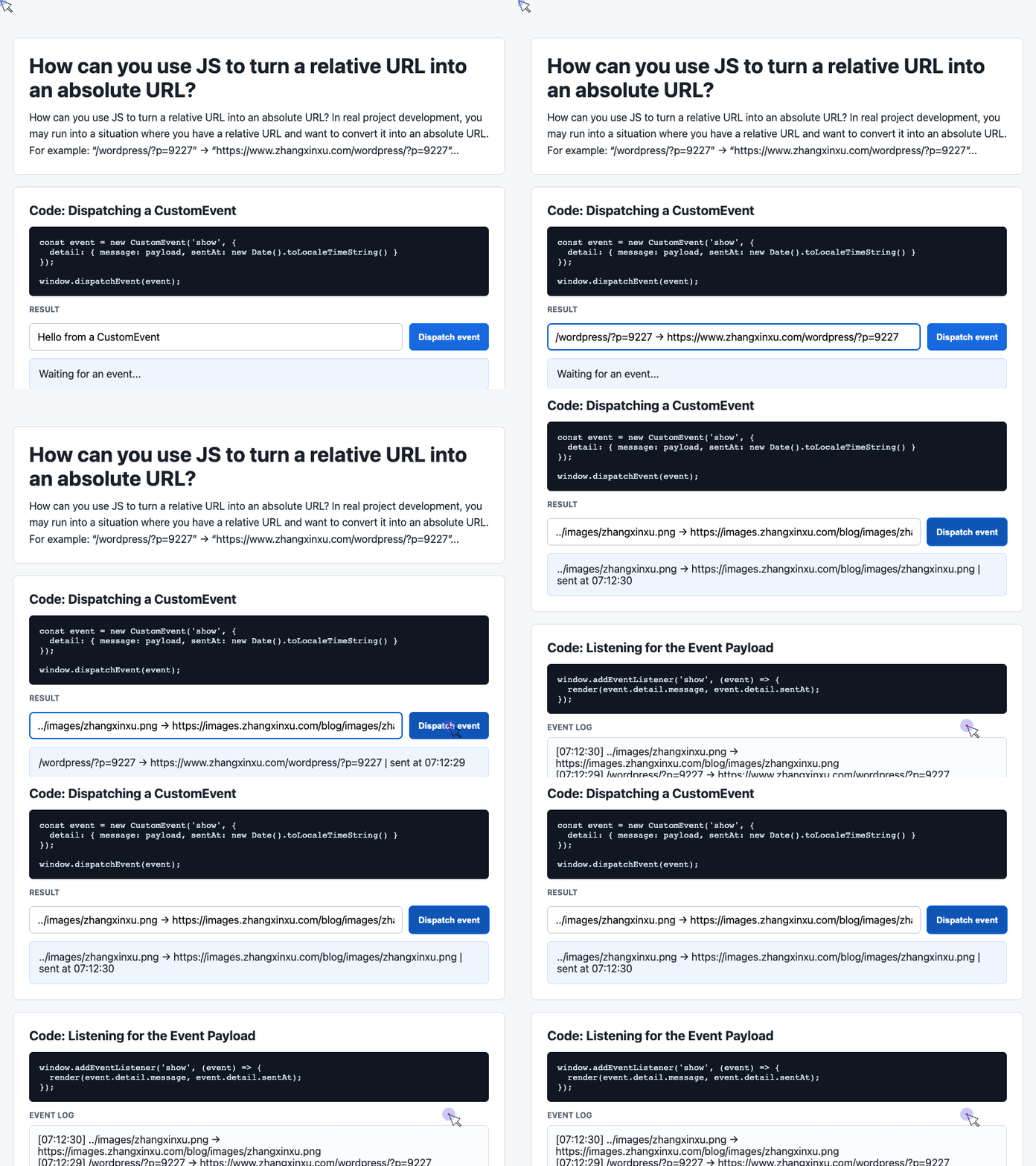
🎮 Try it live: Open the interactive demo to experience this yourself.
Building a Small Browser Demo
The provided demo code already includes a practical UI pattern: an input, a button, and a result area. We can adapt that same structure into a relative URL converter.
Here is the focused HTML:
<div class="showcase">
  <div class="controls">
    <input id="relative-url" value="/wordpress/?p=9227">
    <input id="base-url" value="https://www.zhangxinxu.com">
    <button id="convert">Convert URL</button>
  </div>

  <div class="event-card" id="result">
    Waiting for conversion...
  </div>
</div>
This gives the user two inputs: one for the relative URL, and one for the base URL.
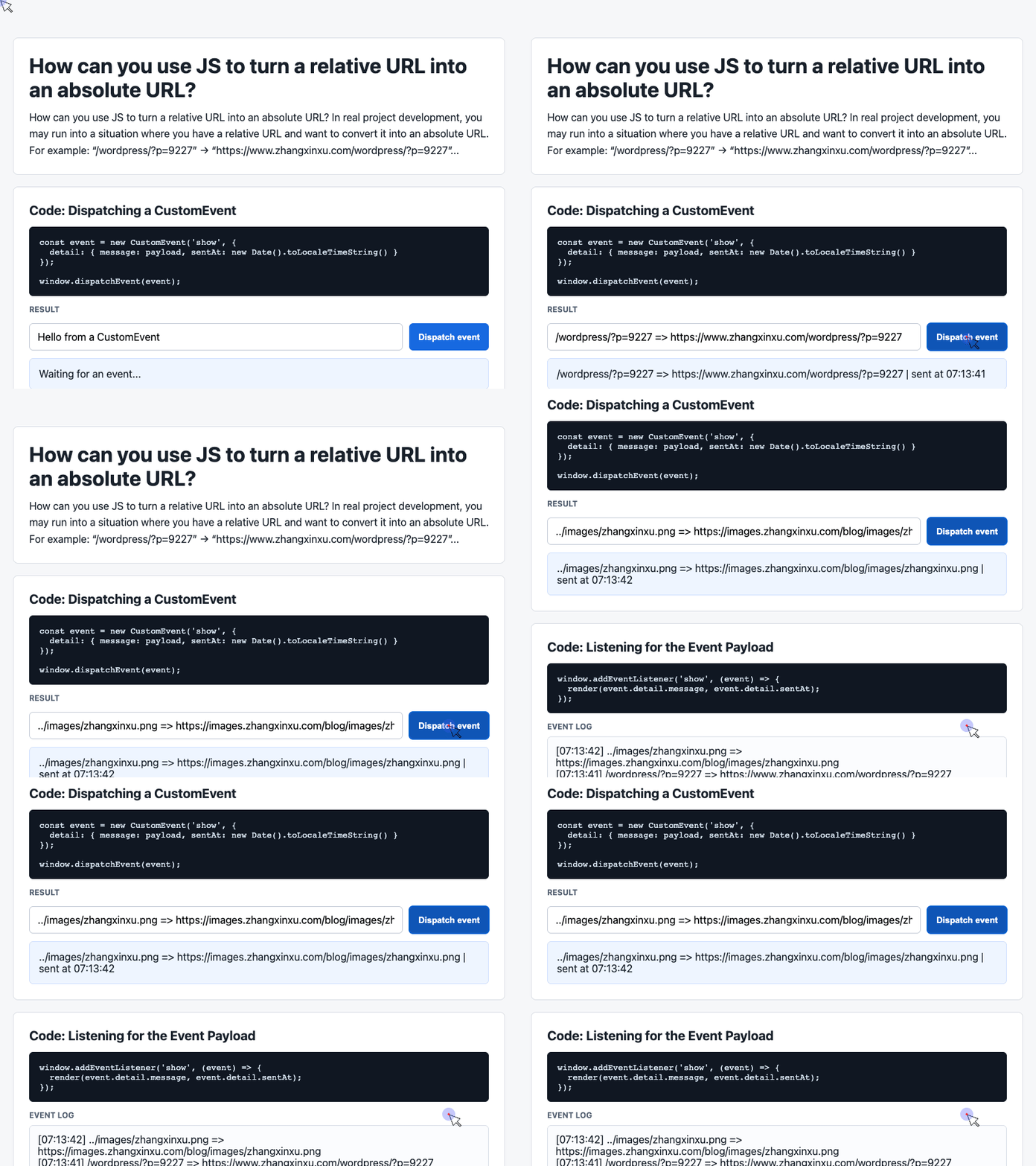
🎮 Try it live: Open the interactive demo to experience this yourself.
Now we can connect the UI with JavaScript. This follows the same style as the demo code: select elements, listen for a button click, then update a result container.
const relativeInput = document.querySelector("#relative-url");
const baseInput = document.querySelector("#base-url");
const result = document.querySelector("#result");

document.querySelector("#convert").addEventListener("click", () => {
  const absoluteUrl = new URL(
    relativeInput.value.trim(),
    baseInput.value.trim()
  ).href;

  result.textContent = absoluteUrl;
});
This turns the page into a simple URL resolver. Type a relative path, provide a base URL, click the button, and the result area shows the absolute URL.
Method 2: Use an <a> Element
Before URL was widely supported, developers often used a browser trick: create an anchor element, assign a relative URL to its href, then read href back.
Browsers automatically normalize link URLs.
const link = document.createElement("a");

link.href = "/wordpress/?p=9227";

console.log(link.href);
// https://current-domain.com/wordpress/?p=9227
This method has excellent browser compatibility, including very old browsers. However, it only works in browser environments because it depends on the DOM.
A small wrapper could look like this:
function relativeToAbsoluteWithAnchor(url, base = "") {
  const link = document.createElement("a");
  link.href = base + url;
  return link.href;
}
One thing to be careful about: simple string concatenation with base + url can produce incorrect results if the base does not end with / or the relative path contains ../. For modern projects, new URL(url, base) is usually safer and clearer.
Which Method Should You Use?
Use new URL() by default.
It is explicit, standards-based, and works outside the browser in modern JavaScript environments. It also handles path resolution more predictably.
Use the <a> element method only when you specifically need compatibility with older browsers and you are definitely running in a DOM environment.
In short:
const absoluteUrl = new URL(relativeUrl, baseUrl).href;That one line solves most real-world relative-to-absolute URL conversion problems cleanly.
Try It Yourself
Want to see these concepts in action? I’ve created an interactive demo where you can experiment with the code and see real-time results.
Explore more demos from my previous articles in the Demo Gallery.
Happy coding!