
CSS feature detection is most useful when you are about to rely on a property or value that may not exist everywhere. The right approach is not browser sniffing. Instead, ask the browser directly: “Do you understand this CSS?”
There are two practical ways to do that in JavaScript: the native CSS.supports() API, and an older assignment-and-readback technique based on getComputedStyle().
1. Use Native CSS.supports() First
CSS.supports() returns true or false depending on whether the browser supports a CSS declaration or feature query. MDN describes it as a widely available API for checking CSS feature support.
The API supports two forms:
const supportsFilter = CSS.supports('filter', 'blur(5px)');
const invalidFilter = CSS.supports('filter: 5px');

const supportsFitContent = CSS.supports(
  '(width: fit-content) or (width: -webkit-fit-content)'
);

console.log({ supportsFilter, invalidFilter, supportsFitContent });
The first call checks a property and value pair. The second uses declaration syntax, but the value is invalid for filter, so it returns false. The third example demonstrates an important detail: logical expressions such as or need each feature query wrapped in parentheses.
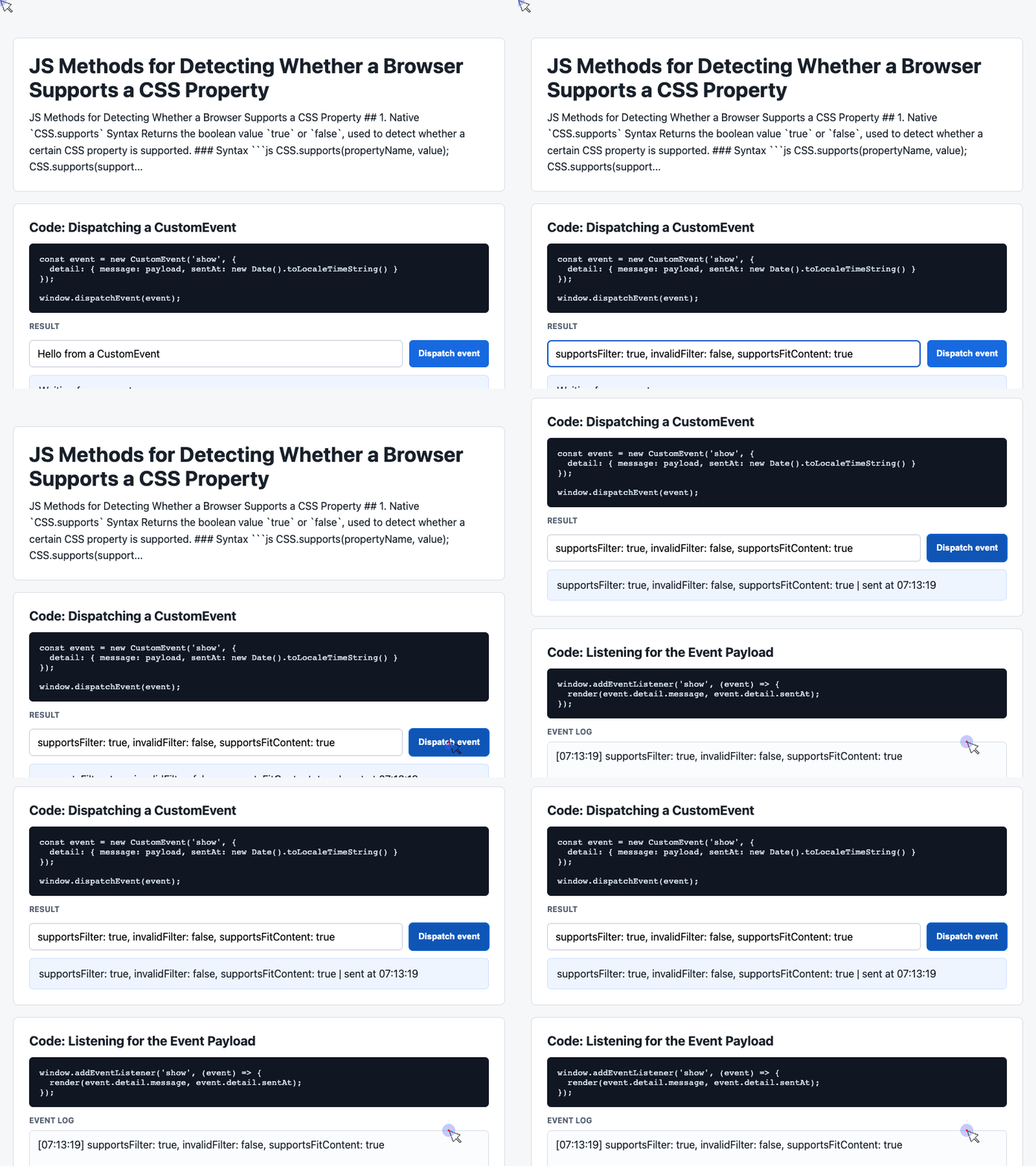
🎮 Try it live: Open the interactive demo to experience this yourself.
Use this method when your browser support baseline is modern. It is clean, readable, and mirrors the mental model of CSS @supports.
The Catch: Old IE
The awkward part is that feature detection is often needed most in older browsers. CSS.supports() does not help in IE9, IE10, or IE11.
That is where the older JavaScript technique still matters.
2. Use Assignment and Readback for Older Browsers
The idea is simple: assign a CSS value, then ask the browser what value actually survived. If the browser does not understand the property or value, the computed result usually will not match what you tried to set.
function supportsByReadback(property, value, expectedPattern) {
  var probe = document.createElement('div');
  document.documentElement.appendChild(probe);

  probe.style.setProperty(property, value);

  var computed = window
    .getComputedStyle(probe)
    .getPropertyValue(property);

  probe.parentNode.removeChild(probe);

  return expectedPattern.test(computed);
}

var supportsFilter = supportsByReadback(
  'filter',
  'blur(5px)',
  /blur\(5px\)/
);

var supportsFitContent = supportsByReadback(
  'width',
  '-moz-fit-content',
  /fit-content/
);
This works because getComputedStyle() returns the browser’s resolved view of the style, not just the string you assigned. That makes it more reliable than reading from element.style.property directly.
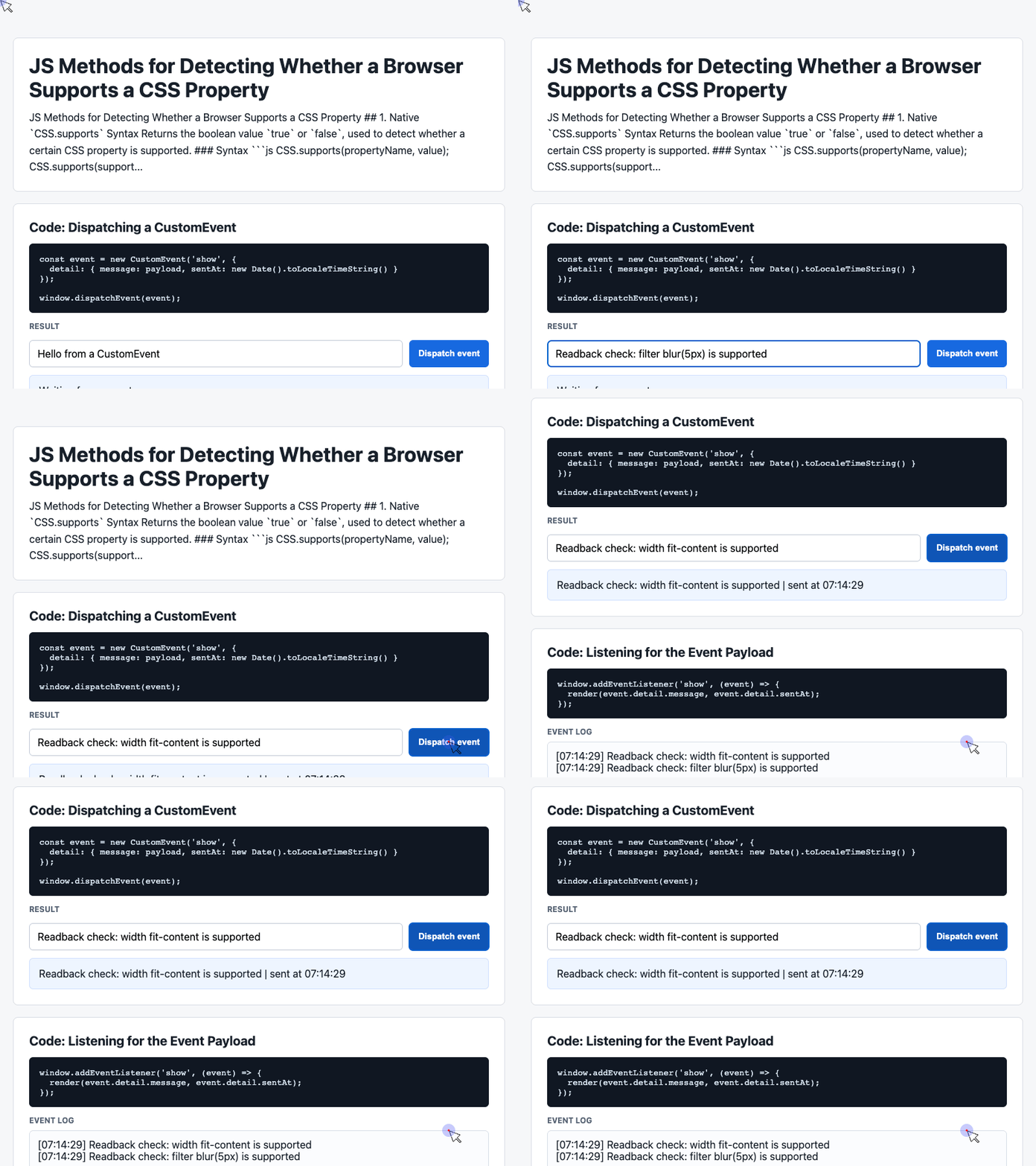
🎮 Try it live: Open the interactive demo to experience this yourself.
The main tradeoff is that computed values are not always identical to authored values. A browser may convert decimals to pixels, expand shorthand properties, normalize colors, or return a richer computed string. That is why regex matching is often safer than strict equality.
For example, setting background: paint(abc) may return a much longer computed background string. In that case, checking for /paint/ is more practical than comparing the whole value.
3. Turning Detection Into a Small Demo
The generated demo code uses a simple input, button, result card, and event log. That structure is useful for building a tiny browser-based CSS support tester. The snippet below keeps the demo’s CustomEvent pattern, but applies it to CSS feature detection.
<div class="controls">
  <input id="payload" value="blur(5px)">
  <button id="dispatch">Check filter</button>
</div>

<div class="event-card" id="latest">Waiting for a check...</div>
<pre class="log" id="event-log">No checks yet.</pre>

<script>
  const input = document.querySelector('#payload');
  const latest = document.querySelector('#latest');
  const log = document.querySelector('#event-log');
  const history = [];

  document.querySelector('#dispatch').addEventListener('click', () => {
    const value = input.value.trim() || 'blur(5px)';
    const supported = CSS.supports('filter', value);

    const event = new CustomEvent('show', {
      detail: {
        message: `filter: ${value} is ${supported ? 'supported' : 'not supported'}`,
        sentAt: new Date().toLocaleTimeString()
      }
    });

    window.dispatchEvent(event);
  });

  window.addEventListener('show', (event) => {
    const detail = event.detail || {};
    latest.textContent = detail.message + ' | checked at ' + detail.sentAt;
    history.unshift('[' + detail.sentAt + '] ' + detail.message);
    log.textContent = history.slice(0, 6).join('\n');
  });
</script>
This pattern separates detection from rendering. The button performs the check, dispatches a result event, and the listener updates the visible UI. For a larger demo, the same structure could test multiple properties and values.
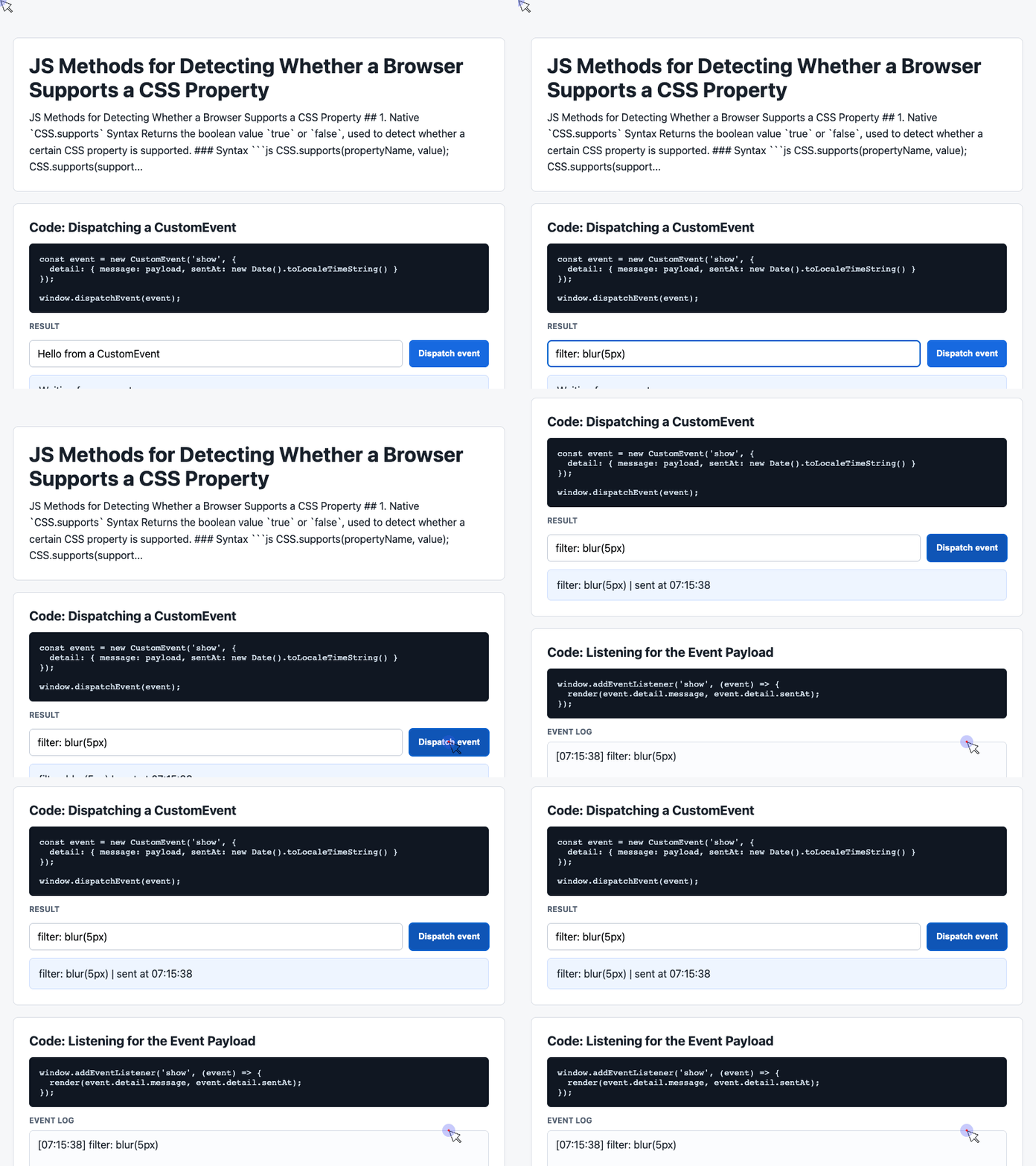
🎮 Try it live: Open the interactive demo to experience this yourself.
Which Method Should You Use?
Use CSS.supports() when your project targets modern browsers. It is concise, native, and designed for this exact job.
Use assignment plus getComputedStyle() when you need to support older browsers such as IE9 through IE11. It is less elegant, but it reaches environments where CSS.supports() does not exist.
In both cases, avoid browser sniffing. Test the actual feature you need, then branch your behavior from the result.
Further Reading
Try It Yourself
Want to see these concepts in action? I’ve created an interactive demo where you can experiment with the code and see real-time results.
Explore more demos from my previous articles in the Demo Gallery.
Happy coding!