For a long time, document.readyState felt like one of those browser APIs that looked useful in theory but rarely earned its place in real production code.
It is old. It is simple. It is supported by legacy browsers. And most frontend developers can go years without touching it.
But there is one scenario where it still matters: writing JavaScript that must initialize correctly no matter how it is loaded.
A Quick Look at document.readyState
document.readyState is a read-only property that tells you the current loading state of the document.
It can return one of three values:
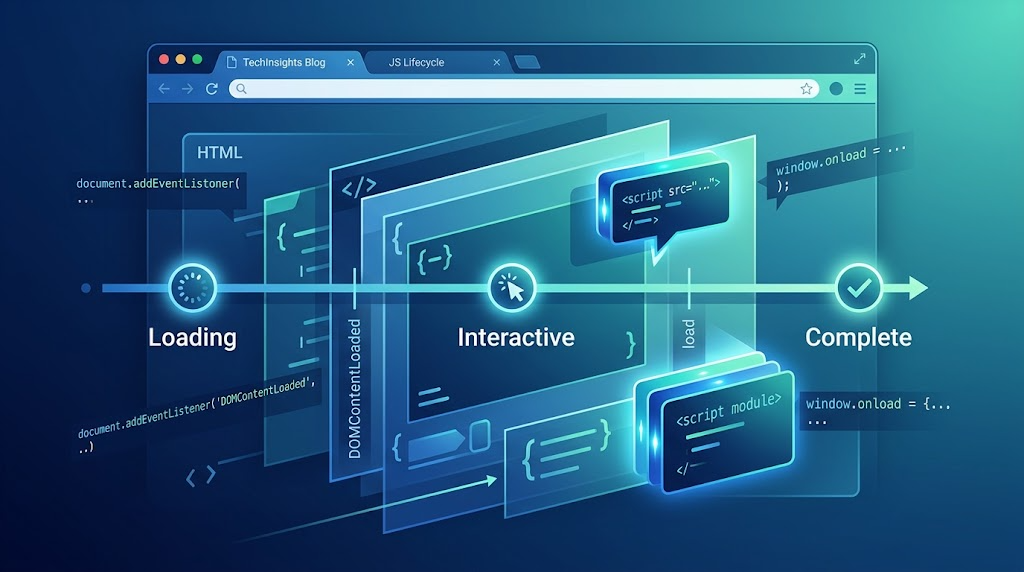
loading means the document is still being parsed.
interactive means the HTML has been parsed, but subresources such as images, stylesheets, and frames may still be loading.
complete means the document and its subresources have finished loading, and the load event is about to fire or has already fired.
In basic page scripts, you often do not need this API at all. If your JavaScript is placed near the end of <body>, the DOM above it has already been parsed. You can safely bind events and query elements directly.
A small demo shell makes this idea easier to observe. The generated demo code uses a compact control area and an output card:
<div class="showcase">
  <div class="controls">
    <input id="payload" value="Hello from a CustomEvent">
    <button id="dispatch">Dispatch event</button>
  </div>

  <div class="event-card" id="latest">
    Waiting for an event...
  </div>
</div>
This kind of minimal UI is useful when teaching document lifecycle events because it gives the browser somewhere obvious to display “what just happened.”
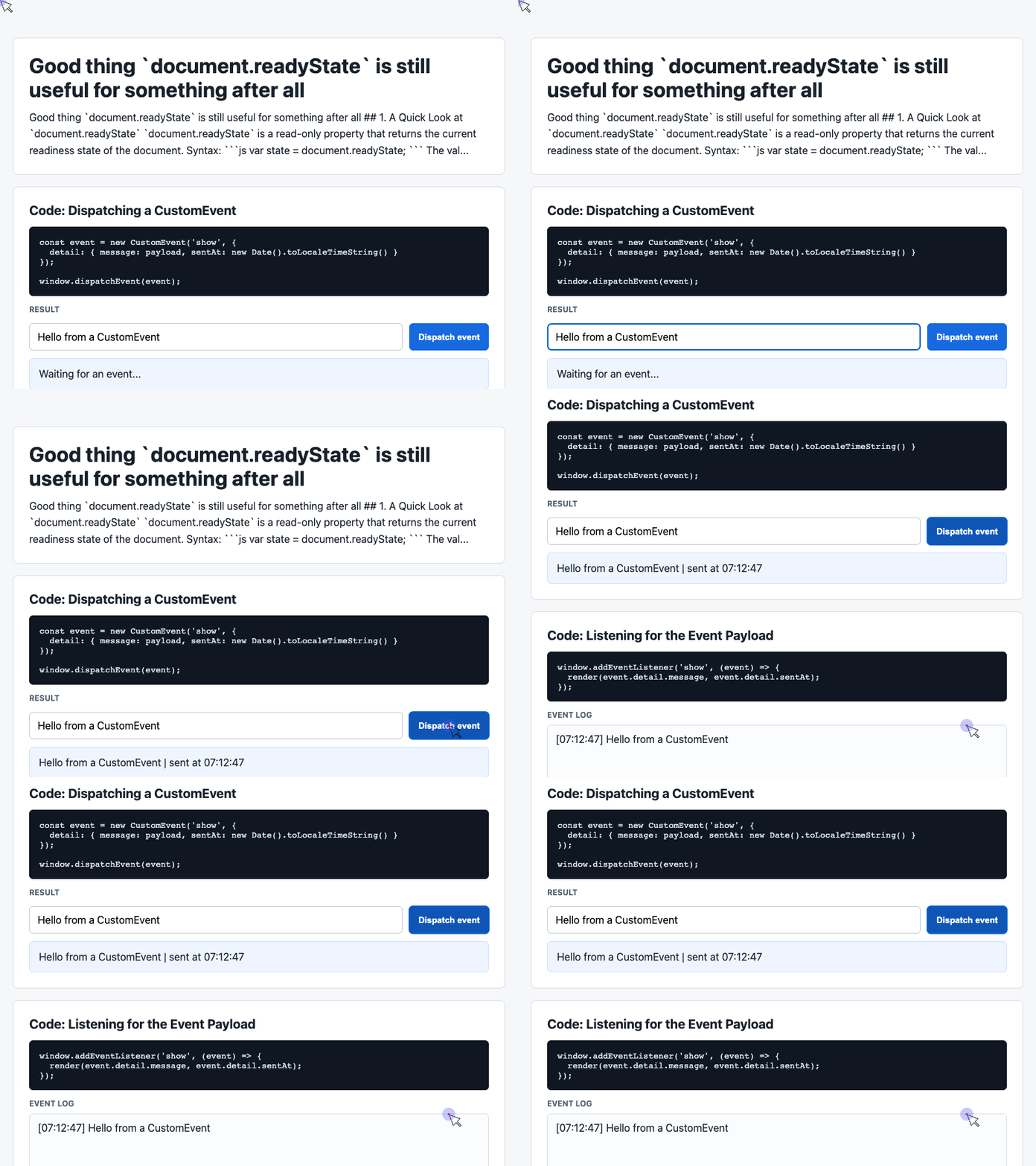
🎮 Try it live: Open the interactive demo to experience this yourself.
Why We Usually Use DOMContentLoaded
For most initialization work, DOMContentLoaded is easier to understand than document.readyState.
window.addEventListener('DOMContentLoaded', function () {
  // Initialize DOM-dependent behavior here.
});
The event fires after the document has been parsed. It does not wait for every image and subresource, which makes it a better fit for most UI setup than the full load event.
The usual lifecycle looks like this:
document.readyState = "loading"
↓
document.readyState = "interactive"
↓
DOMContentLoaded fires
↓
document.readyState = "complete"
↓
load fires
The key detail is that DOMContentLoaded is an event. If your script adds the listener after the event has already fired, your callback will never run.
The Problem With Dynamically Loaded Scripts
This is where document.readyState becomes useful again.
Imagine a shared component, widget, analytics snippet, or open-source library. You cannot assume the user will load it from the bottom of the page. It might be placed in <head>, before </body>, loaded with defer, loaded with async, or injected dynamically.
The demo code’s event-dispatch pattern is a good way to visualize timing:
document.querySelector('#dispatch').addEventListener('click', () => {
  const message = input.value.trim() || 'Default CustomEvent payload';

  const event = new CustomEvent('show', {
    detail: {
      message,
      sentAt: new Date().toLocaleTimeString()
    }
  });

  window.dispatchEvent(event);
});
The lesson is the same as with DOMContentLoaded: listeners only hear events that happen after they are registered. If the event already happened, adding a listener later does nothing.
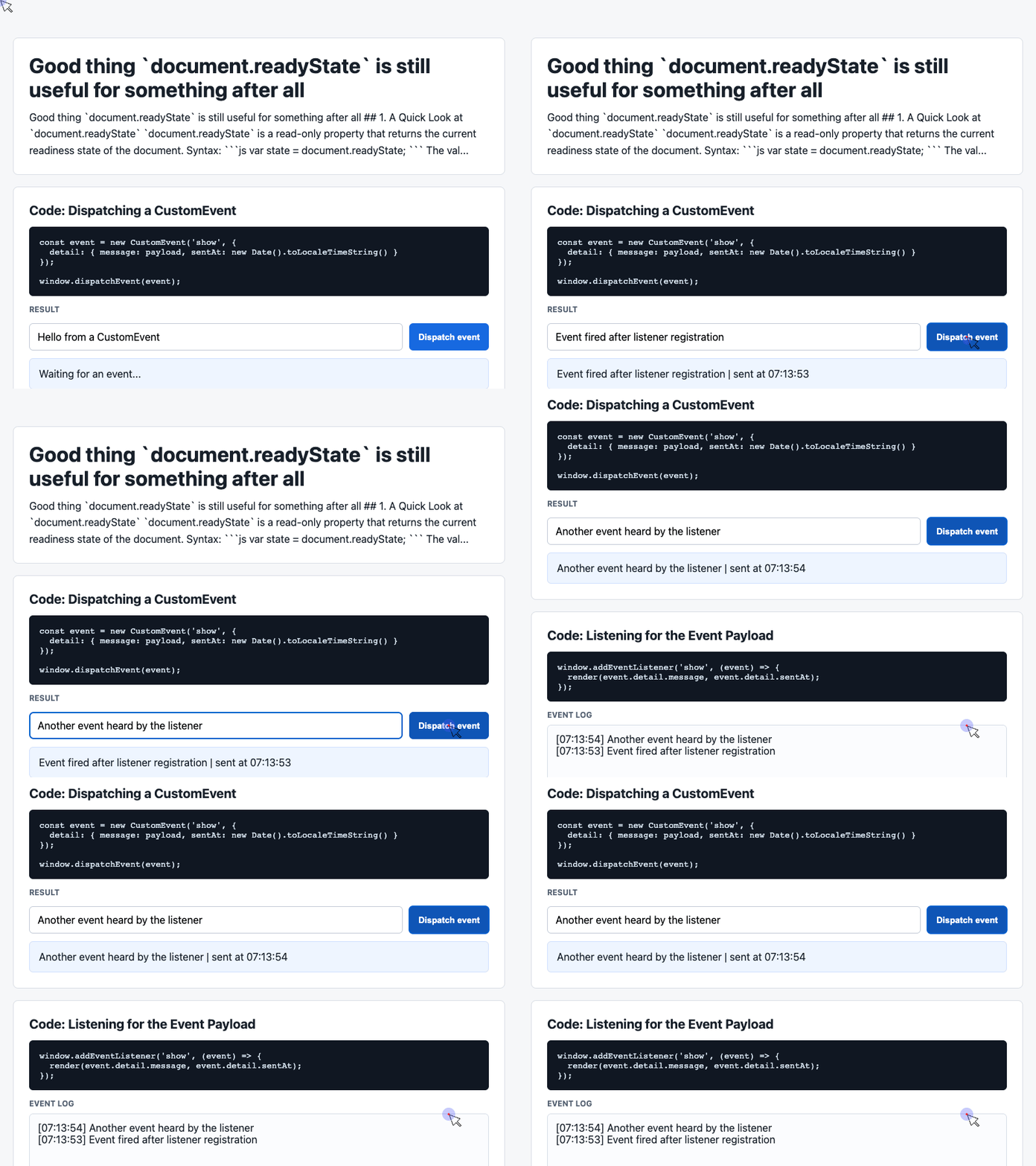
🎮 Try it live: Open the interactive demo to experience this yourself.
The Real Use Case for document.readyState
If your code must initialize reliably in every loading scenario, combine document.readyState with DOMContentLoaded.
function init() {
  const latest = document.querySelector('#latest');

  if (latest) {
    latest.textContent = 'Initialized when document was ' + document.readyState;
  }
}

if (document.readyState !== 'loading') {
  init();
} else {
  window.addEventListener('DOMContentLoaded', init);
}
This pattern handles both cases:
If the document is still loading, wait for DOMContentLoaded.
If the document has already reached interactive or complete, run immediately.
That small conditional is the practical reason document.readyState still deserves to exist.
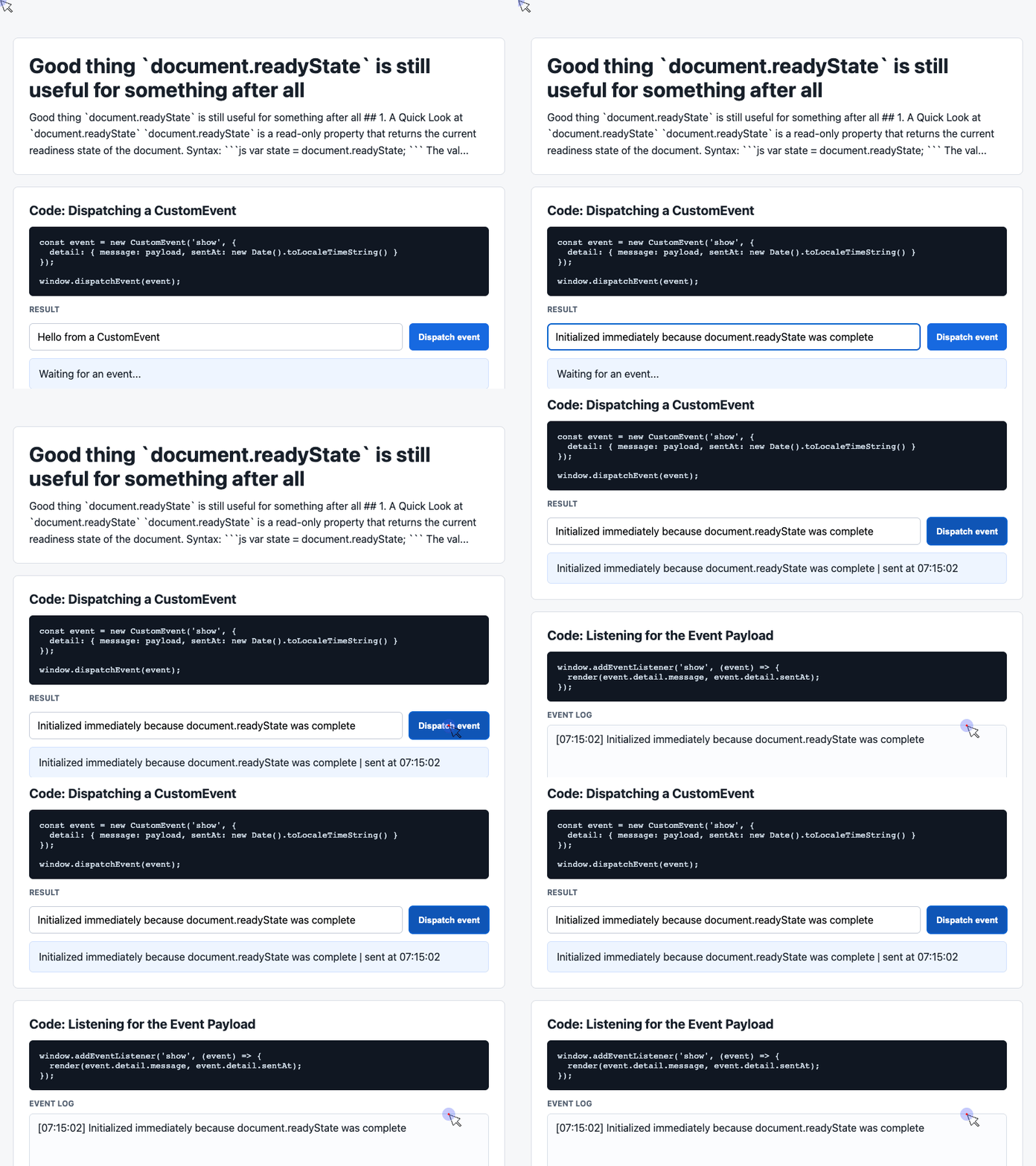
🎮 Try it live: Open the interactive demo to experience this yourself.
When Should You Use It?
Use DOMContentLoaded for normal application scripts when you control how the script is loaded.
Use direct initialization when your script is placed at the end of <body> and only touches DOM that appears before it.
Use document.readyState when you are writing reusable code that may be loaded in unpredictable ways.
That includes libraries, browser widgets, embedded snippets, analytics scripts, SDKs, and components distributed for other teams or developers to use.
Final Thought
document.readyState is not an everyday API for most frontend developers anymore. Modern loading patterns and DOMContentLoaded cover the common cases well.
But when your code cannot control when it enters the page, document.readyState becomes the missing guardrail. It tells you whether the moment to wait has already passed.
That is its real job today: not replacing DOMContentLoaded, but making initialization reliable when DOMContentLoaded alone is too late.
Try It Yourself
Want to see these concepts in action? I’ve created an interactive demo where you can experiment with the code and see real-time results.
Explore more demos from my previous articles in the Demo Gallery.
Happy coding!