Understanding DOM order, containment, and the bitmask that connects them.
Adapted from the article by zhangxinxu, originally published at zhangxinxu.com.
Original reproduction notice: Personal websites may reproduce the article in full without permission if they retain the author, source, and links. Any website may aggregate excerpts. Commercial use requires the author’s permission.
1. A Quick Overview
Sometimes, a DOM reference tells you only half the story. You have two nodes—but which comes first? Does one contain the other? Do they even belong to the same tree?
Node.compareDocumentPosition() answers those questions in a single call. It works with elements, text nodes, comments, and attribute nodes.
The API is widely supported in modern browsers. Its main learning curve is understanding what the returned number represents. MDN documentation
That number is a bitmask: several relationships packed into one integer.
2. Understanding the Return Value
The syntax is straightforward: const position = node.compareDocumentPosition(otherNode);
The direction is easy to confuse:
The result describes otherNode relative to node.
Think of the calling node as the reference point. The question is: “Where is the node I passed in?”
For example, document.head.compareDocumentPosition(document.body) returns 4, because <body> follows <head> in document order.
The Relationship Flags
Each named flag occupies a different bit:
| Binary | Value | Meaning | Constant |
|---|---|---|---|
000000 | 0 | Both references identify the same node | — |
000001 | 1 | The nodes belong to different trees | Node.DOCUMENT_POSITION_DISCONNECTED |
000010 | 2 | otherNode precedes node | Node.DOCUMENT_POSITION_PRECEDING |
000100 | 4 | otherNode follows node | Node.DOCUMENT_POSITION_FOLLOWING |
001000 | 8 | otherNode is an ancestor of node | Node.DOCUMENT_POSITION_CONTAINS |
010000 | 16 | otherNode is a descendant of node | Node.DOCUMENT_POSITION_CONTAINED_BY |
100000 | 32 | The ordering involves implementation-specific behavior | Node.DOCUMENT_POSITION_IMPLEMENTATION_SPECIFIC |
| Combined | Such as 10 or 20 | Multiple relationships apply | Multiple flags |
For disconnected nodes, a preceding or following flag represents an arbitrary ordering rather than meaningful document order. MDN return-value reference
Why One Comparison Can Return Multiple Flags
Consider the relationship between <html> and <body>.
document.body.compareDocumentPosition(document.documentElement)returns 10:8 + 2. The argument,<html>, contains<body>and precedes it.document.documentElement.compareDocumentPosition(document.body)returns 20:16 + 4. The argument,<body>, is contained by<html>and follows it.
Containment and ordering can both be true. The API preserves both pieces of information.
Check Individual Flags with &
Checking position === Node.DOCUMENT_POSITION_PRECEDING would miss a result of 10, even though its preceding bit is set.
Use bitwise AND instead: (position & Node.DOCUMENT_POSITION_PRECEDING) !== 0.
The operator compares corresponding bits. A bit remains set only when both operands contain it:
2 & 8produces0.2 & 10produces2, because10includes the bit represented by2.
The individual flags each have one set bit; the returned mask may have several.
There is one useful equality check: position === 0 identifies the same node.
3. Going Deeper: Attributes and Disconnected Trees
Comparing Attribute Nodes
Attribute nodes have their own comparison behavior.
Take the markup <img id="compareImg" src="./mm.jpg" alt="Illustration">. Retrieve its attributes using image.getAttributeNode("alt") and image.getAttributeNode("src"), then compare those returned nodes.
With src before alt, comparing the alt node against the src node produces 34: 32 + 2. Reversing their order produces 36: 32 + 4.
Both results include DOCUMENT_POSITION_IMPLEMENTATION_SPECIFIC. Attribute comparisons are a special case in the DOM algorithm; they should not become the basis for application navigation or layout decisions. DOM Standard comparison algorithm
What “Disconnected” Actually Means
A node being outside the live document does not automatically make it disconnected from every other node.
Two nodes inside the same detached subtree still share a tree root. They can have ordinary ordering and containment relationships.
By contrast, document.createElement("div").compareDocumentPosition(document.body) compares nodes in separate trees. Its result can be 35 or 37: the disconnected and implementation-specific flags, plus either ordering flag. The exact direction is arbitrary. DOM Standard comparison algorithm
The same distinction applies to iframe documents. A Blob-generated iframe can demonstrate that its nodes belong to a separate tree from the parent document. Accessing the parent’s nodes also depends on the browser’s origin restrictions.
For application logic, check DOCUMENT_POSITION_DISCONNECTED before using the ordering bits.
4. Practical Uses—and an Interactive Example
One useful application is choosing animation direction between pages or panels.
If your panels appear in navigation order in the DOM, comparing the current panel against the destination panel can tell you whether the user is moving forward or backward.
The qualification matters: DOM order and visual order can differ. CSS positioning or layout rules may place elements somewhere else on screen.
Bringing the Comparison into the Supplied Demo
The supplied demo already has useful infrastructure: an input, a button, a result card, and an event log. Its original behavior demonstrates CustomEvent dispatch and listening.
We can reuse that interface and extend the button handler to report a DOM relationship.
The following three examples use excerpts from the demo. The comparison logic in the second example is an addition. Together, they show the complete workflow:
Example 1: Define the Interface
These elements come from the supplied demo. Keep its existing styles, and place the log below the result card.
<div class="showcase">
  <div class="controls">
    <input id="payload" value="Hello from a CustomEvent">
    <button id="dispatch">Dispatch event</button>
  </div>
  <div class="event-card" id="latest">
    Waiting for an event...
  </div>
</div>

<div class="log" id="event-log">No events yet.</div>
This markup gives us two nodes to compare: #payload and #latest. The result card follows the input in DOM order, even though they have different immediate parents.
Example 2: Compare the Nodes and Dispatch the Result
This adapts the demo’s executable click handler. It keeps the input handling and CustomEvent structure, then adds a comparison and a bitwise flag check.
Place this script after the markup. Register the listener in the next example before clicking the button.
const input = document.querySelector('#payload');
const latest = document.querySelector('#latest');

document.querySelector('#dispatch').addEventListener('click', () => {
  const message = input.value.trim() || 'Default CustomEvent payload';
  const position = input.compareDocumentPosition(latest);
  const follows = Boolean(
    position & Node.DOCUMENT_POSITION_FOLLOWING
  );

  const event = new CustomEvent('show', {
    detail: {
      message: `${message} | position=${position}; follows=${follows}`,
      sentAt: new Date().toLocaleTimeString()
    }
  });

  window.dispatchEvent(event);
});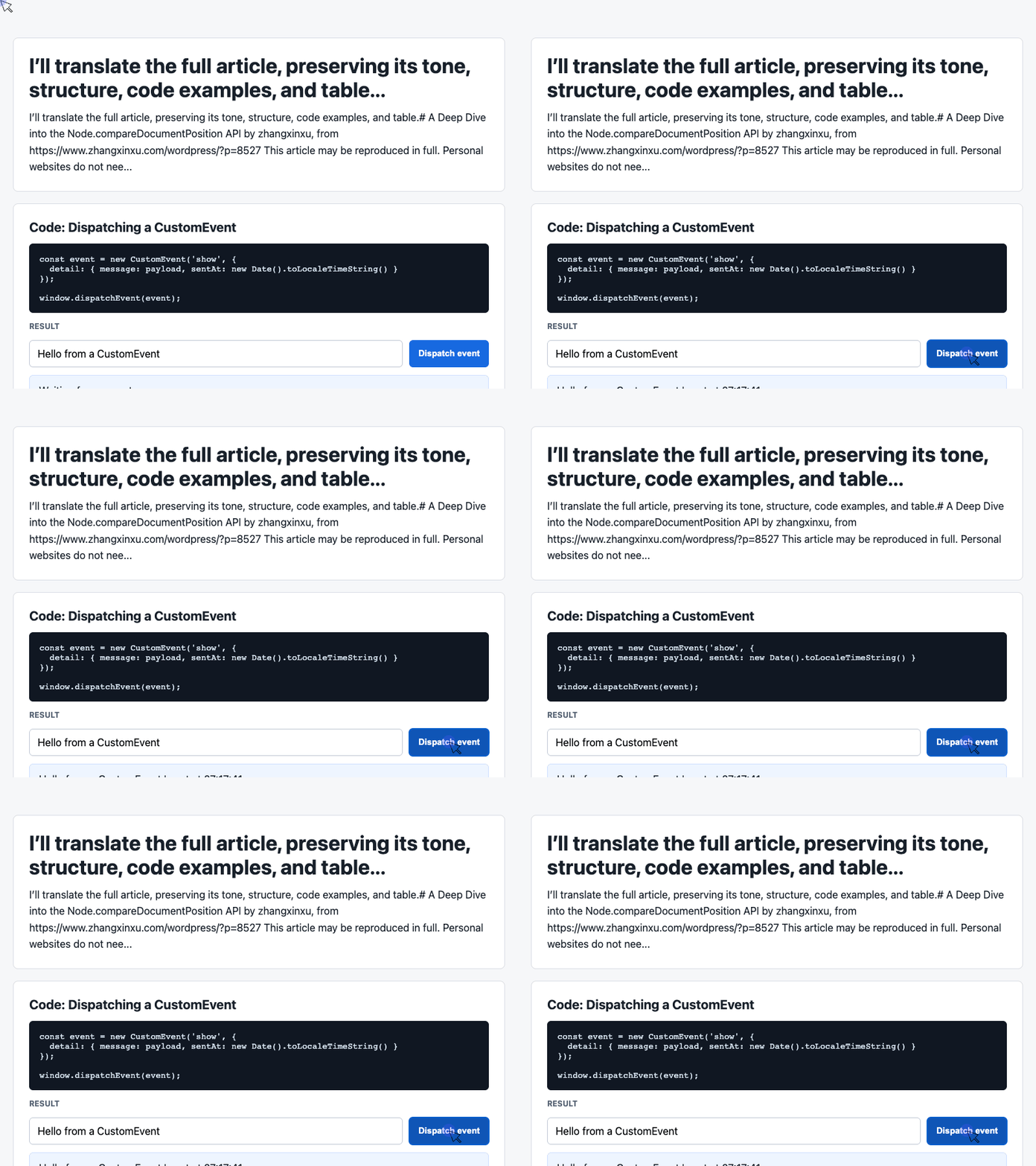
🎮 Try it live: Open the interactive demo to experience this yourself.
Here, position is 4: the argument node, latest, follows the calling node, input. The bitwise check turns that relationship into a readable Boolean.
The custom event carries the result to the display code. Dispatching it becomes visible through the listener below.
Example 3: Render the Payload and Recent History
This listener comes directly from the demo’s executable script. It reuses latest from the previous example and updates both output areas.
const log = document.querySelector('#event-log');
const history = [];

window.addEventListener('show', (event) => {
  const detail = event.detail || {};

  latest.textContent =
    detail.message + ' | sent at ' + detail.sentAt;

  history.unshift('[' + detail.sentAt + '] ' + detail.message);
  log.textContent = history.slice(0, 6).join('\n');
});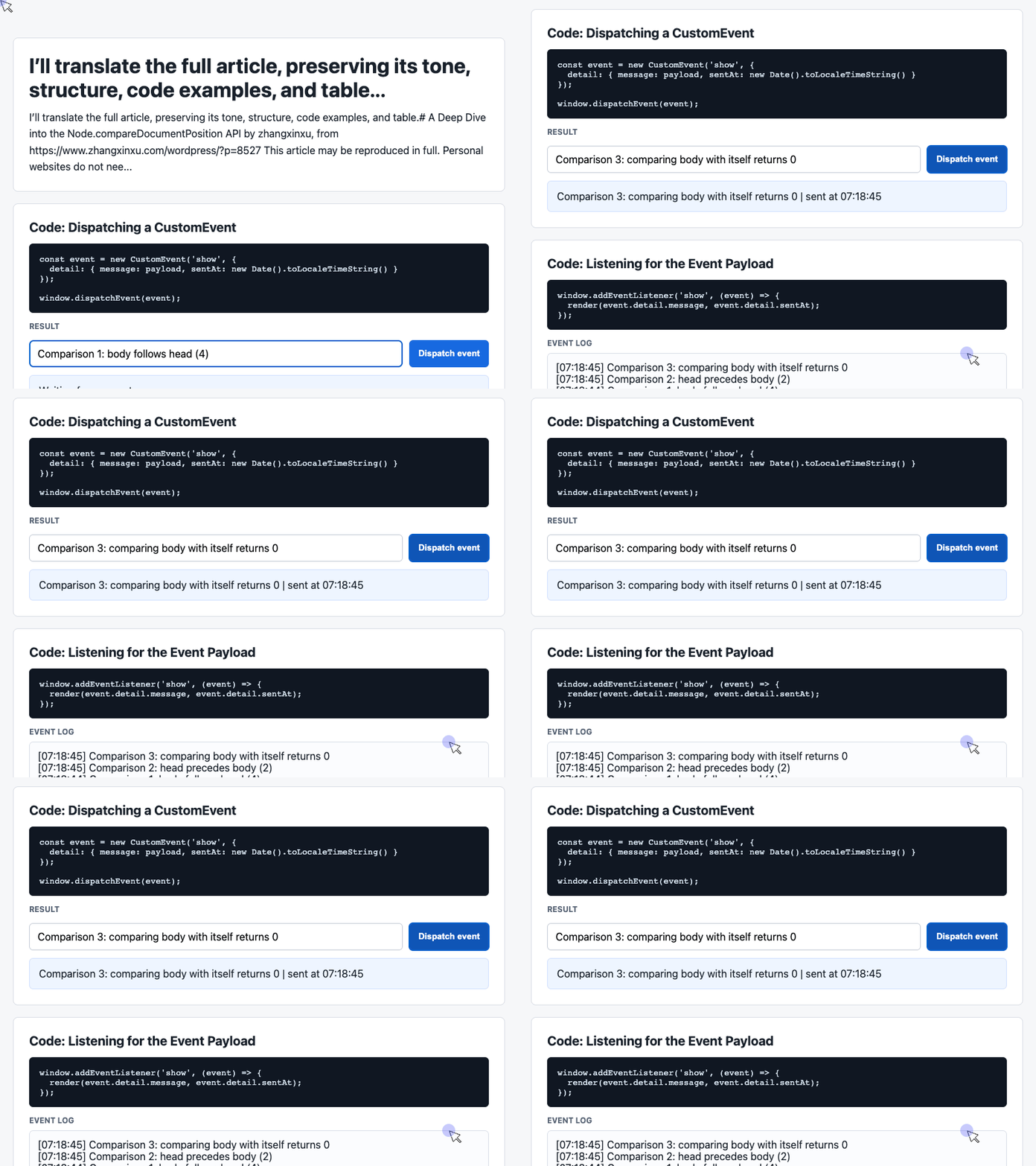
🎮 Try it live: Open the interactive demo to experience this yourself.
The listener does not need to know how the relationship was calculated. It reads event.detail, displays the latest message, and renders the six most recent entries.
Using textContent also means the input is displayed as text rather than interpreted as HTML.
5. Closing Thoughts
At first glance, compareDocumentPosition() looks like an API that returns a few fixed numbers. Its real value comes from combining relationships: a node can follow another node and be contained by it.
Three habits make it easier to use correctly:
- Read the result as the argument node relative to the calling node.
- Test individual relationships with bitwise AND.
- Check for disconnected trees before interpreting order.
Use the named constants in application code. They make the intent much clearer than numbers such as 2, 8, or 16.
You may not need this API every day. But when DOM order and ancestry drive behavior, it gives you a precise answer—and a compact way to express it.
Try It Yourself
Want to see these concepts in action? I’ve created an interactive demo where you can experiment with the code and see real-time results.
Explore more demos from my previous articles in the Demo Gallery.
Happy coding!