Fan Group JS Basics Quiz #27: Written Q&A
By zhangxinxu
Adapted from the original article, with practical examples from the accompanying browser demo.
Original republication notice: Personal websites may reproduce the article in full without permission if they retain the author, source, and links. Any website may publish excerpts. Contact the author for permission for commercial use.
A missing space between Chinese and English text is easy to overlook. So is a full-width digit hiding in a paragraph, or an English comma sitting inside a Chinese sentence.
Individually, these mistakes seem small. Across a long translation, they turn proofreading into slow, repetitive work.
That was the challenge behind this JavaScript quiz: write a validation function that identifies text that breaks a set of formatting rules.
Regular expressions are a natural starting point. But the exercise also leads to a broader question: how do we turn a technical solution into something that makes other people’s work easier?
The Challenge: Check Nine Formatting Rules
The checker needs to identify missing spaces, inappropriate punctuation, and full-width digits in translated text.
Two boundaries keep the exercise practical:
- Check number–unit spacing only when a number is followed by an uppercase letter. Expressions such as
20pxmust remain intact. - Apply the repeated-punctuation rule to Chinese punctuation. Repeated English punctuation is common in code, including the empty string
''.
These details matter. A formatting tool should help translators without damaging the technical material they are translating.
Learning regex pays off beyond this exercise. Many concepts transfer across programming languages, although syntax and behavior can differ. Editors that support regex search and replacement also let you turn complicated manual edits into a short expression.
That first successful replacement can feel pretty great: a few characters, a lot of work saved.
Understanding the Nine Checks
The preceding CSS quiz attracted nearly 50 responses. This regex quiz received just four—but the submissions offered plenty to learn from.
The first response, from @XboxYan, provided the foundation for the explanations below.
Before getting into individual rules, remember that JavaScript supports both regex literals, such as /pattern/g, and expressions constructed with new RegExp().
A few symbols appear repeatedly:
|separates alternatives outside a character class.+means one or more occurrences.?means zero or one.*means zero or more.{2},{2,6}, and{2,}specify exact, bounded, and minimum counts.
Quantifiers apply to the preceding character, character class, or group. See the MDN quantifier guide for the precise behavior.
1. Add a Space Between Chinese and English Characters
The original expression matches runs of Chinese characters directly adjacent to English letters:
/([\u4e00-\u9fa5]+[A-Za-z]+|[A-Za-z]+[\u4e00-\u9fa5]+)/g
To detect a missing space at a boundary, the article reduces it to:
/[\u4e00-\u9fa5][a-z]|[a-z][\u4e00-\u9fa5]/gi
The two alternatives look for a Chinese character followed by an English letter, or an English letter followed by a Chinese character.
The g flag enables global matching; i makes the letter matching case-insensitive. The m flag, mentioned in the original discussion, changes how ^ and $ handle line boundaries. MDN’s RegExp reference explains these flags.
For example, 学习JavaScript contains a boundary that needs a space.
There are two useful qualifications. The range \u4e00-\u9fa5 covers many Chinese characters, but it is not comprehensive. Also, removing + changes the matched span: detecting a boundary and selecting an entire run of text are different operations.
2. Add a Space Between Chinese Characters and Numbers
The same boundary idea applies to digits:
/[\u4e00-\u9fa5]\d|\d[\u4e00-\u9fa5]/g
This identifies examples such as 版本2 and 3个问题.
In JavaScript regex, \d is equivalent to [0-9]. Other useful shorthand classes include \w for basic Latin letters, digits, and underscores, and \s for whitespace. Their uppercase counterparts match the complementary categories. MDN’s character-class guide documents these distinctions.
That last point matters: \s includes line breaks, not just ordinary spaces.
3. Add a Space Between Numbers and Units
A broad pattern such as /\d[A-Za-z]+/g would also flag CSS values such as 10px.
For this quiz, the rule is deliberately narrower:
/\d[A-Z]+/g
It finds text such as 20MB, which the exercise expects to become 20 MB, while leaving lowercase units alone.
This is a practical convention for the exercise, rather than a complete understanding of units. The expression recognizes character shapes; it does not know what a word means.
4. Remove Spaces Next to Full-Width Punctuation
The original submission used a long expression containing many punctuation alternatives and extra surrounding characters.
A more maintainable idea is to keep the punctuation inventory in one place:
var strPunct = '!()【】『』「」《》“”‘’;:,。?、';
The article then builds a reusable string:
var regPunct = strPunct.split('').join('|');
Its source construction for this rule is:
new RegExp('['+ regPunct +'] +| +['+ regPunct +']', 'g');
The intention is straightforward: find ordinary spaces immediately before or after one of the listed punctuation marks.
Using a literal space instead of \s keeps paragraph breaks outside this particular check.
One detail needs clarification: inside [...], a pipe is a literal character, not an “or” operator. Joining the punctuation with pipes therefore also allows the pattern to match |. For a character class, the punctuation inventory can be used directly; pipe-separated alternatives belong outside the brackets. MDN’s character-class guide explains the distinction.
5. Do Not Repeat Chinese Punctuation
Here, the source’s pipe-separated alternatives are useful:
new RegExp(`(${regPunct})\\1+`, 'g')
The capturing group matches a punctuation mark. The backreference \1 then matches that same captured value again.
As a result, sequences such as !! or ??? can be detected.
Capturing groups receive numbers from left to right. Noncapturing groups do not. The MDN guide to groups and backreferences covers this numbering.
There is a related replacement feature: $1 in a replacement string inserts the text captured by the first group.
The original article illustrates this with /^\s*(.*?)\s*$/ and the replacement '$1', retaining the content between leading and trailing whitespace. A replacement callback can also receive the captured value and process it further.
That historical trim example has a limitation: without dot-all behavior, . does not match line breaks, so it is not a complete replacement for native trim() on multiline text.
6. Add Spaces Around a Dash
For the doubled dash used in the exercise, the compact pattern is:
/\S——|——\S/g
It detects a non-whitespace character immediately before or after ——.
For example, 说明——补充内容 contains spacing violations.
Again, this is a detector. Correcting the text requires deciding exactly where to insert the spaces.
7. Use Full-Width Punctuation in Chinese Text
This rule needs context. A blanket replacement of English punctuation would damage complete English sentences and code.
The article therefore looks for half-width punctuation near Chinese characters, allowing English letters between the punctuation and the Chinese text.
It defines the punctuation inventory as:
var strPunctHalf = '!()[]"\';:,.?';
Then constructs:
var regPunctHalf = strPunctHalf.split('').join('|\\');
The source expression is:
new RegExp(`[\u4e00-\u9fa5][a-z]*( *[${regPunctHalf}] *)|( *[${regPunctHalf}] *)[a-z]*[\u4e00-\u9fa5]`, 'gi');
The intention is to identify punctuation that probably belongs to Chinese prose.
This remains a heuristic. Nearby Chinese characters do not guarantee that punctuation is outside a code fragment. The character-class pipe issue from rule four applies here, too.
For ambiguous matches, showing a suggestion gives the reader useful context before making a change.
8. Use Half-Width Digits
Full-width digits occupy a contiguous range, so this check is compact:
/[\uFF10-\uFF19]+/g
It identifies strings such as 123.
The corresponding half-width form is 123.
Unlike sentence-level punctuation checks, this rule has a clear, narrowly defined target.
9. Use Half-Width Punctuation in Complete English Sentences
The final rule is the most context-sensitive.
The article uses English words, spaces, and punctuation to identify candidate sentence spans:
new RegExp(`([a-z]+[${regPunct}|\\s])+[a-z]*([${regPunct}|\\s][a-z]+)+`, 'gi')
This demonstrates how a pattern can combine word-like runs with separators.
It does not reliably recognize complete English sentences, however, and a match does not necessarily contain incorrect full-width punctuation. Because it includes \s, it may also span line breaks.
Treat it as a starting point for identifying text to inspect. Rules seven and nine need to work together so that a Chinese-punctuation check does not undo a valid English sentence.
Turning Validation Into a Tool People Can Use
Matching text is only part of the job.
A programmer can inspect console output. A translator needs something more direct: enter the text, see the problem, and understand the suggested correction.
The final quiz participant, @wingmeng, built on @XboxYan’s approach and displayed both validation results and correctly formatted text.
Those contributions inspired the original Translation Formatting Checker, check.html. It highlights formatting problems and presents a corrected result.
That is where a coding exercise becomes useful to people outside the exercise.
A good workflow connects three steps:
- The user provides text and chooses a check.
- The validation logic identifies possible violations.
- The interface shows the findings and enough context to review them.
A Simpler Approach: Inspect Characters One at a Time
You do not need to master regex before building a helpful first version.
Start by reducing the scope through interaction design. Let the user choose one rule at a time. Implement the checks that deliver the most value first.
Then classify characters and inspect their neighbors.
The original article demonstrates a kind() method using charCodeAt(0). Its categories include full-width digits, ordinary digits, uppercase letters, lowercase letters, and punctuation.
Some useful ranges are:
| Character category | Decimal range |
|---|---|
| ASCII digits | 48–57 |
| Uppercase ASCII letters | 65–90 |
| Lowercase ASCII letters | 97–122 |
| Full-width digits | 65296–65305 |
The original lowercase example ends at 133; the correct ASCII endpoint is 122. Its broad code > 256 shortcut also includes many characters that are not Chinese, so a more precise classifier is needed when the input extends beyond the exercise’s assumptions.
Once the categories are available, the spacing rule becomes easy to describe: walk through the text and flag adjacent characters when one is Chinese and the other is an English letter.
One loop, a few comparisons, and a visible result.
The original check-foo.html demonstrates this approach. Its source is available in the docs directory of the quiz repository.
The value comes from making a recurring task easier. Regex is one way to get there.
Companion Demo: Connecting Input to Visible Results
The accompanying demo illustrates the interface side of this problem through a CustomEvent.
Its behavior is specific: it reads a message, dispatches an event, updates a result card, and records recent messages. Validation logic would be an additional step in a formatting checker.
The following three excerpts come from the executable demo code. They work together, with both JavaScript snippets placed after the HTML. The screenshots represent the completed demo in different states.
Example 1: Create the Input and Output Areas
The HTML provides an editable message, a dispatch button, a latest-message card, and an event log:
<div class="controls">
  <input id="payload" value="Hello from a CustomEvent">
  <button id="dispatch">Dispatch event</button>
</div>
<div class="event-card" id="latest">Waiting for an event...</div>
<div class="log" id="event-log">No events yet.</div>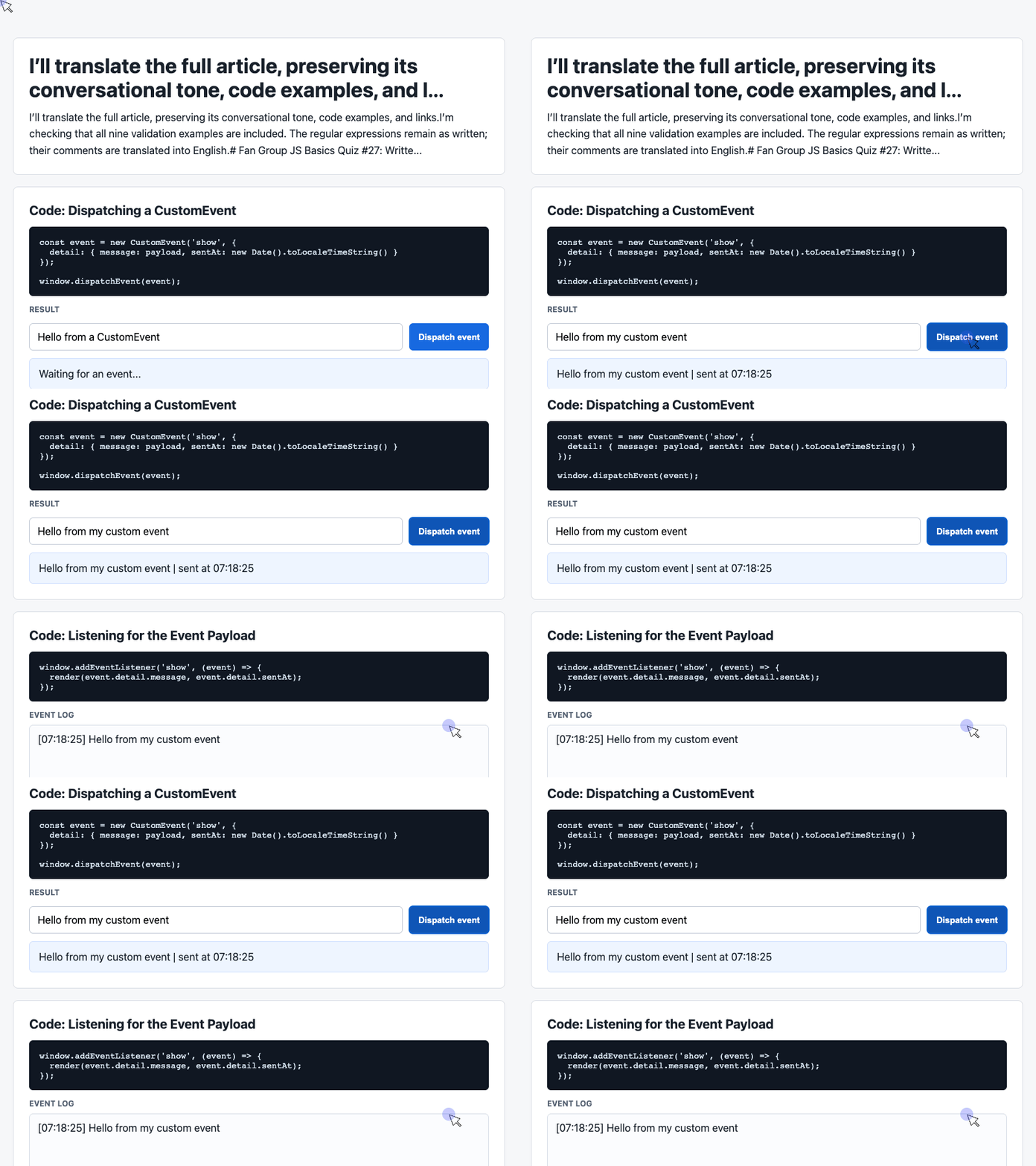
🎮 Try it live: Open the interactive demo to experience this yourself.
The element IDs connect the interface to JavaScript. The demo’s stylesheet gives the controls and output areas their visual treatment.
Even before any interaction occurs, the initial text explains the state of the page: it is waiting for an event.
Example 2: Dispatch a Message With Structured Data
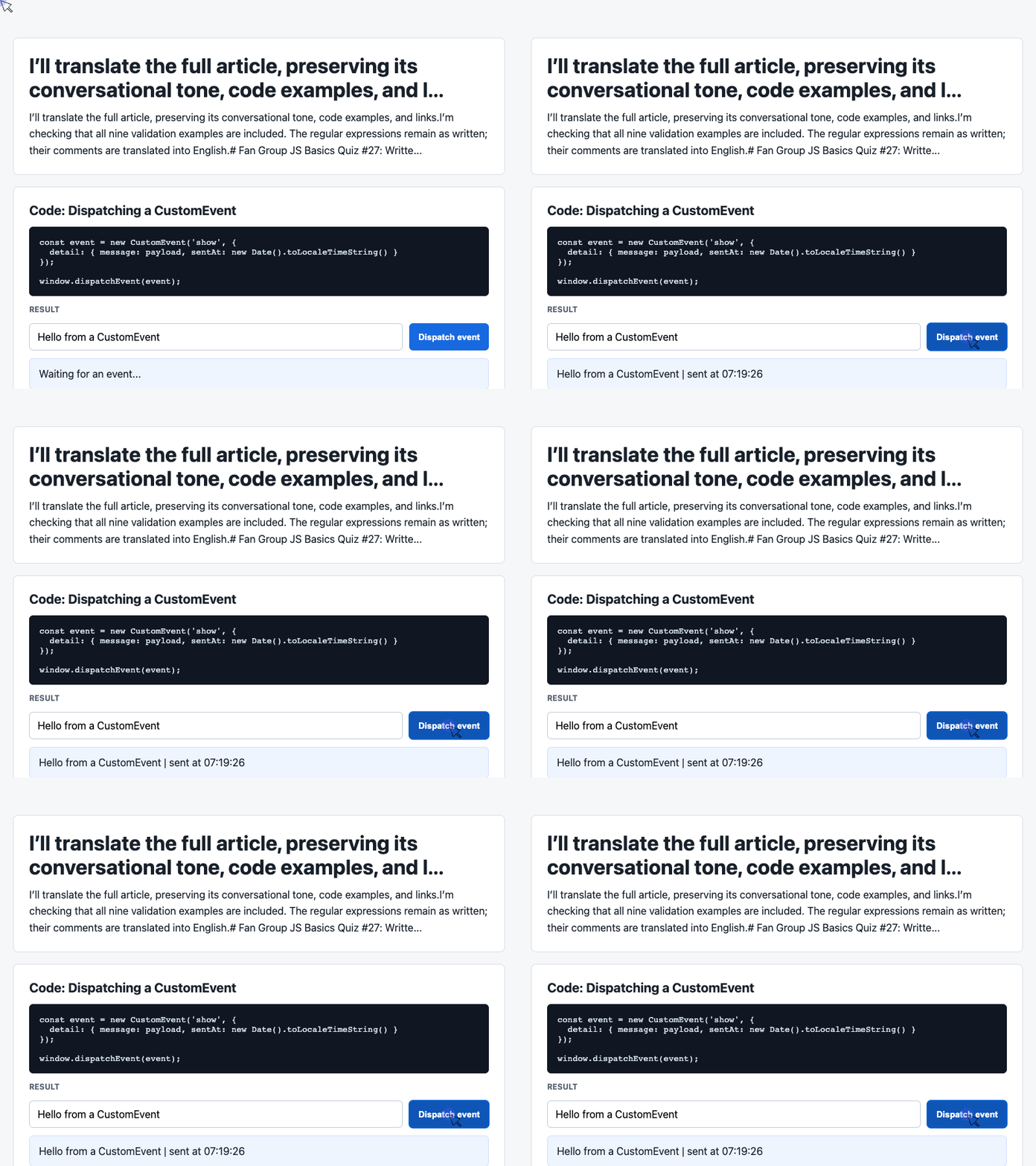
When the user clicks the button, the handler reads the input and creates a show event carrying a message and timestamp:
const input = document.querySelector('#payload');

document.querySelector('#dispatch').addEventListener('click', () => {
  const message = input.value.trim() || 'Default CustomEvent payload';
  const event = new CustomEvent('show', {
    detail: { message, sentAt: new Date().toLocaleTimeString() }
  });
  window.dispatchEvent(event);
});
🎮 Try it live: Open the interactive demo to experience this yourself.
The fallback supplies a message when the trimmed input is empty.
CustomEvent makes the structured payload available through event.detail. The sender can publish that data without directly updating each output area. MDN’s CustomEvent constructor documentation describes this mechanism.
For a formatting checker, a similar payload could carry findings produced by a validation function.
Example 3: Display the Payload and Recent History
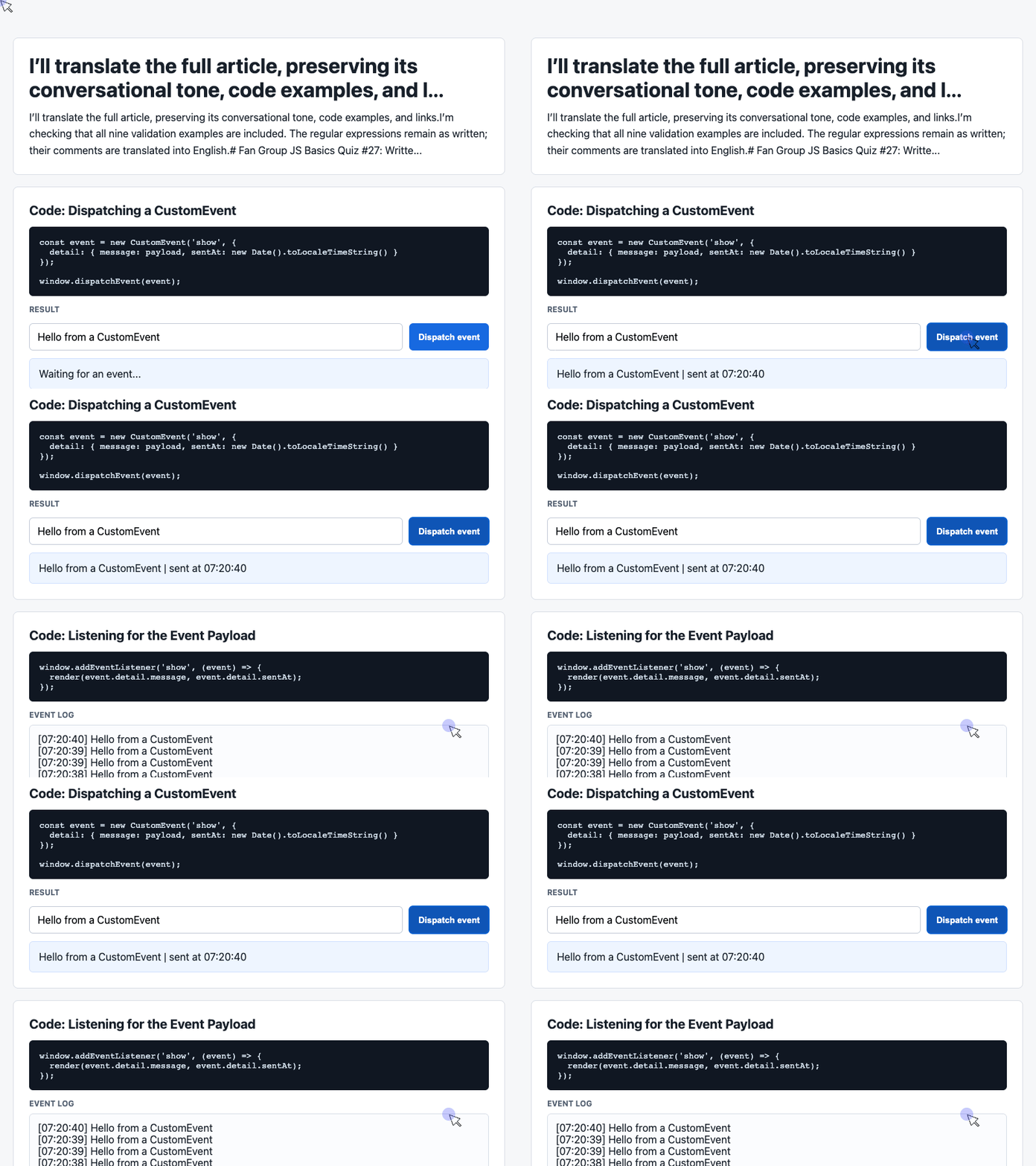
The listener reads the event data, updates the card, and adds a line to the visible history:
const latest = document.querySelector('#latest');
const log = document.querySelector('#event-log');
const history = [];

window.addEventListener('show', (event) => {
  const detail = event.detail || {};
  latest.textContent = detail.message + ' | sent at ' + detail.sentAt;
  history.unshift('[' + detail.sentAt + '] ' + detail.message);
  log.textContent = history.slice(0, 6).join('\n');
});
🎮 Try it live: Open the interactive demo to experience this yourself.
unshift() puts the newest entry first. slice(0, 6) limits the displayed log to six entries, although the underlying array continues to grow.
Using textContent displays the message as text. The demo’s white-space: pre-wrap styling preserves the log’s line breaks.
The listener runs synchronously when dispatchEvent() is called. The browser can paint the updated interface after the current JavaScript work finishes. MDN’s dispatchEvent documentation explains that timing.
Together, these excerpts demonstrate a useful interface pattern: collect input, publish structured data, and show the result where the user can see it.
Why Useful Tools Can Change Your Career
The most valuable discussion from this session went beyond regular expressions.
Many developers assume that stronger technical skills automatically lead to a higher salary or a more senior role. Technical ability matters, but advancement also reflects the value a person creates for their team.
Imagine a team participating in Juejin’s translation program to raise its profile.
Proofreading often falls to the team leader. Checking every missing space and punctuation inconsistency takes time and concentration—both of which are already in short supply.
Now consider two developers.
One is excellent at regex and consistently produces strong code. The other has more modest technical skills but notices how much time the team spends on manual formatting checks.
The second developer builds a small checker. They choose manageable rules, use a simple implementation, and make the results easy to understand.
Colleagues try it and say, “Hey, this works pretty well.”
That tool now saves time across the team. If released as open source, it may help translators elsewhere and bring attention to the team’s work.
The point is to connect technical ability with opportunities to help people.
Repeated manual work is one of those opportunities. So is a task that colleagues find frustrating, error-prone, or unnecessarily slow.
A small tool can create lasting value when many people use it repeatedly. Recognizing that opportunity is part of being an effective developer.
Keep improving your technical skills—and pay attention to where those skills could make the whole team more productive.
Watch the Original Session
The live Q&A was recorded. You can watch it on Bilibili.
In the original article, zhangxinxu described posting a quiz in the WeChat fan groups every Wednesday after work, followed by a Saturday discussion from 10:00 to 11:00 a.m.
At that time, the first group was full and the second still had room. The listed WeChat contact was zhangxinxu-job, with “入群” (“Join group”) and the applicant’s name requested in the invitation message.
Feedback on the quiz and its implementations was welcome.
That wraps up the written Q&A.
Time to watch Sword Art Online.
Try It Yourself
Want to see these concepts in action? I’ve created an interactive demo where you can experiment with the code and see real-time results.
Explore more demos from my previous articles in the Demo Gallery.
Happy coding!